Top 10 Proxy Providers for Antidetect Browsers in 2026
 2026.06.25 21:06
 petro
petroAntidetect browsers are widely used by marketers, e-commerce teams, affiliate managers, researchers, ad verification teams, and automation professionals who need separate browser profiles with unique fingerprints. However, using an antidetect browser alone is not enough. To keep each browser profile stable and realistic, every profile also requires a high-quality proxy.
A proxy assigns each browser profile its own IP address, location, and network identity. When used correctly, proxies help separate accounts, enable geo-targeting, reduce account linking risks, and improve workflow stability. For antidetect browsers like BitBrowser, selecting the right proxy provider is essential.
1. ProxyEmpire — Best Overall Proxy Provider for Antidetect Browsers
ProxyEmpire stands out as the top proxy provider in 2026 due to its flexible targeting, wide proxy selection, and reliable session control. It offers residential, mobile, static residential, and datacenter proxies, making it suitable for various browser profile setups.
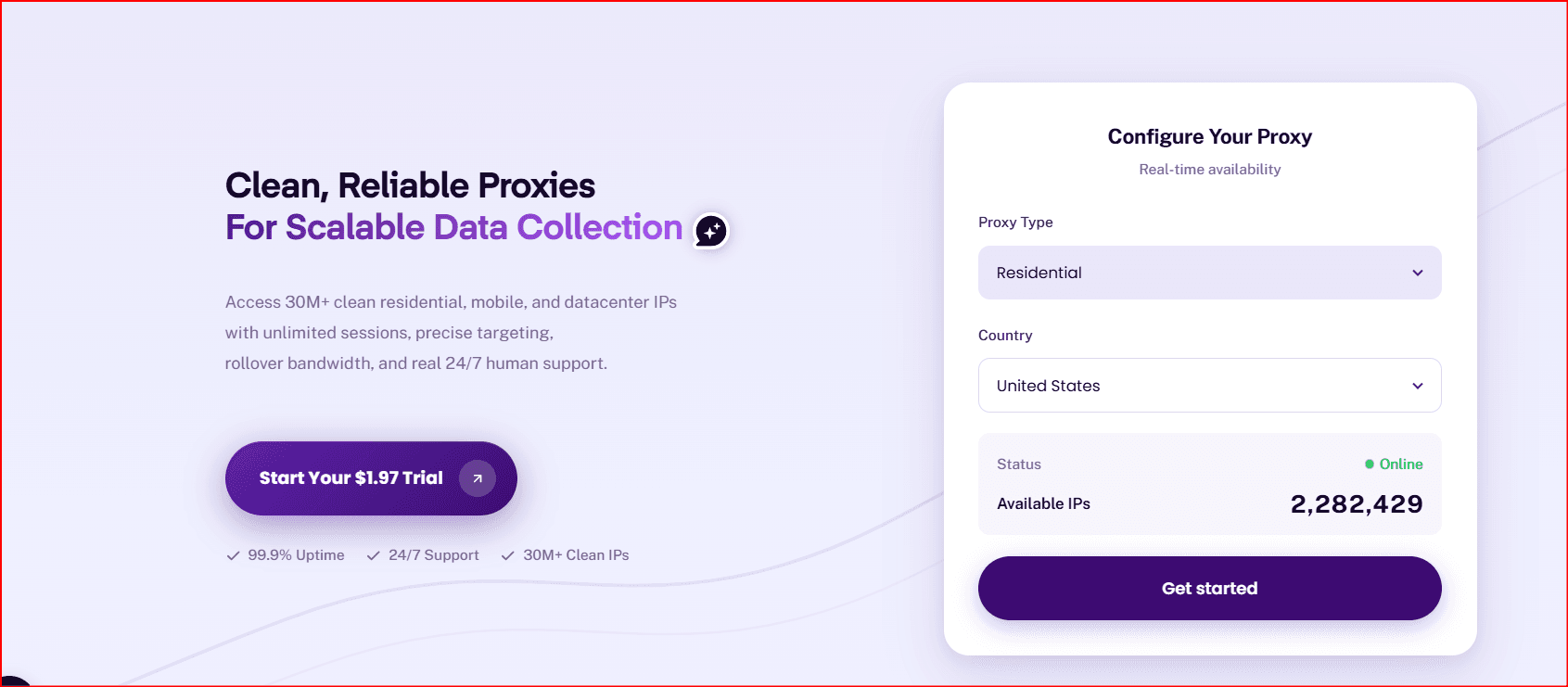
With ProxyEmpire, users can assign a unique proxy to each profile and select locations by country, region, city, or ISP. This ensures consistency between browser fingerprints and IP locations.
Key advantages include:
· High-quality residential proxies
· Trusted mobile proxies
· Static residential IPs for long sessions
· Rotating proxies for testing and research
· Advanced geo-targeting options
Best for: BitBrowser users, multi-account management, e-commerce, affiliate marketing, and geo-targeted workflows.
2. Bright Data — Best for Enterprise-Scale Operations
Bright Data is a leading proxy provider offering residential, ISP, datacenter, and mobile proxies. It is known for its advanced infrastructure and large-scale capabilities.
Best for: Enterprise teams, large data projects, and advanced geo-targeting.
3. Oxylabs — Best for Large Businesses
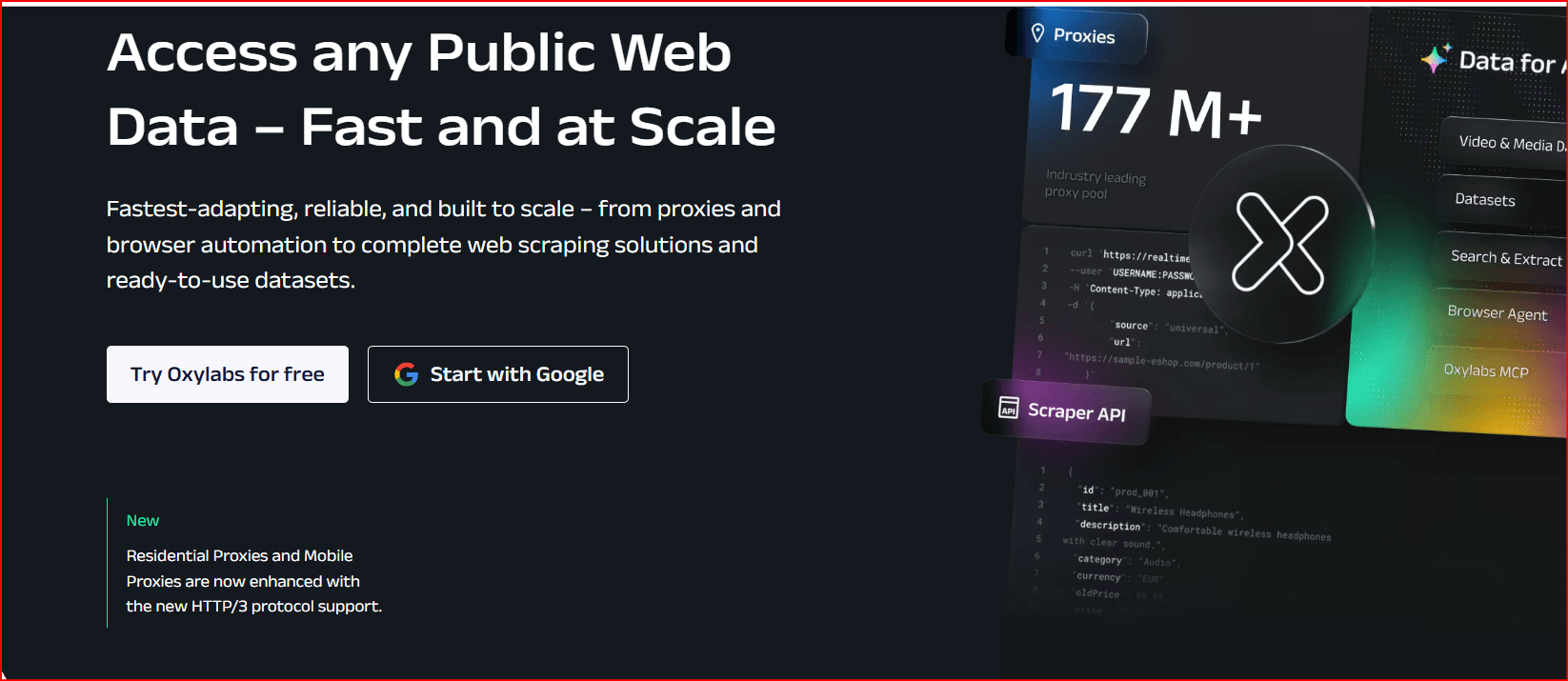
Oxylabs provides a massive proxy pool with strong uptime and global coverage. It supports residential, mobile, ISP, and datacenter proxies.
Best for: Large companies, data collection, and SEO monitoring.
4. Decodo — Best Balanced Proxy Provider
Decodo (formerly Smartproxy) offers a balance of performance, usability, and pricing. It supports residential, mobile, ISP, and datacenter proxies.
Best for: Agencies, marketers, and small businesses.

5. SOAX — Best for Geo-Targeting
SOAX specializes in precise geo-targeting with residential and mobile proxies. It supports both rotating and sticky sessions.
Best for: Localized campaigns and region-specific browsing.

6. IPRoyal — Best Affordable Option
IPRoyal offers flexible pricing and reliable residential, mobile, ISP, and datacenter proxies.
Best for: Freelancers, small teams, and budget users.

7. NetNut — Best for Stable Connections
NetNut provides stable residential and ISP proxies with consistent performance.
Best for: Long-term account management and business use.
8. Webshare — Best Budget Proxy Provider
Webshare offers affordable datacenter and residential proxies with simple management tools.
Best for: Beginners and low-cost setups.
9. DataImpulse — Best Low-Cost Residential Proxies
DataImpulse is known for its pay-as-you-go residential proxy model.
Best for: Testing and small-scale projects.
10. Rayobyte — Best for Datacenter Proxies
Rayobyte focuses on scalable datacenter proxy solutions with fast speeds.
Best for: High-volume tasks and testing environments.
The Role of BitBrowser in Proxy Workflows
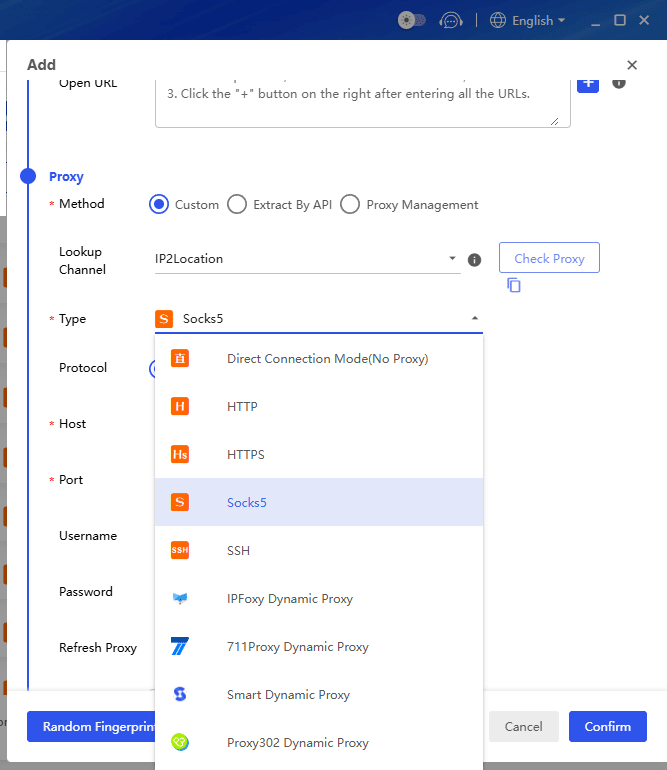
BitBrowser is an antidetect browser designed to manage multiple browser profiles from a single device. Each profile can have its own fingerprint, cookies, user agent, timezone, and proxy settings.
BitBrowser separates browser identities, while proxies separate network identities. Together, they create independent browsing environments.
Example setup:
· Profile 1: US residential proxy
· Profile 2: UK mobile proxy
· Profile 3: German static residential proxy
· Profile 4: Canadian datacenter proxy
· Profile 5: French residential proxy
This ensures each profile appears as a unique user. Matching proxy location with browser settings is essential for consistency.
BitBrowser is useful for:
1. Managing multiple profiles
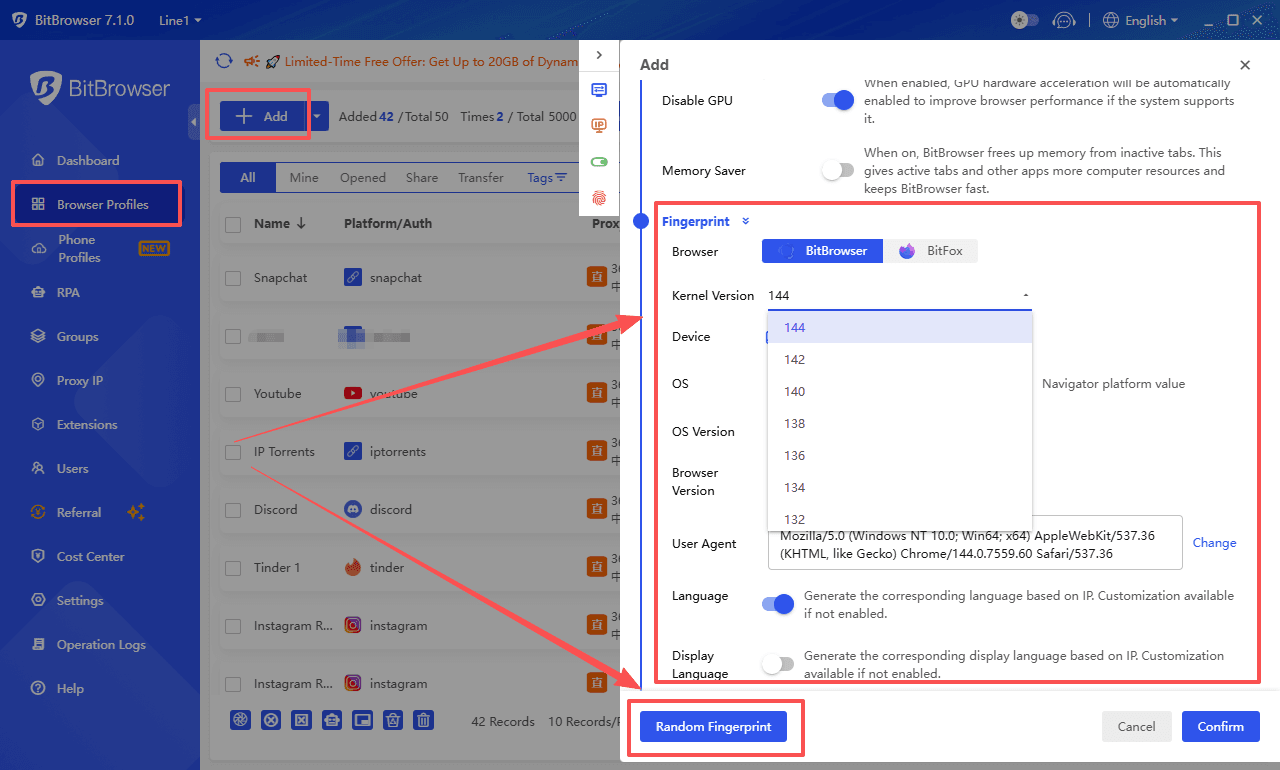
2. Assigning unique proxies
3. Separating cookies and data
4. Matching fingerprints with IP locations
5. Team collaboration
How to Choose the Best Proxy for Antidetect Browsers
1. Select the Right Proxy Type
Residential proxies are best for account-based tasks. Mobile proxies offer high trust, while datacenter proxies are faster but less secure.
2. Match Location with Fingerprint
Ensure the proxy location matches browser settings like timezone and language.
3. Use Sticky Sessions
Stable IP sessions are better for account logins than constantly rotating IPs.
4. Avoid Sharing Proxies
Each profile should have its own proxy to prevent account linking.
5. Test Before Scaling
Always test proxy performance before committing to large plans.
Final Verdict
Ultimately, the most effective setup combines a reliable antidetect browser like BitBrowser with a proxy provider that aligns with your workflow. By carefully selecting proxies, matching them with browser fingerprints, and testing performance before scaling, users can build stable, efficient, and scalable multi-account environments.

 Multi-Account Management
 Prevent Account Association
 Multi-Employee Management
Recommended
See More 



