How to Bypass CAPTCHA in 2026: Safe Ways to Reduce CAPTCHA Challenges
 2026.06.28 21:07
 petro
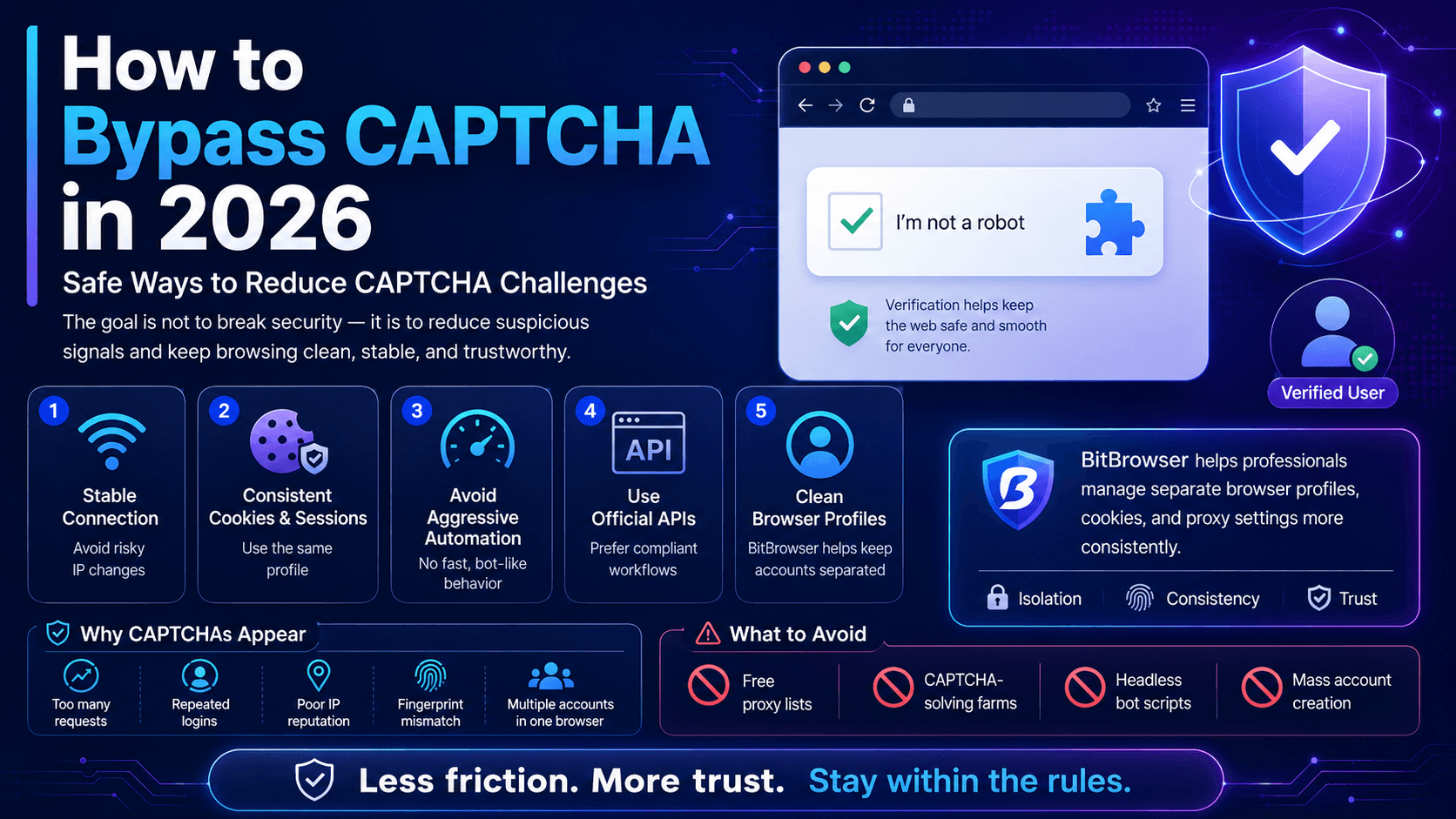
petroCAPTCHAs are used to separate real users from automated bots. In 2026, websites no longer rely only on simple image puzzles or checkbox tests. Modern platforms analyze many signals at the same time, including IP reputation, browser fingerprint, cookies, login history, request behavior, device consistency, and account activity.
For that reason, the safest way to “bypass CAPTCHA” is not to break it or cheat the system. A better approach is to reduce the suspicious signals that cause CAPTCHA challenges to appear in the first place.
This guide explains how CAPTCHA works, why it appears, how legitimate users can reduce unnecessary challenges, and how tools like BitBrowser can help professionals manage browser profiles more safely and consistently.
What Is CAPTCHA?
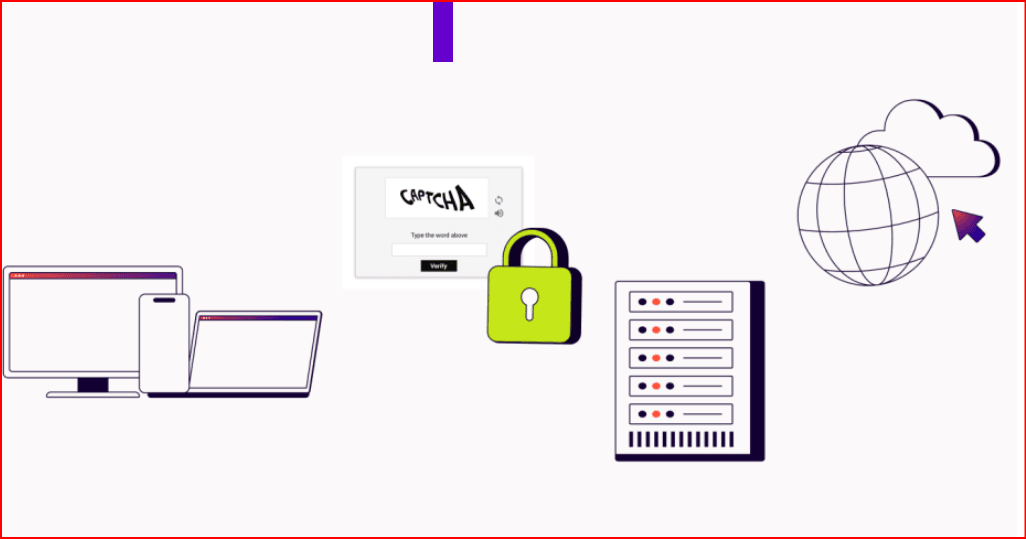
CAPTCHA stands for “Completely Automated Public Turing Test to Tell Computers and Humans Apart.” It is a security system designed to protect websites from automated abuse.
Websites use CAPTCHA to stop:
- Spam submissions
- Fake account creation
- Credential stuffing
- Bot traffic
- Automated scraping
- Suspicious login attempts
- Fraudulent checkout behavior
- Mass registration abuse
Common CAPTCHA formats include image selection, text recognition, checkbox verification, invisible risk checks, and managed security challenges.
Why Do Websites Show CAPTCHAs?
A CAPTCHA usually appears when a website detects unusual or risky behavior.
Common triggers include:
| Trigger | Why It Looks Suspicious |
|---|---|
| Too many requests | Looks like automation |
| Repeated logins | Can look like account abuse |
| VPN or proxy switching | Creates location inconsistency |
| Poor IP reputation | IP may have been used for spam |
| Browser fingerprint mismatch | Device signals do not look natural |
| Cleared cookies | Website cannot recognize returning user |
| Fast repeated clicks | Looks like bot behavior |
| Multiple accounts in one browser | Sessions may conflict |
| Headless automation | Often detected by anti-bot systems |
CAPTCHA is not always shown because the user did something wrong. Sometimes it appears because the session looks unusual, inconsistent, or high-risk.
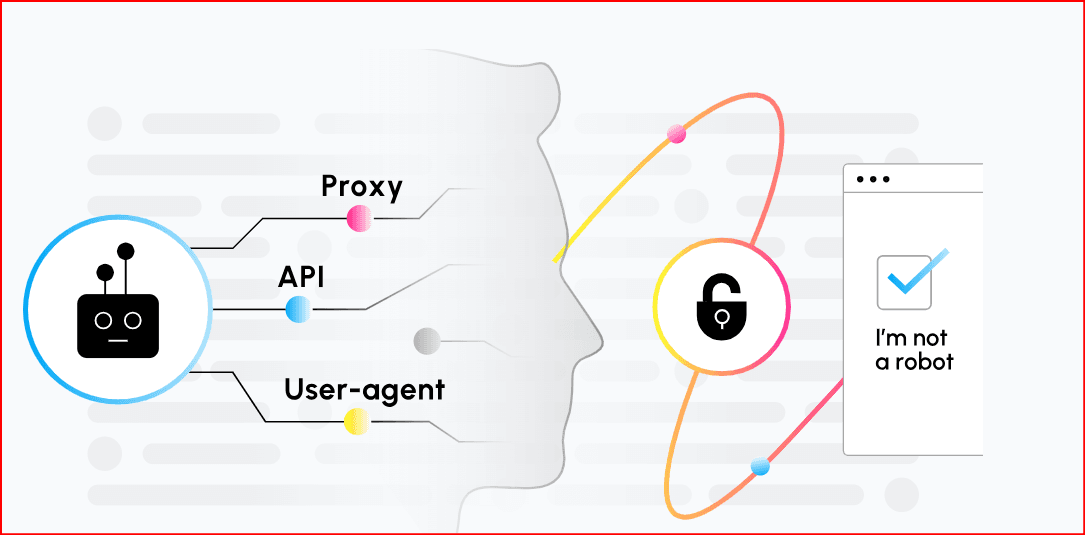
Is It Legal to Bypass CAPTCHA?
Trying to break CAPTCHA systems, abuse solver farms, steal cookies, automate fake accounts, or force access to protected websites can violate platform rules and may create legal risks.
This article focuses only on safe and legitimate methods, such as:
- Reducing false CAPTCHA triggers
- Improving browser consistency
- Managing accounts more professionally
- Using official APIs where possible
- Improving accessibility
- Testing your own website security
- Avoiding behavior that looks automated or abusive
The goal is not to defeat website security. The goal is to make legitimate activity look clean, stable, and trustworthy.
How to Reduce CAPTCHA Challenges Safely in 2026
1. Use a Stable Internet Connection
Websites may show more CAPTCHAs when your IP address changes too often or comes from a suspicious network.
To reduce challenges:
- Avoid free proxy lists
- Avoid overused public VPN servers
- Use a stable connection for important accounts
- Do not switch countries repeatedly
- Keep the same network for the same account when possible
Stable network behavior helps platforms recognize normal users more easily.
2. Keep Cookies and Sessions Consistent
Deleting cookies too often can make you look like a new or suspicious visitor every time.
Best practices:
- Keep cookies enabled
- Avoid clearing browser data after every session
- Use the same browser profile for the same account
- Avoid logging in from many devices at once
- Keep trusted sessions active when possible
Consistent cookies and sessions help reduce repeated verification checks.
3. Avoid Aggressive Automation
Automation is one of the most common reasons CAPTCHA appears. Even legitimate automation can trigger security systems if it behaves too quickly or unnaturally.
Avoid:
- Rapid form submissions
- Repeated failed logins
- Mass account creation
- Fast clicking patterns
- Continuous page refreshing
- Scraping without permission
- Ignoring platform rate limits
For legitimate workflows, use official APIs whenever possible and respect website rules.
4. Use Official APIs Instead of Browser Scraping
If a platform offers an official API, it is usually better than browser automation.
APIs are useful for:
- Data access
- Marketplace management
- Social media publishing
- Analytics reporting
- CRM integrations
- Advertising workflows
- E-commerce operations
Official APIs reduce the need for risky browser actions and help avoid unnecessary CAPTCHA challenges.
The Role of BitBrowser in Reducing CAPTCHA Triggers
BitBrowser can be useful for professionals who manage multiple accounts, client profiles, marketing workflows, marketplace accounts, or social media operations. Its role is not to illegally break CAPTCHA systems. Instead, BitBrowser helps users create a cleaner and more organized browser environment.
Many CAPTCHA challenges appear because platforms detect inconsistent behavior, such as mixed cookies, repeated logins, unstable IP usage, or multiple accounts being accessed from the same browser environment.
BitBrowser helps solve this problem by allowing users to create separate browser profiles for different accounts or projects. Each profile can keep its own cookies, login sessions, local storage, fingerprint settings, and proxy configuration.
For example, a digital marketing team managing several client accounts can create one dedicated BitBrowser profile for each client. Instead of logging in and out repeatedly from the same browser, every account can stay inside its own isolated environment. This reduces session conflicts and helps each account maintain a more consistent browsing pattern.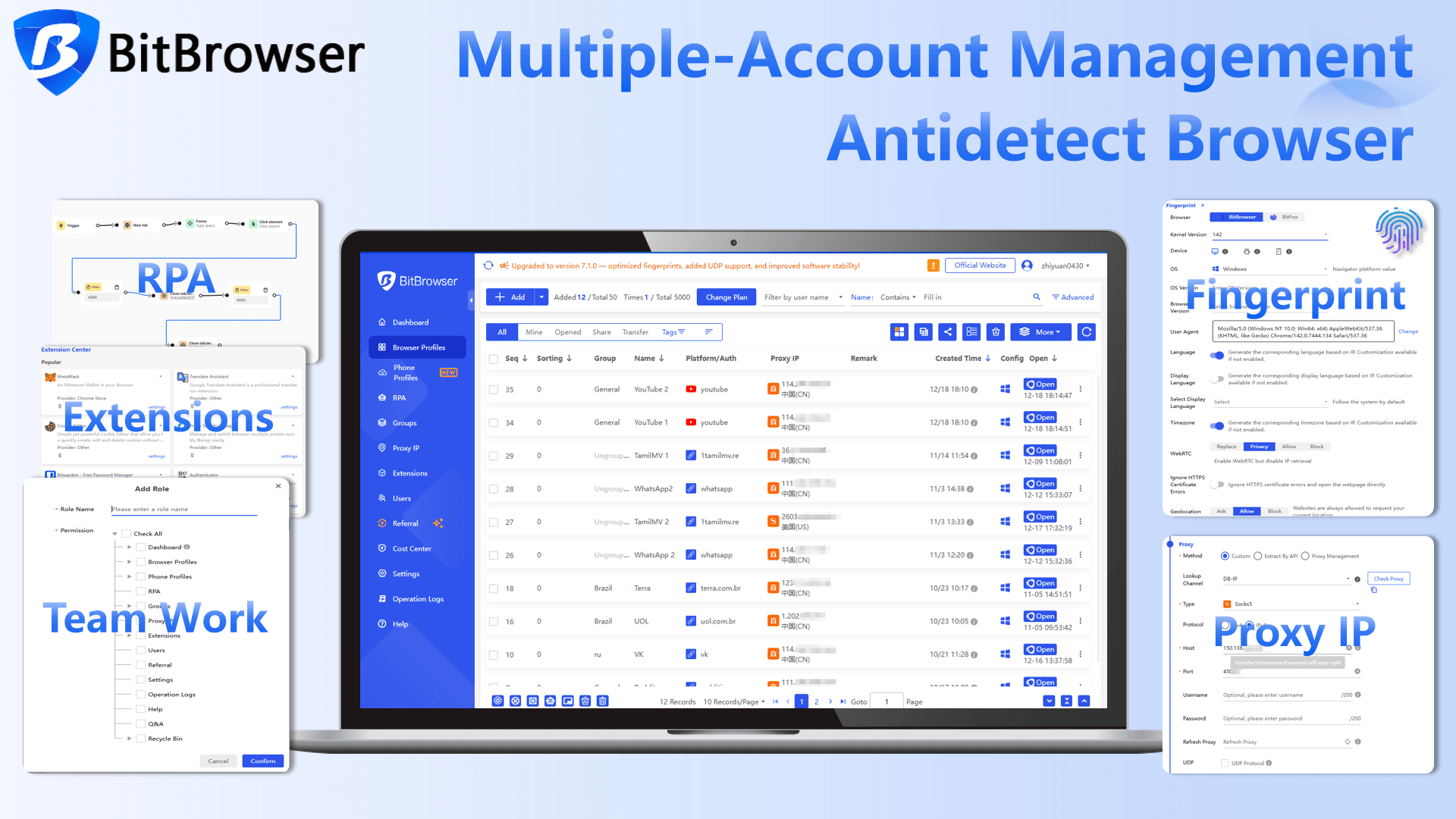
How BitBrowser Helps Legitimate Users
BitBrowser can support safer account management by helping users:
- Separate each account into its own browser profile
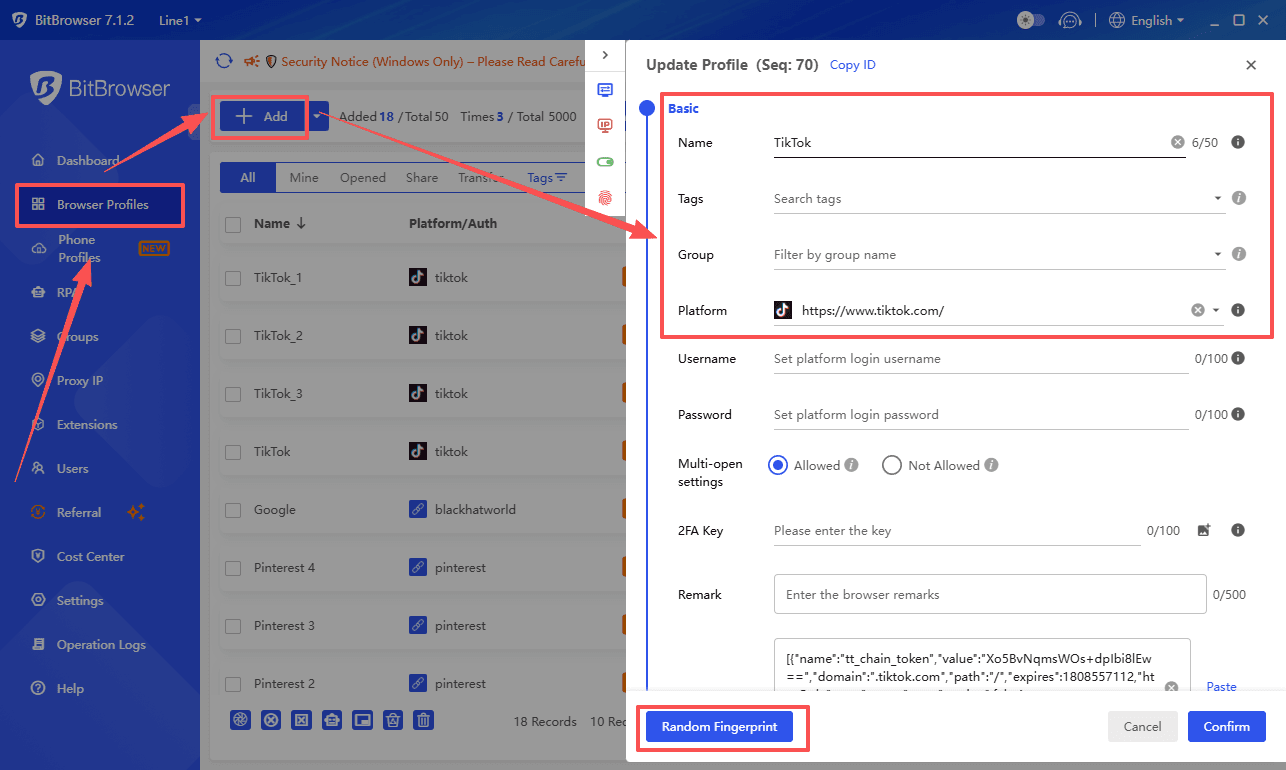
- Keep cookies and login sessions consistent
- Avoid mixing personal, business, and client accounts
- Assign the correct proxy to each profile
- Reduce repeated login/logout behavior
- Organize multi-account workflows more professionally
- Improve team collaboration without sharing one browser session
- Maintain cleaner browsing environments for long-term use
This does not mean BitBrowser “breaks” CAPTCHA. It helps reduce some of the suspicious signals that may cause CAPTCHA challenges to appear.
BitBrowser and CAPTCHA: What Users Should Avoid
BitBrowser should not be used for spam, fake accounts, credential stuffing, mass registration, aggressive scraping, or any activity that violates website terms.
Avoid using BitBrowser for:
- Creating fake accounts at scale
- Sending automated spam
- Bypassing platform restrictions
- Scraping protected websites without permission
- Running suspicious automation
- Using low-quality proxies with many accounts
- Ignoring platform rules or rate limits
Used correctly, BitBrowser is a professional browser-profile management tool. Used incorrectly, it can still lead to CAPTCHA challenges, account flags, IP blocks, or permanent bans.
Best Practices for Normal Users
If you are a normal user seeing too many CAPTCHAs, try these steps:
- Use a stable internet connection
- Stop using poor-quality VPNs or free proxies
- Keep cookies enabled
- Update your browser
- Disable suspicious extensions
- Avoid rapid repeated actions
- Use two-factor authentication
- Log in from a consistent device
- Avoid sharing accounts
- Contact website support if challenges continue
Most CAPTCHA problems come from unstable sessions, risky IPs, or behavior that looks automated.
Best Practices for Website Owners
If you own a website, CAPTCHA should not be your only security layer. A better approach is to use risk-based protection.
Website owners can reduce user frustration by using:
- Rate limiting
- Login protection
- Email verification
- Two-factor authentication
- Device trust
- Invisible CAPTCHA alternatives
- Bot scoring
- Server-side validation
- Fraud monitoring
- Accessibility-friendly verification options
CAPTCHA should protect your website without blocking real users unnecessarily.
What Not to Do
Avoid risky CAPTCHA “bypass” methods such as:
| Method | Risk |
|---|---|
| CAPTCHA-solving farms | May violate platform rules |
| Stolen cookies | Illegal and unsafe |
| Free proxy lists | Often abused and blacklisted |
| Fake fingerprints | Can trigger stronger detection |
| Headless bot scripts | Easy for platforms to detect |
| Mass account creation | High fraud signal |
| Ignoring rate limits | Can lead to bans |
These methods may work temporarily, but they usually increase long-term risk.
Final Verdict
The safest way to bypass CAPTCHA in 2026 is to reduce the reasons it appears. For normal users, this means using a stable connection, keeping browser sessions consistent, avoiding suspicious automation, and maintaining clean account behavior.
For professionals managing multiple accounts, BitBrowser can help by separating browser profiles, preserving cookies, organizing proxy settings, and reducing session conflicts. It gives each account a cleaner and more consistent environment, which can reduce unnecessary CAPTCHA triggers.
However, BitBrowser should be used responsibly. It is not a tool for spam, fake accounts, or illegal CAPTCHA evasion. The best strategy is to build trusted browsing patterns, respect platform rules, and use compliant tools for account management.
CAPTCHA is a security signal. If it appears often, review your IP quality, browser setup, account behavior, cookies, and automation practices before looking for shortcuts.
Operate Multiple Accounts in Isolated, Secure Browser profiles
Use the BitBrowser to easily bypass platform anti-association detection, giving every profile an independent digital fingerprint.

 Multi-Account Management
 Prevent Account Association
 Multi-Employee Management
Recommended
See More 



