Is Snapchat Down Right Now? Why Your Snaps Won't Load and How to Fix It Fast
2026.03.12 11:30 YT.Shi
If you suddenly notice that your snaps won’t send, messages fail to load, or the app keeps freezing, you’re probably asking the same question many users search every day: is Snapchat down right now?
Problems like Snapchat not loading, login failures, or Snapchat not working on iPhone can happen for several reasons. Sometimes the issue comes from Snapchat’s servers. Other times, it may be caused by network problems, outdated apps, or device settings.
In this guide, we’ll walk through how to check if Snapchat is down, how long outages usually last, and the most effective ways to fix Snapchat when it stops working.
What Is Snapchat?
Snapchat (snapchat.com) is a multimedia messaging platform that allows users to send photos, videos, and text messages that disappear after being viewed. It also includes features such as Stories, group chats, and video calls.
The app is particularly popular among younger audiences and is widely used for quick communication and content sharing. Because the platform relies heavily on real-time servers to deliver snaps and messages, even a small server disruption can cause widespread loading or login issues.
Why Does Snapchat Crash or Go Down?
Server Overload: High-traffic events (like New Year's or major global news) can strain Snap’s servers.
Third-Party Outages: Snapchat relies heavily on cloud providers like AWS (Amazon Web Services). If AWS has a hiccup, Snapchat goes down too.
App Bugs: A buggy update can cause the app to fail on specific devices, especially during an iOS transition.
Network Issues: Sometimes the "crash" is just a local Wi-Fi dead zone.
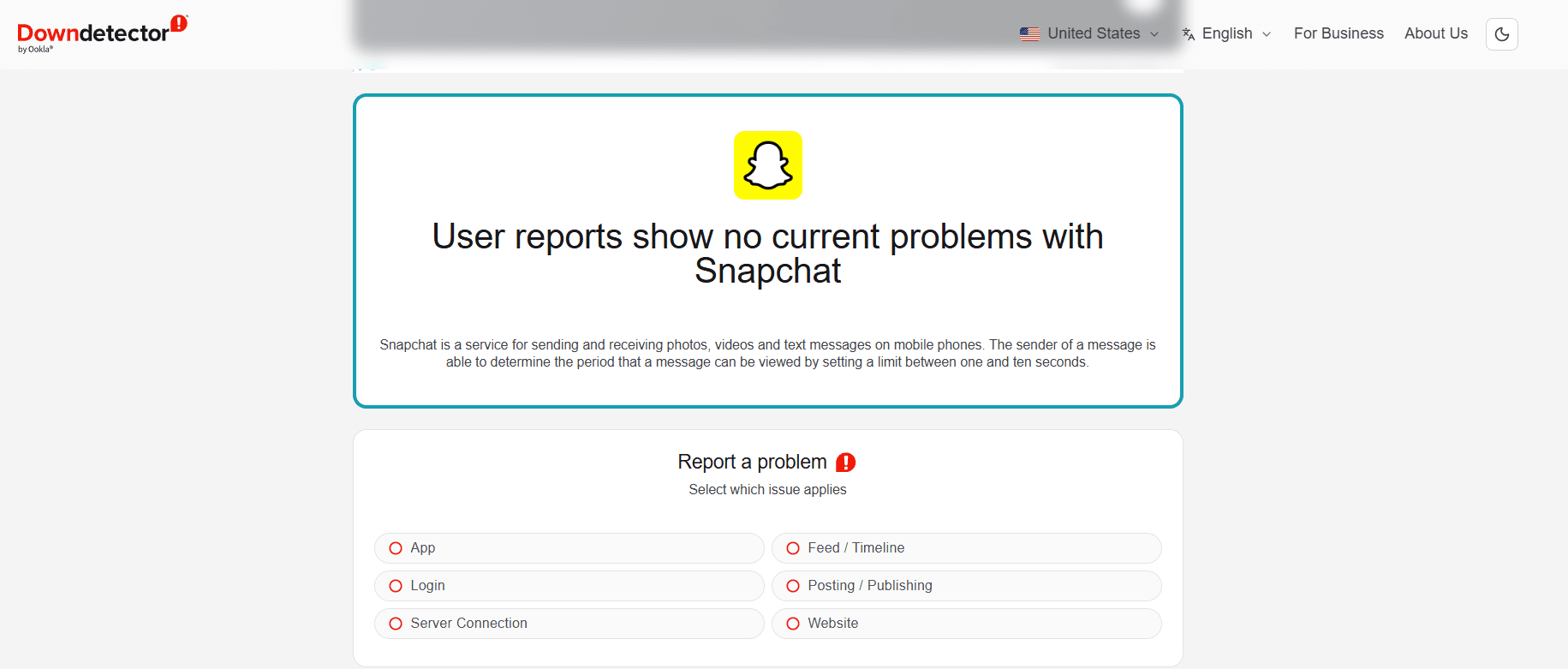
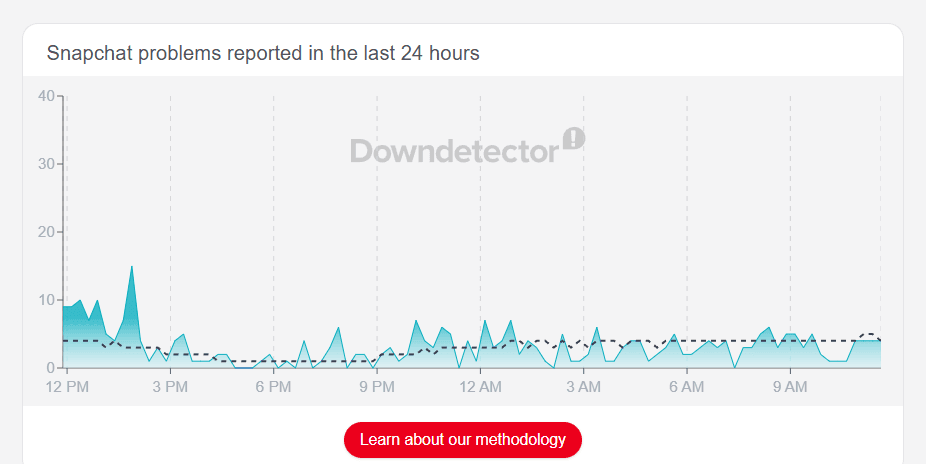
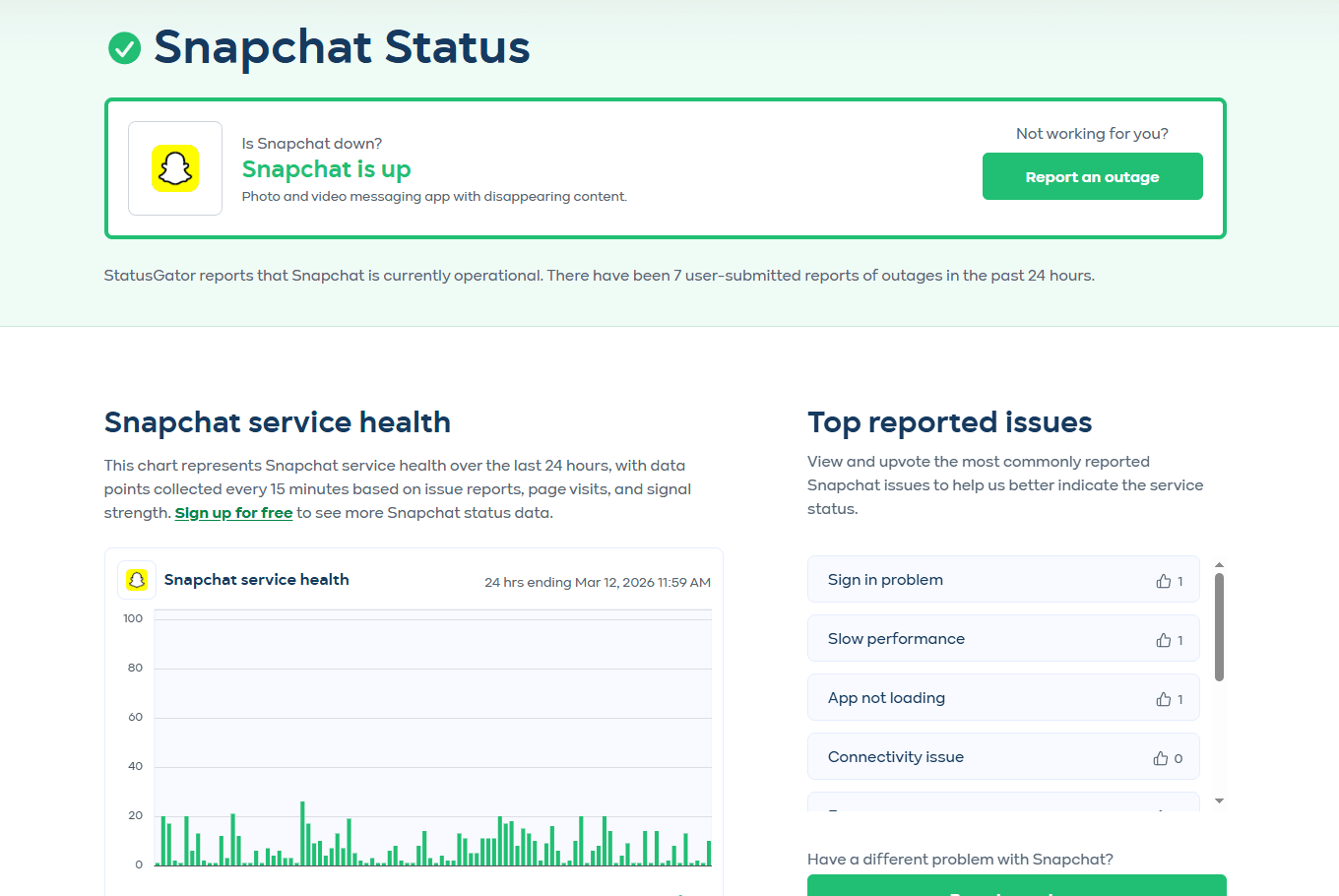
How to Check If Snapchat Is Down Right Now
Before trying complicated fixes, it’s important to confirm whether the problem comes from Snapchat’s servers.
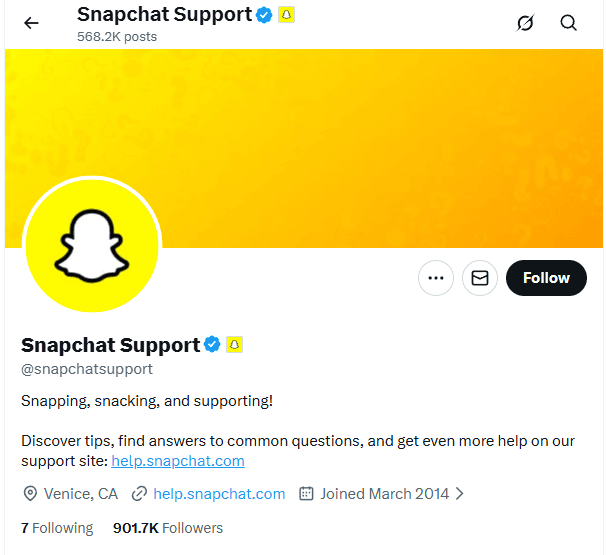
The support team often posts updates during major outages and provides estimated resolution times.
How Long Do Snapchat Outages Last?
Most Snapchat outages are resolved relatively quickly (30 to 60 minutes).
However, major infrastructure outages (like AWS-related issues) can last 3 to 4 hours or more.
If it's been down for over an hour, Snap Inc. is usually already working on a fix.
Snapchat Not Working? Try These Fixes (If it's NOT a server issue)
If the status pages say everything is fine, but you are still dealing with snapchat not working on iphone or Android, follow these steps:
1. Force Restart the App
Closing and reopening the app clears minor temporary glitches.
● iOS: Swipe up from the bottom and flick the Snapchat card away.
● Android: Open "Recent Apps" and swipe Snapchat off the screen.
2. Update the App
If your version is outdated, the snapchat load might fail. Check the Apple App Store or Google Play Store for the latest version.
3. Clear App Cache
This is the most effective fix for most users.
● Inside Snapchat, tap your Bitmoji > Settings (⚙️) > Account Actions > Clear Cache.
● Note: This will NOT delete your Memories.
4. Check Network & Permissions
Ensure you have a stable Wi-Fi or cellular connection.
Also, go to your phone's Settings > Snapchat and ensure "Cellular Data," "Camera," and "Microphone" permissions are toggled ON.
5. Use an Anti-Detect Browser
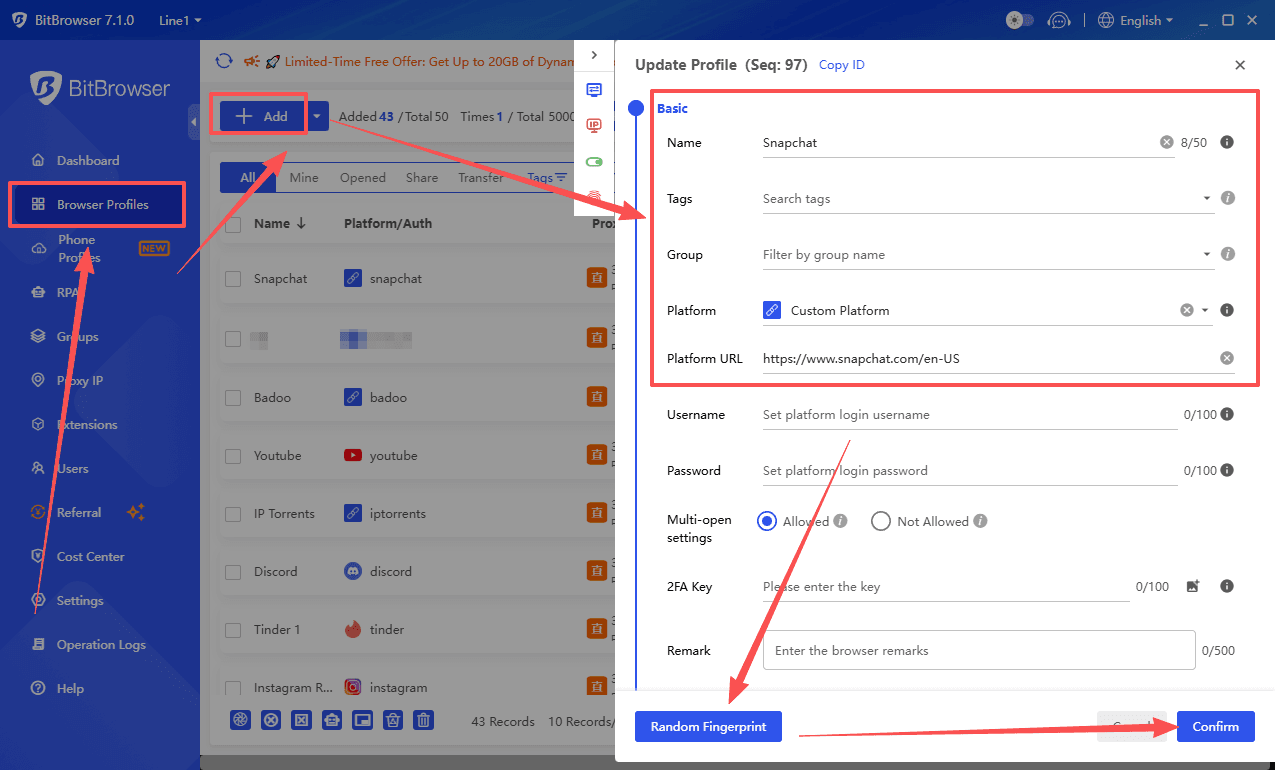
If you are a professional user or your device environment has been flagged, standard apps might fail to load. Using a tool like BitBrowser allows you to open Snapchat in a clean, isolated browser profile to bypass device-level restrictions.
Detailed Troubleshooting for Common Snapchat Glitches
Even if the servers are green, local software conflicts can stop a Snapchat load in its tracks. Here is how to handle the most common frustrations.
1. Snapchat Lagging or Freezing?
If the app feels sluggish or the UI becomes unresponsive, it’s usually a resource management issue.
Clear "Lens" Data: Lenses are augmented reality files that can take up significant space. Go to Settings > Lenses > Clear Local Lens Data. This won't delete your favorite filters but will force the app to reload them, often fixing lag.
Disable Power Saving Mode: On both Android and iPhone, "Low Power Mode" or "Battery Saver" limits background processing and reduces the app's performance. Turn this off in your system settings to see if the lag disappears.
Storage Management: Snapchat needs at least 1GB of free space to function smoothly. If your phone is at 99% capacity, the app will struggle to write temporary files, leading to frequent crashes.
Reduce Transparency (iOS): If you are using an older iPhone, go to Settings > Accessibility > Display & Text Size > Reduce Transparency. This reduces the graphical load on the processor.
2. Camera or Video Not Working?
Since Snapchat is essentially a camera app, a black screen or "Camera Not Found" error makes the app useless.
Check System-Wide Camera Access: * iOS: Go to Settings > Privacy & Security > Camera and ensure the toggle for Snapchat is green.
● Android: Go to Settings > Privacy > Permission Manager > Camera and ensure Snapchat is in the "Allowed" list.
Kill Background Camera Apps: Only one app can "own" the camera hardware at a time. If Instagram, TikTok, or Zoom is running in the background, it might be locking the camera. Force-close all other media apps.
Reset the Camera App: Sometimes the phone's native camera driver glitches. Try opening your phone's default camera app; if it works there but not on Snapchat, the issue is definitely the Snapchat app cache.
Check for Physical Obstructions: It sounds simple, but a dirty lens or a case that has shifted can cause the "Auto-focus" to loop, making the app appear frozen.
3. Snapchat Login Issues (Cannot Log In)
If you see the message "Temporarily Disabled" or "Could Not Connect," it is usually a security flag rather than a password error.
Disable VPNs and Proxies: Snapchat has a very strict anti-spam policy. If you are using a VPN, your IP address might be shared with thousands of other users, some of whom may have been banned. Turn off your VPN and try logging in on a standard Wi-Fi or LTE connection.
Unlock Your Account: If you’ve been locked out, visit the Snapchat Unlock Page on a web browser. Note: Do not try to log in repeatedly, as this can extend the lock duration.
Check for Third-Party Apps: If you have ever used "Snap++" or other unauthorized plugins to save snaps, Snapchat's "Team Snap" will block your login. Uninstall these immediately.
Device Ban Workaround: If your device has been "hardware banned" (common after multiple community guideline violations), the app will not work on that specific phone regardless of the account. This is where professional tools like BitBrowser are essential—they allow you to create a completely new virtual device environment to regain access.
How BitBrowser Solves Snapchat Access & Management Issues
When standard troubleshooting fails or you are managing professional accounts, BitBrowser provides a robust workaround for the most common Snapchat load errors and account restrictions.
1. Bypassing Device Fingerprinting & Shadowbans
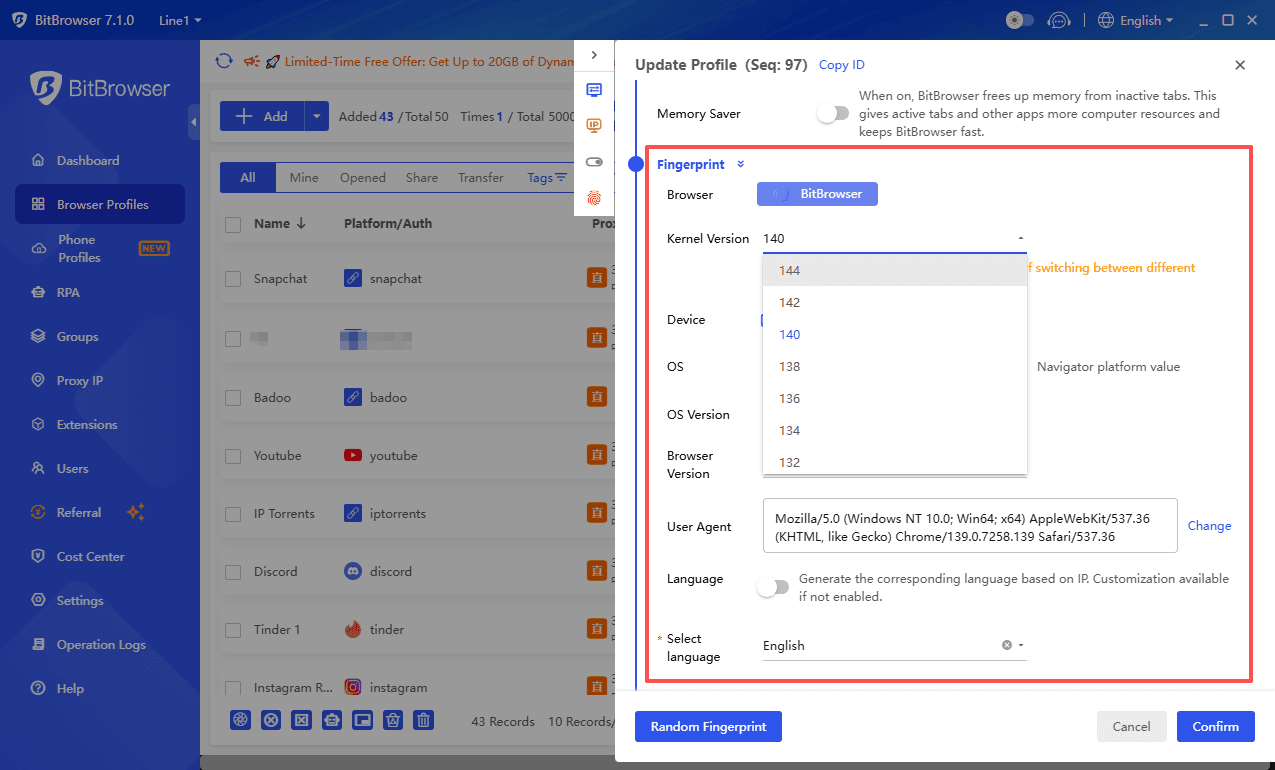
If your smartphone has been "hardware banned" or shadowbanned, the app will continue to show Snapchat not working regardless of how many times you reinstall it. BitBrowser creates a unique, isolated browser fingerprint for every profile. This prevents Snapchat from linking your accounts or recognizing your hardware, effectively giving you a "clean slate" for every login.
2. Global Access with Advanced IP Masking
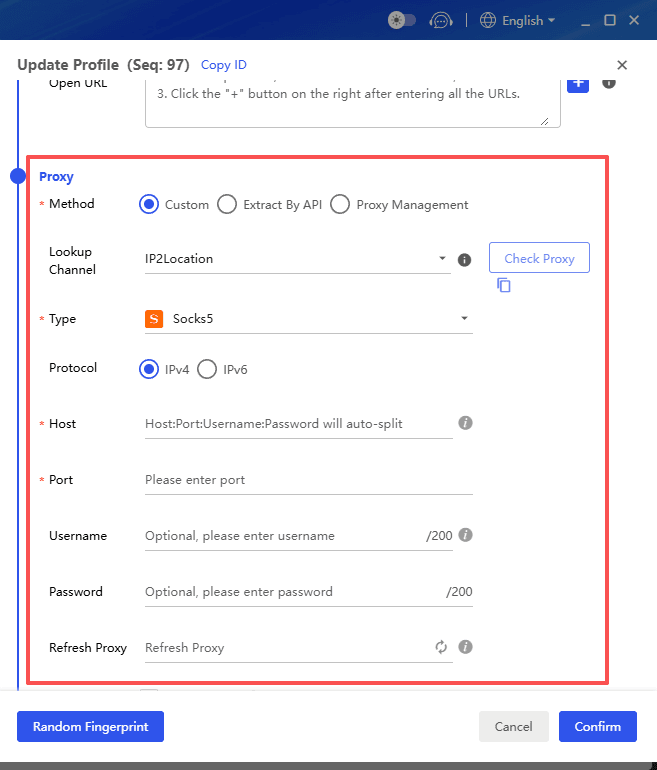
Many "Is Snapchat down?" scares are actually regional IP blocks or network restrictions. BitBrowser allows you to integrate dedicated proxies directly into each profile. By matching your IP address to your simulated time zone and GPS coordinates, you can bypass local censorship or network firewalls that cause Snapchat not working on iPhone or Android networks.
3. Stable Desktop Environment & RPA Automation
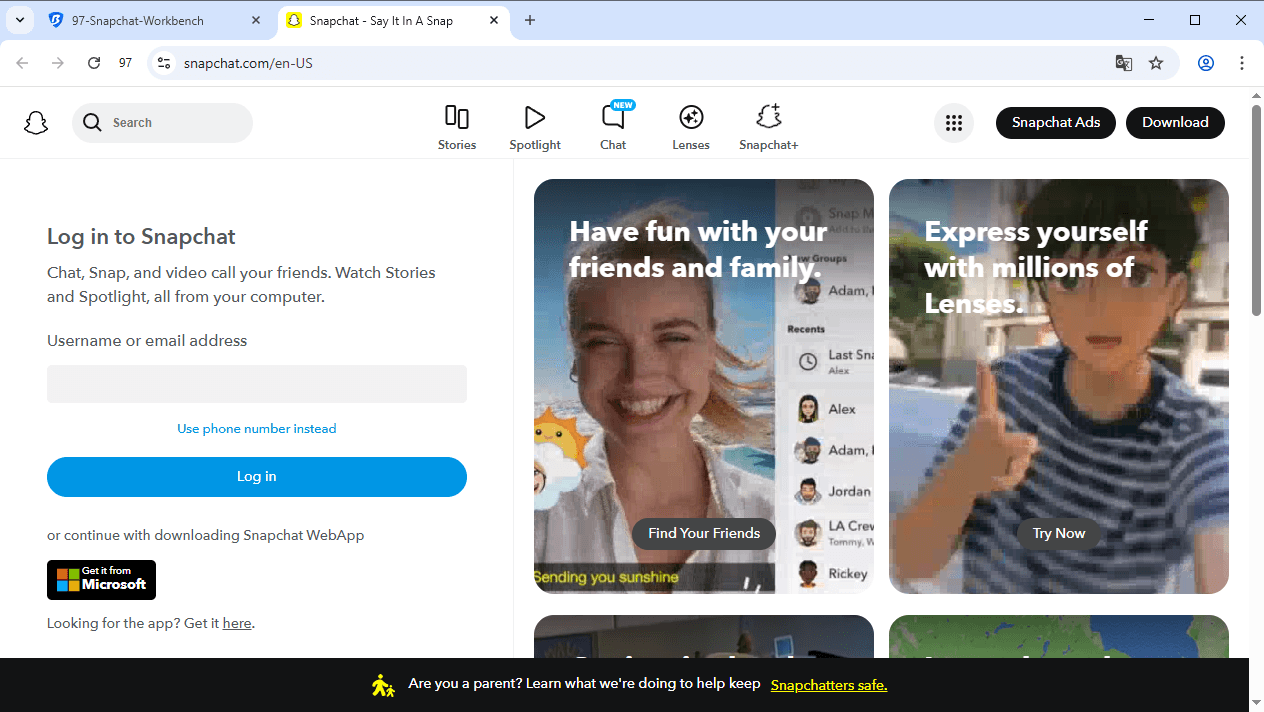
Mobile app updates often introduce bugs that lead to crashes. BitBrowser’s optimized multi-login environment ensures a stable Snapchat load via the web interface.
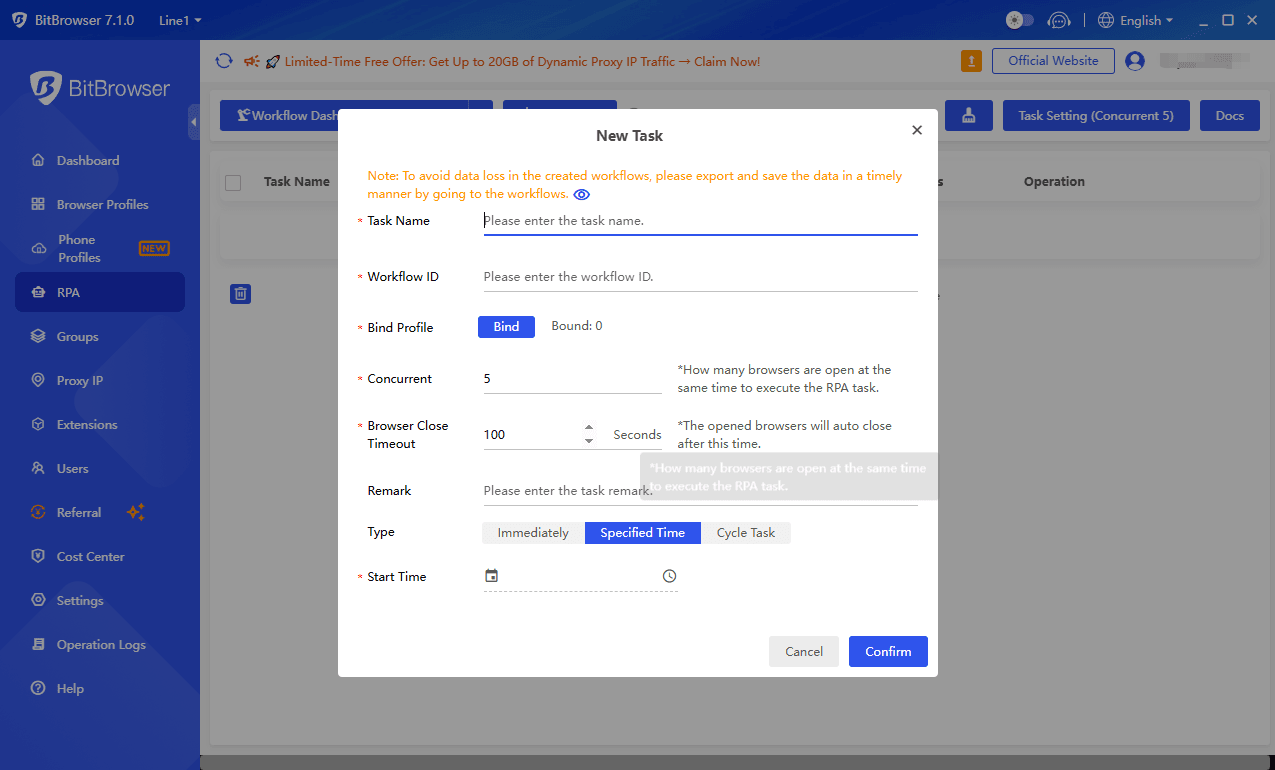
Efficiency: Use RPA (Robotic Process Automation) to manage repetitive tasks across multiple accounts.
Security: Keep your primary accounts safe by running them in isolated, high-anonymity windows that don't leak data between sessions.
If you’re wondering “is Snapchat down right now,” the first step is to check whether the problem comes from Snapchat’s servers. Many outages are temporary and resolved within a few hours.
If Snapchat is not down but still isn’t working on your device, troubleshooting steps like updating the app, clearing cache, or checking your internet connection can usually fix the issue.
Understanding the difference between server outages and device problems makes it much easier to restore Snapchat functionality quickly.
FAQ
1. Is Snapchat down right now?
If Snapchat suddenly stops sending snaps or loading messages, it may be experiencing a temporary server outage. You can check outage tracking sites, social media discussions, or updates from Snapchat support to see if other users are reporting the same problem.
2. Why is Snapchat not working on my iPhone?
If Snapchat is not working on your iPhone, the issue is often caused by an outdated app version, unstable internet connection, or corrupted cache. Restarting the app or updating it usually fixes the problem.
3. Why is Snapchat stuck loading?
Snapchat may get stuck loading due to slow internet, temporary app bugs, or server problems. Restarting the app, switching networks, or reinstalling Snapchat can help resolve the issue.
4. How long does a Snapchat outage usually last?
Most Snapchat outages are fixed within 30 to 60 minutes. Larger infrastructure issues can sometimes take a few hours before the service is fully restored.
5. What should I do if Snapchat still isn’t working?
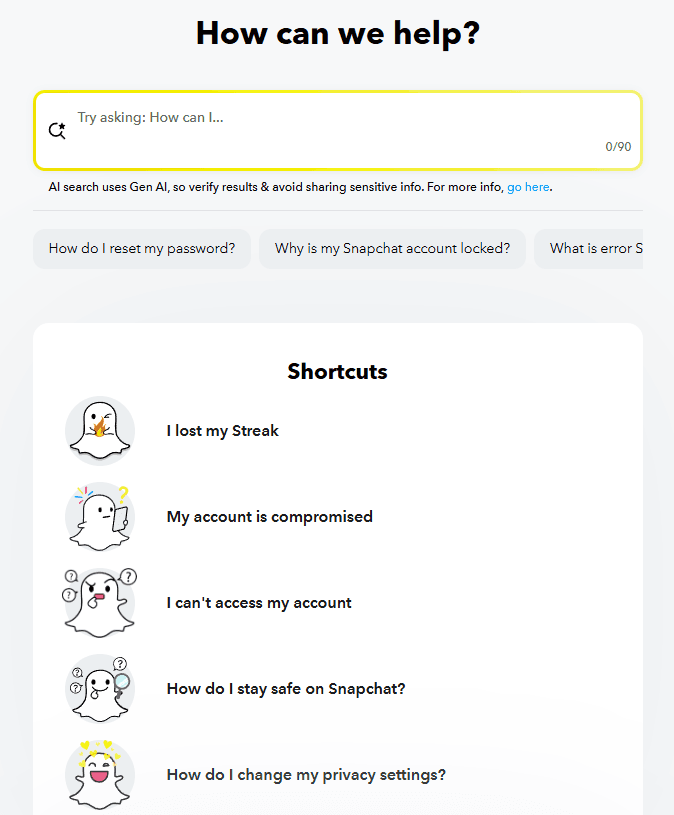
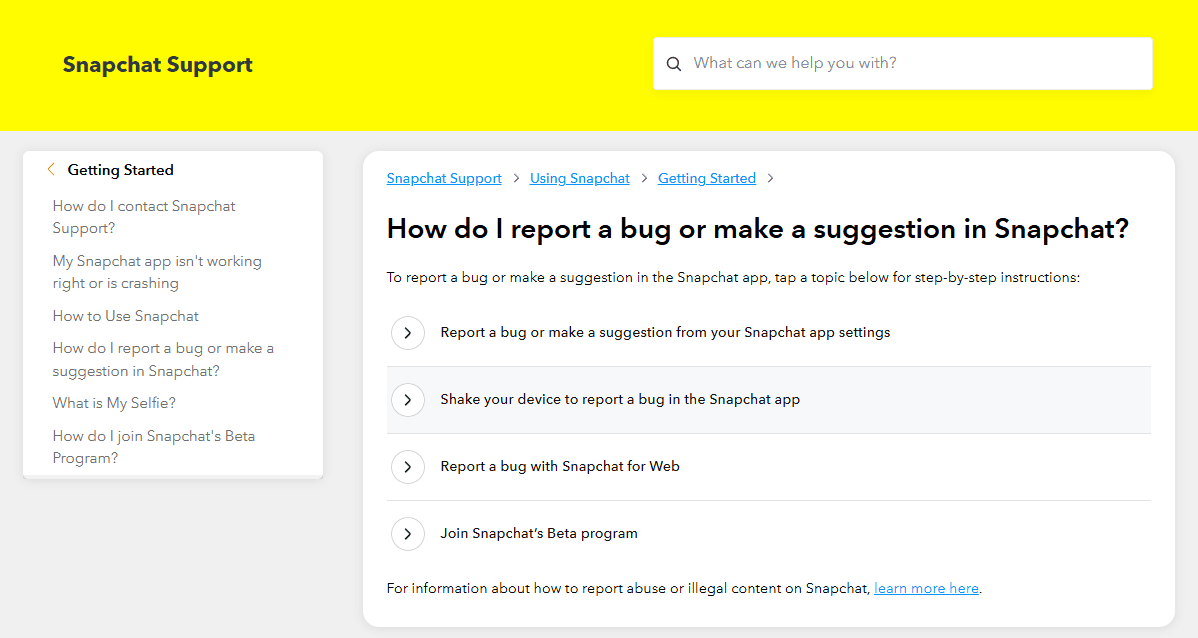
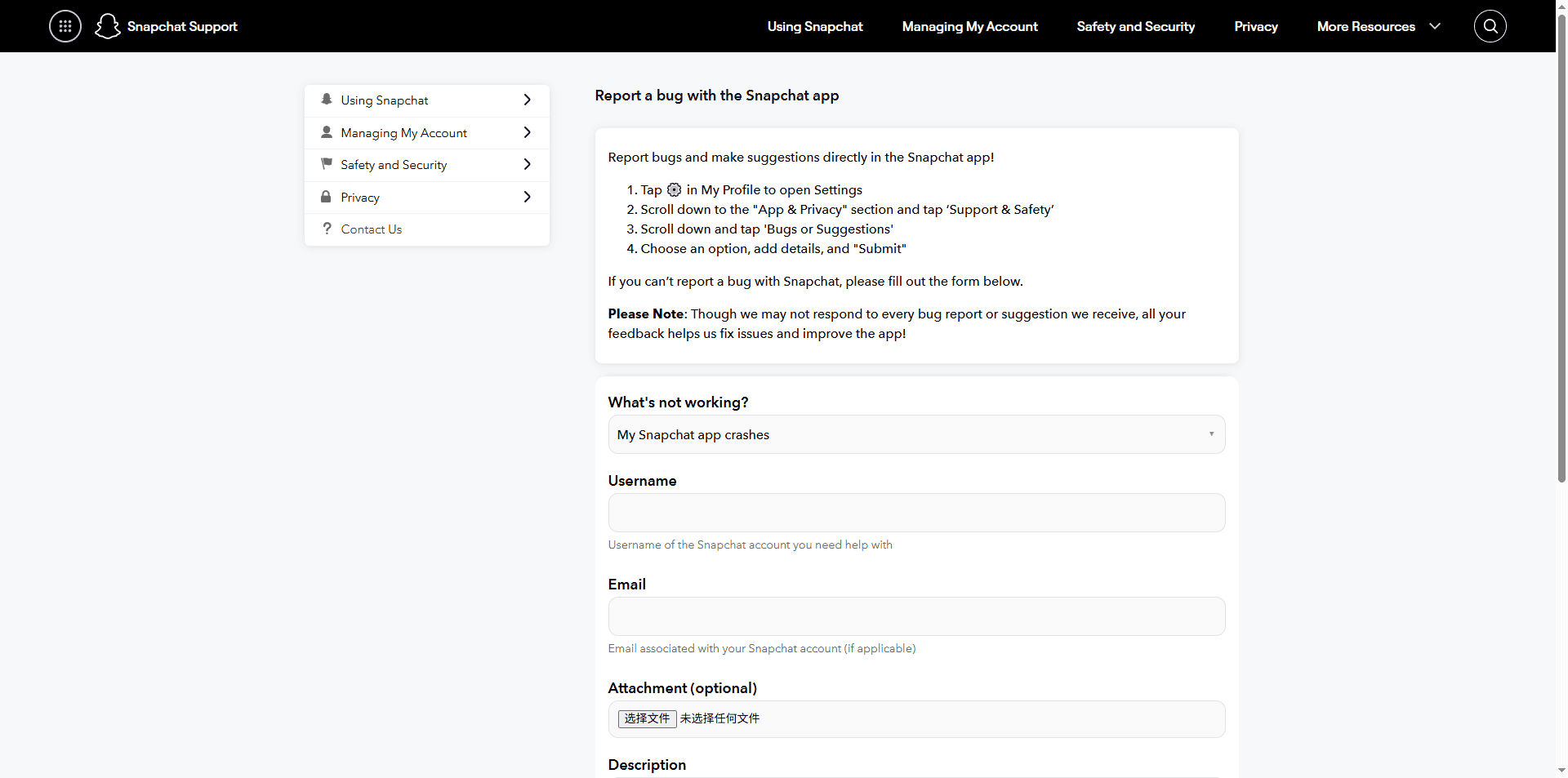
If Snapchat still isn’t working after restarting the app, updating it, and checking your network, you can contact the official support team of Snapchat or report the issue through the help page.
Operate Multiple Accounts in Isolated, Secure Browser profiles
Use the BitBrowser to easily bypass platform anti-association detection, giving every profile an independent digital fingerprint.
 2026.03.12 11:30
 YT.Shi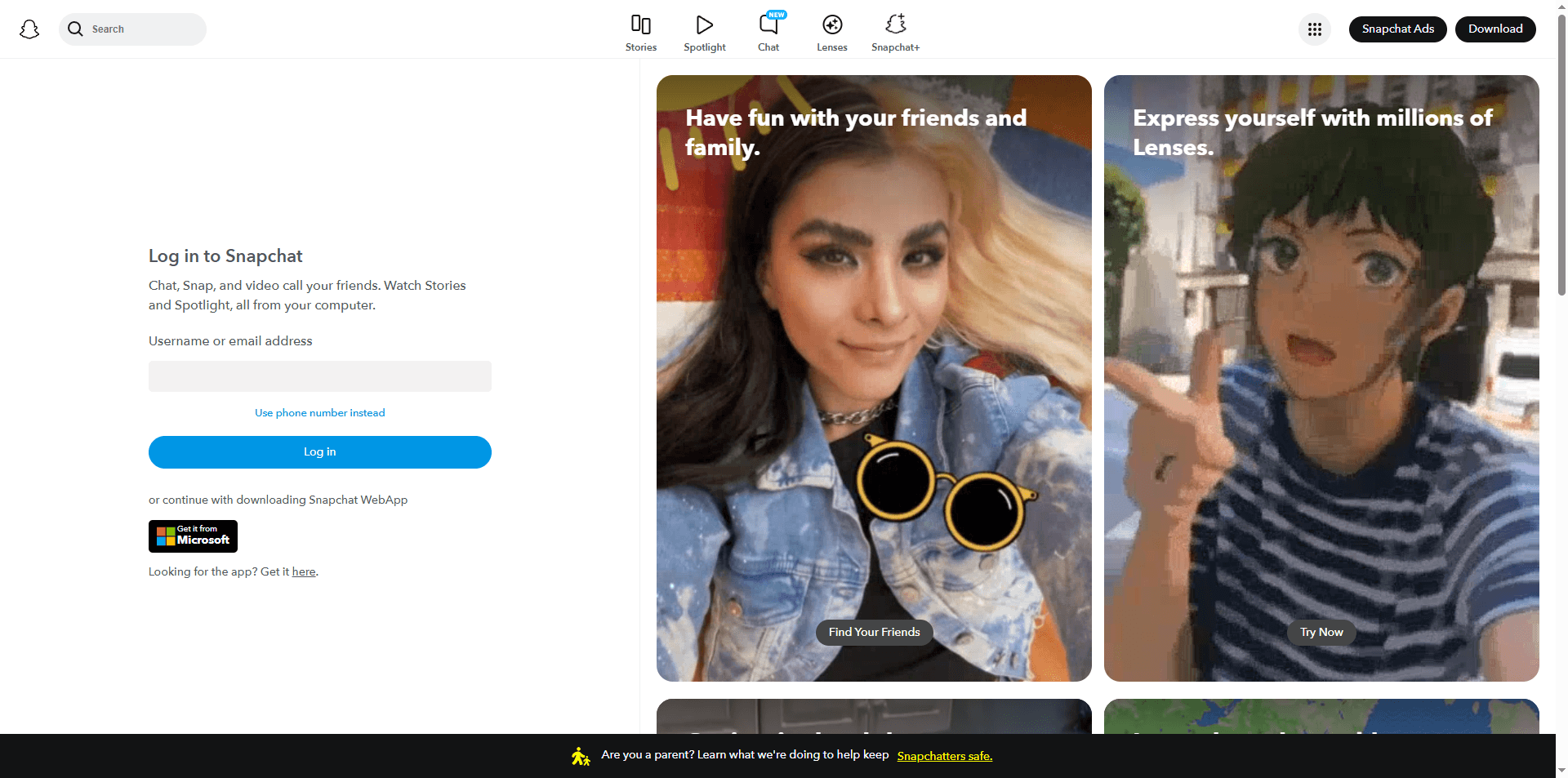

 Multi-Account Management
 Prevent Account Association
 Multi-Employee Management



