How to Manage Multiple Telegram Accounts on One PC Safely in 2026: Complete Guide
 2026.06.23 05:47
 YT.Shi
Telegram has become one of the most popular communication platforms for businesses, marketers, community managers, and individual users. As more people separate their personal and professional activities, the need to manage multiple accounts on one PC continues to grow.
The good news is that Telegram supports multiple accounts, and there are several ways to manage them efficiently. In this guide, you'll learn how to use multiple Telegram accounts on one computer, the best methods available, and how to keep your accounts organized and secure.
Why Do People Use Multiple Telegram Accounts?
There are many reasons why users need more than one Telegram account:
● Separate personal and work communications
● Manage different business projects
● Operate customer support accounts
● Run multiple communities or channels
● Handle marketing campaigns across different brands
Instead of constantly logging in and out, using multiple Telegram accounts on one PC can save time and improve productivity.
Can You Have Multiple Telegram Accounts?
Yes. Telegram allows users to add multiple accounts using different phone numbers.
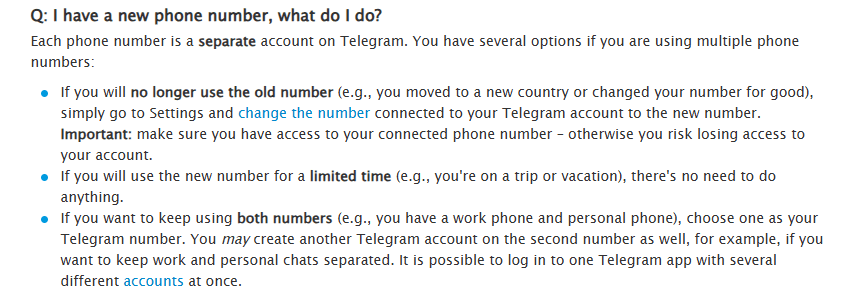
On mobile devices, you can easily switch between accounts within the Telegram app.
On a PC, there are several methods available depending on how many accounts you need to manage and how often you use them.
Method 1: Use Telegram Desktop
Telegram Desktop offers built in support for multiple accounts.
Steps:
1. Download and install Telegram Desktop.
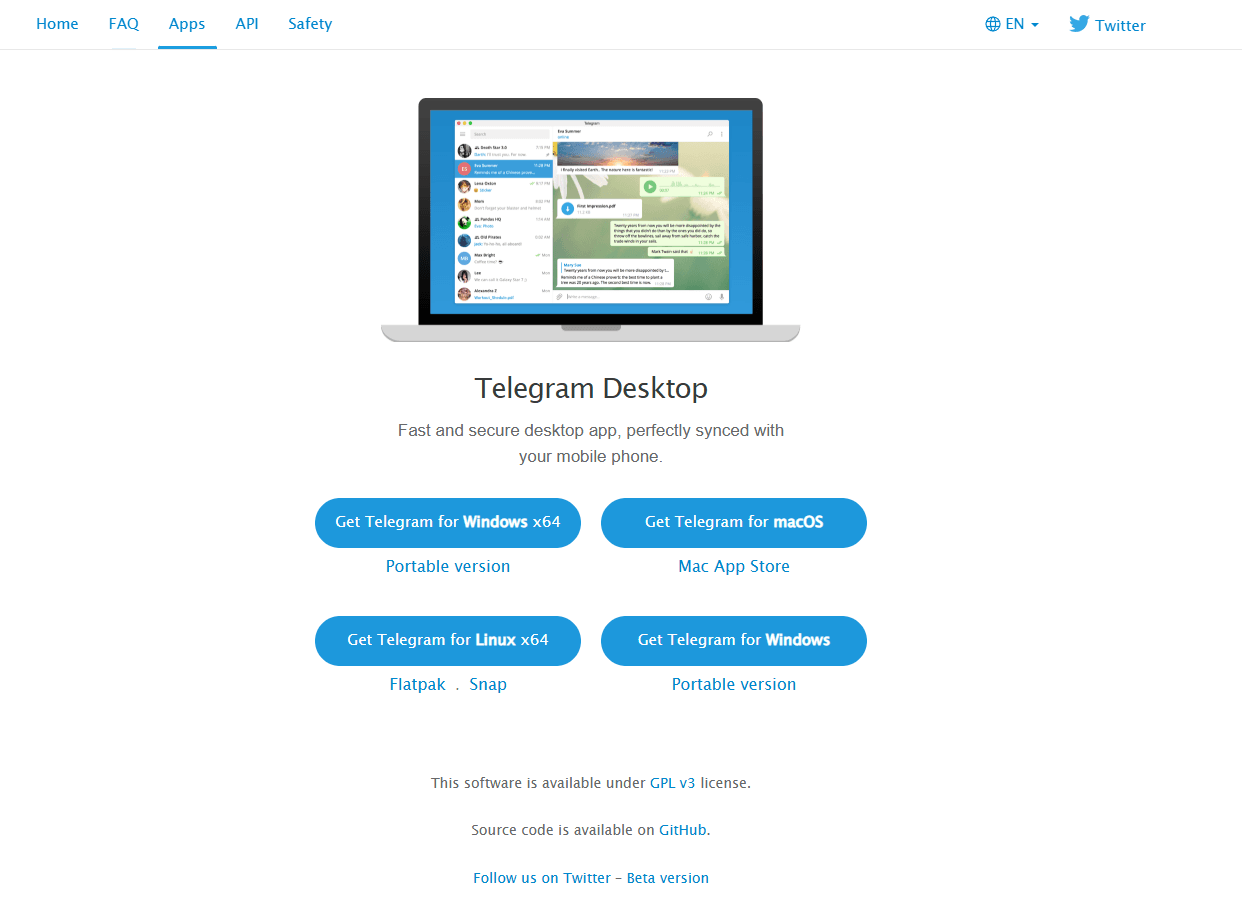
2. Log in with your primary account.
3. Click the menu icon in the upper left corner.
4. Select Add Account.
5. Log in using another phone number.
Telegram Desktop currently allows you to manage up to 3 accounts within the same application.
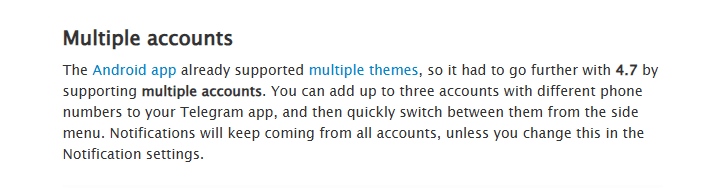
Pros: Official Telegram solution; Easy account switching; Fast and stable performance
Cons: Limited number of accounts; Not ideal for managing large account groups
Method 2: Use Telegram Web
Telegram Web allows you to access Telegram directly from your browser without installing software. You can open multiple browser windows and log into different Telegram accounts.
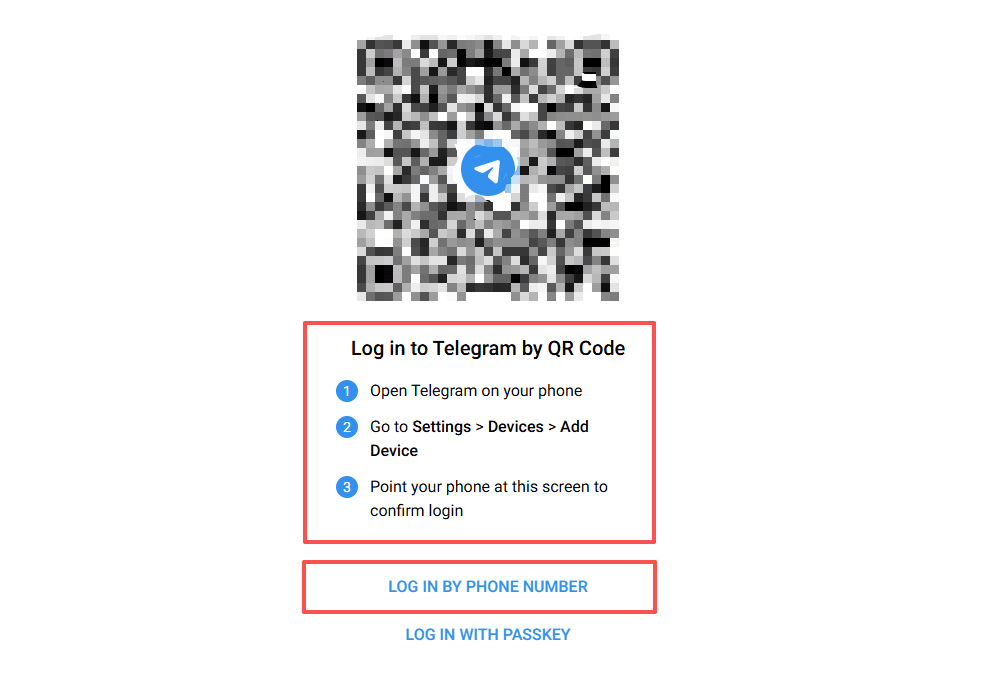
Pros: No installation required; Accessible from any computer; Quick setup
Cons: Less functionality than Telegram Desktop; Managing many accounts can become confusing; Browser sessions may overlap
For users managing only a few accounts, Telegram Web can be a simple solution.
Method 3: Use Different Browser Profiles
A more organized approach is using separate browser profiles.
Most modern browsers allow you to create independent profiles, each with its own cookies, settings, and login sessions.
For example:
● Profile 1 for your personal Telegram account
● Profile 2 for your business account
● Profile 3 for customer support
This method reduces the risk of accidentally using the wrong account and keeps your activities better organized.
Benefits
● Cleaner account separation
● Easier account management
● Better privacy between accounts
Method 4: Use an Anti Detect Browser for Large Scale Telegram Management
If you only need two or three Telegram accounts, Telegram Desktop may be enough. However, many marketers, agencies, customer support teams, and community managers need to handle far more accounts every day.
This is where an anti detect browser becomes useful.
Unlike standard browsers, an anti detect browser creates completely separate browser profiles. Each profile stores its own cookies, local storage, browser settings, and network environment. This allows every Telegram Web session to run independently.
Instead of constantly logging in and out, you can open multiple Telegram accounts simultaneously and switch between them with a single click.
How BitBrowser Helps Manage Multiple Telegram Accounts
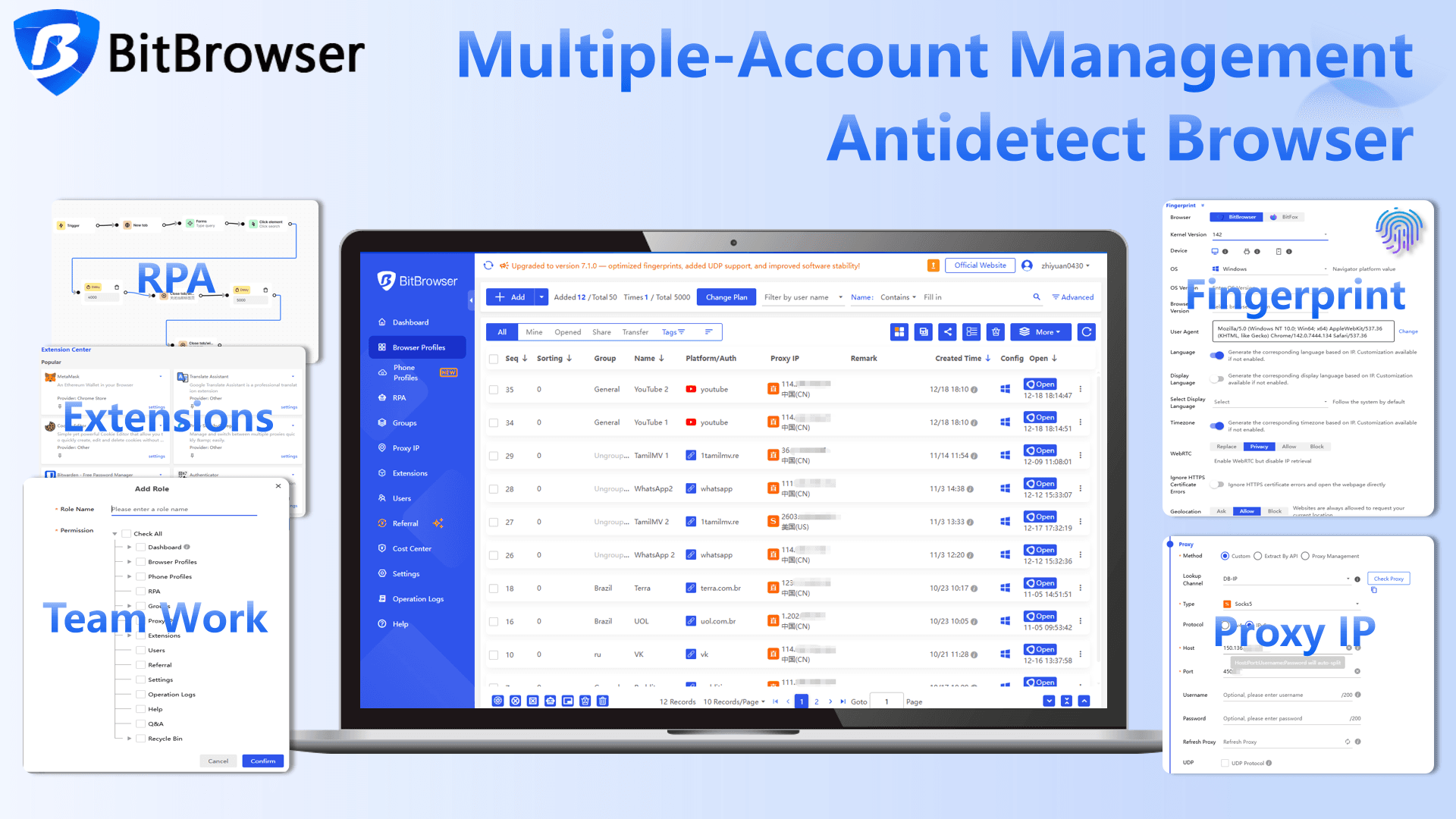
BitBrowser is a professional anti detect browser trusted by digital marketers, affiliate teams, ecommerce sellers, and agencies worldwide. It combines powerful account management features with an intuitive interface and affordable pricing, making it a practical choice for businesses of all sizes.
1. Create Unlimited Browser Profiles
Each Telegram account can operate inside its own browser profile. This helps keep personal, business, customer support, and marketing accounts completely separated.
2. One Click Profile Launch
You can open any Telegram account instantly without entering login credentials repeatedly. This is particularly useful for users managing dozens of accounts.
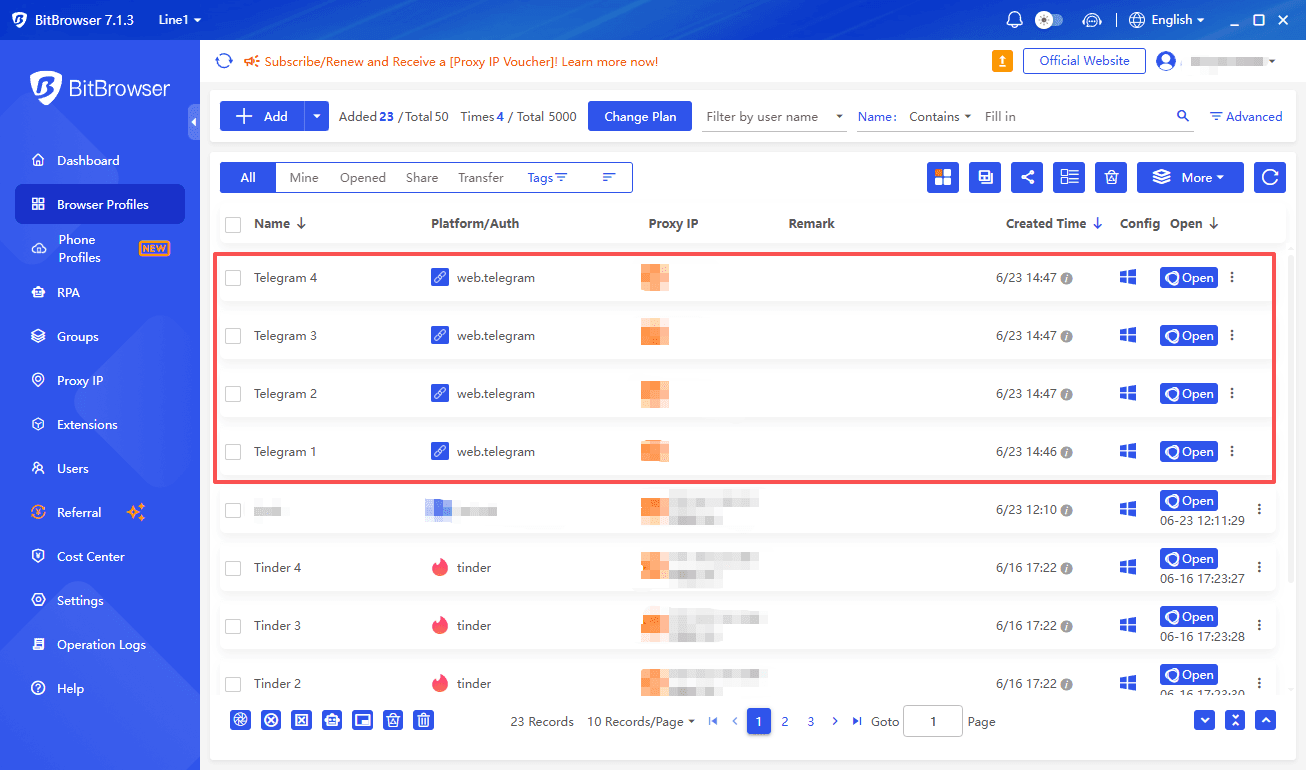
3. Profile Grouping and Tag Management
BitBrowser allows users to organize profiles into groups.
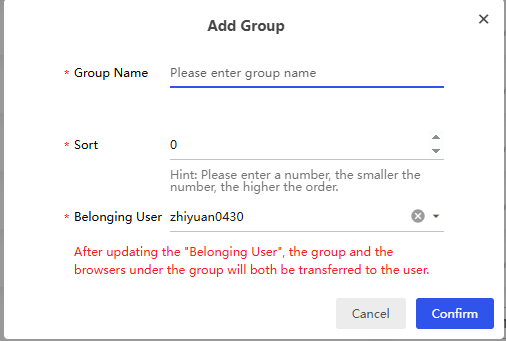
For example:
● Customer Support Team
● Marketing Team
● Telegram Channels
● Regional Communities
This makes account management much more efficient as the number of accounts grows.
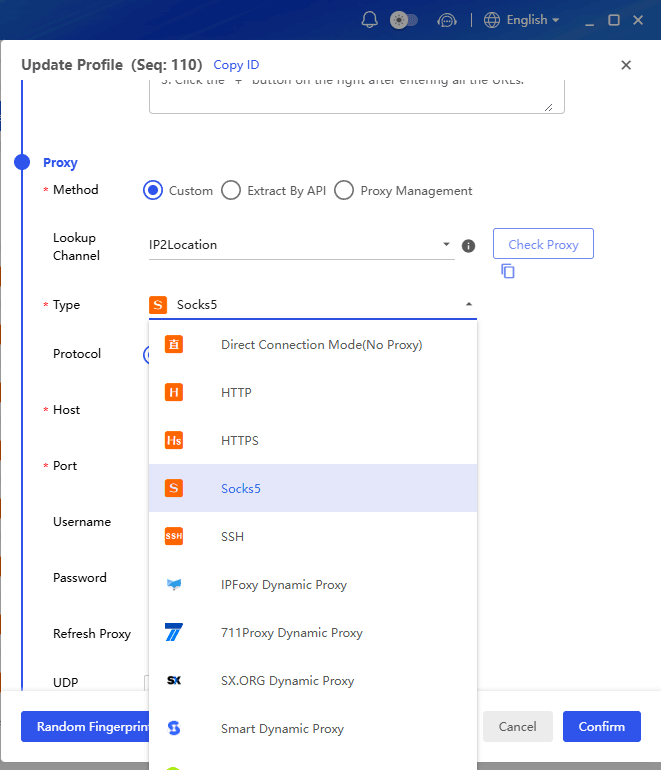
4. Proxy Integration
Users can configure different proxy settings for different profiles directly within BitBrowser. This is useful for businesses that manage Telegram operations across multiple regions or markets.
5. Team Collaboration Features
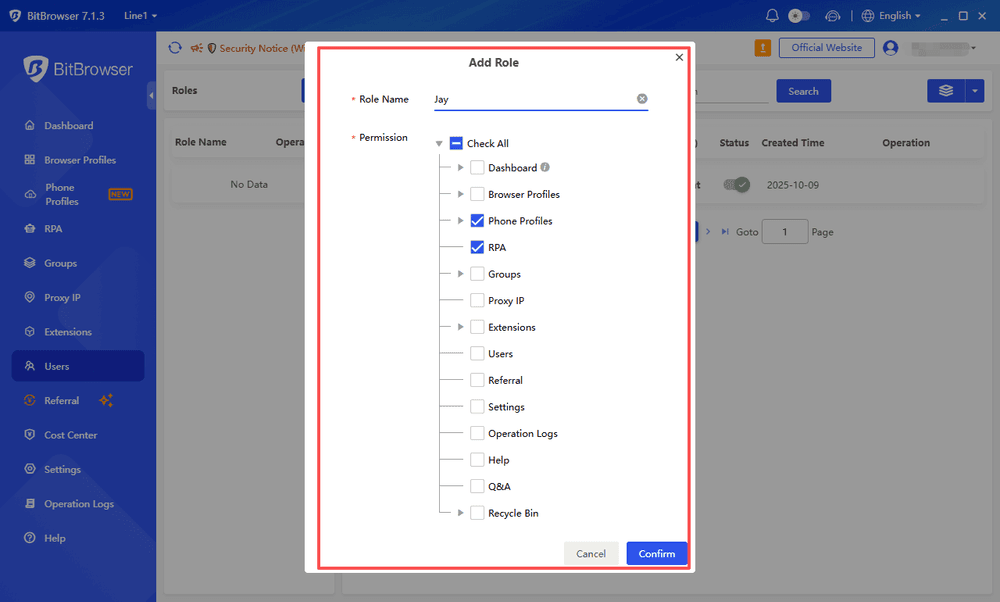
For companies managing Telegram accounts as a team, BitBrowser provides permission controls and profile sharing capabilities. Managers can assign specific profiles to team members while maintaining clear account ownership and organization.
6. Automation Support
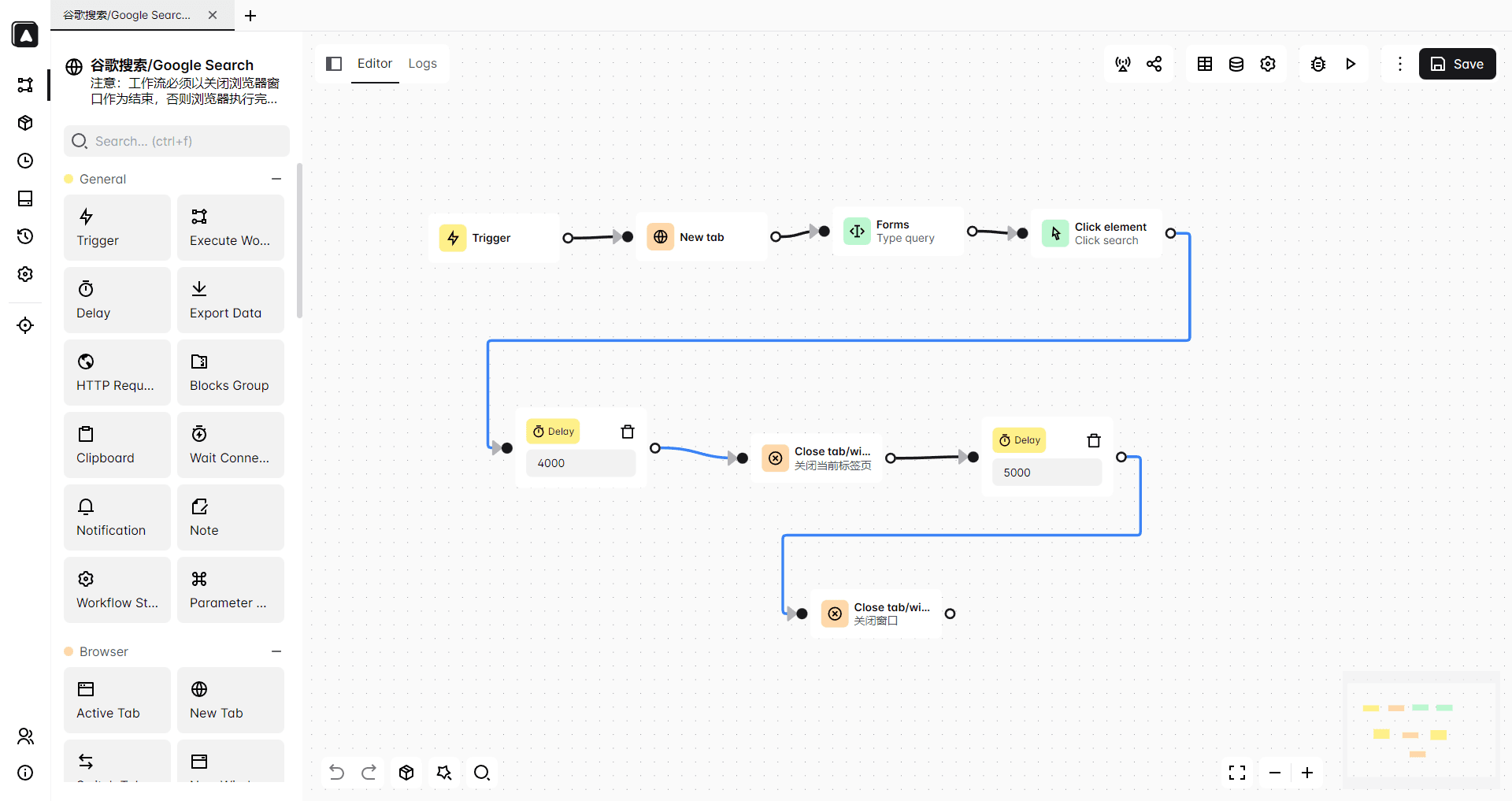
BitBrowser also supports automation tools that can help businesses streamline repetitive workflows. For users managing large Telegram communities or customer communication processes, automation can significantly reduce manual work.
Final Thoughts
Managing multiple Telegram accounts on one PC is easier than ever in 2026. Whether you choose Telegram Desktop, Telegram Web, or browser profiles, the right setup depends on the number of accounts you manage and your daily workflow.
For users handling larger numbers of Telegram accounts, tools such as BitBrowser can simplify account organization by providing separate browser profiles, flexible account management, and improved workflow efficiency. By combining proper security practices with the right management tools, you can operate multiple Telegram accounts more safely and effectively.
Frequently Asked Questions
How many Telegram accounts can I use on one PC?
You can use multiple Telegram accounts on one PC. Telegram Desktop supports up to three accounts, while Telegram Web and browser profile solutions can help you manage many more accounts simultaneously.
Can I use multiple Telegram accounts without logging out?
Yes. Telegram allows account switching without logging out. You can also use different browser profiles or an anti detect browser to keep multiple Telegram accounts active at the same time.
Is Telegram Web better than Telegram Desktop for multiple accounts?
It depends on your needs. Telegram Desktop is convenient for a small number of accounts, while Telegram Web combined with browser profiles offers more flexibility for managing multiple Telegram accounts.
Do I need a different phone number for each Telegram account?
Yes. Each Telegram account must be registered with a unique phone number. You cannot create multiple Telegram accounts using the same phone number.
What is the best way to manage many Telegram accounts?
For a few accounts, Telegram Desktop or Telegram Web may be sufficient. For larger operations, using separate browser profiles or an anti detect browser like BitBrowser can make account management more organized and efficient.

 Multi-Account Management
 Prevent Account Association
 Multi-Employee Management
Recommended
See More 



