How to Get 3 Months of Discord Nitro Free With NVIDIA in 2026
 2026.08.16 09:52
 petro
petroNVIDIA is giving eligible GeForce users 3 months of Discord Nitro for free through the NVIDIA App.
The reward is available on a first-come, first-served basis, so it may run out before the official deadline.
You must claim the offer in the NVIDIA App by August 24, 2026 at 11:59 PM PT and redeem it on Discord by September 24, 2026 at 11:59 PM PT.
Below, we'll cover who qualifies, how to claim the promotion, how to avoid redeeming it on the wrong Discord account, and what to know before activating your free Nitro.
Who Is Eligible for the NVIDIA Discord Nitro Offer?
To claim the NVIDIA reward, you generally need:
- An NVIDIA account
- The NVIDIA App installed on your Windows PC
- A GeForce GTX 10 Series GPU or newer
- An eligible Discord account
- A valid payment method for Discord
NVIDIA says rewards are distributed to eligible GeForce gamers on a first-come, first-served basis, so meeting the requirements does not guarantee that a reward will still be available.
For Discord redemption, accounts that have had an active Discord Nitro subscription or Nitro trial during the previous 12 months are not eligible.
There are additional rules for Nitro Basic, Nitro Classic, and Server Boost subscribers. If you currently have one of those subscriptions but have never had full Discord Nitro, you may still qualify.
Redeeming the promotion can replace your existing subscription, and Discord may not refund unused subscription time.
Regional Restrictions
The promotion is currently unavailable in:
Turkey, Ukraine, China, Cuba, Iran, North Korea, Russia, Belarus, Sudan, Syria, Venezuela, and Brazil.
Additional regional restrictions may also apply.
How to Claim 3 Months of Discord Nitro Free
Claiming the NVIDIA Nitro reward only takes a few minutes.
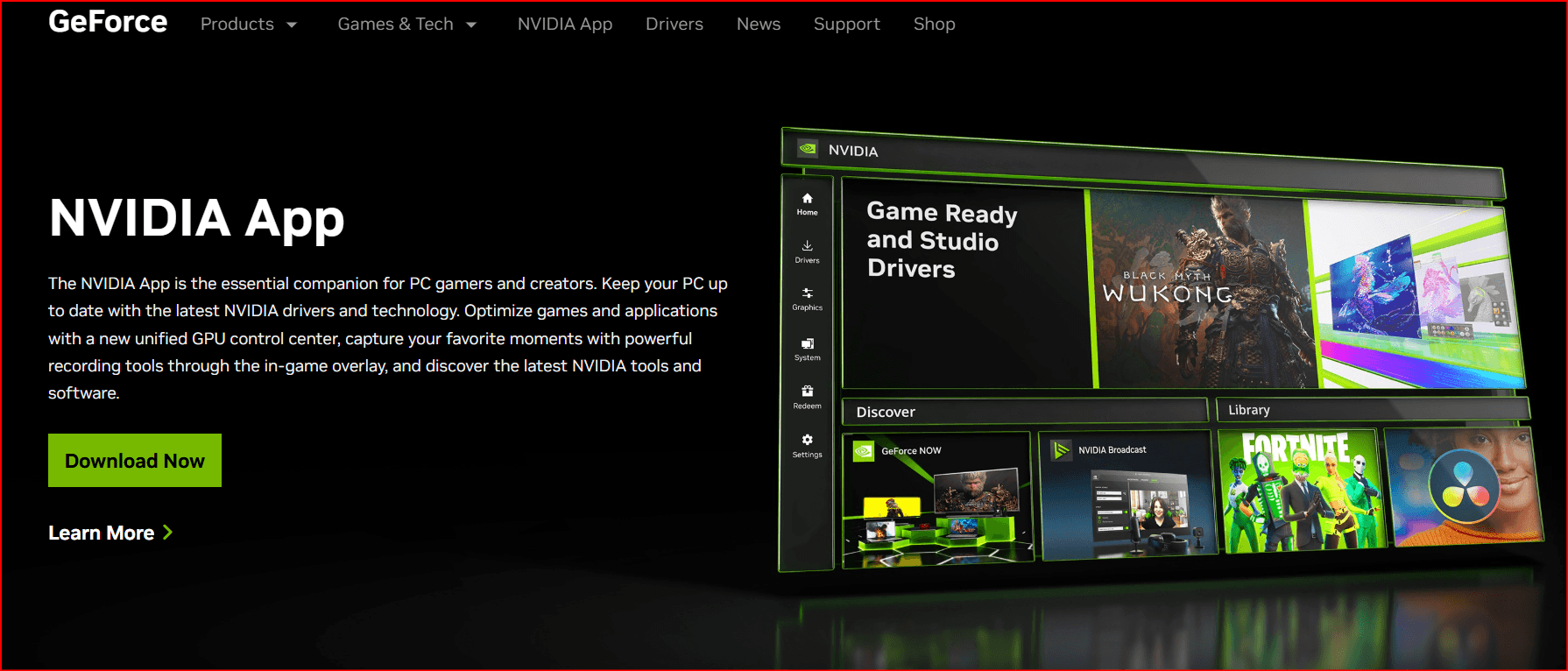
Open the NVIDIA App on your PC.
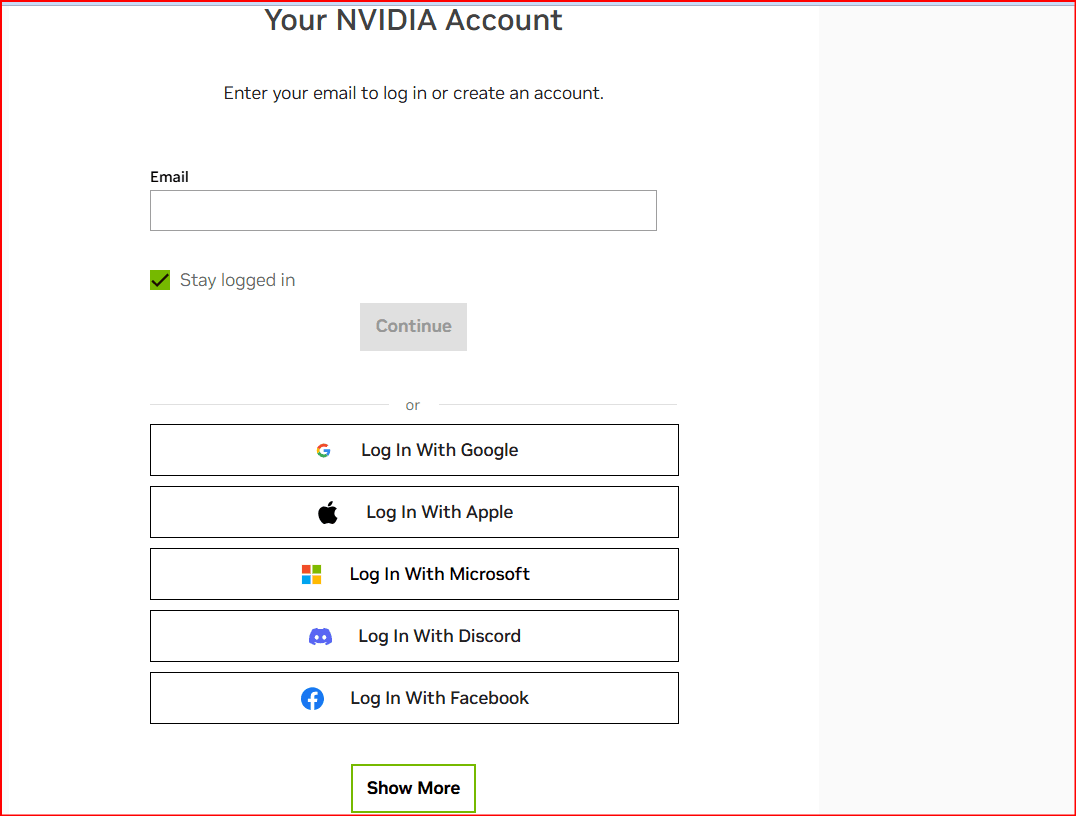
Sign in to your NVIDIA account.
- Open your profile and select Redeem.
- Find the 3 Months of Discord Nitro reward.
- Claim the reward to receive your unique Discord redemption link.
- Open the link and sign in to the Discord account you want to use.
- Add a valid payment method if Discord asks for one.
- Confirm that the correct account is selected.
- Click Accept Gift.
Your three-month Nitro subscription begins as soon as you redeem the offer.
You will not be billed for Nitro during the promotional period, but the subscription can automatically renew at the normal paid rate when the free period ends.
Important: Double-check that you are signed in to the correct Discord account before accepting the gift. If you redeem the promotion on the wrong account, you may not be able to transfer it or receive another promotional code.
Keep Your Redemption Link Private
Your NVIDIA reward link may be redeemable by another eligible Discord user.
Avoid posting the link publicly or sharing screenshots that expose the full redemption URL. If someone else redeems the link first, you may lose access to the reward.
If you cannot use the promotion yourself, you can privately share the link with an eligible friend, provided they meet the promotion requirements and redeem it before the deadline.
Use BitBrowser to Keep Discord Accounts Organized
If you manage multiple Discord accounts, one of the easiest mistakes to make is opening your NVIDIA Nitro redemption link while signed in to the wrong account.
A browser profile manager such as BitBrowser can help you keep legitimate browser sessions separated.
BitBrowser lets you create independent browser profiles with their own cookies, login sessions, and browser data. This can be useful if you regularly manage several Discord accounts and want to reduce the chance of redeeming the promotion while logged in to the wrong one.
For example, you can use separate BitBrowser profiles to:
- Keep different Discord login sessions separated
- Create a dedicated profile for the account receiving Nitro
- Avoid repeatedly signing in and out of multiple accounts
- Keep cookies and browser data organized between accounts
You can download BitBrowser from its official website.
How to Use BitBrowser Before Redeeming NVIDIA Nitro
If you want an extra layer of account organization before opening your Nitro redemption link:
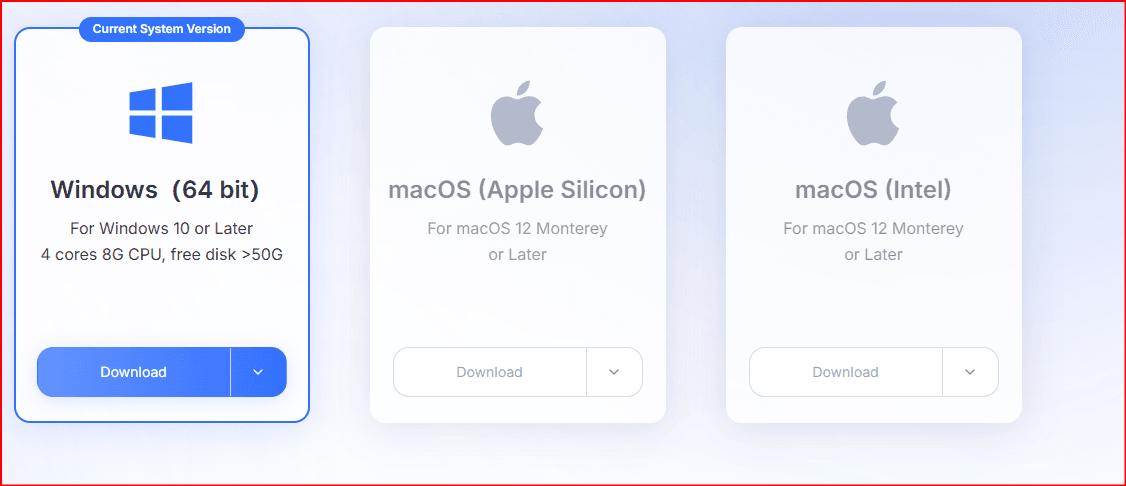
Download and install BitBrowser.
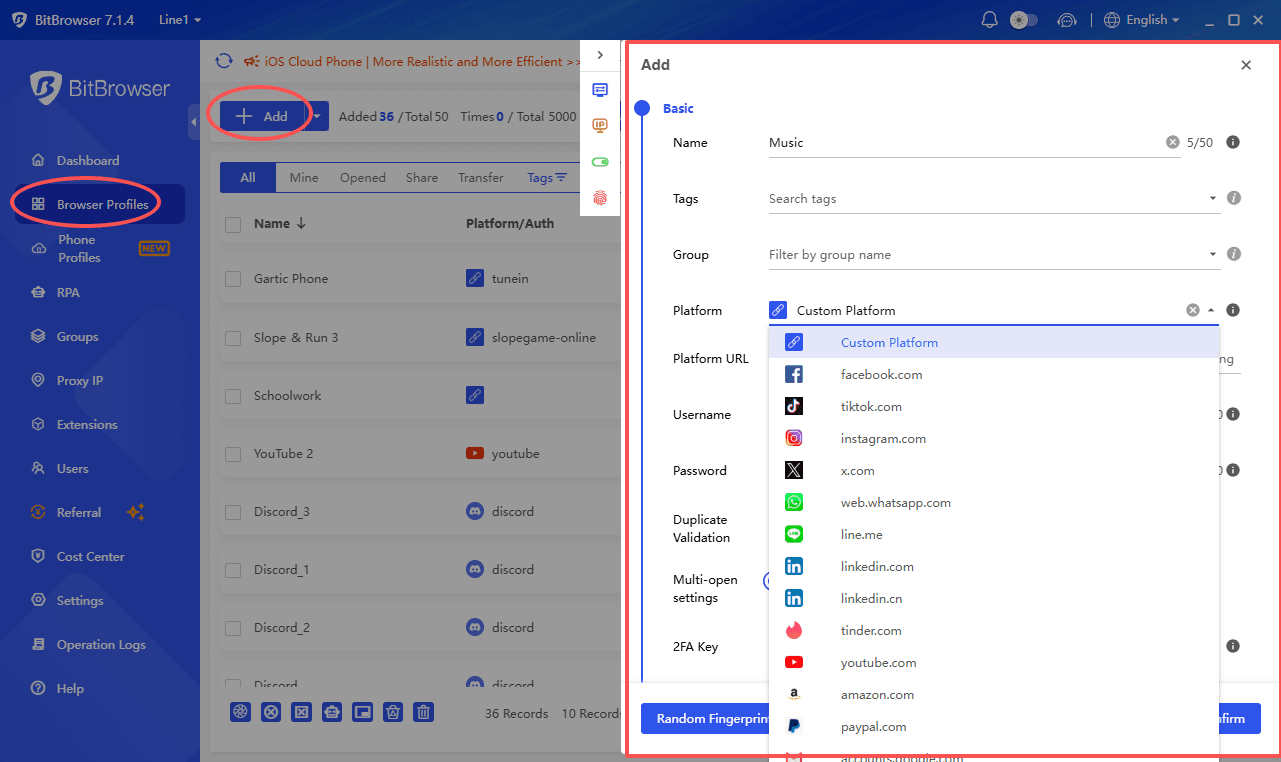
- Create a new browser profile.
- Open Discord inside that profile.
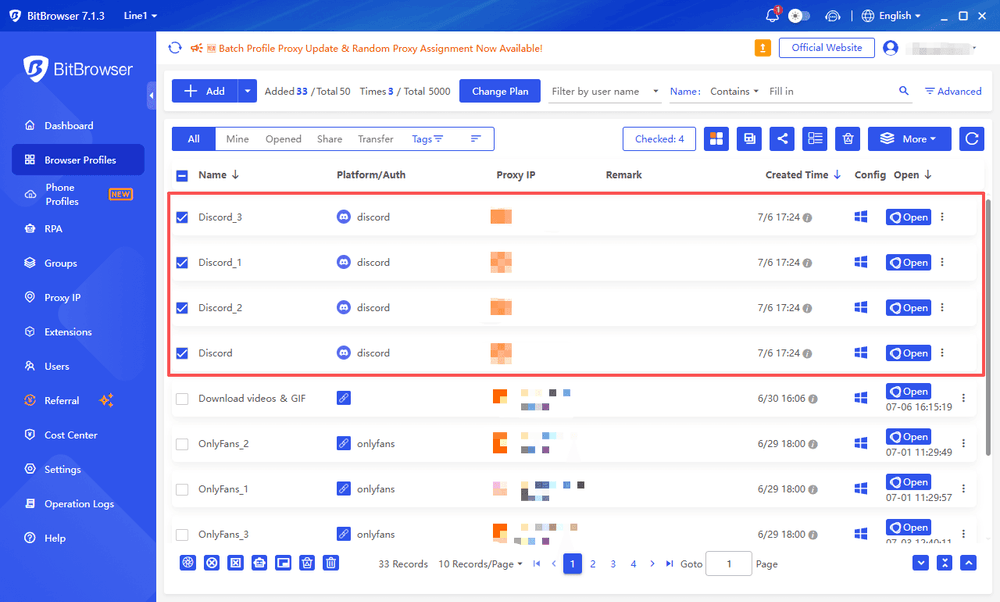
- Sign in to the Discord account where you want to activate Nitro.
- Check the username and account details carefully.
- Open your NVIDIA Nitro redemption link inside the same browser profile.
- Complete Discord's normal redemption process.
Using a separate profile can make it easier to confirm which Discord account is active before you accept the promotional gift.
Important: BitBrowser does not change your eligibility for the promotion. It does not bypass NVIDIA hardware requirements, Discord account restrictions, regional limitations, or promotional rules.
You still need an eligible GeForce system to claim the NVIDIA reward, and the Discord account receiving Nitro must independently meet Discord's eligibility requirements.
Don't See the Nitro Reward in the NVIDIA App?
First, remember that NVIDIA distributes these rewards on a first-come, first-served basis.
If all available rewards have already been claimed, the offer may disappear even before the August 24 deadline.
If the promotion should still be available, check that:
- Your NVIDIA App is fully updated
- You are signed in to the correct NVIDIA account
- Your account is opted in to NVIDIA Rewards
- Your PC has a GeForce GTX 10 Series GPU or newer
- You meet the promotion's regional requirements
- Your Discord account meets the eligibility requirements
You can check available rewards from the Redeem section of the NVIDIA App.
Does Discord Charge Your Card?
A valid payment method is required when activating the Nitro trial, but you should not be charged for the Nitro subscription during the free promotional period.
You may, however, notice a temporary authorization hold on your payment method.
This type of authorization is typically used to verify the payment method. The hold should later be reversed, although your bank or payment provider may take several business days to remove it.
After the free period ends, the subscription can renew at the regular Discord Nitro price unless you cancel it beforehand.
Cancel Auto-Renewal If You Don't Want to Pay Later
The NVIDIA offer gives you Nitro free for three months, but the subscription automatically converts to a paid monthly Discord Nitro subscription after the promotional period unless you cancel.
If you do not want to be charged later:
- Open Discord.
- Go to User Settings.
- Open Subscriptions.
- Select your Nitro subscription.
- Choose the cancellation option.
- Confirm the cancellation.
You can cancel before the promotional period ends to prevent the subscription from renewing.
What Do You Get With Discord Nitro?
Discord Nitro includes several premium features, including:
- 2 Server Boosts
- 30% off additional Server Boost purchases
- HD video streaming
- File uploads up to 500 MB
- Custom and animated emojis
- Profile and avatar customization
- Additional Nitro personalization features
Full Discord Nitro currently includes 2 Server Boosts, making the NVIDIA promotion especially useful for users who also want to upgrade a Discord server.
The Catch: Nitro Only Includes 2 Server Boosts
The two Server Boosts included with Nitro are enough to reach Server Level 1 if both are applied to the same server.
Higher levels require additional boosts:
| Server Level | Boosts Required |
|---|---|
| Level 1 | 2 boosts |
| Level 2 | 7 boosts |
| Level 3 | 14 boosts |
If you use both Nitro boosts on the same server:
- You need 5 more boosts to reach Level 2
- You need 12 more boosts to reach Level 3
If you want to upgrade your server further, you can buy additional Discord server boosts from Boostly with instant delivery.
What About Server Tags and Enhanced Role Styles?
Discord also allows server owners to allocate boosts toward some perks separately from the boosts used to maintain the normal server level.
Two examples include:
- Server Tags — 3 dedicated boosts
- Enhanced Role Styles — 3 dedicated boosts
These boosts are separate from the boosts maintaining your regular server level.
For example, maintaining:
- Level 3
- Server Tags
- Enhanced Role Styles
would require:
14 + 3 + 3 = 20 total Server Boosts
Your two Nitro boosts can contribute toward that total, but you would still need additional boosts to keep all of the perks active.
Not Eligible or Missed the Promotion?
You may not qualify if you:
- Used full Discord Nitro or a Nitro trial within the previous 12 months
- Do not have an eligible GeForce GPU
- Live in a restricted region
- Try to claim the promotion after available rewards run out
- Miss the NVIDIA claim deadline
- Miss the Discord redemption deadline
If the NVIDIA promotion does not work for your account, or you want to continue using Nitro after your free three months, you can buy discounted Discord Nitro gift links from Boostly.
Monthly and yearly options are available with instant delivery and secure checkout.
Frequently Asked Questions
Is the NVIDIA Discord Nitro offer actually free?
Yes. Eligible users receive three months of Discord Nitro without paying for the Nitro subscription during the promotional period.
Discord requires a valid payment method, and you may see a temporary authorization hold while it is verified.
Unless you cancel, the subscription can automatically convert to a paid monthly Nitro subscription after the free period.
When does the NVIDIA Discord Nitro promotion end?
You must claim the reward through the NVIDIA App by August 24, 2026 at 11:59 PM PT.
Rewards are first come, first served, so availability may end earlier.
When does the NVIDIA Discord Nitro code expire?
After claiming the NVIDIA reward, you must redeem it on Discord by September 24, 2026 at 11:59 PM PT.
Unused promotional links or codes expire after the redemption deadline.
Can existing Nitro users claim the promotion?
Users who have had an active full Nitro subscription or Nitro trial within the previous 12 months are not eligible.
Some Nitro Basic, Nitro Classic, or Server Boost subscribers may qualify if they have never previously had full Discord Nitro.
Do I need an NVIDIA GPU?
Yes. This NVIDIA GeForce Reward requires an eligible GeForce system, generally a GeForce GTX 10 Series GPU or newer.
How many Server Boosts come with Nitro?
Full Discord Nitro includes 2 Server Boosts plus a discount on additional Server Boost purchases.
Can I give my NVIDIA Nitro code to someone else?
If you cannot use your promotional redemption link, you may be able to privately share it with an eligible friend.
The recipient still needs to meet Discord's promotion requirements and redeem it before the deadline.
Can BitBrowser help me redeem NVIDIA Nitro?
BitBrowser can help you keep different Discord browser sessions separated, which may reduce the chance of opening a redemption link while signed in to the wrong account.
It does not change whether an NVIDIA or Discord account is eligible for the promotion.
You can learn more or download it from the official BitBrowser website.
Final Thoughts
The NVIDIA GeForce promotion is a simple way for eligible users to get three months of Discord Nitro free in 2026.
Claim the reward through the NVIDIA App as early as possible because supplies are limited. Once you receive your redemption link, make sure you are signed in to the correct Discord account before accepting it.
If you manage multiple Discord accounts, using separate browser profiles through a tool such as BitBrowser can help keep your sessions organized and reduce account mix-ups during redemption.
Remember to redeem your reward before September 24, 2026 and cancel Nitro before the free period ends if you do not want the subscription to renew automatically.
And if the two included Server Boosts are not enough for your community, you can buy additional Discord server boosts to reach the server level or perks you want.

 Multi-Account Management
 Prevent Account Association
 Multi-Employee Management
Recommended
See More 



