How to Start Pinterest Affiliate Marketing in 2026: A Simple Step by Step Guide
 2026.05.27 08:22
 YT.Shi
Imagine a platform where the content you create today keeps bringing you money for months, or even years, down the line. That is the quiet power of Pinterest affiliate marketing. It is not about chasing viral trends or having millions of followers. It is about becoming a trusted guide for people who are already looking to buy, plan, or improve their lives.
This guide will walk you through the whole process as it stands in 2026. We will cover the exact steps, from setting up your account to designing Pins that get clicks, all in a natural, easy to follow way.
Why Pinterest Still Works So Well for Affiliates in 2026
Pinterest is not really a social media app. It functions much more like a visual search engine, similar to Google but for images. This has not changed in 2026, and if anything, the platform has only doubled down on its shopping and discovery features.
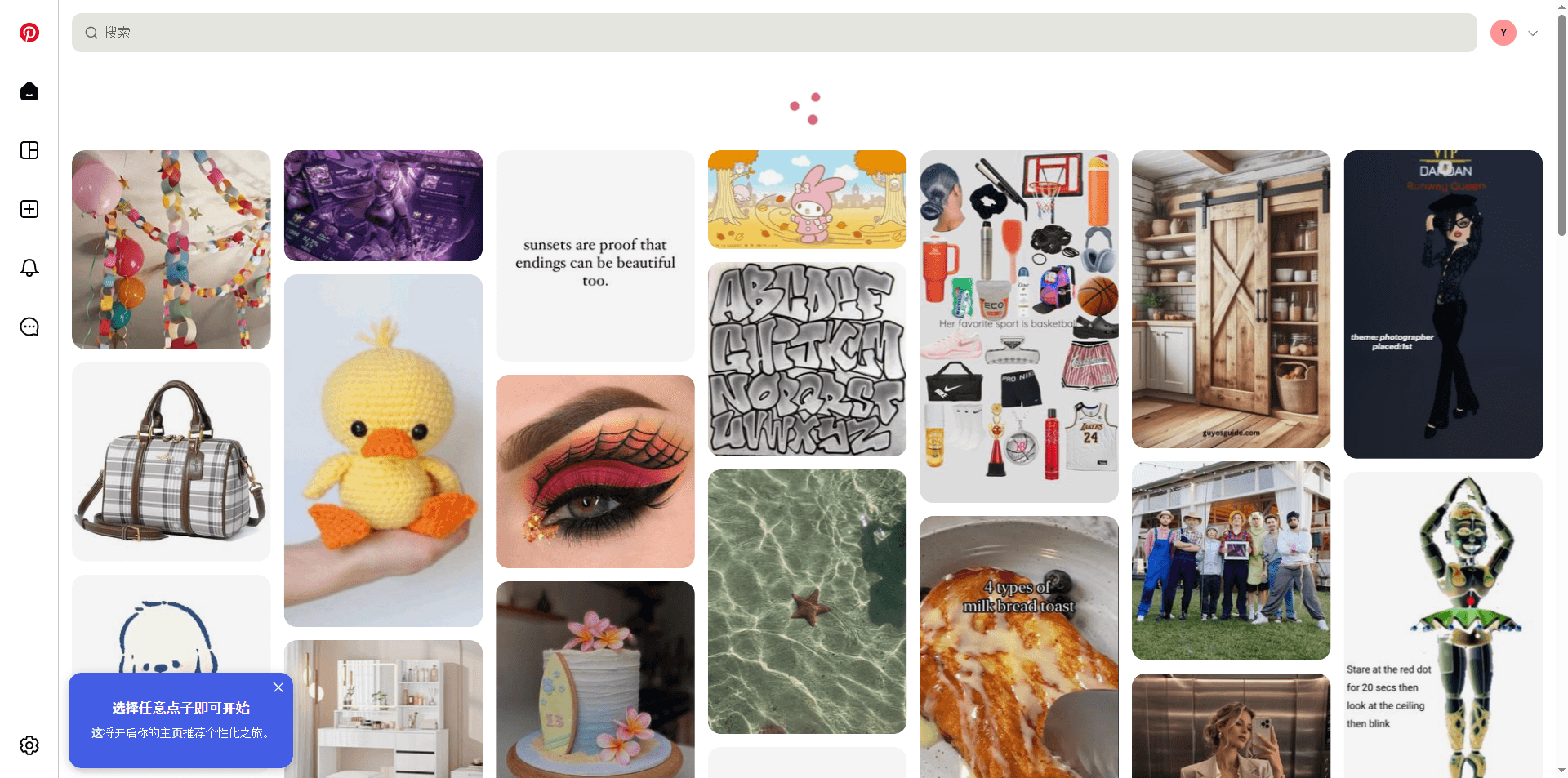
The people on Pinterest are planners. They search for "minimalist home office ideas," "best running shoes for flat feet," or "easy vegan dinner recipes." Recent data continues to show that the vast majority of weekly Pinners discover new products or brands on the platform. They arrive with high intent, which means they are much closer to making a purchase than someone mindlessly scrolling on other apps.
Another huge advantage is the lifespan of a Pin. A single, well optimized Pin can generate traffic for a year or more. Your follower count matters less than how well you understand Pinterest SEO, which makes this a level playing field for beginners even in 2026.
Step 1: Build a Solid Foundation with a Business Account
First, you need the right tools. A standard personal account will not give you the analytics and features you need. You must have a free Pinterest Business account.
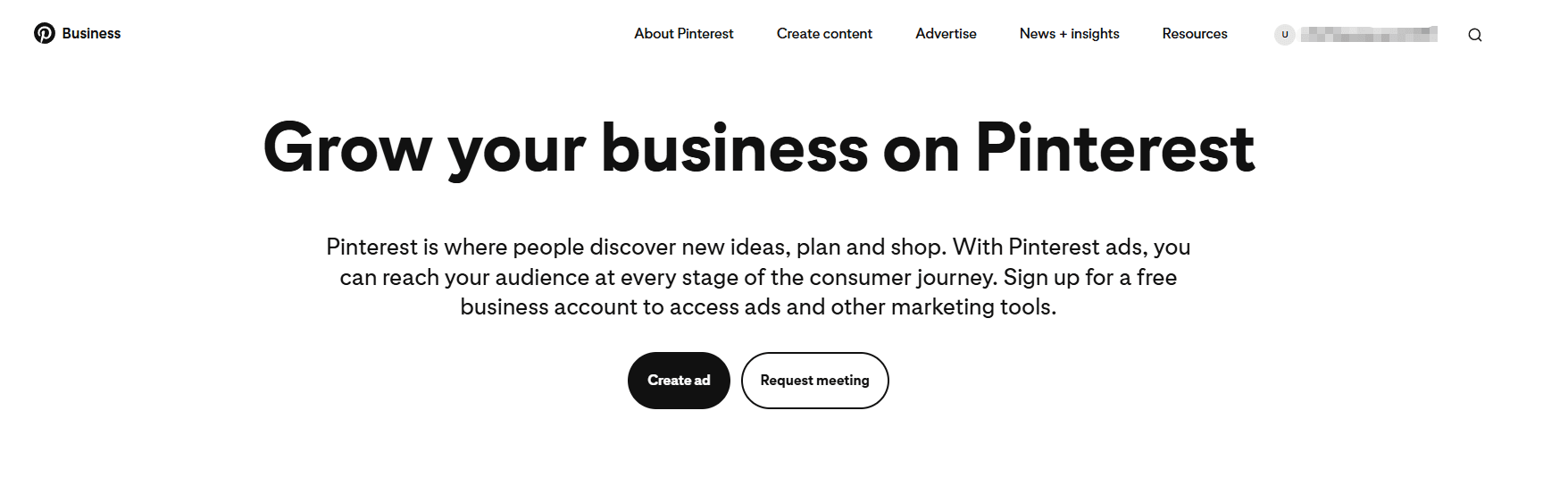
Navigate to your settings and convert your personal account, or simply sign up for a new business account. This unlocks valuable data about what your audience likes and allows you to claim your website, which builds trust.
Now, optimize your profile. Your profile photo should be a clear, friendly headshot of yourself or a clean logo for your brand. Your bio is prime real estate. Instead of just saying what you love, tell visitors exactly how you can help them.
Use clear keywords. For example, a poor bio says, "I love home stuff." A good bio says, "Helping first time home owners create a modern, budget friendly living space with simple DIY projects and curated decor finds." This instantly tells both Pinterest and a new visitor what you are all about.
Step 2: Choose Affiliate Programs You Actually Trust
Your reputation is your most valuable asset. It is always better to promote five products you genuinely love than fifty random ones that pay a high commission.
Start by thinking about your niche. What do you search for on Pinterest yourself? Your genuine enthusiasm will naturally translate into helpful, authentic content.
You can find products through large affiliate networks like ShareASale, CJ Affiliate, or Awin. These platforms connect you with thousands of brands in one place. For digital products like e-books or online courses, ClickBank often has very attractive commission rates. As of 2026, these networks remain the backbone of the affiliate marketing world.
Many individual retailers also run their own programs. Amazon Associates is a popular starting point because the product range is so vast. However, it has a crucial rule to remember. You cannot take your standard Amazon affiliate link and put it directly on Pinterest. Amazon does not allow this. The safe, long term strategy is to direct the traffic to a relevant blog post on your own website, where your Amazon links live. Other programs like Etsy or Wayfair are also excellent for specific niches like handmade gifts or home furniture.
Step 3: Design Pins That People Click in 2026
A Pin is your storefront. With millions of images on the platform, your visual needs to stand out while still being helpful.
Always use a vertical image with an aspect ratio of 2:3. A longer Pin like this takes up more space on a phone screen, giving you a better chance of catching someone’s eye. You can create beautiful designs for free using a tool like Canva, which has only gotten more powerful and AI assisted in 2026.
Do not just use a plain product photo. Add a short, bold text overlay that explains the value. A Pin with text like "The 5 Best Desk Chairs for Back Pain Relief" will almost always outperform one with just a photo of a chair. Use colors that feel natural in your niche and keep your fonts easy to read. End your text with a soft call to action, like "Tap to See the Full Guide."
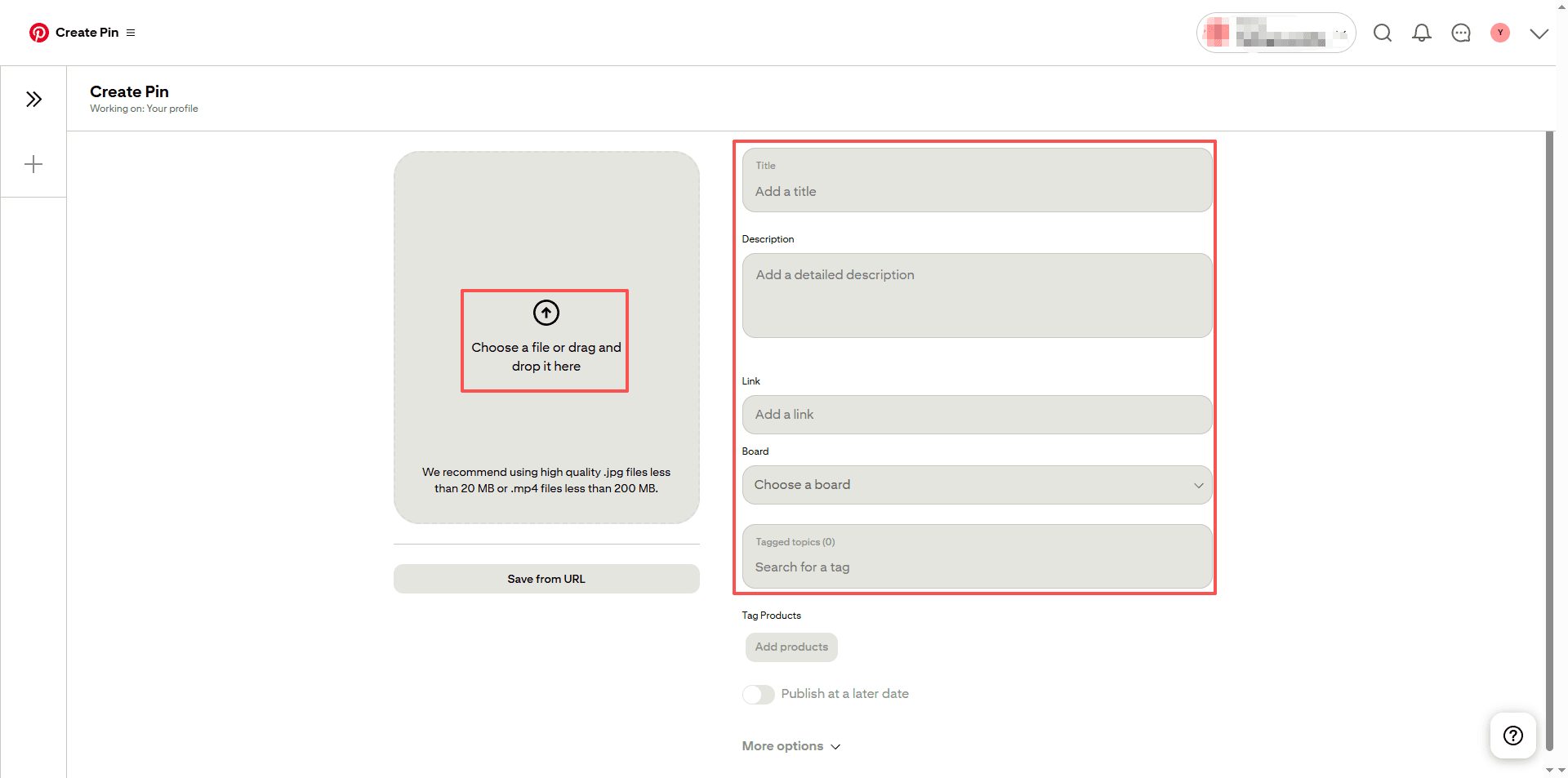
Most importantly, attach your affiliate link to the Pin. On mobile, you can use the native product tagging feature. In your Pin description, always include a simple and clear disclosure. A quick (affiliate link) right at the start of the description is a trustworthy way to stay compliant with FTC guidelines. Never hide this or use confusing abbreviations.
Step 4: Practice Smart Pinterest SEO
People find your Pins by searching. Your job is to understand the words they use.
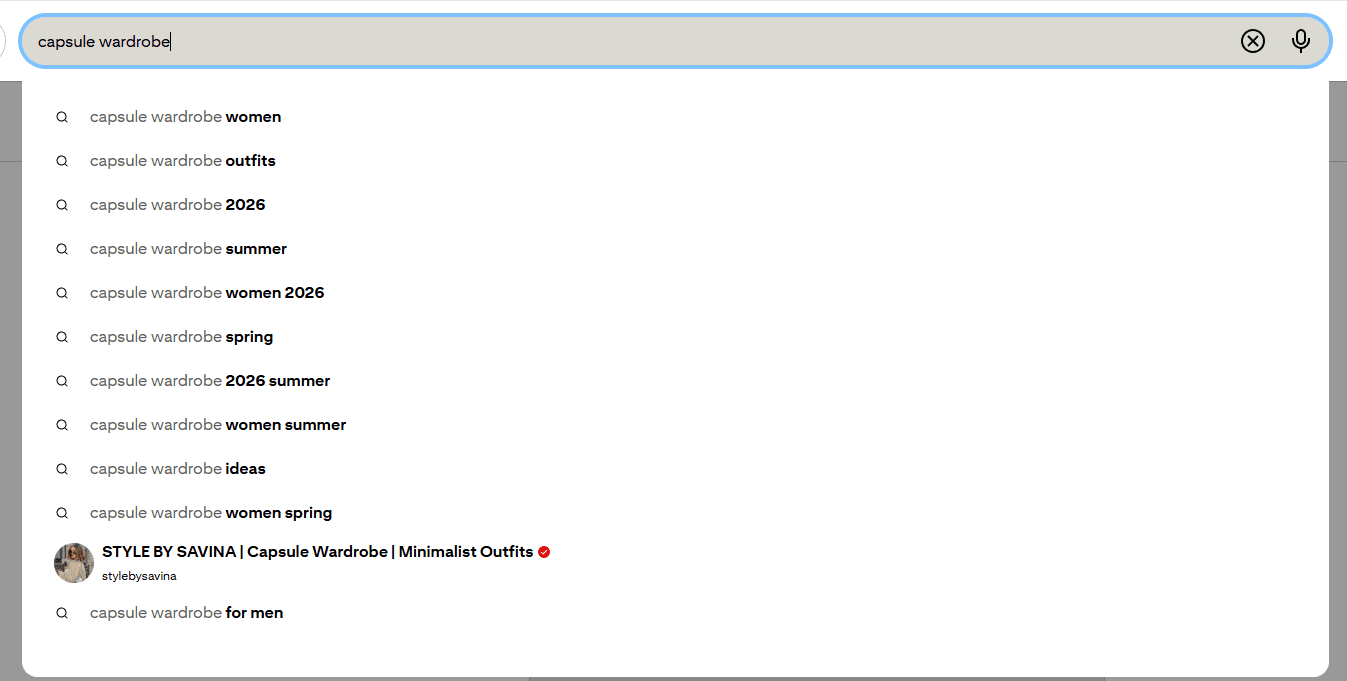
Start your keyword research on Pinterest itself. Just go to the search bar and type a broad topic related to your niche. Let us say your niche is sustainable fashion. Type "capsule wardrobe." Pinterest will suggest more specific phrases like "capsule wardrobe for work," "capsule wardrobe checklist," or "capsule wardrobe on a budget." These are the exact keywords real people are typing in 2026.
Naturally weave these keywords into your Pin title, your description, and the name of the board where you save the Pin. Do not stuff them in awkwardly. Write a description that reads well for a human while clearly signaling to the Pinterest algorithm what your image is about. A solid description is more than a list of words; it is an invitation to learn more. "Discover a simple capsule wardrobe checklist for a minimalist closet. This guide helps you build a stylish, budget friendly work wardrobe with just 20 pieces." This sentence is helpful to a reader and rich with keywords for the search engine.
Step 5: Manage Your Presence and Scale Safely
Once you start gaining momentum, you might want to manage more than one Pinterest account. Perhaps you have separate niche accounts for home decor, travel, and cooking. This is a smart way to diversify your income, but it comes with a significant risk. If social platforms detect multiple accounts logging in from the same device and IP address, they may link them together. If one account has a minor policy issue, all your linked accounts could get suspended, wiping out months of hard work.
This is where a tool like BitBrowser becomes essential for long term, professional growth in 2026. It creates a completely separate and isolated browser environment for each of your online profiles.
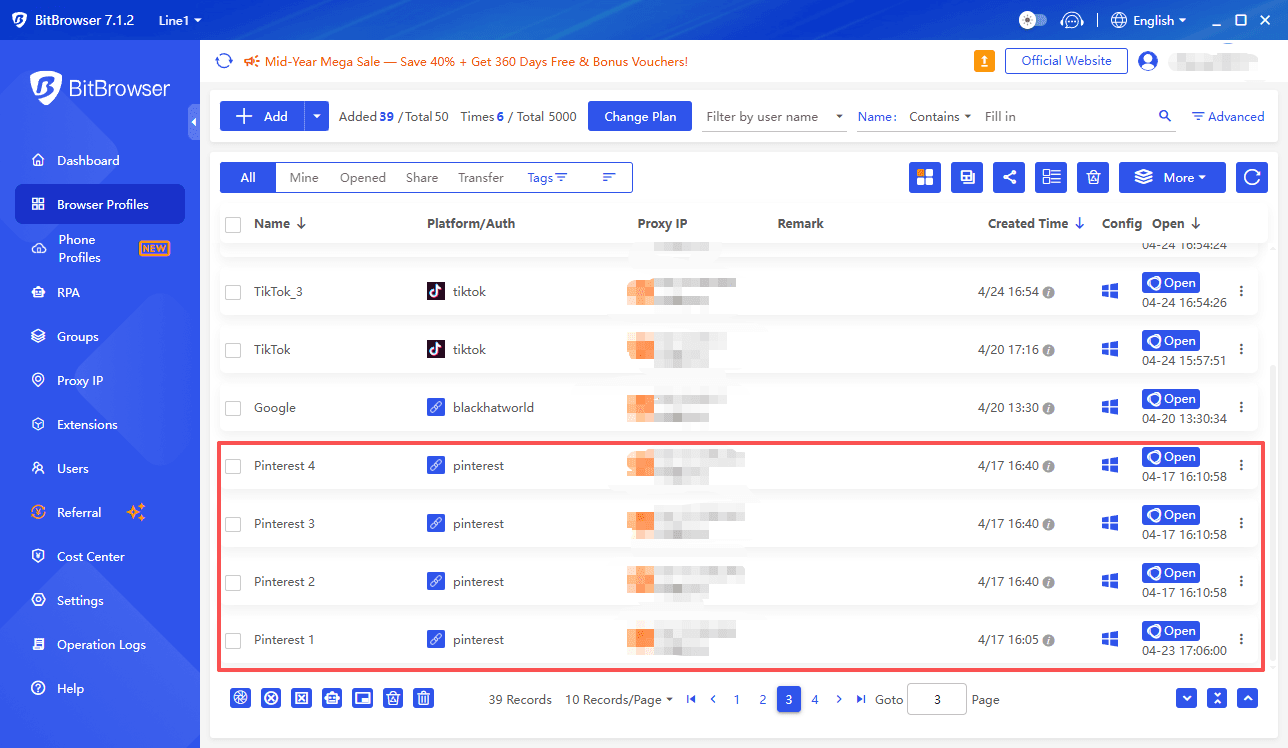
It is like having many different computers in one, each with its own unique fingerprint. You can log in to your home decor Pinterest account in one profile and your travel account in another, and the platform sees them as totally distinct users from different locations.
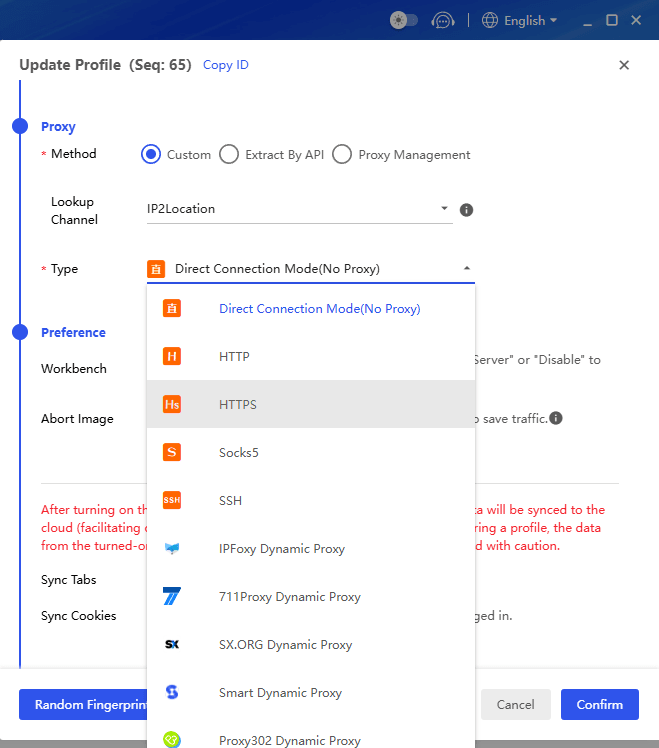
You can even add proxies to pair a stable IP address with each profile, keeping your setup secure and long lasting. It is a foundational layer of protection that allows you to scale your affiliate marketing business with real confidence and peace of mind.
Sign Up
Building a Sustainable Rhythm
Success on Pinterest is a marathon, not a sprint. It can take 60 to 90 days for new Pins to really gain traction. During this time, focus on consistency. Try to publish at least one fresh, high quality Pin each day. Organize your account with 10 to 15 tightly themed boards that clearly define your niche for the platform.
Follow the 80/20 rule. Let 80% of your Pins be purely helpful, inspiring, or educational, with no direct sales pitch. Then, the other 20% can be directly promotional. This balance builds an audience that trusts you, sees you as a resource, and is eager to click your links and support your recommendations when they are ready to buy.
Frequently Asked Questions
1. Do I need a website?
Not always, but it helps a lot. Many programs, like Amazon, require you to link to a blog post instead of directly to their site. A website also builds trust.
2. How soon can I earn money?
Most beginners see commissions within 60 to 90 days. Early earnings are often 50to50to300 per month, growing as your content library expands.
3. Can I put affiliate links directly on Pins?
Yes, as long as you disclose them clearly. However, some programs forbid direct linking. The safest method is to send traffic to a blog post that contains your links.
4. Is it okay to run multiple Pinterest accounts?
Yes, but you must keep them isolated. Using the same device and IP can link the accounts and risk mass suspension. BitBrowser creates separate, secure environments for each account.
5. What is the biggest beginner mistake?
Quitting too early. New Pins often take months to gain traction. Stay consistent, provide value, and let the compounding effect do its work.

 Multi-Account Management
 Prevent Account Association
 Multi-Employee Management
Recommended
See More 



