How to Use Internal Hashtags in Telegram Channels and Groups for Navigation, Categories, and Search
 2026.01.26 09:06
 petro
petroTelegram supports internal hashtags in the format #hashtag@channel_name or #hashtag@chat_name. This feature allows channel and group owners to create convenient navigation, organize content into categories, and simplify search inside a single channel or group.
In this article, we’ll explain how internal hashtags work, how they differ from regular hashtags, and how to use them effectively to structure your Telegram content and improve the subscriber experience.

What Are Internal Hashtags in Telegram?
Internal hashtags are hashtags that are linked to a specific channel or group. Unlike regular hashtags, they don’t search across all of Telegram. Instead, they filter content only within one source.
Format:
When a user clicks such a hashtag, Telegram shows only the posts or messages from that particular channel or group that contain the same tag.
Internal Hashtags vs Regular Hashtags
Regular hashtags
Work globally across Telegram
Show public posts and stories from all channels and chats
Useful for broad discovery
Internal hashtags
Work only within one channel or group
Help organize content locally
Ideal for navigation, categories, and archives
Example:
#news→ shows posts from all public Telegram sources#news@mychannel→ shows only posts from @mychannel
How to Create Hashtags in a Telegram Channel
Creating internal hashtags in a channel is simple.
Add a hashtag with your channel name to a post:
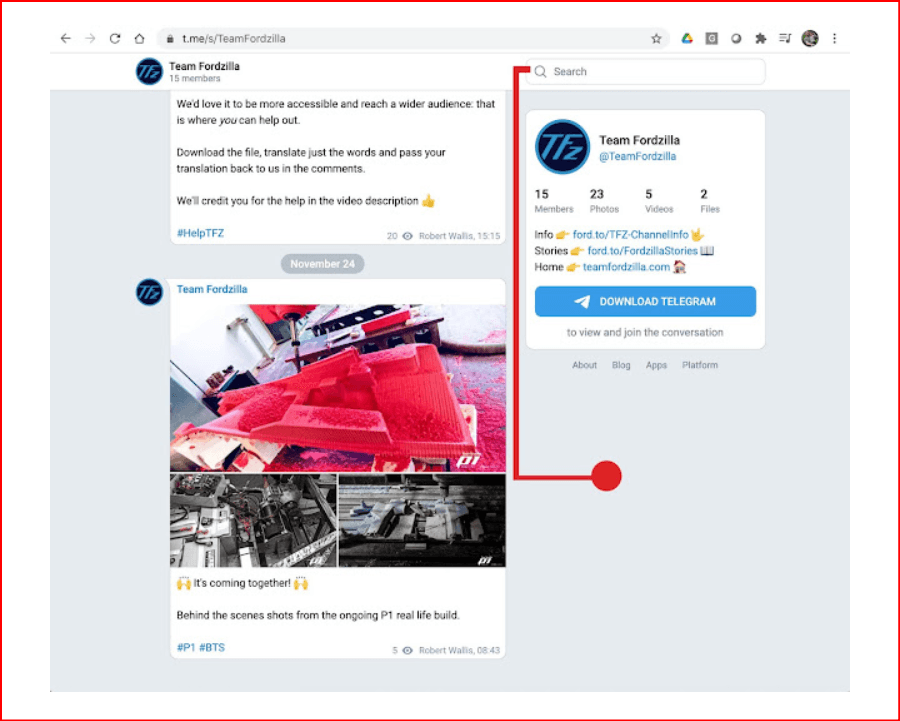
Place it anywhere in the text (usually at the end).
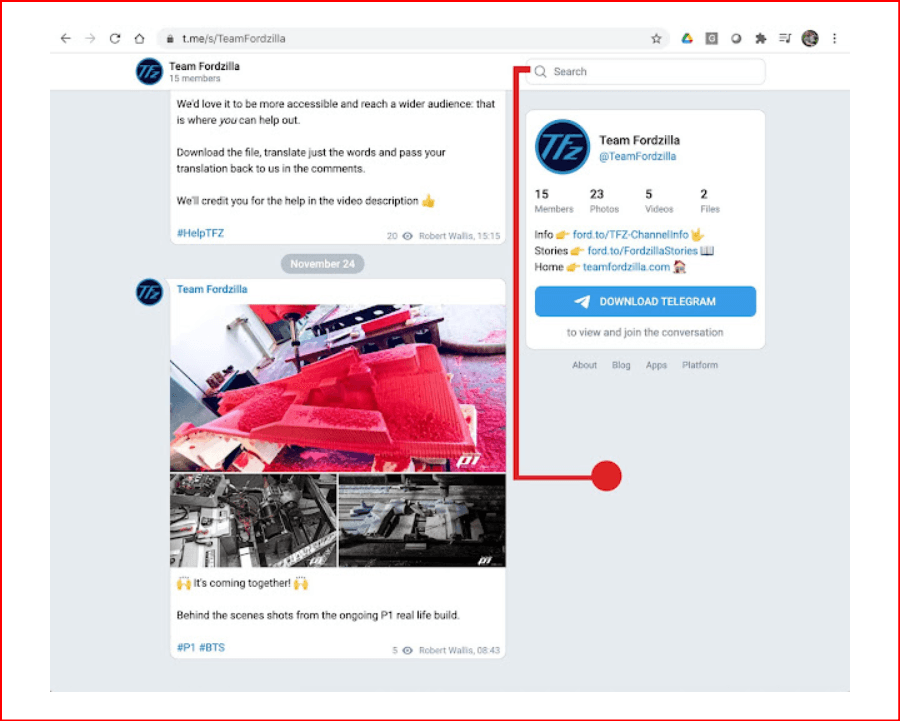
If the channel is public, the hashtag becomes clickable automatically.
No additional settings or bots are required. Once published, clicking the hashtag opens all related posts within the channel.
How to Create Hashtags in a Telegram Group
The same principle applies to groups.
Use the format:
In public groups, Telegram often suggests adding
@chat_nameautomatically while typing.Once sent, the hashtag becomes a local filter for group messages.
Internal hashtags in groups are useful for structuring discussions, marking topics, or creating informal “sections” inside active chats.
How to Build Navigation Using Internal Hashtags
Internal hashtags can be used as a simple content navigation system.
Step 1: Define Categories
Choose 5–10 recurring topics and fix their wording from the start. For example:
#news@channel#guides@channel#updates@channel#cases@channel
Consistency is critical—changing tag names later breaks navigation.
Step 2: Use Hashtags Consistently
Add one or more internal hashtags to every post, preferably at the end. Over time, your channel becomes a structured archive where each hashtag opens a curated list of posts.
Step 3: Explain Navigation to Subscribers
Create a pinned post with:
A short explanation
Clickable internal hashtags for each category
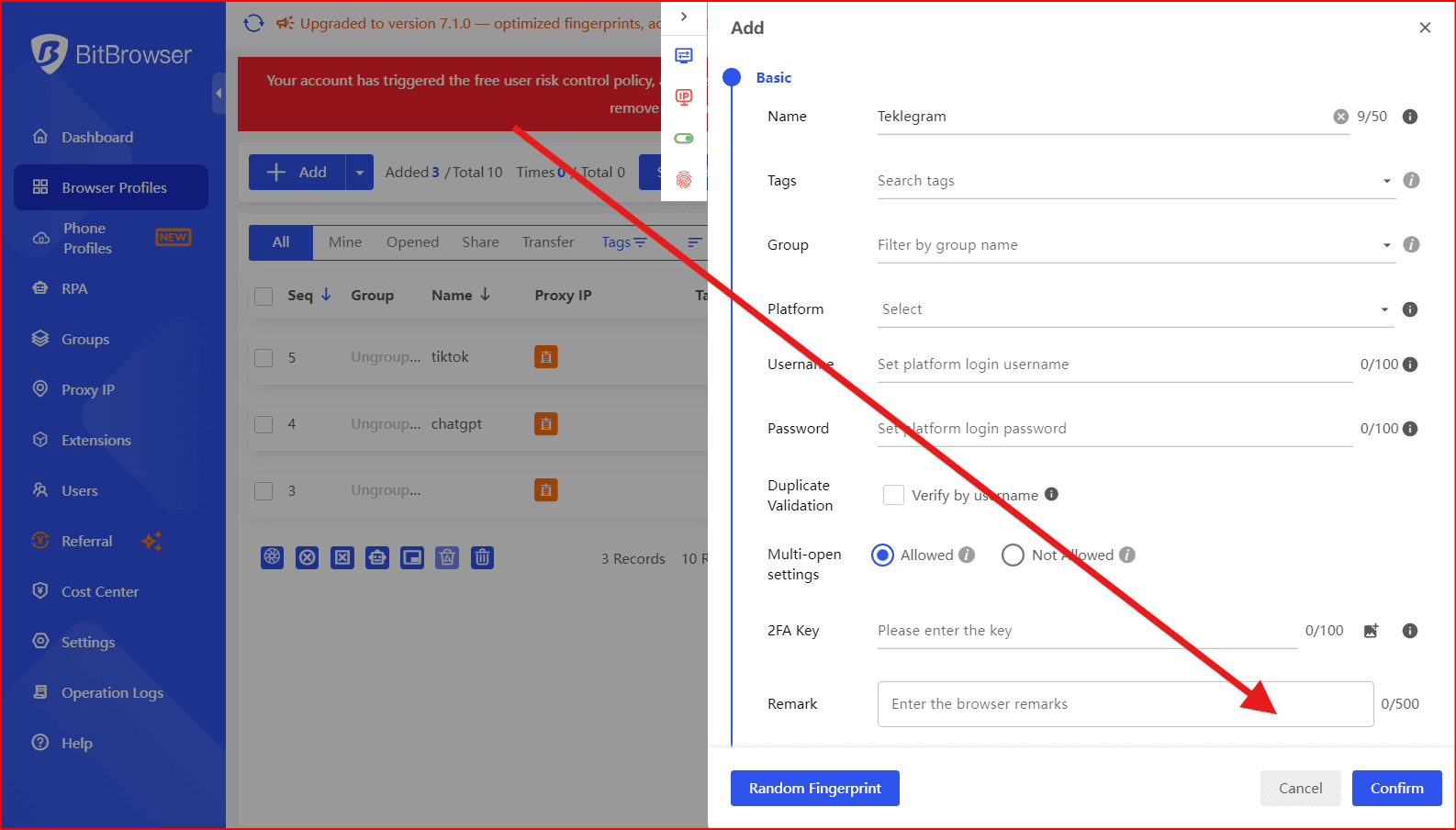
After that, navigation works automatically—new posts are added to sections without any extra effort.then you creat many account telegram with our BitBrowser
FAQ: Hashtags in Telegram
Where are my hashtags stored?
Telegram doesn’t have a “My Hashtags” section. Hashtags exist only inside messages and are found through search.
How can I see all posts with a hashtag?
Click the hashtag in a post or type it into the search bar. Use #topic@channel_name to search inside one channel.
Why does only one post show up?
Common reasons:
The hashtag was used only once
Different spellings (
#guide≠#guides)Posts were deleted or edited
How do I delete a hashtag?
Edit the post and remove the hashtag manually.
Can hashtags be hidden?
No. They can’t be fully hidden, but they’re usually placed at the end of the post or separated by a blank line.
Do hashtags work the same on all devices?
Yes. iOS, Android, and desktop versions use the same logic.
How many hashtags should I use per post?
Ideally 1–3. Too many hashtags clutter the post and don’t improve navigation.

 Multi-Account Management
 Prevent Account Association
 Multi-Employee Management
Recommended
See More 



