Tyver Review: The Facebook Ad Spy Tool Media Buyers Use to Find Winning Creatives
 2026.09.24 10:21
 YT.Shi
Launching a campaign without checking what's already working in the feed is a gamble in itself. Every creo that gets tested costs money, and every hour spent building an angle from scratch is an hour a competitor spends scaling one that already converts. That's the entire premise behind ad spy tools: instead of guessing which hook or offer will pop off, media buyers pull up a database of live and recent ads and reverse engineer what's already proven to work.
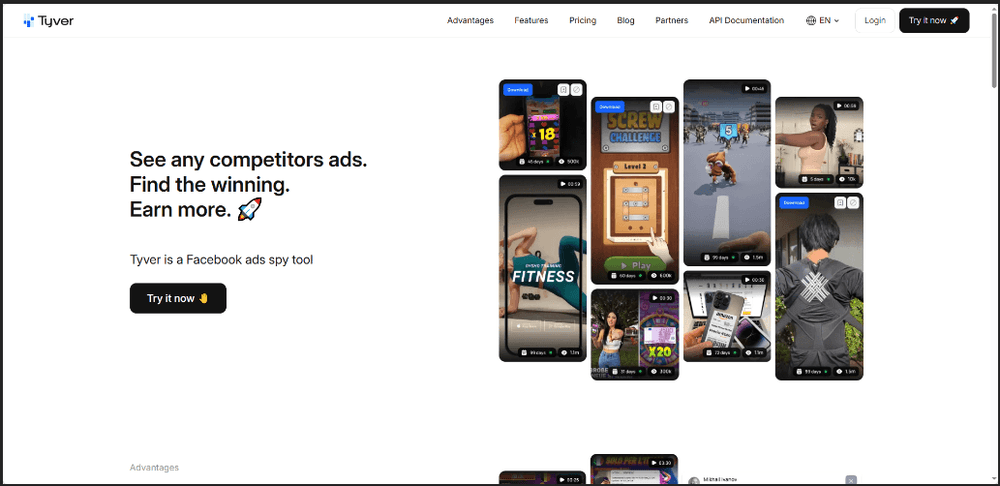
Tyver 🕵️ has become one of the go-to ad spy tools for this kind of research. Below is a practical look at what it actually offers, how its filters hold up in real search scenarios, and how buyers running gambling, nutra, e-commerce, finance, crypto and dating use it to shortcut their creative testing and stop burning budget on dead angles.
What Makes Tyver Different From the Facebook Ads Library
Meta's own Ads Library is free and technically shows active ads, but it wasn't built for competitor research. There's no way to filter by performance signals, no way to trace a competitor's full network of pages and domains, and no tools for actually doing anything with what you find once you've found it. Tyver was built specifically to close that gap.
The database itself is large by design. It tracks roughly 92%+ of Meta's ad inventory (Facebook, Instagram, and in broader ecosystem coverage also Messenger, Audience Network, Threads and WhatsApp) across well over 140 GEOs, with 4 millions of fresh creos logged every day. New campaigns typically surface in the system within minutes to a few hours of going live, and refreshes continue around the clock. That matters more than it sounds, because a lot of aggressive, high-converting creative gets banned by moderation fast, sometimes within hours of launch. Since Tyver grabs ads as soon as they start spinning, it holds onto creatives that Meta has since wiped from existence, meaning buyers can still study exactly which angles were spicy enough to get flagged, and which ones ran clean for weeks without a single strike.
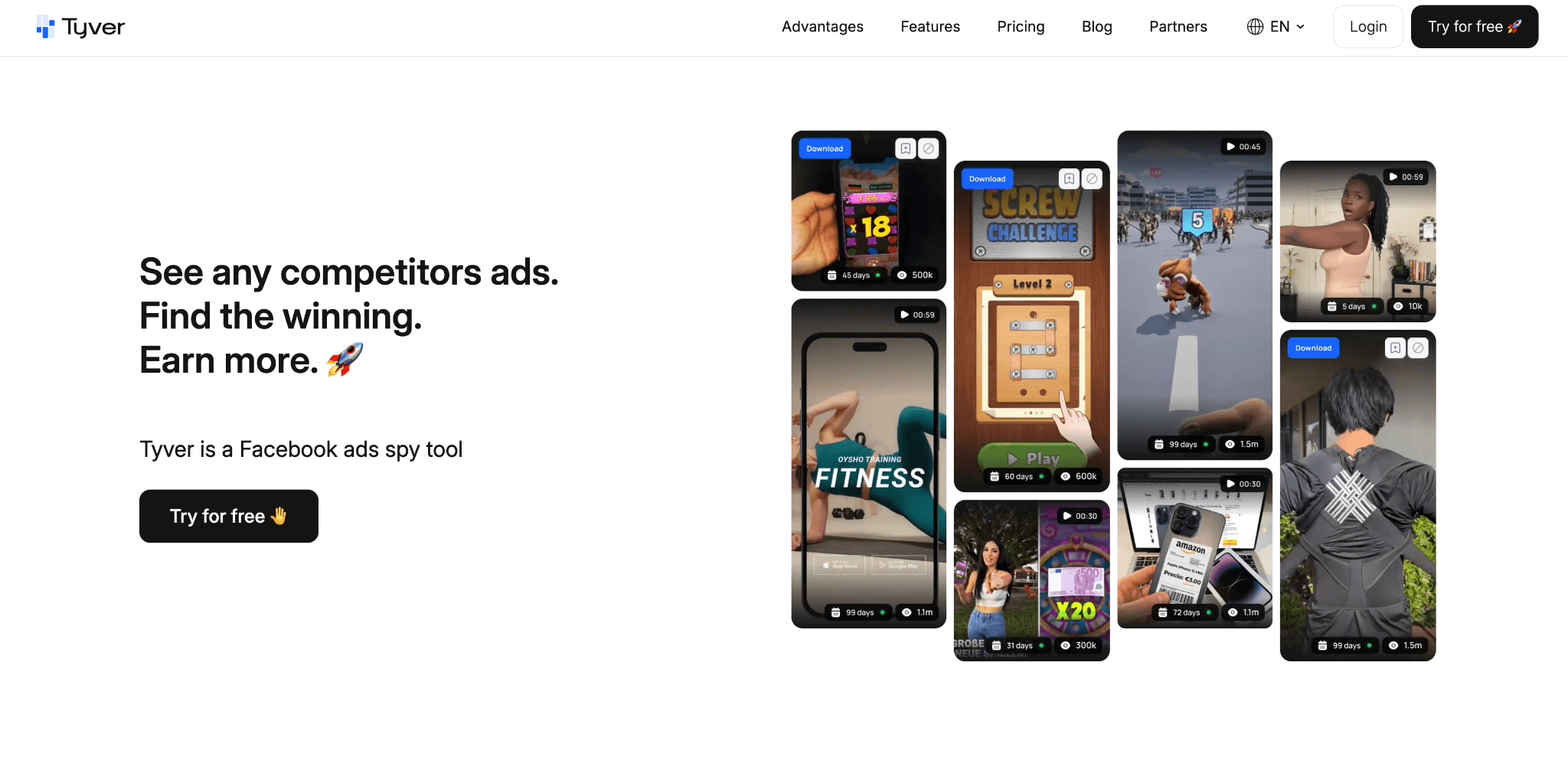
That combination, speed plus retention, is really the core value here. It's less "here's a list of ads" and more "here's a live record of what's being tested right now and what's actually surviving mod."
Search and Filtering: Getting From Idea to Creative Fast
A database this size only earns its keep if it's searchable the way buyers actually think. Tyver's filter stack runs well past keywords: you can narrow by ad format, placement, GEO, language, CTA type, launch date, days active, view count, and even fragments of a landing page URL (tracking tokens, click IDs, pixel params). That last one is one of the more underrated features on the platform, since it lets you separate real affiliate/greyhat traffic from ordinary whitehat advertisers who just happen to share the same keywords.
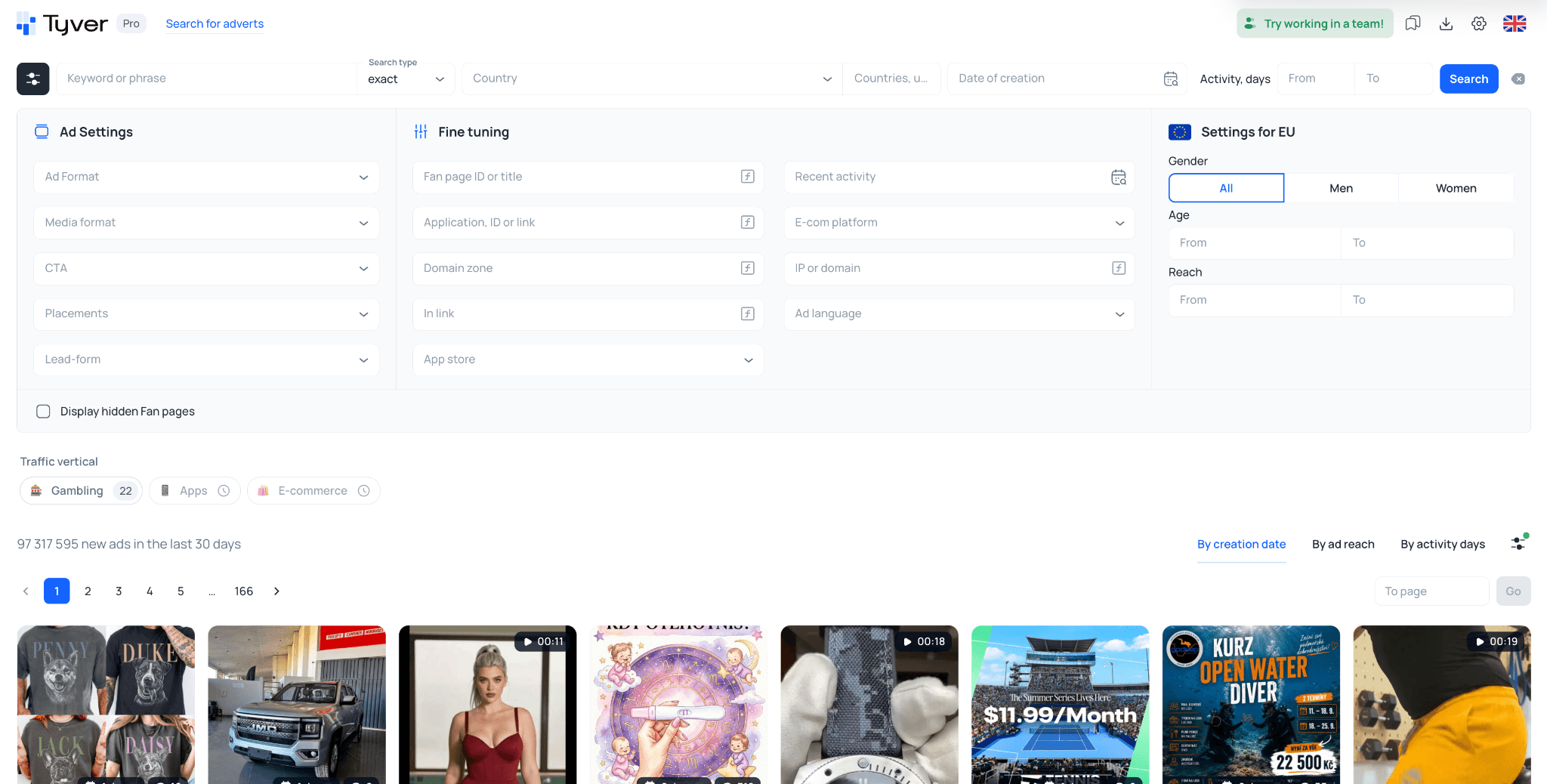
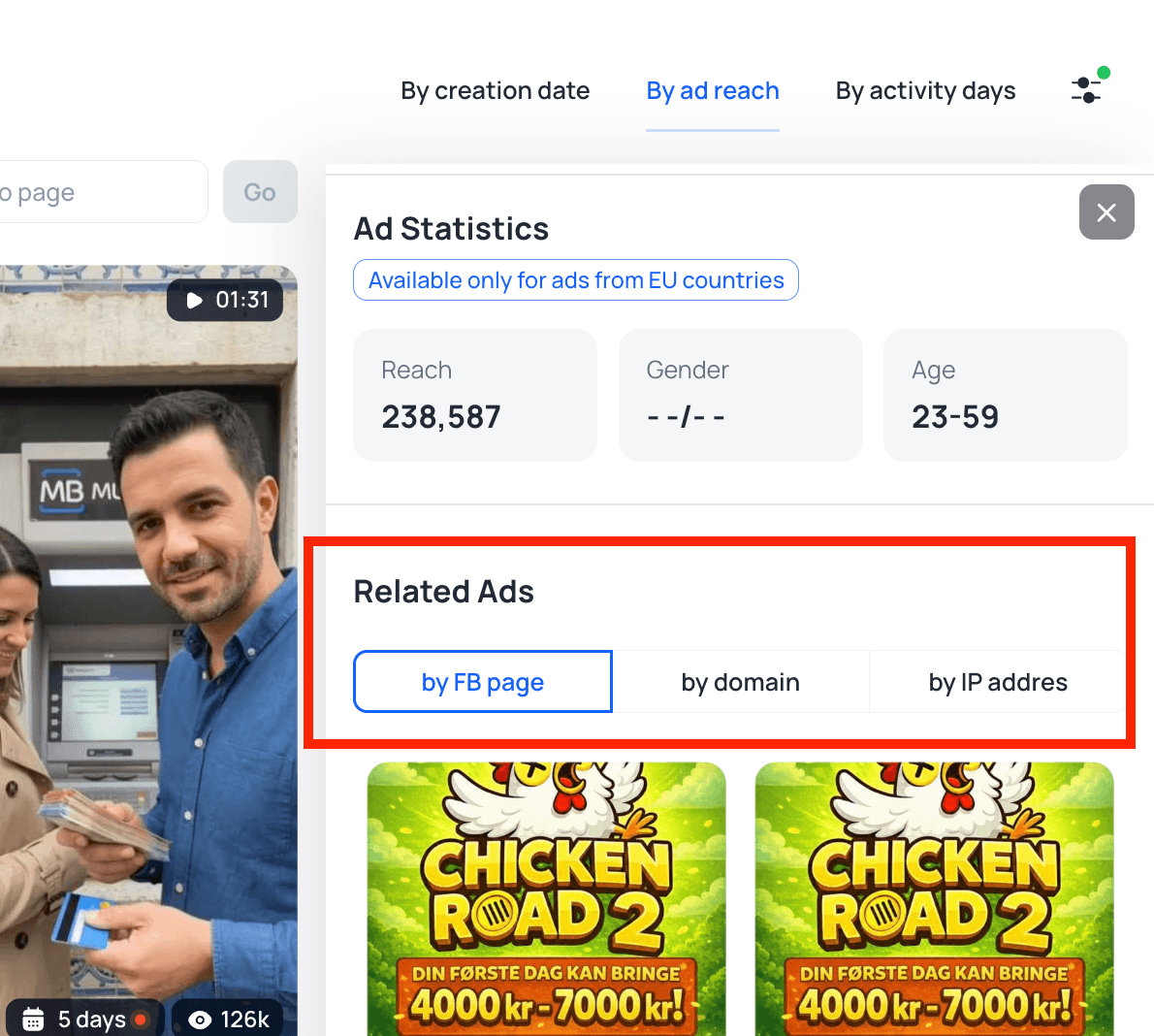
Every result opens into a full ad card showing the creative exactly as the audience sees it in-feed, plus the Fan Page behind it, the lander URL, launch date, and, for a large set of countries, audience breakdowns by gender and age. From that card you can download the asset, swipe the ad copy, save it to a favorites folder, or run it straight through Tyver's built-in translation, which matters a lot once your research moves outside English and Russian-speaking GEOs.
There's also a dedicated Related Ads view that pivots off Fan Page, domain, or even the server's IP address. That last angle is gold against teams that rotate domains and accounts like socks but keep every lander on the same hosting: one IP match surfaces the whole cluster of sites and offers in a single pass instead of piecing it together ad by ad. 🔍
Built-In Media Uniqueizer, Plus an API for Scaling It
Finding a winner is only half the job. Running someone else's exact file 1:1 usually isn't an option if you want to survive moderation and avoid duplicate-content flags. Tyver ships with a built-in media uniqueizer that spins up variations straight from a saved creative: slight rotation, edge cropping, and batch generation of up to ten unique copies per source file, image or video. It's not a substitute for an actual creative team, but for quick tests it kills the extra step of exporting everything into a separate editing tool.
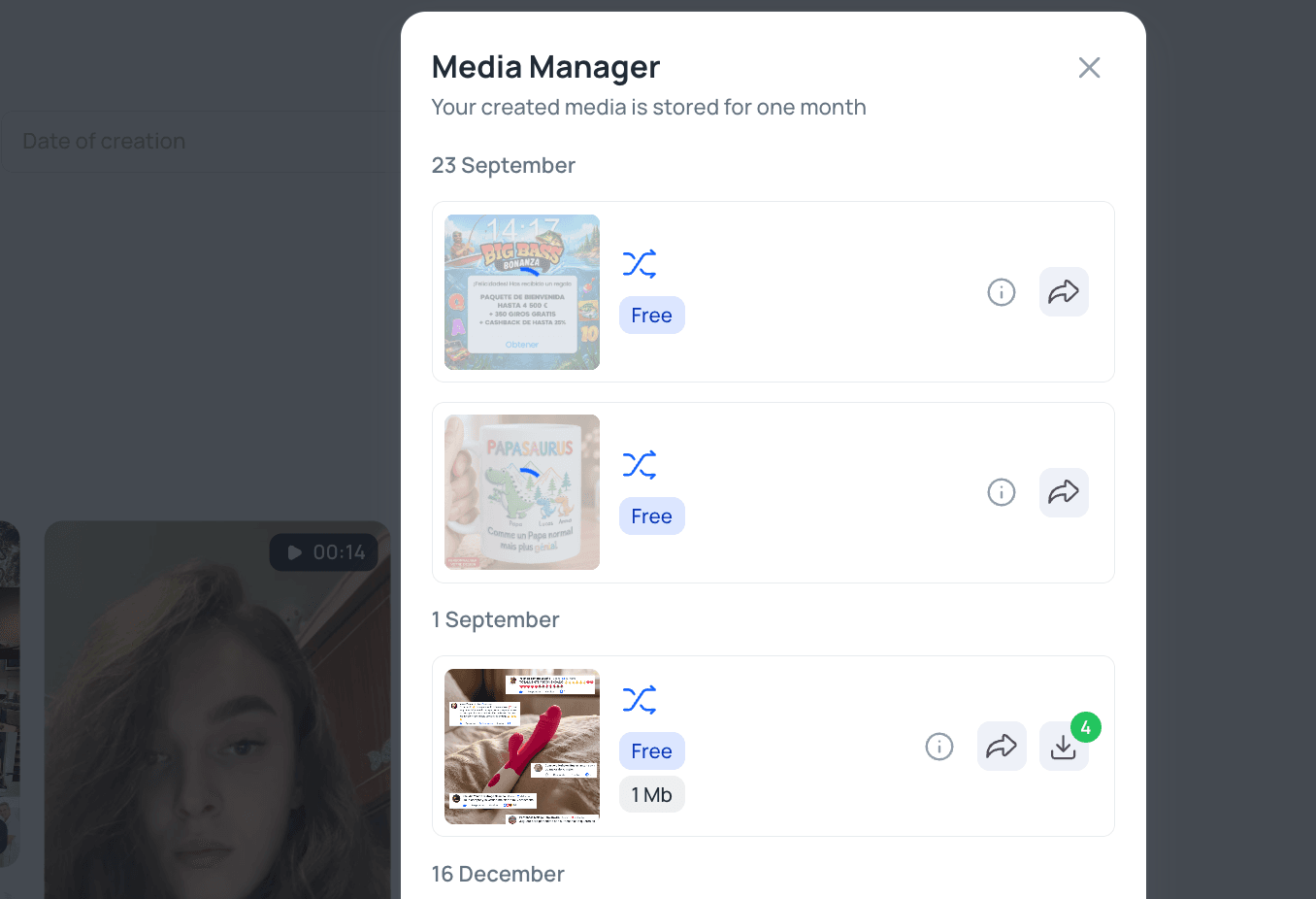
For teams that need this at scale, Tyver also exposes an API. That means the search, the creative database and the uniqueizer aren't locked to the web dashboard: buyers and dev teams can pull creos, related-ad data and uniqueized variants directly into their own internal tools, spy trackers or auto-scaling pipelines instead of doing everything by hand through the UI. For anyone running high account volume or managing several buyers, that's the difference between manually farming creatives all day and having the pipeline basically run itself.
Finding Winning Creatives by Vertical
The workflow is broadly the same across niches: start broad, narrow with filters, then use Related Ads to pull the whole campaign apart. But each vertical has its own shortcuts.
Gambling
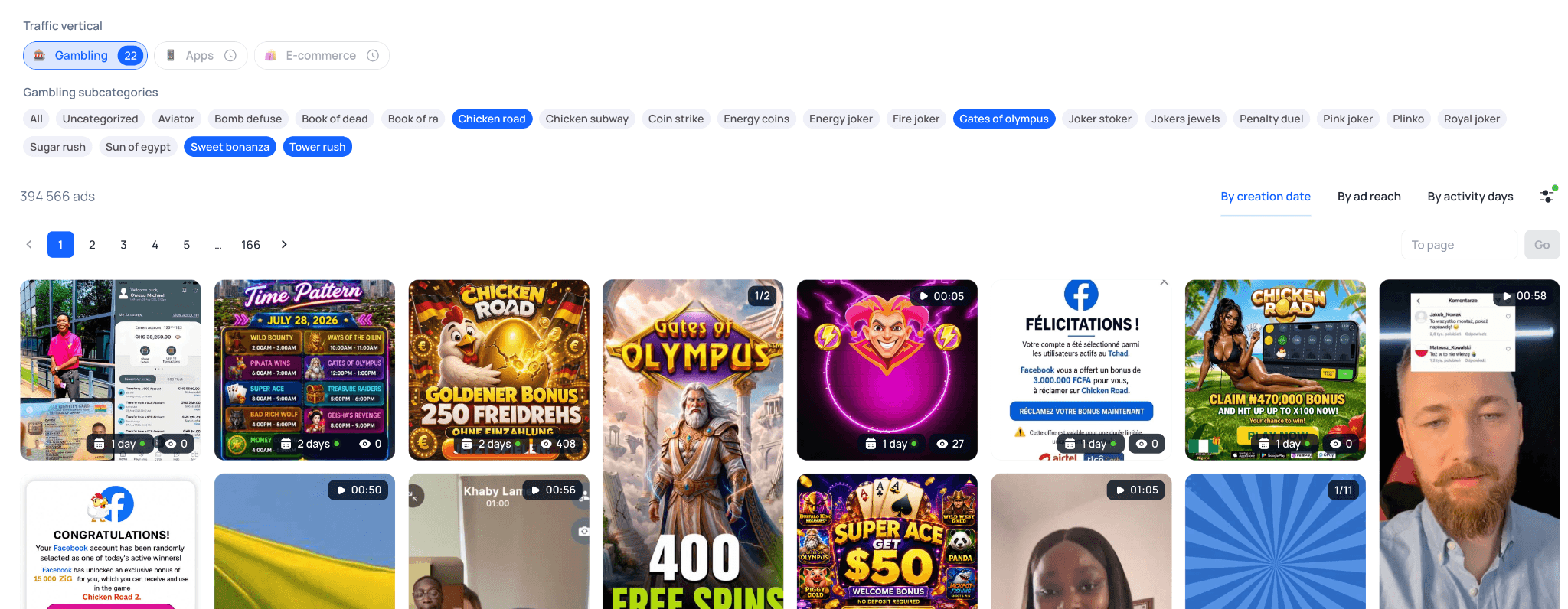
Gambling is where Tyver's vertical-specific filtering saves the most time. Instead of typing out every slot name by hand, buyers can jump into a dedicated Gambling filter that lists the currently popular titles and crash games (Aviator, Plinko, Gates of Olympus, Sweet Bonanza and similar) as ready-made categories. Picking a title instantly returns the GEO-specific creos running for it, often numbering in the tens of thousands for the biggest titles, sorted by reach or activity. Comparing which formats have been running the longest against which are brand-new tests is usually enough to spot the current dominant hook: typically a mix of bonus visuals, big-win screenshots, and a blunt CTA.
Nutra
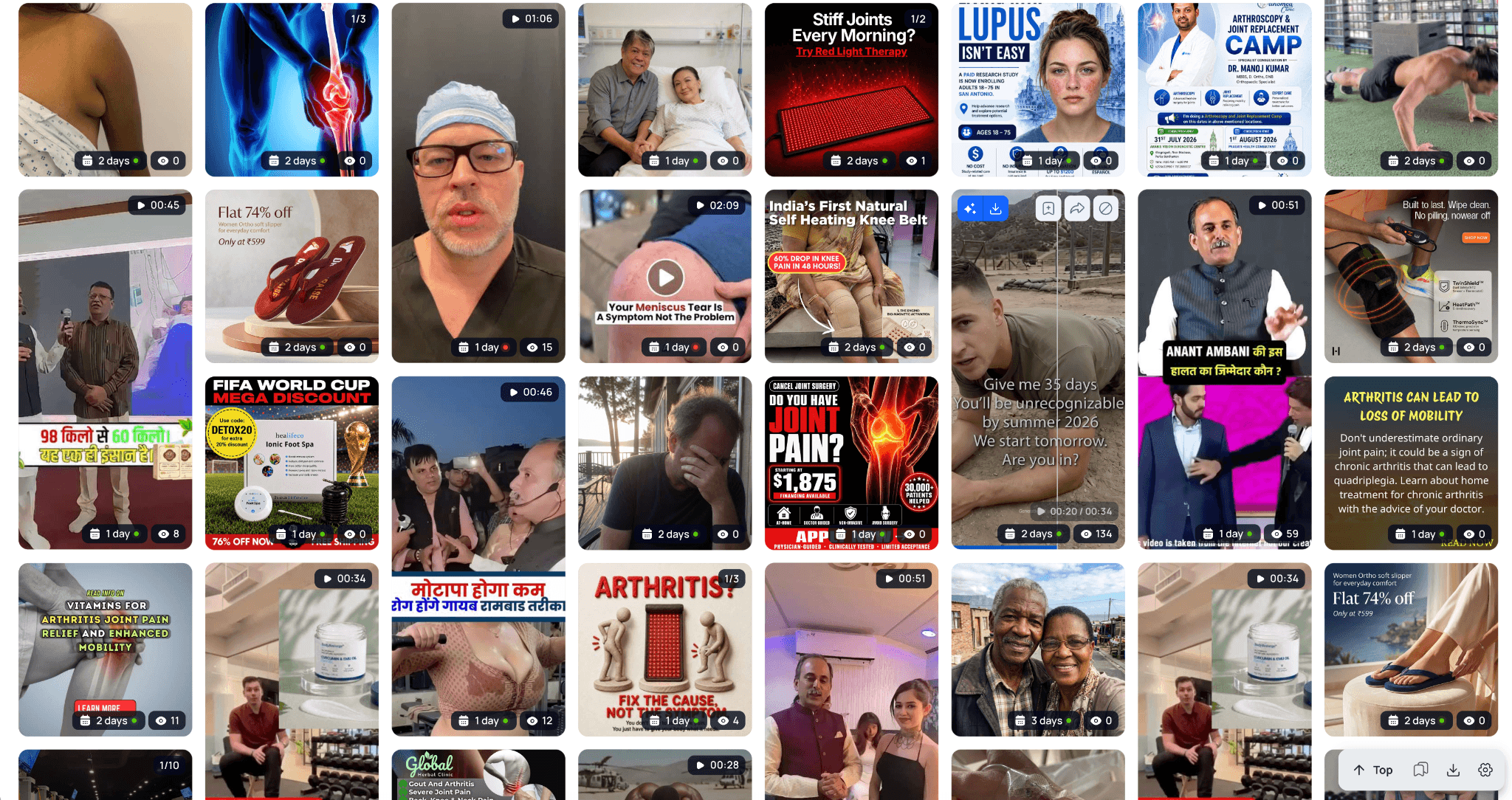
Nutra searches tend to start one of two ways: a broad pain-point keyword (joint pain, weight loss, eyesight, hearing) or a specific product name. A broad keyword alone can flood you with thousands of results, most of them irrelevant whitehat noise, so the practical move is adding a URL-based filter, like a common tracking macro, to isolate the actual affiliate traffic. Searching a named product instead tends to return a tighter, more homogeneous set of creos that reveal the standard formula for that offer: product shot, a specific color palette, and a before/after result claim. Pivoting to the domain filter from there often surfaces adjacent offers running off the same network, whether that's related supplements or an entirely different vertical sharing the same infrastructure.
E-commerce
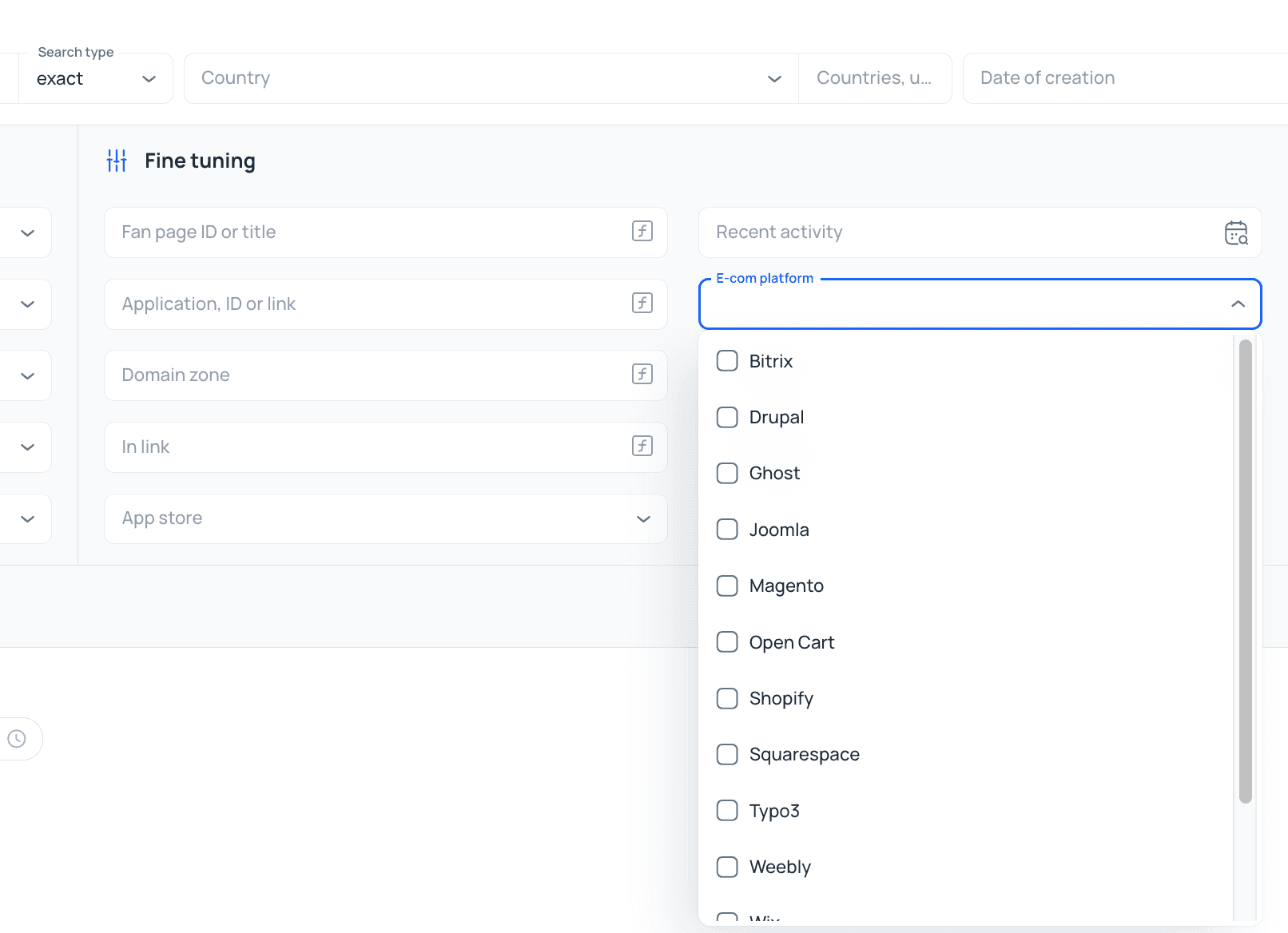
E-commerce research usually starts with a product category rather than a brand. A plain keyword returns a wide mix of listings, most from ordinary retailers, so the more useful move is layering in the CTA filter ("Shop now," "Order today," "Add to cart") plus, where relevant, the dedicated marketplace/platform filter that isolates creos promoting a specific storefront. That combo turns a noisy keyword search into a short list of formats and offers actually built for cold traffic acquisition.
Finance, Crypto and Dating
Finance ads lean almost entirely on trust signals: social proof numbers, testimonials, charts. Searches for credit products, loans or investment offers surface that pattern fast. Crypto plays the same game but swaps emotional urgency for authority and technical framing, since direct profit claims run straight into Meta's ad policies. Searching around trading signals or copytrading is a reliable way to see how advertisers word around those restrictions without tripping the filters. Two formats worth tracking here: the "trader explains it to camera" style creative, and the growing use of AI-generated presenter avatars to localize the same script across GEOs fast. Pair a find like that with the uniqueizer and you can spin up test variants without reshooting a single frame. 💡

Dating runs on a completely different visual language: profile-card mockups, in-app chat previews, and a direct, low-friction CTA. A simple phrase search is usually enough to surface a working batch, and from there Related Ads by Fan Page or domain quickly shows whether a network is running one creative or dozens of near-identical clones at once.
Teams, Sharing and Collaboration
Tyver isn't built only for solo buyers. On team plans, each member gets an individual login instead of one shared password passed around the group chat, with roles split between admin, team lead and regular member, so an owner can delegate management of a pack of buyers without handing over full account control. Daily view limits per seat can be set as soft (a warning, but access keeps running), strict (hard cutoff) or unlimited, giving teams a way to control the shared subscription without babysitting every buyer. If someone leaves the team, their seat gets pulled on its own without resetting the main account or torching saved research.
Saved creatives can also be organized into folders and shared via a plain link that opens for anyone, account or no account. Small detail, but genuinely handy when you're handing research off to a copywriter or designer who isn't on Tyver themselves.
Pricing
Tyver runs a tiered model: a free tier for poking around the interface and filters with limited database access, a Pro tier built for solo buyers with full database access and unlimited detail on every ad, and a Team tier that bundles multiple seats with the role and limit controls above. Annual billing on any paid tier comes with a solid discount over paying month to month.
Bottom Line
The pitch behind Tyver as a Facebook and Meta ad spy tool is simple: a bigger, faster-updating database than the free alternatives, filtering built around how affiliates and media buyers actually search, and a toolkit (translation, uniqueization, an API for scaling it all, related-ad tracing, team controls) that turns "here's a creative" into an actual research workflow. For anyone running paid traffic in gambling, nutra, e-commerce, finance, crypto or dating, that's less time testing blind and more time scaling what's already been proven to convert. 🚀

 Multi-Account Management
 Prevent Account Association
 Multi-Employee Management
Recommended
See More