Top 7 Reddit Video Downloaders in 2026: Tools, Tips, and Workflows
 2025.12.26 14:00
 YT.Shi
Why You Need a Reddit Video Downloader?
Reddit is a hub for short videos, viral clips, and creative content. However, the platform does not offer a native way to download videos directly. While some videos, like the ones we tested, can be downloaded using your browser’s “Right-Click → Save As” option with audio included, this method has its limitations:
· Audio-video separation: Some Reddit videos store audio and video separately. Right-clicking may result in silent clips.
· Embedded content: Videos embedded from platforms like YouTube or Gfycat cannot be saved directly.
· Batch and automation limitations: Simple browser downloads cannot handle multiple posts, format selection, or scheduled downloads.
· Quality options are non-existent with this approach
This is exactly why dedicated Reddit video downloaders have become essential tools in 2026. Whether you need to download a single clip or want to batch download entire threads, the right downloader makes the process seamless, preserving both audio and video quality without any hassle.
After evaluating dozens of Reddit video downloader online tools and free Reddit video downloader options, I've narrowed down the field to 7 standout solutions that deliver consistent results. Each tool brings something unique to the table, whether you're a casual user grabbing occasional clips or a content creator building a comprehensive media library.
1. RapidSave (formerly Redditsave)
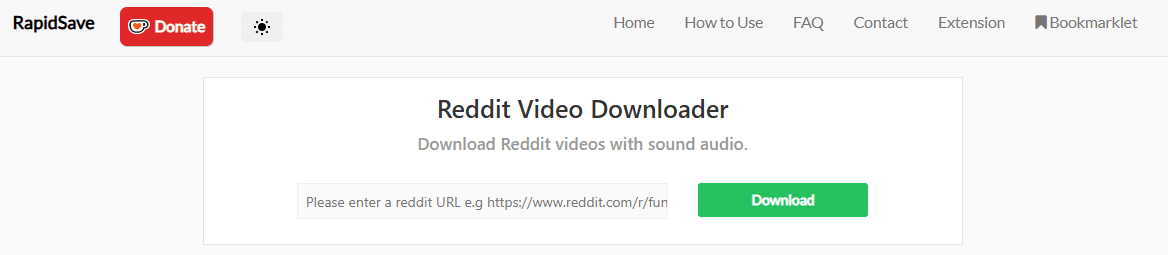
RapidSave (formerly Redditsave) remains one of the most accessible Reddit video downloader online solutions available in 2026. You don't need to install anything, just open your browser and start downloading.
What Makes RapidSave Stand Out
The interface strips away unnecessary complexity. You land on a clean page with a single input field, no confusing navigation menus or hidden features to discover. I've used RapidSave for quick downloads when I'm working on tight deadlines, and the processing speed consistently impresses me. Most videos complete within seconds, even during peak usage hours.
The tool delivers MP4 files without watermarks, which means you can use downloaded content without branding interference. This matters if you're repurposing Reddit videos for presentations, social media compilations, or personal archives.
The Limitations You Should Know
RapidSave works exclusively with standard Reddit post URLs. If you're dealing with crossposted content or videos embedded from external platforms, you'll hit a wall. The tool simply can't process these variations.
Ads appear throughout the interface, not aggressive pop-ups, but banner advertisements that occupy screen real estate. You can work around them, but they slow down your workflow if you're processing multiple videos in succession.
Step-by-Step Usage
1. Copy the Reddit post URL containing your target video
2. Paste the URL into RapidSave's input field
3. Select your preferred download quality from the available options
4. Click the download button and save the file to your local storage
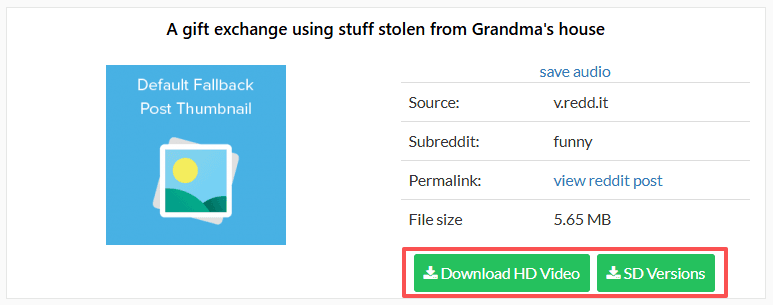
Rapidsave Chrome & Firefox Browser Extension
If you prefer not to manually paste URLs, RapidSave also offers browser extensions for Chrome and Firefox.
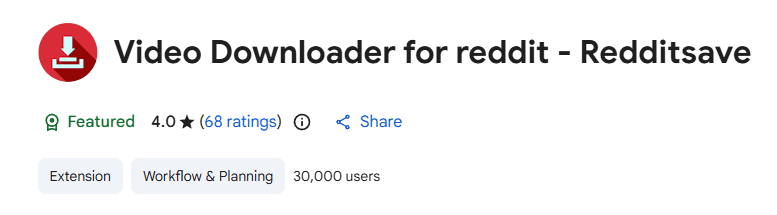
Step 1: Open Reddit and find the post with the video or GIF you want to download.
Step 2: Click the RapidSave extension icon in your browser toolbar (red download icon). This will open the download page in a new tab.
Step 3: Click “Download HD Video” to save the file to your device.
Who Benefits Most from RapidSave
This free Reddit video downloader serves casual users perfectly. If you need to grab one or two videos occasionally without investing time in learning complex software, RapidSave delivers exactly what you need.
Students pulling clips for projects, social media managers grabbing trending content, or anyone who values simplicity and speed can benefit from this tool. Additionally, content creators who want to repurpose Reddit videos for their own projects or social media channels will find RapidSave a convenient and reliable solution.
2. Viddit.red
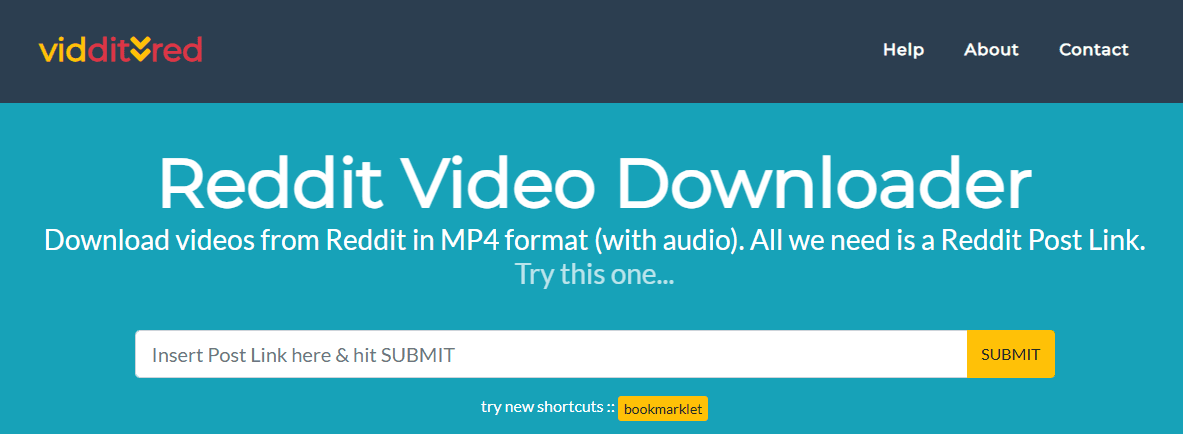
Viddit.red has carved its niche by focusing specifically on delivering high-quality downloads while handling one of Reddit's most frustrating technical challenges: audio-video synchronization.
What Makes Viddit.red Different
Viddit.red operates as a dedicated online service that automatically merges audio and video streams from Reddit posts. You've probably encountered Reddit videos where the audio plays separately from the video, Viddit.red solves this problem seamlessly. The platform supports both GIF and MP4 format downloads, giving you flexibility depending on your needs.
Key Advantages
· Automatic audio-video merging: The tool handles Reddit's separated audio and video streams without requiring manual intervention
· Format versatility: Choose between GIF files for quick sharing or MP4 videos for full-quality preservation (depending on source availability)
· No registration required: Start downloading immediately without creating an account
Limitations to Consider
The platform's focus on quality comes with trade-offs. Viddit.red doesn't offer robust batch processing capabilities, making it less suitable if you're looking to download Reddit videos in bulk. You'll need to process each video individually, which can become time-consuming for users managing multiple downloads. It also relies on Reddit’s public media availability, so deleted, private, or restricted posts may not be downloadable.
Simple Three-Step Process
· Copy the Reddit post URL containing your target video
· Paste the URL into Viddit.red's input field and select your preferred format (GIF or MP4)
· Click download and save the file to your device
Who Should Use Viddit.red
This tool excels for users who value quality and simplicity over volume. If you occasionally need to download Reddit videos and want a clean, straightforward experience with minimal interface clutter, Viddit.red delivers exactly what you need. Content creators who require high-quality source material for single projects will appreciate the automatic audio-video merging feature that preserves the original post's integrity when available.
3. Toolzin
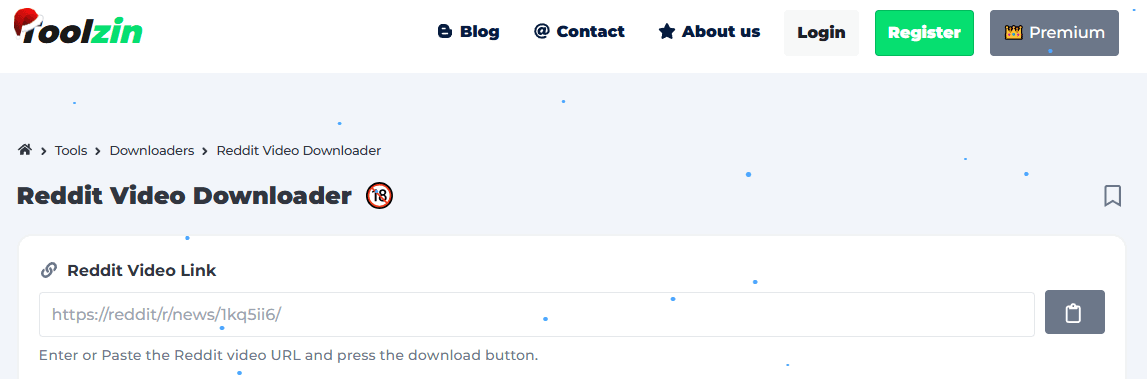
Toolzin stands out as a lightweight online Reddit video downloader offered as part of a broader suite of web tools, designed for users who want a fast, no-frills way to save individual videos and GIFs from Reddit. This Reddit video downloader focuses on simplicity and speed, making it a practical choice when you just need to grab a few files without installing extensions or creating accounts.
Key advantages of Toolzin:
· Fast single-URL processing with minimal waiting time
· No account registration required
· Clean, distraction-free interface with no setup process
· Supports common video formats for easy playback and sharing
· Works directly in the browser on both desktop and mobile devices
Limitations to consider
Toolzin does not currently support batch downloads or subreddit feed processing, so each video must be handled individually. If you're working with large collections of content, this manual process can become time-consuming. The platform also offers fewer advanced format and quality customization options compared to more feature-rich tools.
Using Toolzin effectively:
· Open Toolzin in your browser
· Copy and paste the Reddit post URL containing the video or GIF
· Click the download button to retrieve available download links
· Select the available quality or format (if prompted)
· Save the video to your device
Note: Toolzin may display the video on a separate page before download, depending on the browser and source. Save the file using the available download option.
Who Should Use Toolzin
Toolzin works best for casual users, social media managers, or researchers who occasionally need to download Reddit videos quickly without committing to an account or installing browser extensions. If you're saving a few reference clips, grabbing a meme for internal use, or archiving specific posts for later review, Toolzin offers a fast and friction-free solution.
4. VideoDownloader.so (Online Tool)
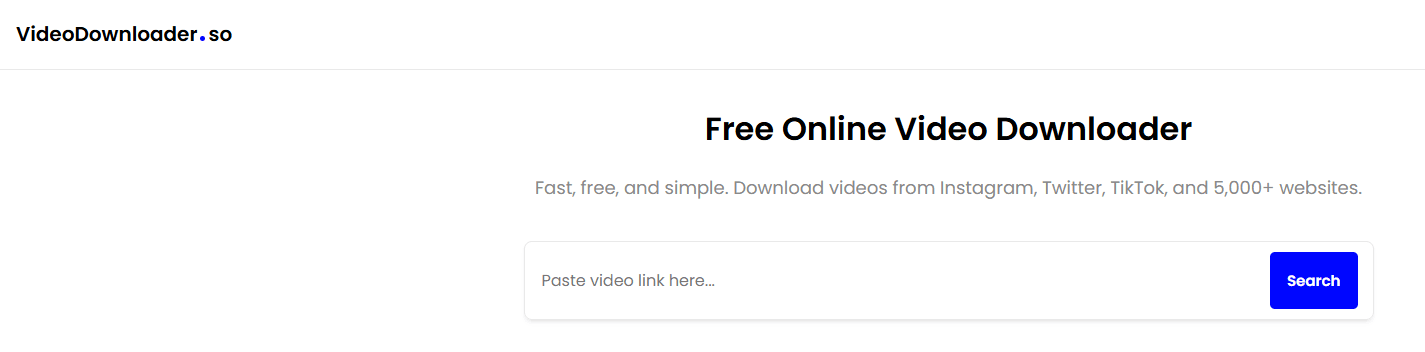
VideoDownloader.so is a clean and safe online video downloader for users who want to save videos quickly without installing any software. It runs entirely in your browser and focuses on simplicity, safety, and ease of access rather than advanced features.
Key Advantages
· 100% free to use
· No malicious pop-ups or misleading download buttons
· Works directly in any modern browser
· No installation or account required
· Compatible with 1,000+ video sites, including major platforms like Twitter, TikTok, Instagram, Vimeo, and more
Trade-offs
VideoDownloader.so does not offer batch downloads, scheduling, or advanced quality controls. Each video must be downloaded individually, and higher resolutions or multiple format options may be limited compared to desktop applications.
How to Use
· Open VideoDownloader.so in your browser.
· Paste the video URL into the input field.
· Choose from available download qualities or formats.
· Save the video to your device.
Who It’s For
VideoDownloader.so is best suited for casual users, students, or professionals who occasionally need to download a video quickly and safely without installing software. It’s especially useful on shared computers, work devices, or mobile browsers where app installation is not possible. While it lacks power-user features, its clean interface and safety-first approach make it a reliable fallback tool.
5. Bigbangram
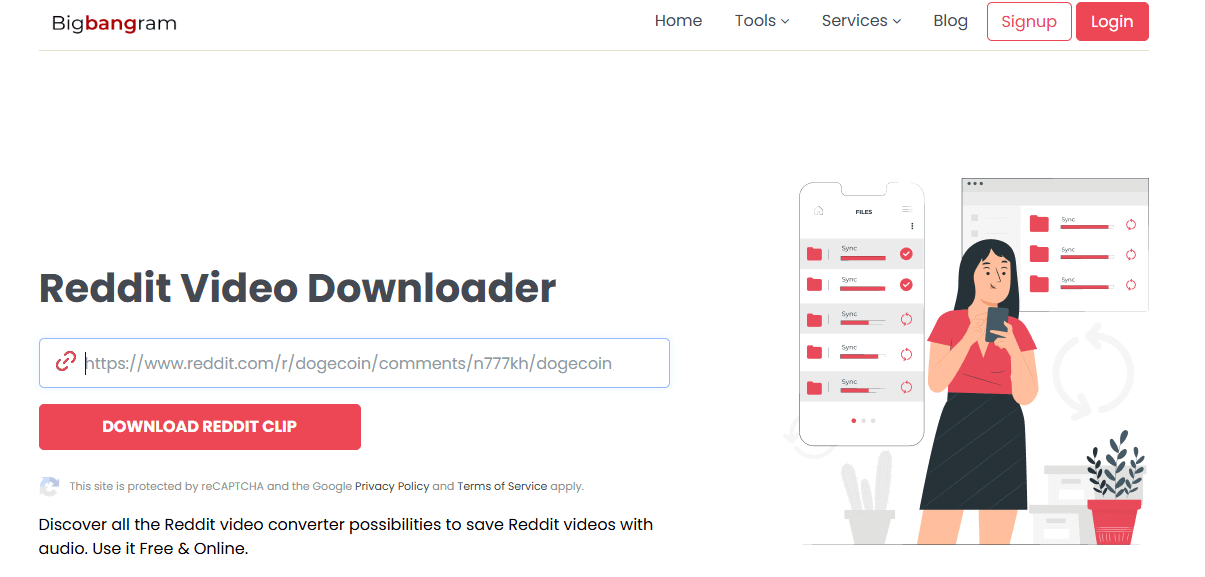
Bigbangram provides a web-based Reddit video downloader among its suite of social media utilities. You can paste a Reddit post URL into the online tool and download the video or GIF directly in your browser without installing anything.
Key Advantages
· Works in any modern browser, no app or login required.
· Supports downloading Reddit videos with audio and GIFs.
· Offers some format/resolution options depending on source content.
· Also includes downloaders for Facebook, Instagram, TikTok, X (Twitter), etc.
Trade-offs
Bigbangram is primarily a multi-platform social media service rather than a dedicated Reddit downloader. Some user reviews outside the official site report pricing opacity and inconsistent support for its paid services, so caution is advised when using other features beyond simple downloads.
How to Use
· Open Bigbangram’s Reddit video download page in your browser.
· Paste the Reddit post URL containing the video or GIF.
· Click Download and choose the available format.
· Save the file to your device.
Who It’s For
Bigbangram’s downloader is best for casual users who want a fast, no-install way to save a Reddit video or GIF. It works across devices and doesn’t require registrations for basic downloading. For heavier use (e.g., batch downloads or large collections), dedicated tools with stronger features may be more efficient.
6. SnapDownloader (Desktop App)
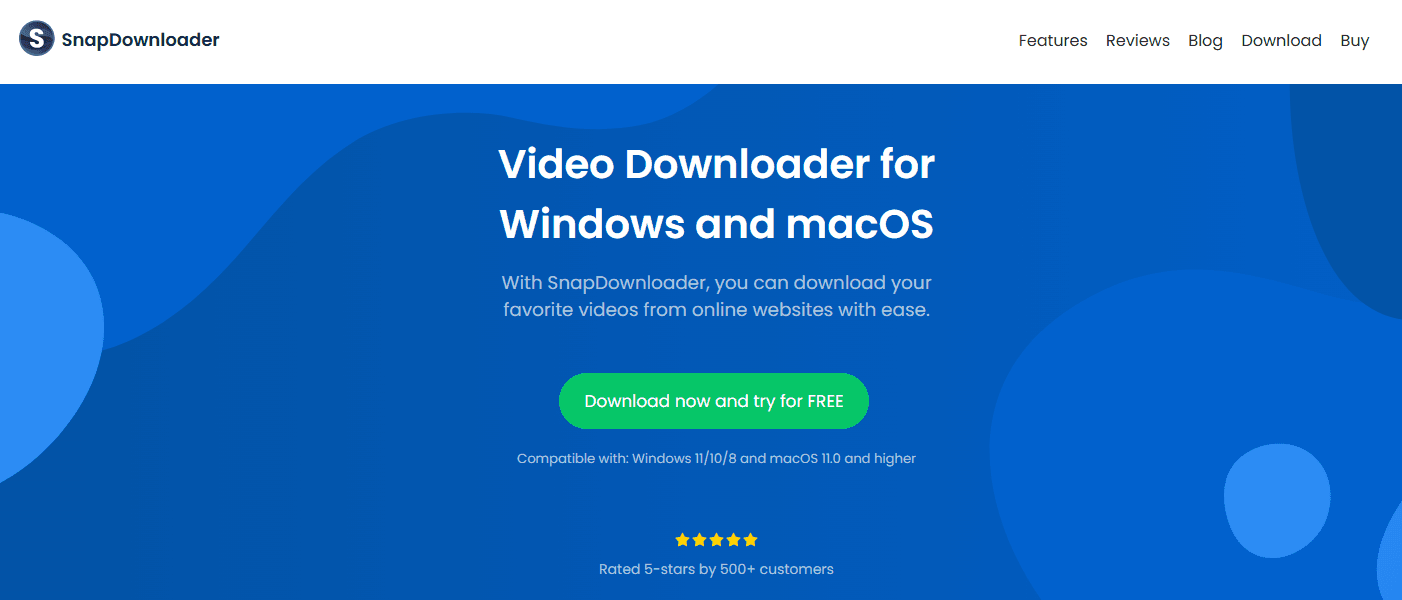
SnapDownloader is a premium desktop application for users who need more than a basic Reddit video downloader online tool can offer. Available on Windows and macOS, it supports Reddit and hundreds of other platforms, delivering faster speeds and more advanced control than browser-based solutions.
Key Advantages
· High-speed downloads using multi-connection acceleration to fully utilize your bandwidth
· Batch downloading for multiple videos at once (simultaneous downloads and queue support)
· Quality presets from 720p up to 8K (when available)
· Built-in format conversion (supports 10+ output formats including MP4, MP3, AVI, and more)
· Download scheduling for off-peak hours
· No ads and a clean, native desktop interface designed for frequent use
Trade-offs
SnapDownloader is a paid tool with a limited free trial. It also requires installation, regular updates, and local storage space, which may be unnecessary for casual users.
How to Use
· Install SnapDownloader on your computer.
· Paste Reddit video URLs into the app (no Reddit account login is required).
· Choose quality, format, and output folder.
· Start the download.
Who It’s For
SnapDownloader is best suited for content creators, social media managers, and power users who download Reddit videos frequently or in large volumes. Its batch processing, scheduling, and format conversion features make it a strong choice for professional or high-frequency use, while the paid model may not be ideal for occasional users.
7. JDownloader 2 (Desktop Download Manager)
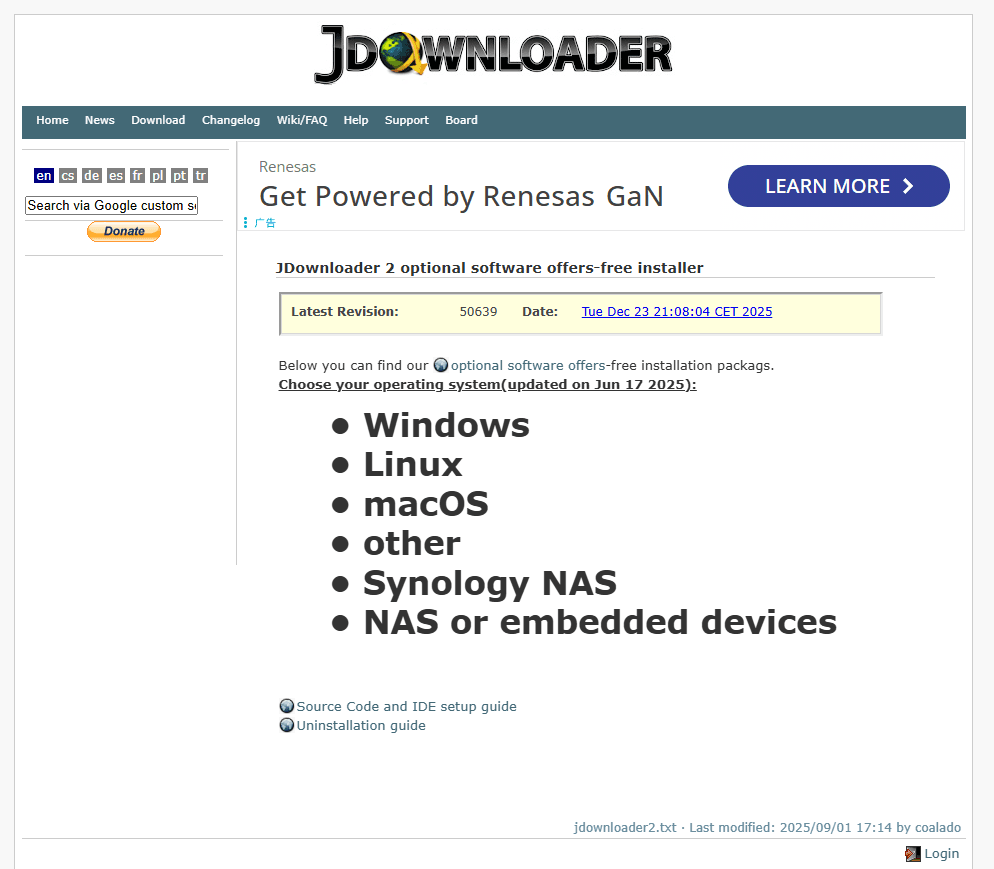
JDownloader 2 is a powerful open-source download manager designed for users who need advanced control over large-scale video downloads. Unlike simple Reddit video downloader online tools, it can scan entire Reddit pages or threads, detect embedded media, and queue multiple files automatically. It runs on Windows, macOS, and Linux, with third-party ports available for Android.
Key Advantages
· Extremely fast downloads with multi-connection acceleration
· Supports HD MP4 video and audio extraction when available
· Can detect videos from Reddit posts, comments, and linked threads
· Batch processing for large collections of links
· Free and open source with no watermarks
· Highly customizable for advanced workflows
Trade-offs
JDownloader 2 requires installation and has a more technical interface than browser-based tools. New users may face a learning curve, and its many options can feel overwhelming if you only need to download a single video occasionally.
How to Use
· Install JDownloader 2 on your device.
· Copy Reddit post, comment, or thread URLs.
· Let the app auto-detect downloadable media.
· Review and organize the detected files.
· Start the download queue.
Who It’s For
JDownloader 2 is best suited for power users, archivists, researchers, and content creators who frequently download large batches of Reddit videos or media files. If you need high-speed bulk downloading, deep link detection, and full control over organization and formats, it’s one of the most capable tools available, though it may be excessive for casual users.
How to Choose a Reddit Video Downloader
Not all Reddit video downloaders are created equal. Some tools are convenient and safe, while others introduce unnecessary risks, hidden costs, or even malware. Before choosing a downloader, consider the following key factors to protect both your device and your workflow.
1. Watch Out for Hidden Installs
Many unreliable downloader apps attempt to install additional software alongside the main program, often without clearly informing you. These bundled installs may include adware, browser hijackers, or unwanted background services.
Always read installation prompts carefully. If a downloader tries to sneak in extra programs or shows unclear consent messages, it’s best to avoid it.
Tip: Online tools like VideoDownloader.so avoid this risk since nothing needs to be installed.
2. Avoid Shady or Ad-Heavy Websites
Some web-based downloaders use misleading buttons, fake “Download” links, or aggressive ads designed to trick users into clicking on malware or phishing pages instead of the actual video file.
A safe downloader should have:
· A clean interface
· Clear, honest download buttons
· No deceptive ads or pop-ups
3. Be Careful with Confusing Pricing Models
Some desktop downloaders hide important features behind higher-tier plans, making you pay more after purchase to unlock basic functionality like HD downloads or batch processing.
This can be frustrating and misleading.
Tip: Choose a tool that gives full feature access regardless of license tier. For example, SnapDownloader provides access to all features on any paid license.
4. Match the Tool to Your Actual Needs
Different users need different tools:
· If you only download videos occasionally and want something fast and safe → use an online tool.
· If you manage large volumes of content, multiple accounts, or need batch downloads → a desktop app may be worth it.
· If you’re on a work or shared device where installs aren’t allowed → browser-based tools are ideal.
Avoid choosing a complex or expensive tool if you only need simple downloads.
Integrating BitCloudPhone for Enhanced Workflows
Using a Reddit video downloader alone works for occasional downloads. But once you start managing multiple accounts, tracking trends, or repurposing content at scale, efficiency and account safety become real challenges. This is where BitCloudPhone adds practical value to Reddit video downloading workflows.
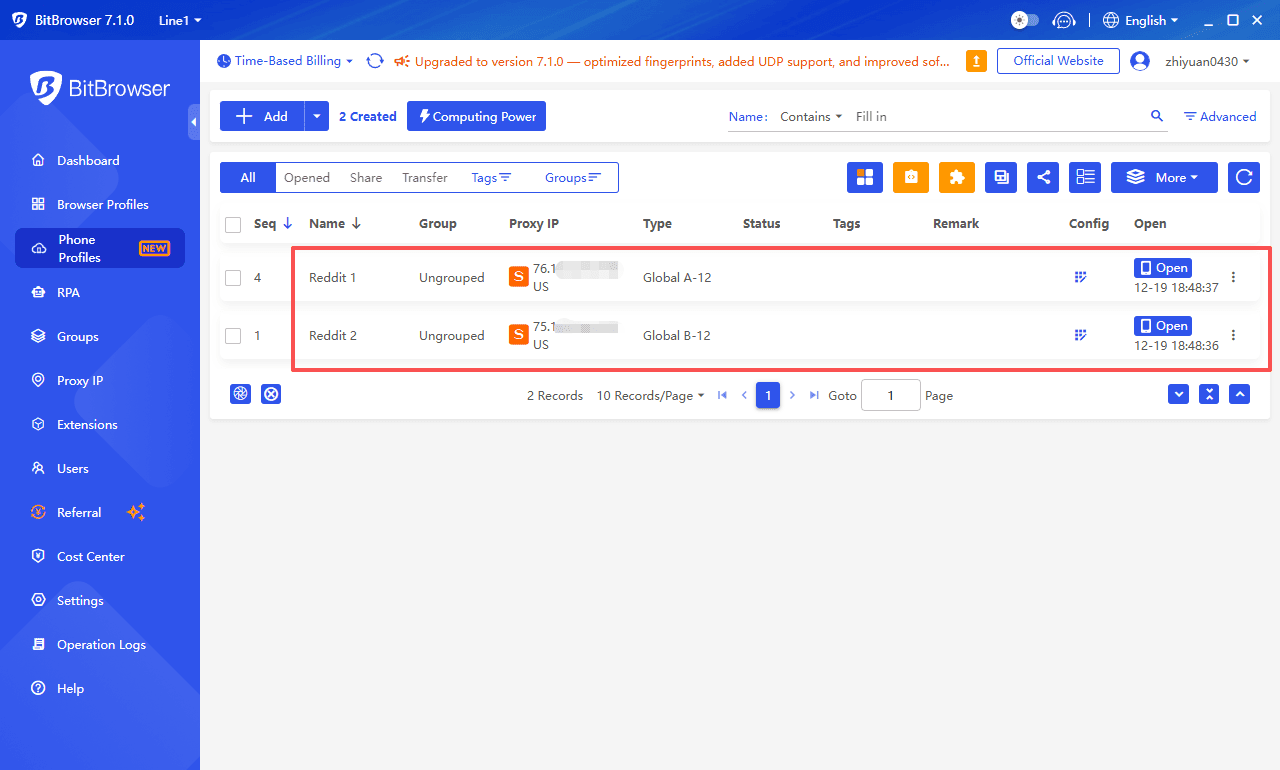
Multi-account isolation
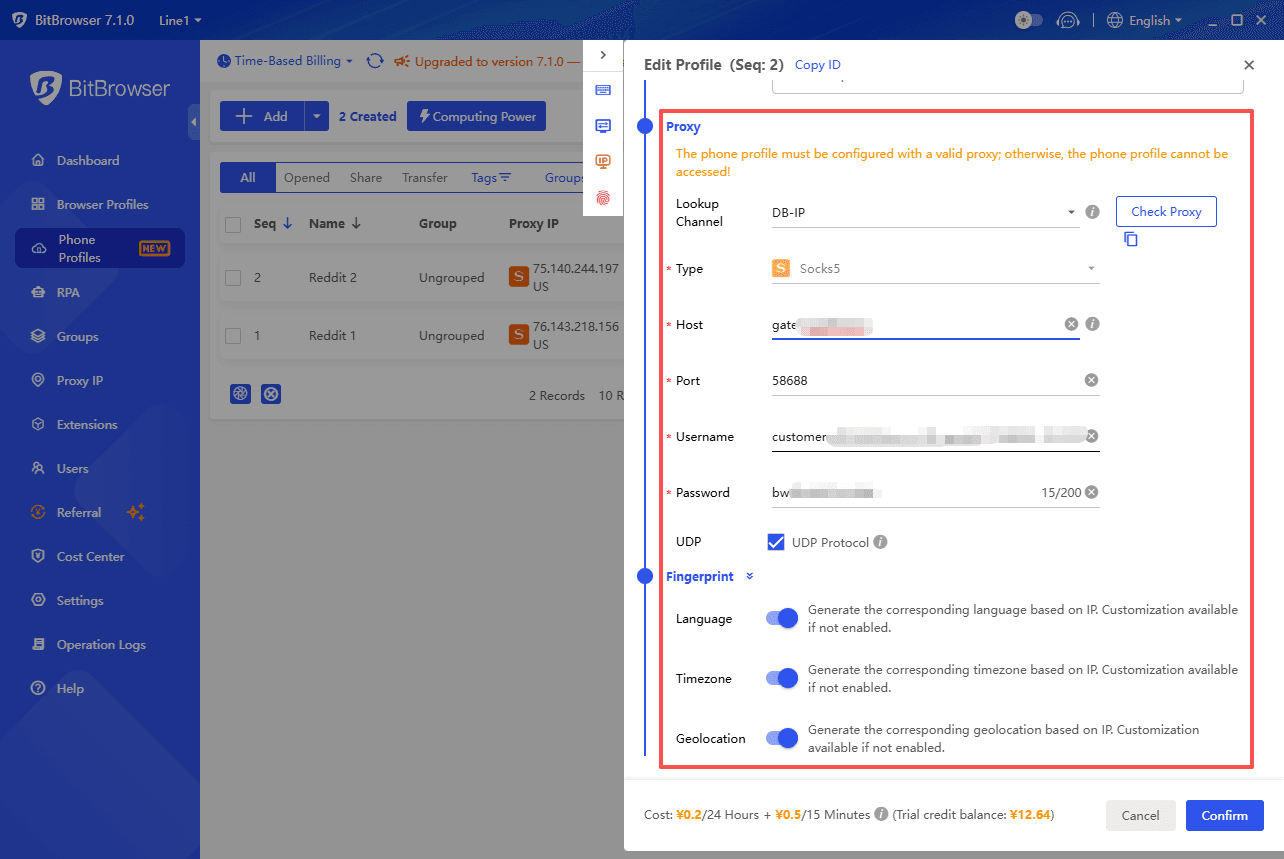
Each BitCloudPhone runs as an independent Android device with its own environment, IP, and storage. This allows different Reddit accounts to operate separately, reducing account association risks when browsing, saving, and downloading videos.
Batch download automation
Reddit video downloaders or simple scripts can run directly on cloud phone instances. Instead of downloading videos one by one on a personal phone or PC, BitCloudPhone allows you to:
· Run Reddit video downloaders or lightweight automation scripts directly on each cloud phone
· Schedule downloads during specific time windows (for example, capturing daily trending posts)
· Keep the process running in the cloud, even when your local device is offline
This is especially useful for teams collecting large volumes of Reddit videos, where manual downloading would be time-consuming and error-prone.
Geo/IP simulation
Different IP locations make it easier to access region-specific Reddit content and identify trends relevant to specific markets.
BitCloudPhone supports different IP locations, allowing you to:
· Access region-specific subreddits and trending posts
· Test how content appears from different countries
· Collect videos relevant to specific markets or audiences
For marketers targeting international users, this makes content sourcing more accurate and data-driven.
Faster cross-platform distribution
Videos downloaded inside BitCloudPhone can be quickly trimmed, edited, and uploaded to TikTok, Instagram Reels, or YouTube Shorts—all within the same cloud environment. This removes extra file transfers and speeds up publishing.
Conclusion
From online tools like RapidSave, Viddit.red, Toolzin, and VideoDownloader.so, to desktop solutions like SnapDownloader and JDownloader 2, each tool serves a specific purpose. The best choice depends on your needs: occasional downloads, bulk processing, multi-account management, or regional content collection.
Integrating cloud environments like BitCloudPhone further enhances workflow efficiency, allowing secure multi-account operation, automated batch downloads, and fast cross-platform distribution. Choosing the right combination ensures Reddit becomes a reliable, scalable content source rather than a manual, time-consuming task.
FAQ
1. Is it legal to download videos from Reddit?
Downloading Reddit videos for personal, educational, or internal use is generally fine. Avoid re-uploading, monetizing, or sharing without the creator’s permission.
2. Why do some Reddit videos download without sound?
Reddit often stores video and audio separately (v.redd.it). Simple downloads may only capture video. Use tools like Viddit.red, SnapDownloader, or JDownloader 2 to merge audio automatically.
3. Online tool or desktop app: which should I use?
Online tool: Quick, occasional downloads, no installation, works on shared devices.
Desktop app: Frequent/batch downloads, quality selection, scheduling, multiple accounts.
Tip: Choose the tool that fits your download volume and workflow.

 Multi-Account Management
 Prevent Account Association
 Multi-Employee Management
Recommended
See More