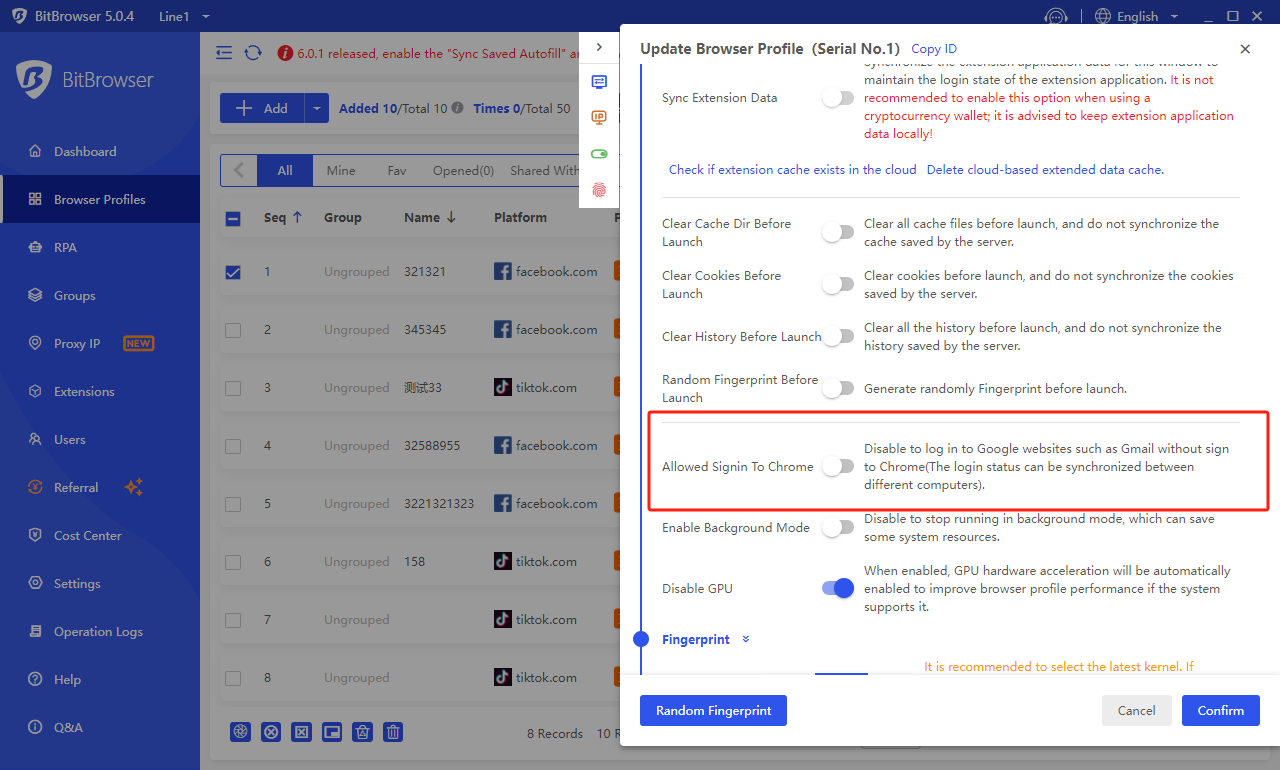
How to import Chrome bookmarks to all windows
Time: 2023-09-26 16:23 Click:
How to import chrome bookmarks to all windows in BitBrowser?
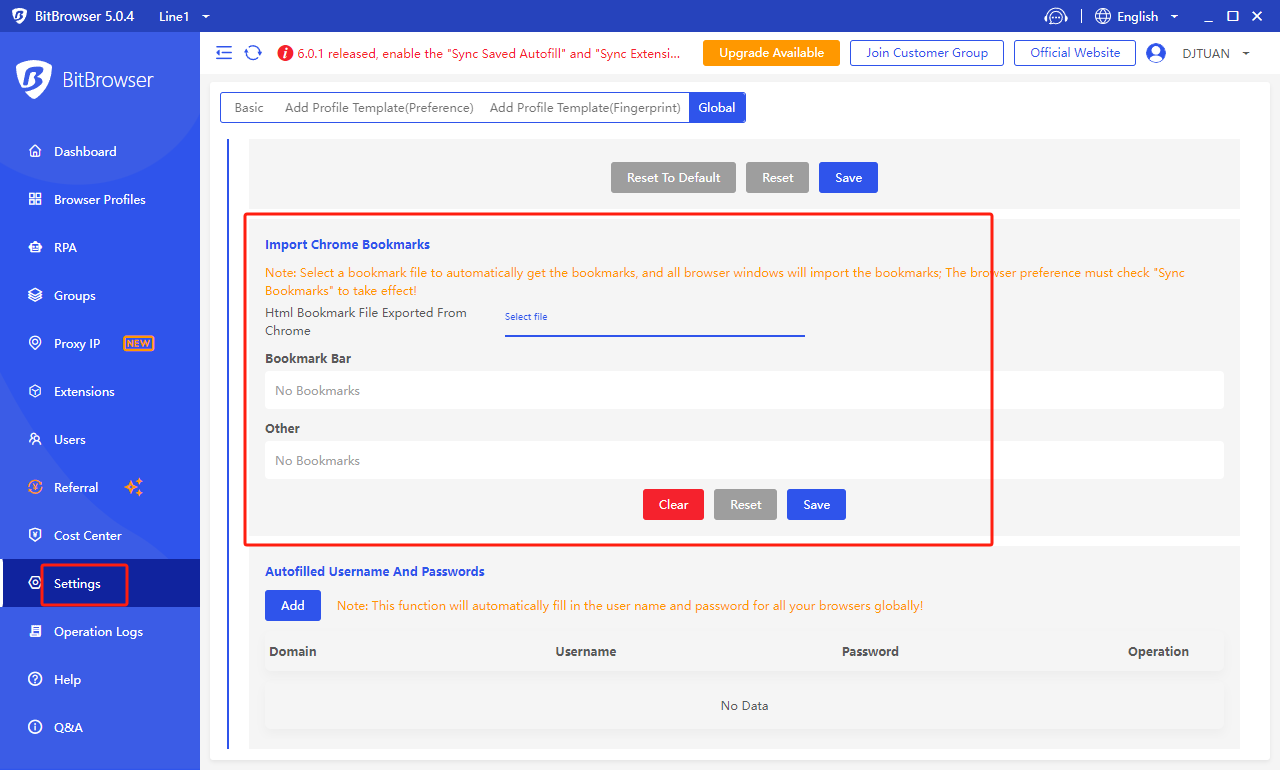
1. First, open "System Settings" and then scroll down to the global setting "Import Chrome Bookmarks".
2. Then click "Select File" and select the "Bookmark" file exported from "Chrome".
3. After the bookmark file is "imported successfully", the specific bookmark content will be displayed, and click the "Save" button.
4. When creating a new "window", be sure to check "Synchronize browser bookmarks" in the window configuration. After opening the browser profiles, the "bookmarks" we imported will be displayed.