What Is BitCloudPC? Features, Use Cases, and How It Works
 2026.09.08 02:06
 YT.Shi
A traditional PC is useful, but it also comes with some limitations. It stays in one location, hardware upgrades can be inconvenient, and maintaining multiple computers for different projects can quickly become expensive.
BitCloudPC takes a different approach by providing a cloud based PC environment that can be accessed and managed remotely.
It is designed to provide an experience similar to using a traditional home or office PC, while offering the flexibility of cloud based computing.
With BitCloudPC, users can choose their hardware configuration, operating system, storage, region, and network options based on their needs. Hourly billing and monthly subscriptions are also available for different usage patterns.
What Is BitCloudPC?
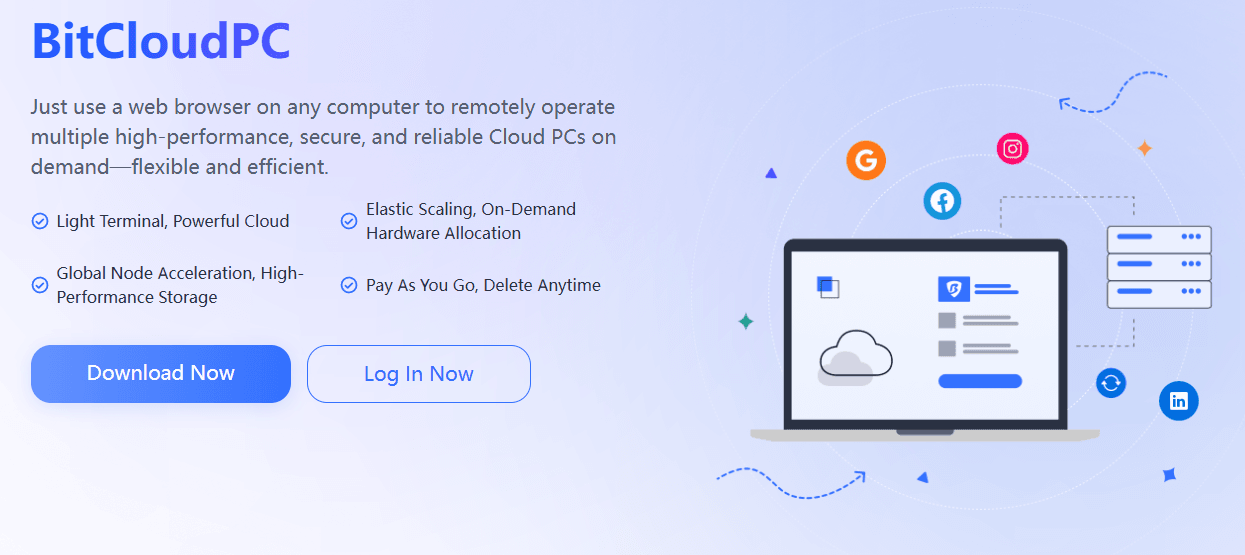
BitCloudPC is a cloud PC service designed for users who need a dedicated computing environment without relying on a physical computer.
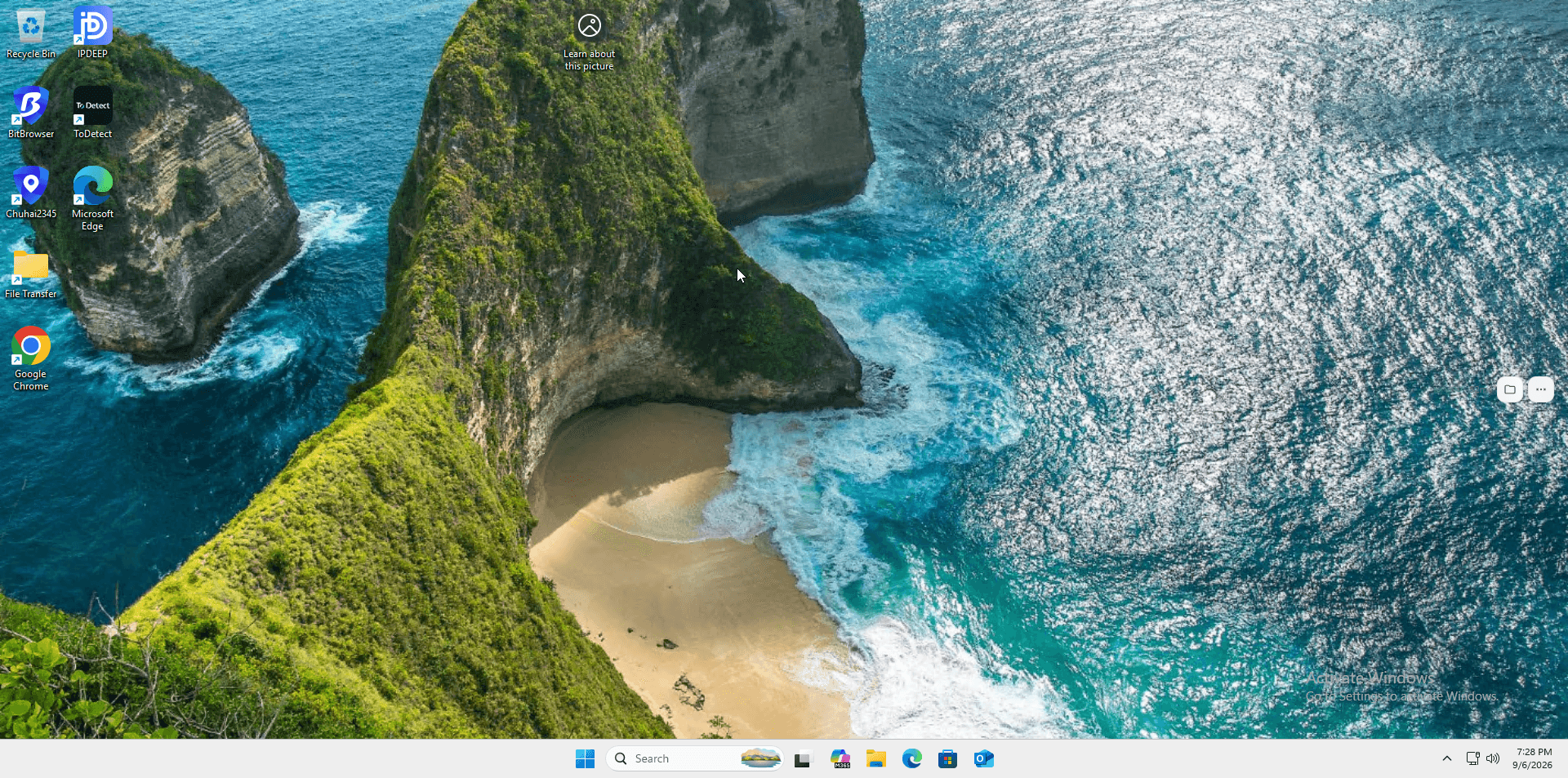
Unlike a traditional desktop PC, a CloudPC can be accessed remotely. You can connect to it through the BitCloudPC client or Remote Desktop software and use the same cloud based environment from different locations.
BitCloudPC is also not positioned as a traditional virtual machine. Its goal is to provide a PC like experience while giving users more flexibility over configuration, networking, and management.
This makes it suitable for both short term projects and long term business operations.
Why Use a Cloud PC?
There are several reasons businesses and individuals may choose a cloud PC instead of another physical computer.
Access Your PC Remotely
A physical computer is tied to a specific location.
A CloudPC can be accessed remotely, making it easier to work from home, while traveling, or from another office.
Flexible Hardware
Different projects require different levels of computing power.
BitCloudPC allows users to choose from different hardware configurations and upgrade the configuration when more performance is needed.
The recommended configuration is 4 vCPU and 8 GB RAM, which is suitable for common workloads such as online stores, advertising campaigns, multitasking, and general business operations.
Flexible Billing
Not every project needs a computer for an entire month.
BitCloudPC supports both:
· Hourly Billing for temporary projects, testing, and flexible workloads
· Monthly Subscription for long term and continuous use
This allows users to choose a billing model based on how they plan to use their CloudPC.
Easier System Management
Maintaining a physical PC can take time, especially when the operating system needs to be reinstalled.
BitCloudPC provides a one click system reinstallation feature. Users can select the operating system they want and reinstall the CloudPC without setting up a new physical computer.
What Can BitCloudPC Be Used For?
BitCloudPC can support a range of remote computing and business scenarios.
Cross Border E Commerce
Cross border e commerce businesses often need dedicated working environments for different operations.
BitCloudPC provides configurable network options, including data center IPs and native residential IPs. Users can also configure their own proxy IP when using the custom network option.
This can make it easier to maintain separate working environments for different projects.
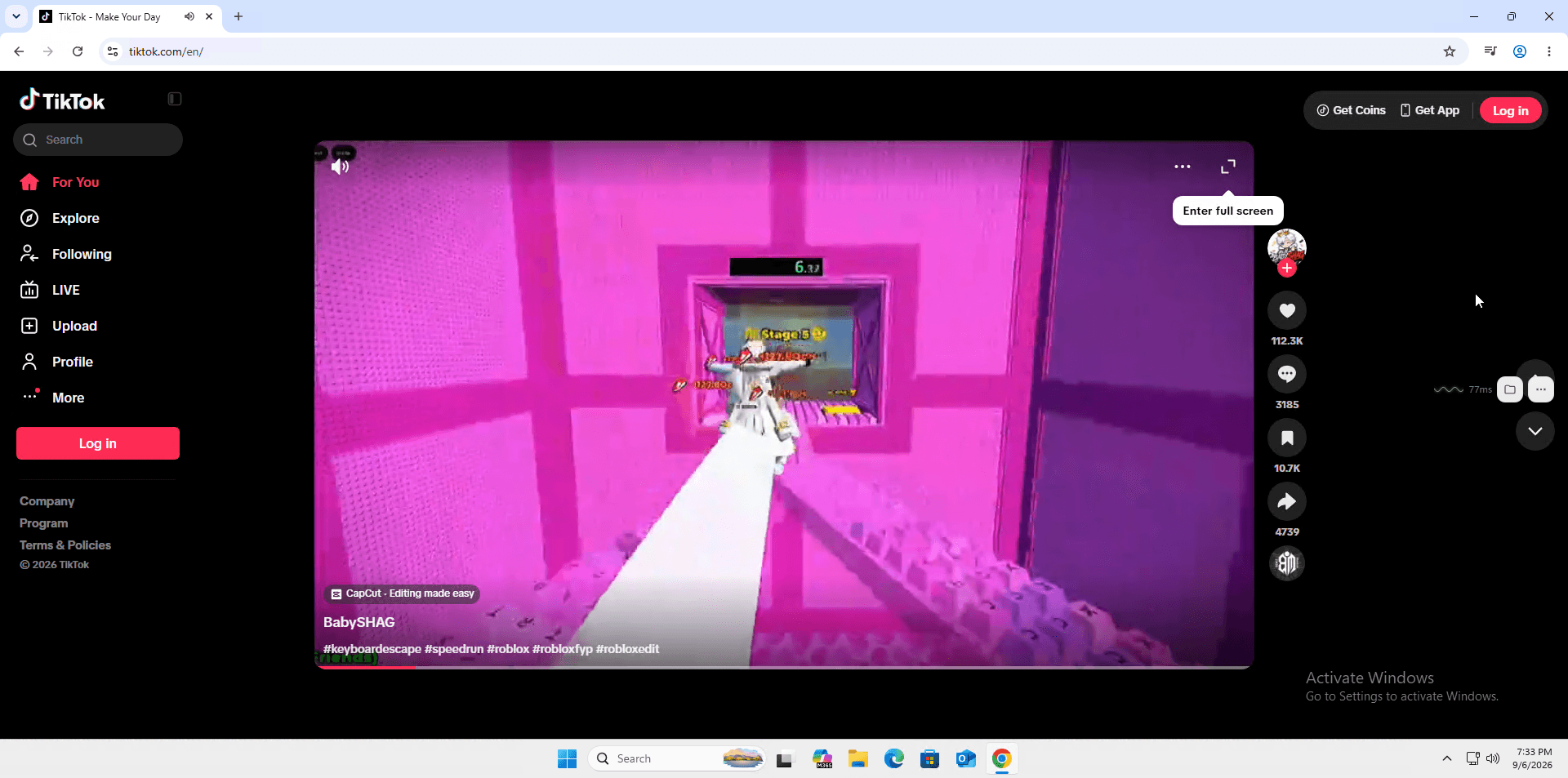
Studio and Multi Account Operations
Studios managing multiple accounts or projects may need more than one independent working environment.
Multiple CloudPCs can be organized using Groups and Tags, making it easier to identify and manage different devices and projects.
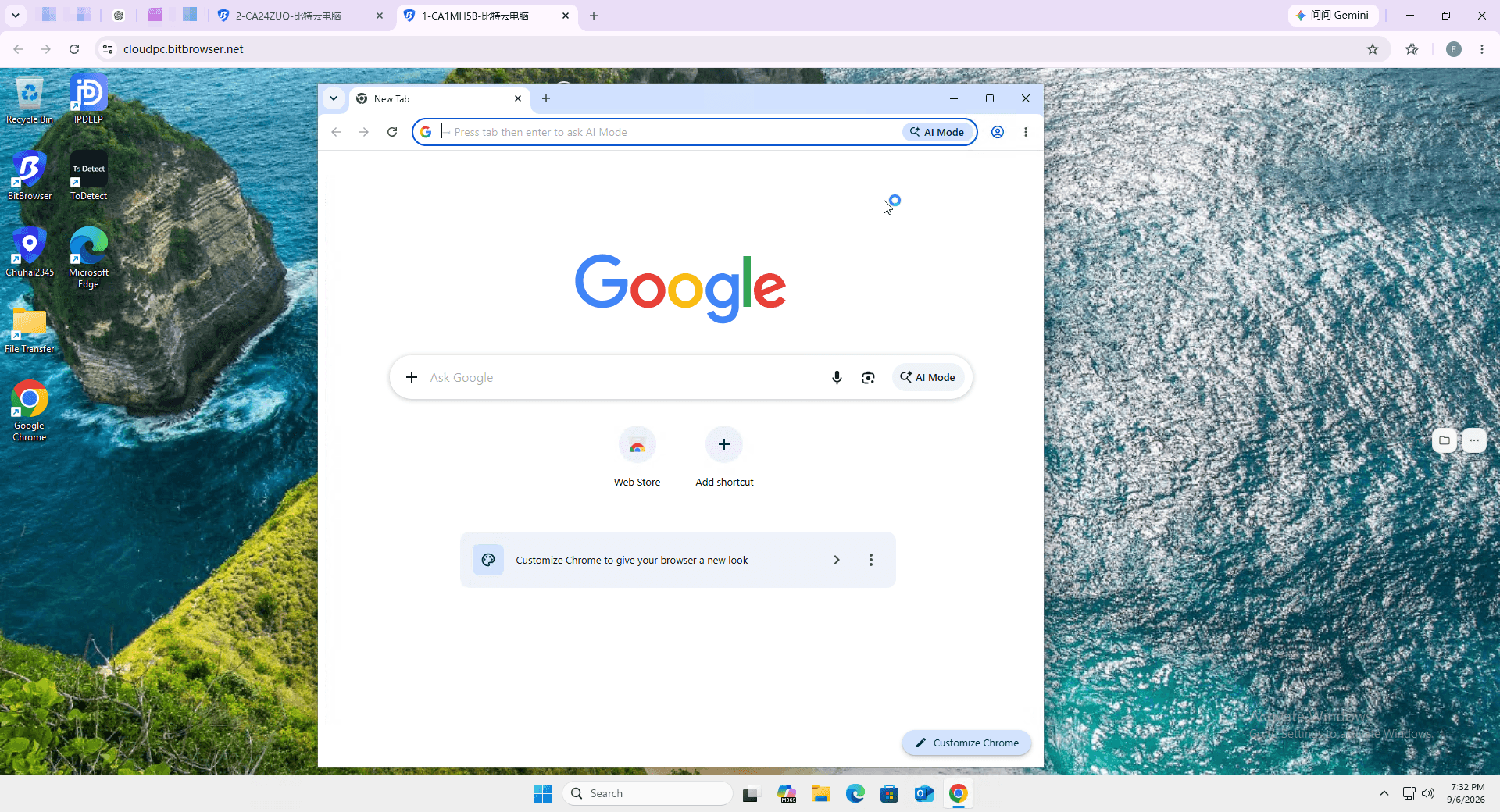
Social Media Management
Social media teams often work with multiple projects and accounts.
Using separate CloudPC environments can help organize these workflows and keep different working environments separated.
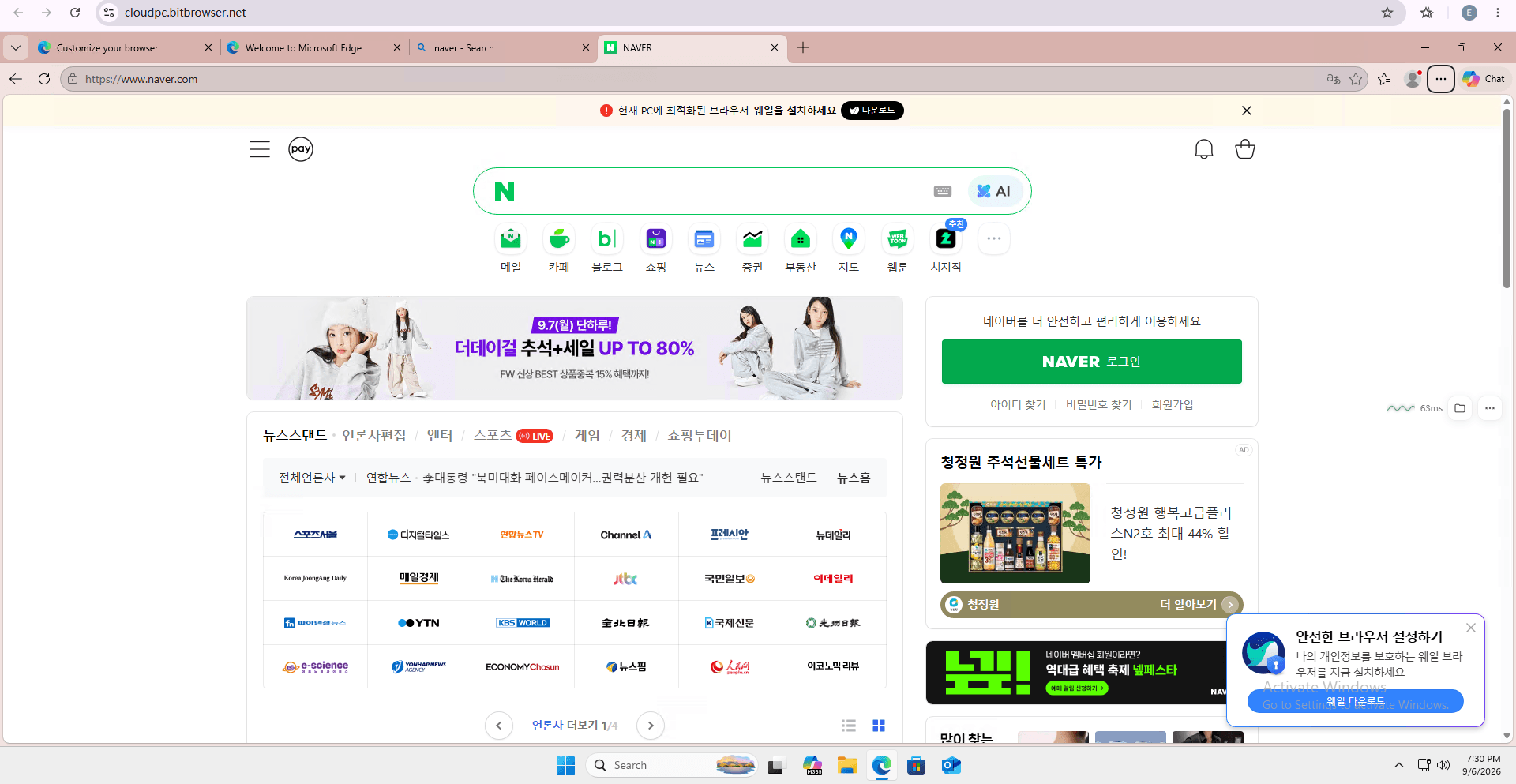
Enterprise Remote Work
A CloudPC can also serve as a remote work environment.
Employees can connect to their CloudPC from different locations and access their working environment remotely.
Multi user management makes it easier for teams to organize CloudPC resources.
Project Testing
Not every project requires a permanent computer.
Hourly billing allows users to create a CloudPC for temporary testing or short term workloads without committing to a long term subscription.
BitCloudPC Configuration Options
BitCloudPC provides several configuration options so users can build a CloudPC based on their requirements.
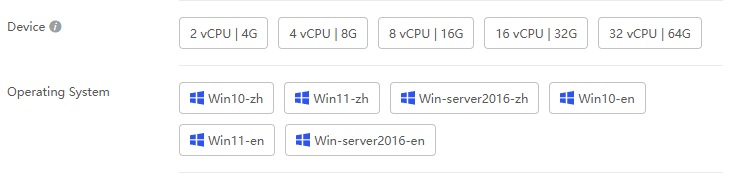
CPU and RAM
Different hardware configurations are available depending on the workload.
For general business operations, the recommended configuration is:
4 vCPU + 8 GB RAM
Users with more demanding workloads can upgrade their configuration later.
The existing data is retained when changing the configuration, and the new configuration can take effect within minutes.
Storage
Storage options range from 50 GB to 200 GB.
Storage can be expanded when additional space is required.
However, storage can only be increased and cannot be reduced, so it is worth choosing an appropriate size when purchasing a CloudPC.

Bandwidth
BitCloudPC provides bandwidth options from 10 Mbps to 50 Mbps.
Users can choose a bandwidth level based on their network requirements. The higher the bandwidth, the smoother the CloudPC network.

Operating System
Users can choose from the available operating system options during the purchase process.
Windows 10 and Windows 11 are available for users who need a familiar desktop environment.
IP and Network Options
BitCloudPC provides several public IP options.
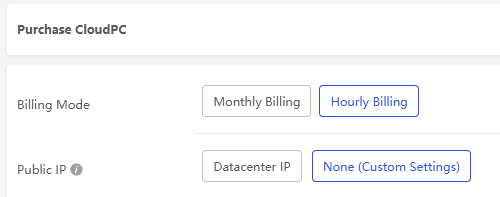
None (Custom)
With this option, the CloudPC does not include a built in network connection.
Users need to configure their own proxy IP before accessing the internet.
This option is available with Pay As You Go billing.
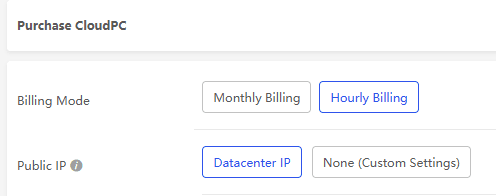
Free Data Center IP
Users can choose one free data center IP for their CloudPC.
If this option is not selected, no IP will be automatically provided.
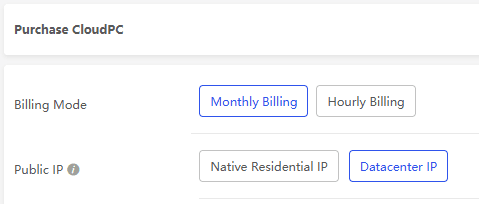
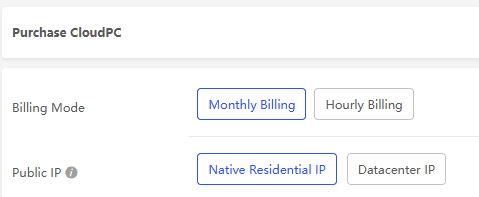
Native Residential IP
A native residential IP can be used as the CloudPC's exit IP.
When combined with Windows 10 or Windows 11, it can provide an environment that more closely resembles a traditional residential PC.
This option may be useful for projects with stricter risk control requirements.
Remote Desktop Acceleration
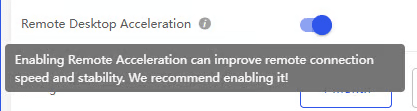
BitCloudPC also provides Remote Desktop Acceleration at no additional cost. This feature is designed to improve connection speed and stability when accessing a CloudPC remotely.
Managing a BitCloudPC
BitCloudPC includes several features for managing individual CloudPCs.
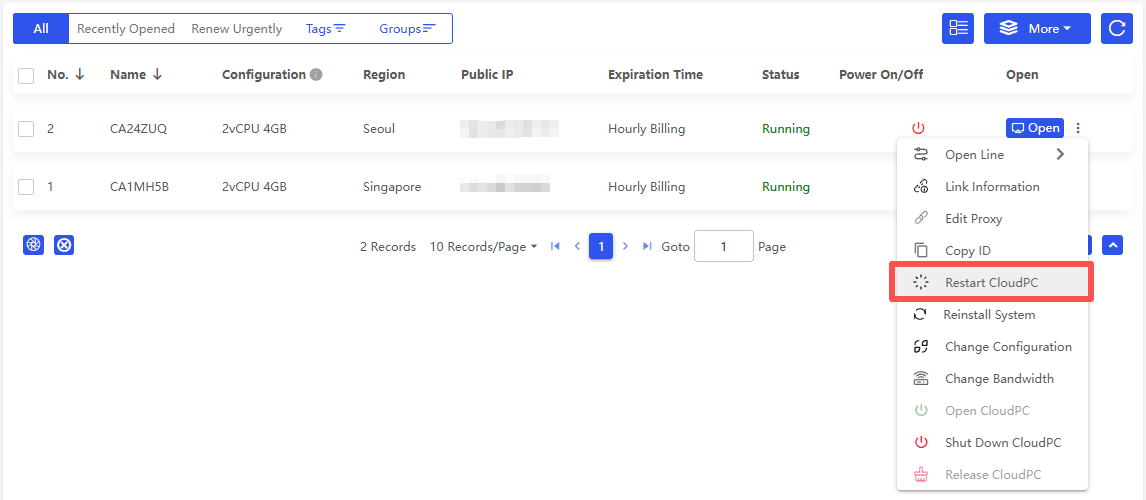
Restart CloudPC
A CloudPC can be restarted through the More menu.
The system will shut down and power back on automatically.
Edit Proxy
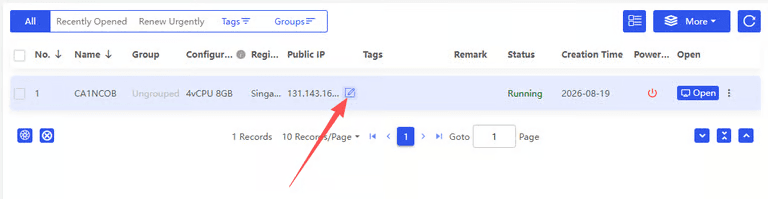
Users can edit the network configuration and update proxy settings when needed.
After the proxy passes verification, it can be used as the CloudPC's network connection.
Reinstall the System
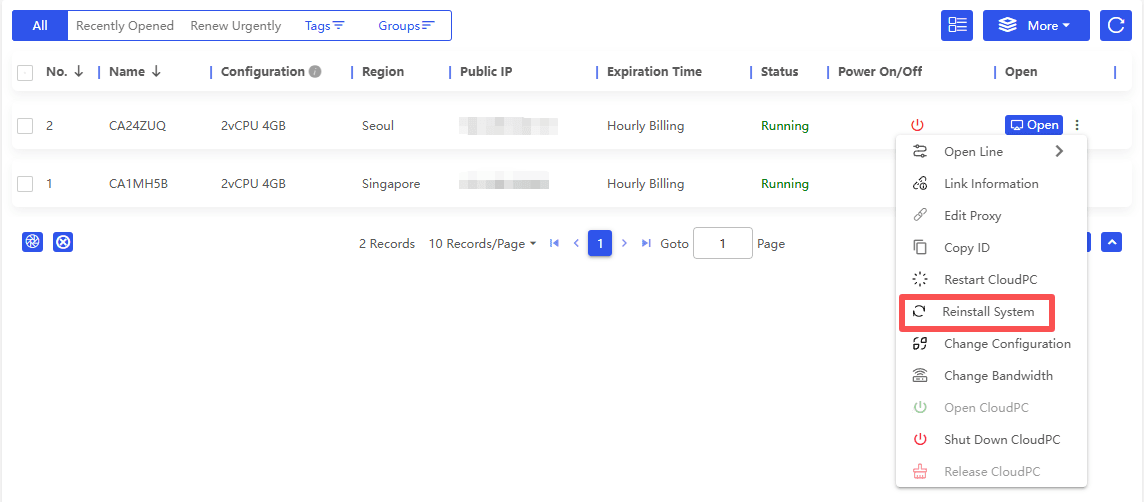
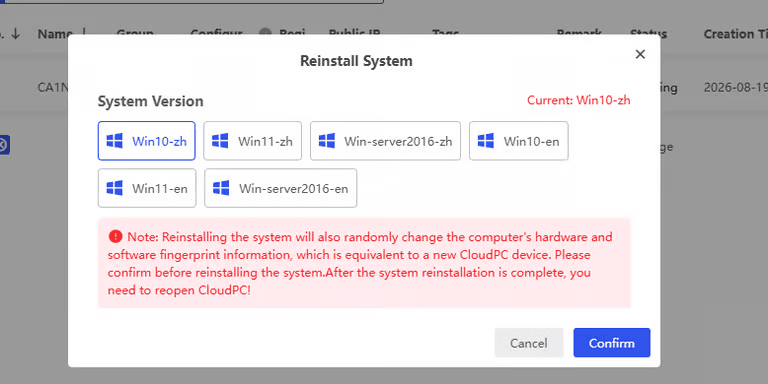
The operating system can be reinstalled through the Reinstall System option.
One important detail is that reinstalling the operating system will also randomly change the CloudPC's hardware and software fingerprint information.
After reinstallation, the CloudPC functions like a newly created device, so users should make sure they understand this before proceeding.
Change Configuration
Users can change the CloudPC's configuration when their workload changes.
Hardware and other available specifications can be upgraded without creating a completely new CloudPC.
Groups and Tags
When managing multiple CloudPCs, Groups and Tags can make organization easier.
CloudPCs can be assigned to different groups and tagged based on projects, teams, or other internal categories.
Users can then filter CloudPCs through the quick search panel.
How to Purchase a BitCloudPC
The purchasing process is straightforward.
Step 1: Download the BitCloudPC Client
Download the BitCloudPC client from the official website.
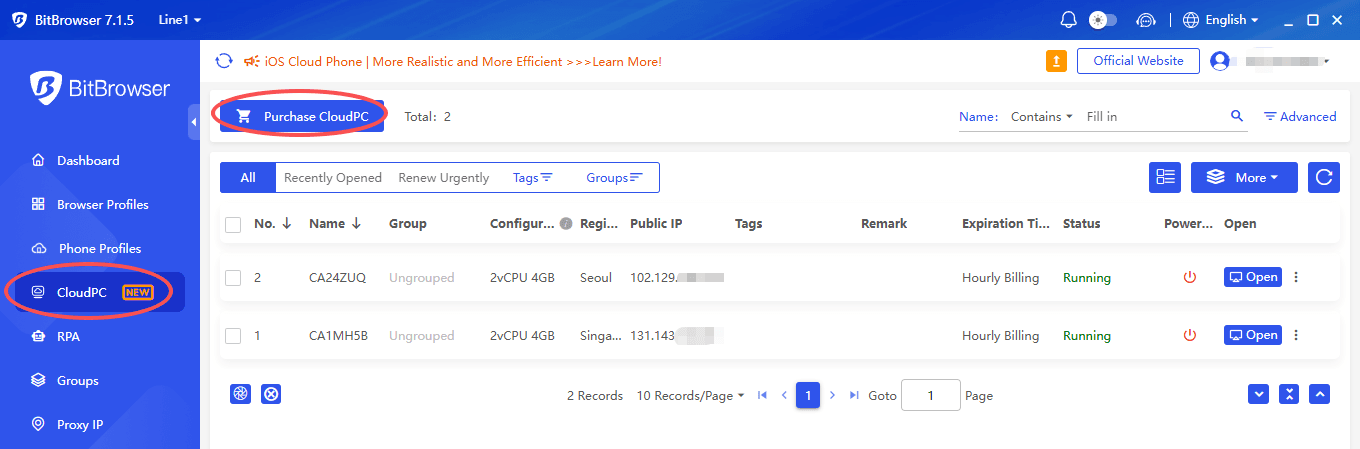
Step 2: Open the CloudPC Section
In the client, go to:
CloudPC → Purchase CloudPC
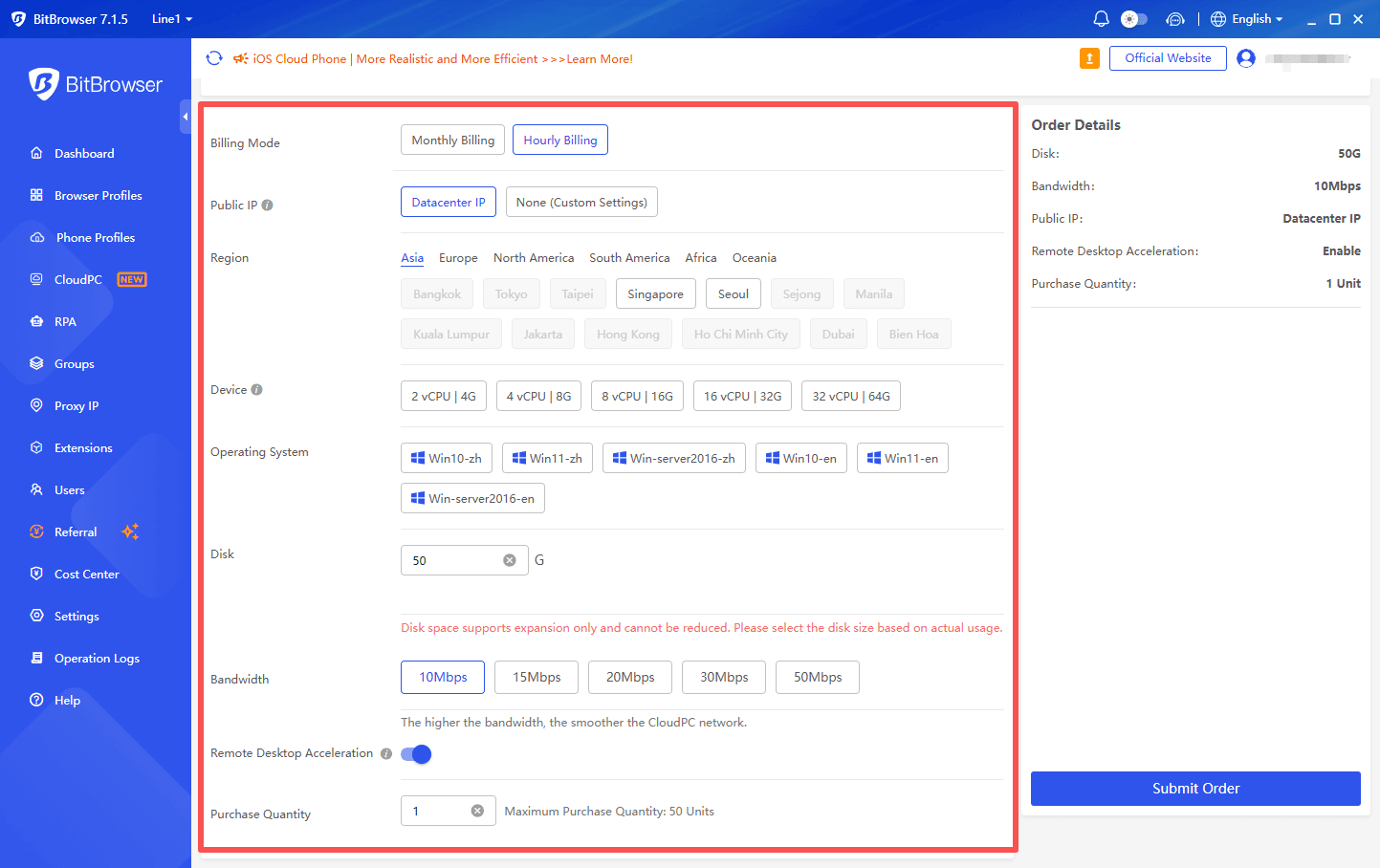
Step 3: Select Your Configuration
Choose the options that match your requirements, including the billing mode, public IP, region, device, operating system, storage, etc.
Step 4: Submit the Order
Review your configuration and submit the order.
Step 5: Check the Order Status
After placing the order, check the CloudPC list for the current status.
If a CloudPC remains in Creating status for an extended period, click the refresh icon to update the status.
Identity verification is required before purchasing a CloudPC.
BitCloudPC vs. a Traditional PC
A traditional PC requires physical hardware, stays in one location, and requires manual maintenance.
BitCloudPC provides a cloud based environment that can be accessed remotely and configured according to different workloads.
| Feature | Traditional PC | BitCloudPC |
|---|---|---|
| Physical hardware | Required | Not required |
| Remote access | Requires additional setup | Supported |
| Hardware configuration | Limited after purchase | Configurable |
| Hardware upgrades | Physical replacement or upgrade | Online configuration change |
| OS reinstallation | Manual | One click |
| Billing | Hardware purchase | Hourly or monthly |
| Multiple devices | Requires multiple PCs | Multiple CloudPCs can be managed |
| Groups and tags | Not built in | Supported |
For users who need a PC environment that can be accessed and managed remotely, a CloudPC can provide more flexibility than relying entirely on physical computers.
What Happens When You Release a CloudPC?
Before releasing a CloudPC, make sure you no longer need the data stored on it. A CloudPC must be in the Shut Down state before it can be released.
Once released, all data is permanently deleted and cannot be recovered. This makes it important to back up any files or information you need before releasing the CloudPC.
Final Thoughts
Cloud computing does not always have to mean servers and command lines. For users who simply need a PC that can be accessed remotely, a cloud PC can be a more practical option.
BitCloudPC combines configurable hardware, flexible billing, remote desktop access, multiple IP options, system reinstallation, and device management in one cloud based PC environment.
Whether you need a CloudPC for e commerce, automation, social media management, remote work, or project testing, you can choose a configuration based on your actual workload and change it as your needs evolve.
BitCloudPC is now available for users looking for a more flexible way to work with a PC in the cloud.
Learn more: BitCloudPC
Frequently Asked Questions
What is BitCloudPC?
BitCloudPC is a cloud PC service that provides a dedicated computing environment you can access remotely. It offers configurable hardware, operating systems, storage, and network options.
How does BitCloudPC work?
Choose your CloudPC configuration, purchase it, and connect through the BitCloudPC client or Remote Desktop software. You can then use it like a traditional PC from different locations.
How much does BitCloudPC cost?
BitCloudPC supports both hourly billing and monthly subscriptions. You can choose the billing option based on how long you need the CloudPC.
Can I change the BitCloudPC configuration?
Yes. You can upgrade available hardware configurations as your workload changes. Existing data is retained when changing the configuration.
Can I reinstall the operating system?
Yes. BitCloudPC supports one click system reinstallation. However, reinstalling the system also randomly changes the CloudPC's hardware and software fingerprint information, so the device will function like a newly created device.
What happens when I release a CloudPC?
Releasing a CloudPC permanently deletes all data stored on it. The data cannot be recovered, so make sure to back up important files before releasing the device.

 Multi-Account Management
 Prevent Account Association
 Multi-Employee Management
Recommended
See More