AdsPower vs Morelogin: Which Anti-Detect Browser is Best for 2026?
 2026.03.24 13:56
 YT.Shi
Managing multiple accounts securely and efficiently is increasingly important for marketers, agencies, and social media managers. Anti-detect browsers have become essential tools to handle multi-account management without risking bans or exposing sensitive data.
Among the most discussed options in 2026 are AdsPower and Morelogin, both widely used for desktop and cloud-based workflows. After a detailed evaluation, BitBrowser stands out as the most balanced and reliable solution.
This article compares AdsPower and Moralogin in depth and explains why BitBrowser is the superior choice for serious users.
AdsPower Review
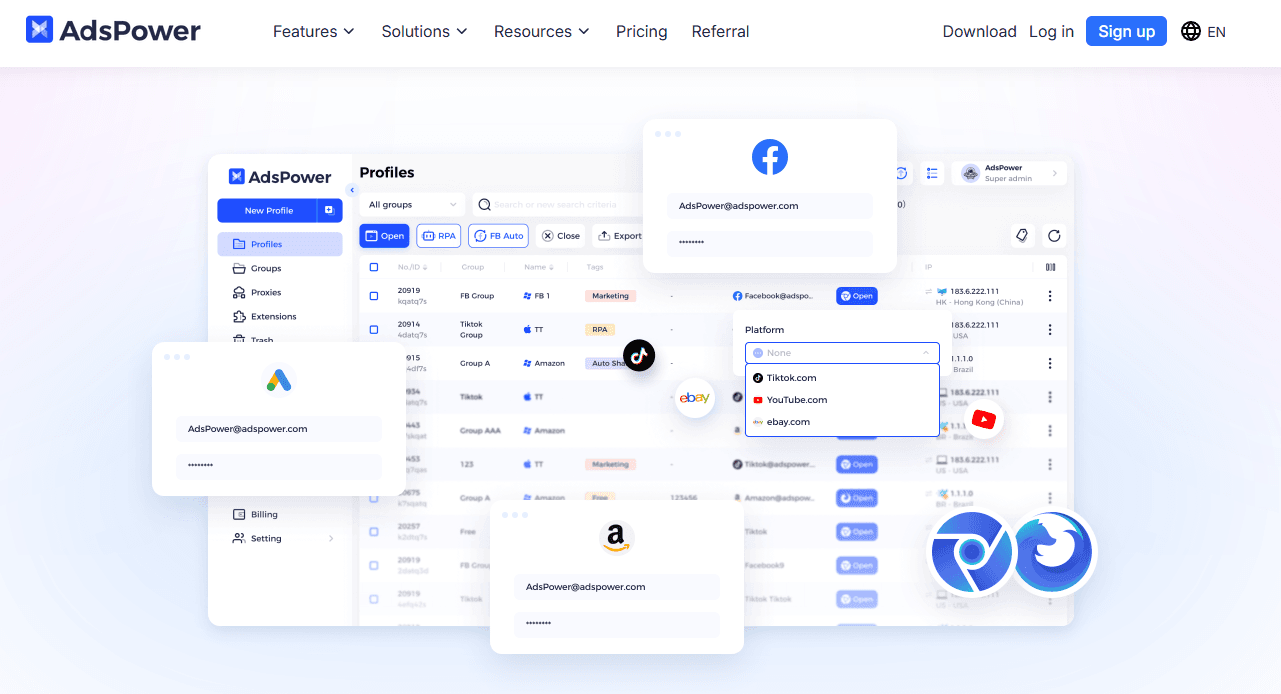
AdsPower is designed for teams looking to scale operations and automate repetitive tasks. Its key selling point is RPA-driven workflow automation, which allows users to handle large numbers of accounts efficiently.
Strengths
● AdsPower provides a no-code automation interface with drag-and-drop workflow creation. This makes it relatively easy for non-technical users to automate repetitive browser tasks.
● The Synchronizer feature allows actions performed in one window to be replicated across multiple profiles in real time. This can save significant time for repetitive social media or e-commerce operations.
● Flexible pricing options include a free starter plan and modular add-ons, which make AdsPower accessible for smaller teams or solo operators.
Weaknesses
● AdsPower does not support cloud phones, so mobile app workflows require external solutions or physical devices. This limits its utility for users who need realistic mobile simulations.
● Proxy management is left entirely to the user. AdsPower does not provide built-in proxies, so users must source, configure, and maintain their own, which can be cumbersome for large-scale operations.
● Security concerns have been reported, including past data breaches. The software is closed-source, raising trans1parency and privacy questions.
● Advanced team management features are limited and can generate hidden costs. Many useful functions, such as higher usage limits or team seats, are available only through paid add-ons.
Pricing
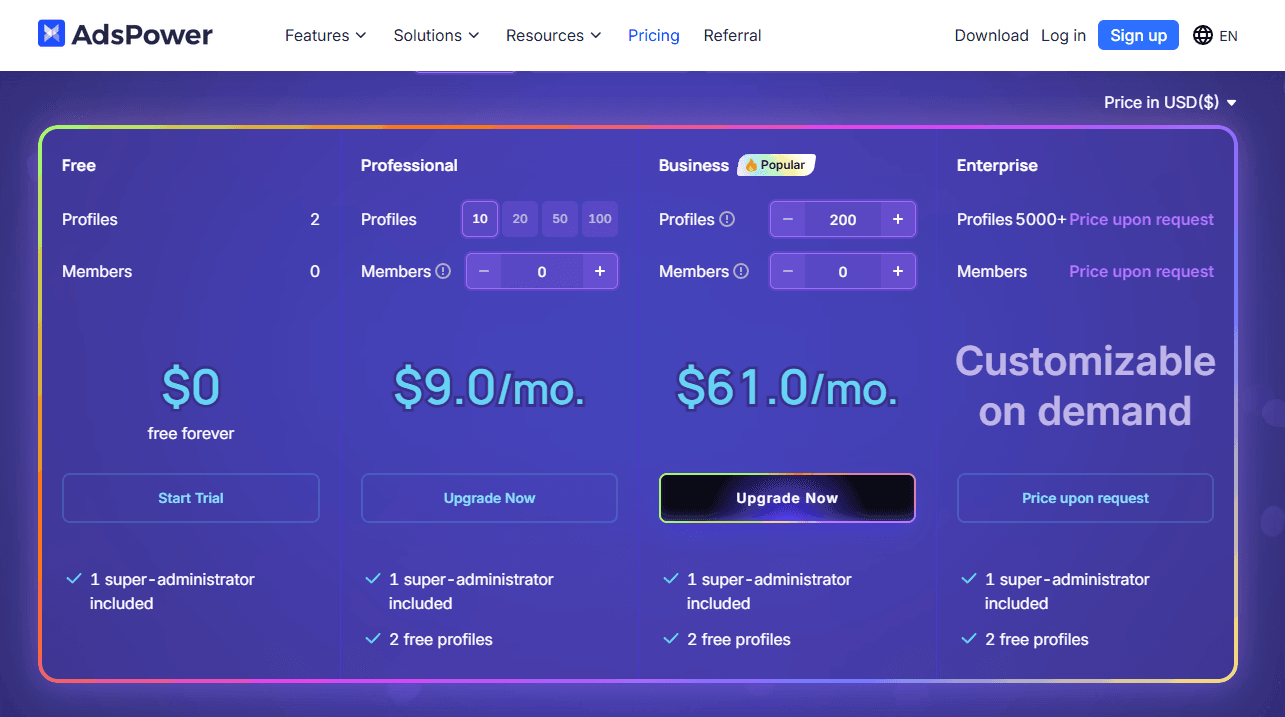
AdsPower offers a free plan that only supports 2 profiles, which is suitable for testing basic functionality. Paid plans start at $9 per month for 10 profiles, with each additional team member costing $5.
● 10 profiles, 0 users — $9/month
● 50 profiles, 0 users — $21/month
● 100 profiles, 0 users — $36/month
● 200 profiles, 0 users — $61/month
The modular pricing model means some basic features are included in the base plan, while others require paid add-ons (like team management features). Users must also account for the cost of external proxies if they wish to run multiple accounts securely. For teams scaling their operations gradually, the total cost can rise stepwise as more profiles, team seats, and add-ons are added.
Morelogin Review
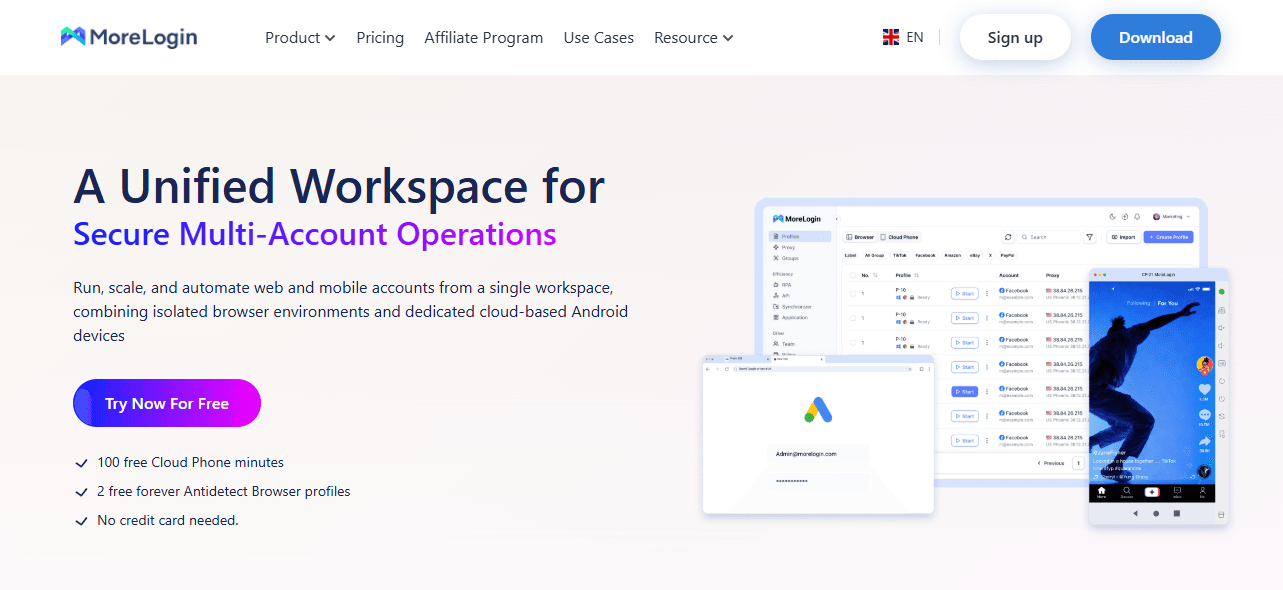
Morelogin takes a different approach, combining traditional multi-profile anti-detect browser features with cloud-based mobile simulation. This makes it appealing for users who need both desktop and mobile account management.
Strengths
● Morelogin allows multiple profiles with unique fingerprints. Users can adjust browser type, operating system, and user-agent for each profile. Pre-configured templates for platforms like Facebook, Google, Amazon, and Twitter make setup faster.
● The cloud phone feature enables users to run virtual Android devices, simulating realistic mobile behavior. Timezone and network settings automatically adjust based on IP, improving the authenticity of mobile interactions.
● Proxy support includes HTTP, HTTPS, and SOCKS5 protocols. While proxies are not included, this flexibility allows users to integrate preferred services.
● Automation is possible through the Synchronizer tool, as well as Selenium and Puppeteer integration. Team collaboration features exist with shared profiles and permission control.
Weaknesses
● Customization options are less granular than some competitors, which may lead to higher detection risks for high‑value accounts over extended sessions.
● Proxies are not included and must be purchased separately, adding significant overhead for large‑scale operations.
● Team management features work for small to mid‑sized teams but lack the depth and scalability required by larger enterprises.
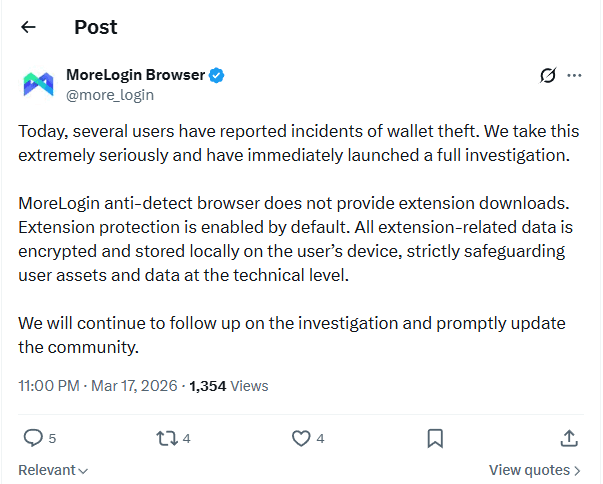
● Community reports in March 2026 highlighted a potential security incident; while no definitive link has been confirmed, it has raised questions around transparency and incident response.
Pricing
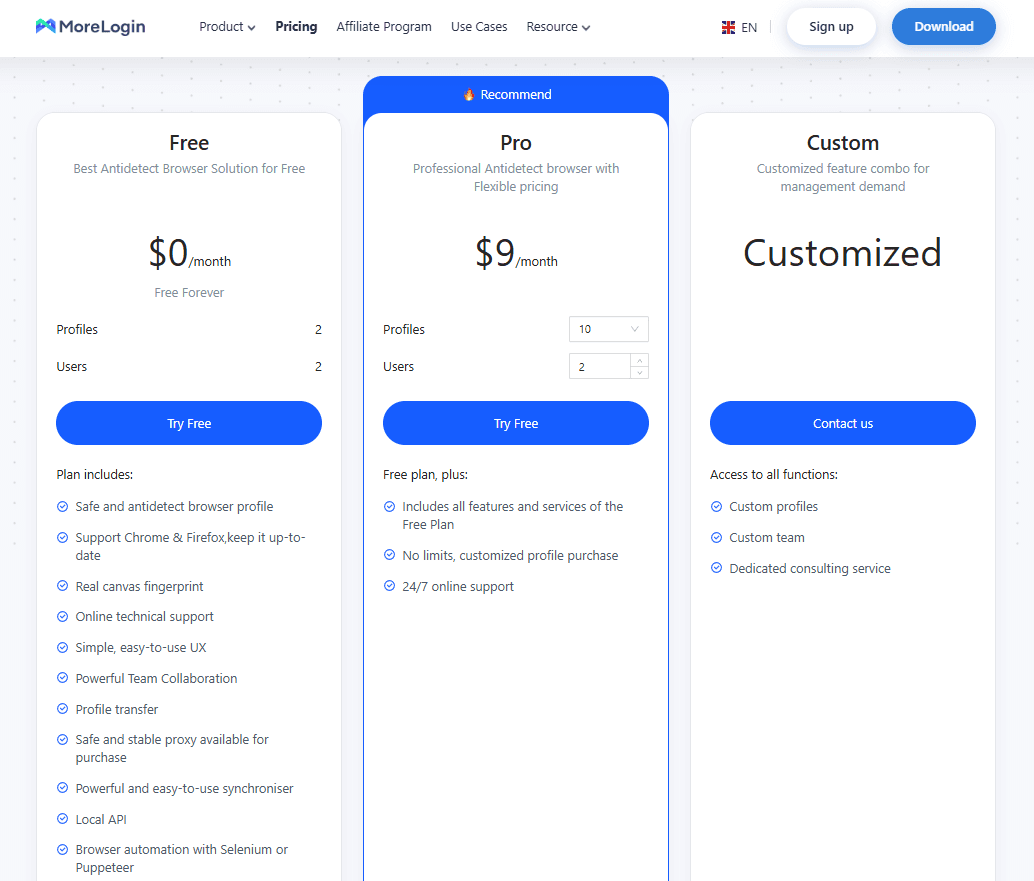
Moralogin has a free plan supporting 2 profiles and 2 users, which allows beginners to test basic workflows. Paid plans scale with usage. The 10-profile, 2-user plan costs $9 per month.
● 10 profiles, 2 users — $9/month
● 50 profiles, 2 users — $25/month
● 100 profiles, 2 users — $35/month
● 200 profiles, 2 users — $55/month
Each plan includes only two team seats, with an additional $5 fee per extra user. Proxy costs are not included, meaning the overall expense can increase for teams that require multiple proxies or large-scale automation.
AdsPower vs Morelogin Comparison Table
| Feature | AdsPower | MoreLogin |
|---|---|---|
| Core Focus | RPA automation and scaling workflows | Multi-profile + cloud phone simulation |
| Multi-account Management | Strong for large-scale browser profiles | Supports desktop and mobile profiles |
| Automation | No-code RPA + Synchronizer | Synchronizer + Selenium/Puppeteer |
| Cloud Phone Support | Not supported | Built-in virtual Android devices |
| Fingerprint Customization | Standard level | Moderate, less granular |
| Proxy Support | External only | External only |
| Ease of Use | Complex interface, more clicks required | More intuitive, easier setup |
| Team Collaboration | Limited, requires paid add-ons | Basic sharing and permissions |
| Security | Past data breach, closed-source concerns | Some reported concerns, less transparent |
| Pricing (Entry) | Free plan with ~2 profiles | Free plan with 2 profiles + 2 users |
| Pricing (Paid) | From $9/month for 10 profiles, no team seats included | From $9/month for 10 profiles + 2 users |
| Extra Costs | $5 per additional user + paid add-ons + proxies | $5 per extra user + proxies |
| Scalability Cost | Increases with add-ons and limits | More predictable but limited for large teams |
AdsPower is a solid choice for teams focused on desktop automation and scaling repetitive workflows. Its RPA system is useful, but the lack of cloud phone support, reliance on external proxies, and security concerns make it less suitable for more advanced or mobile-focused use cases.
MoreLogin is better suited for users who need both multi-profile management and cloud phone functionality. It covers mobile scenarios well, but limitations in automation depth and team scalability can become noticeable as operations grow.
For users looking for a more complete anti-detect browser that balances automation, mobile support, security, and scalability, BitBrowser offers a more well-rounded solution.
Why BitBrowser is the Superior Choice
After evaluating AdsPower and Moralogin, BitBrowser emerges as the most balanced and reliable anti-detect browser for 2026.
Key Advantages
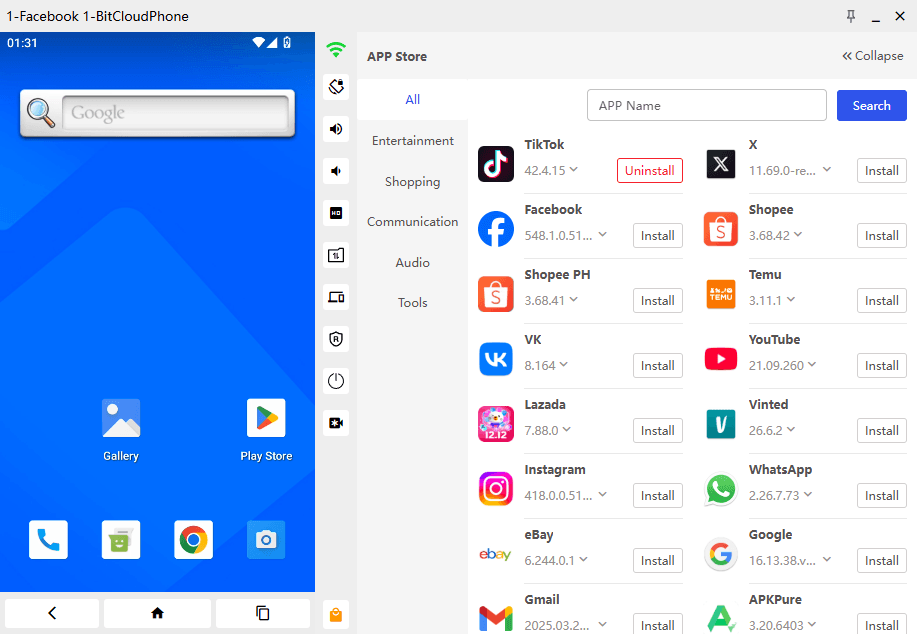
● BitBrowser supports both desktop and cloud phone environments, allowing users to manage multiple accounts across PC and virtual mobile devices in one place. Its built-in cloud phone creates a realistic mobile environment, making it especially effective for managing accounts on platforms like Facebook and Instagram.
● Security is a major focus. BitBrowser uses a closed, encrypted environment without known data breaches, making it safer for high-value accounts.
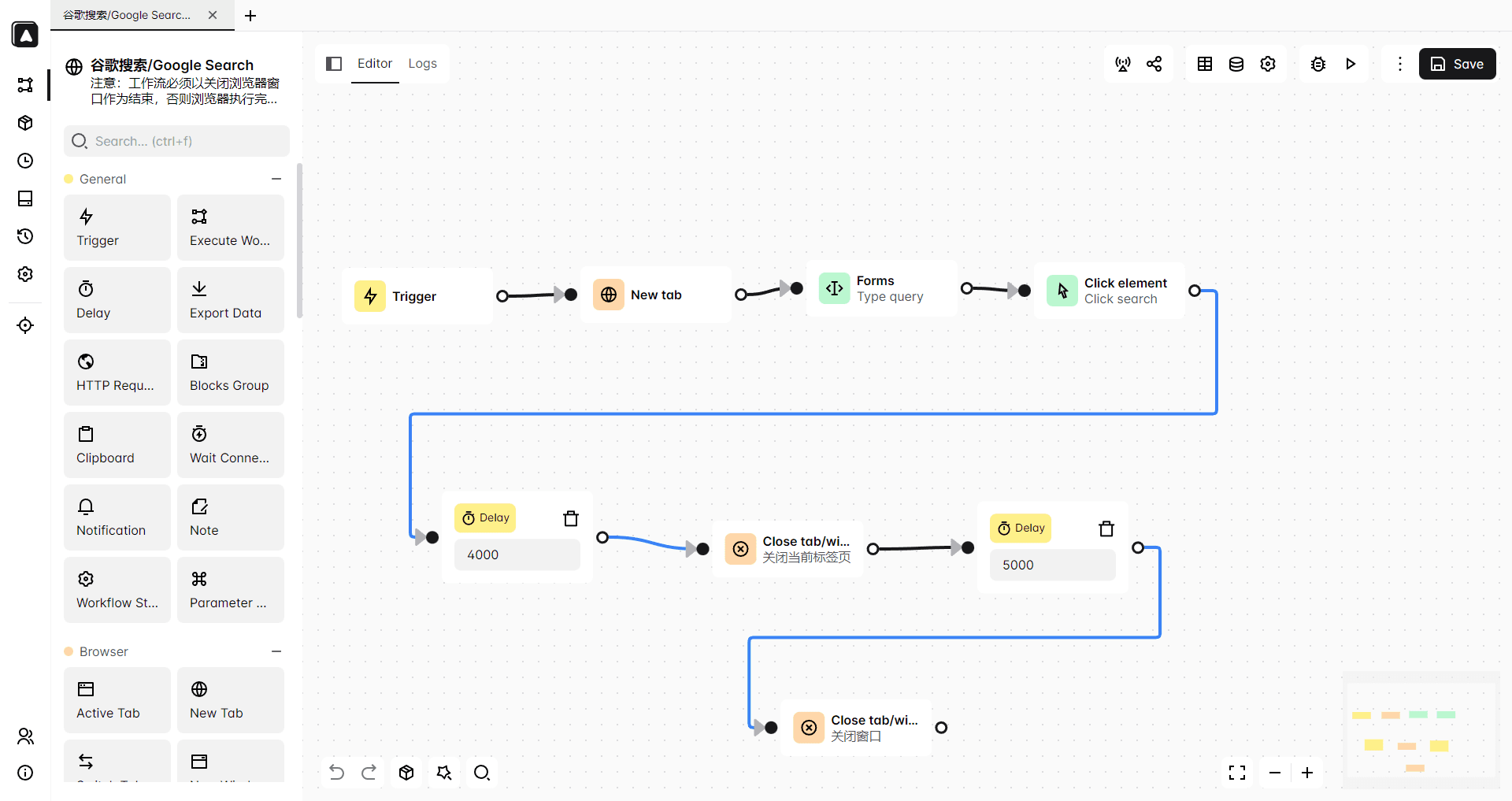
● Automation is stable and versatile. Drag-and-drop workflows and API integration handle high-volume operations.
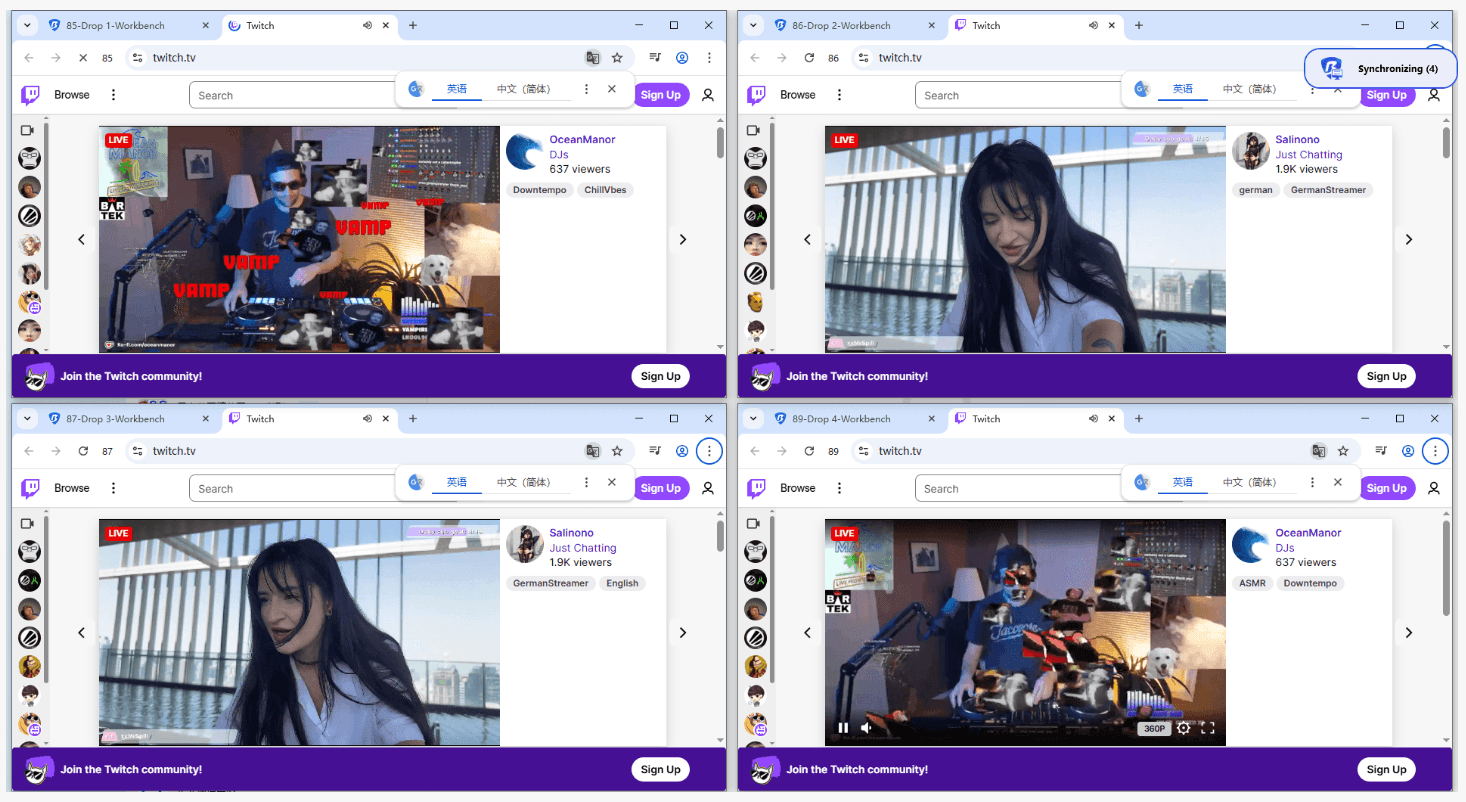
● Team management is scalable. Permissions, shared profiles, and enterprise-ready controls allow teams of any size to collaborate efficiently.
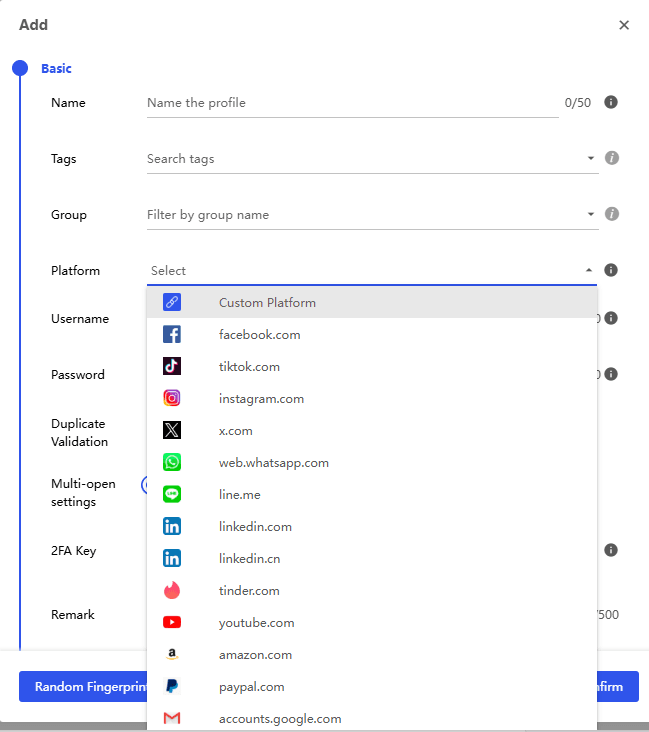
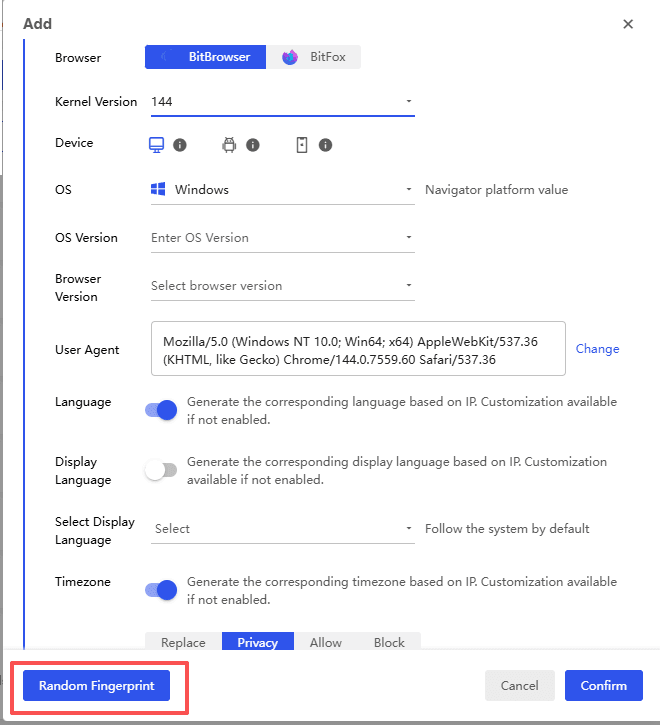
● Proxy and fingerprint management are simplified. Built-in IP isolation and advanced fingerprint customization reduce risks and speed up account setup.
● The interface is intuitive, reducing the learning curve. Most tasks can be performed with minimal clicks, making it suitable for both beginners and experienced users.
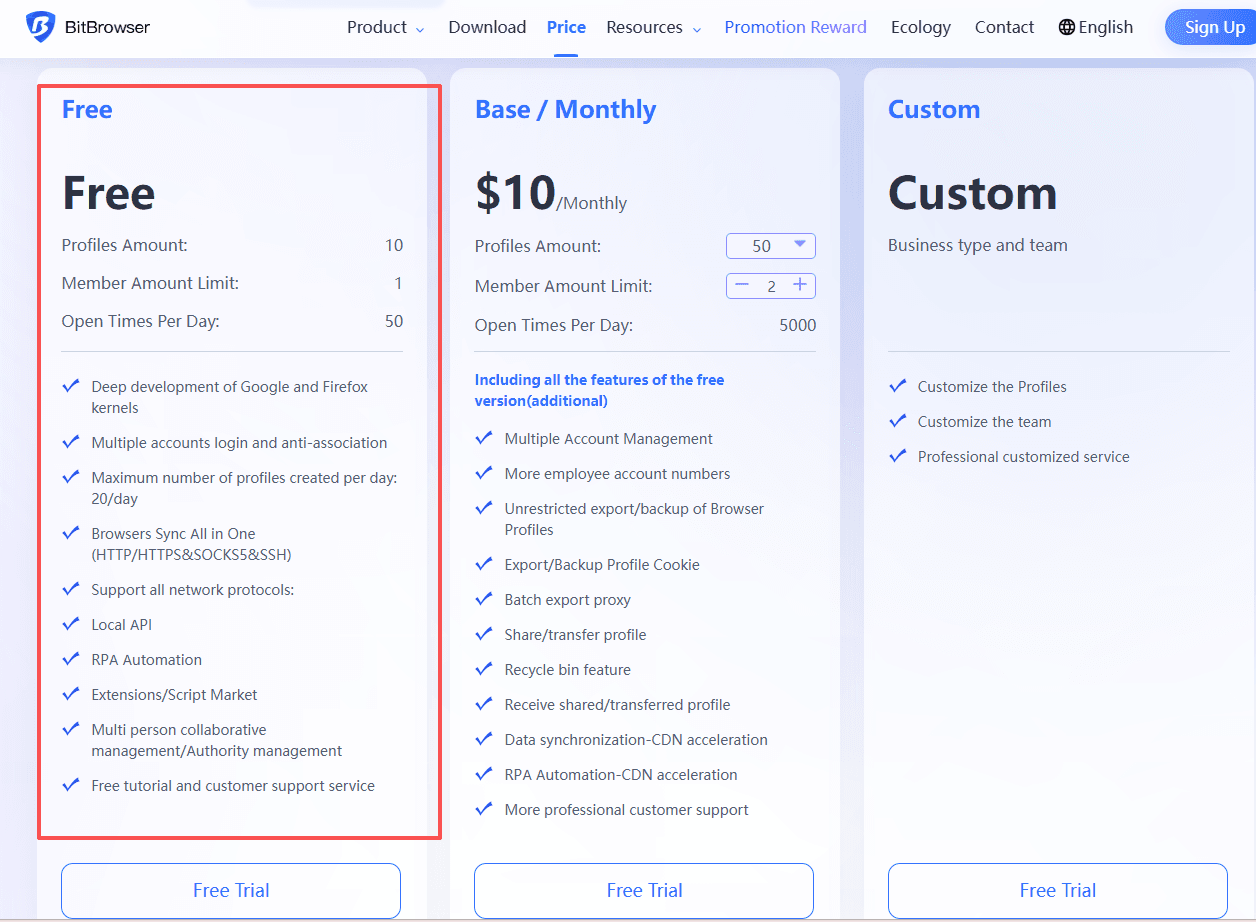
● Pricing is competitive. Free starter plans and affordable paid options, providing excellent value compared to AdsPower and Morelogin. BitBrowser offers 10 permanent browser profiles at no cost, which is enough to test the entire system without committing to a paid subscription.
Paid plans
● 50 profiles, 2 users — $10/month
● 100 profiles, 4 users — $15/month
● 200 profiles, 8 users — $25/month
● 500 profiles, 12 users — $50/month
BitBrowser combines the automation strength of AdsPower with the cloud and mobile flexibility of Morelogin while addressing security, usability, and scalability concerns. For anyone serious about multi-account management, BitBrowser represents the most future-proof anti-detect browser option.
Try BitBrowser now
Conclusion
AdsPower is ideal for teams focused on desktop automation, offering strong RPA workflows but limited mobile and cloud support.
Morelogin provides cloud phone functionality and decent automation, yet it struggles with fingerprint customization and scaling team management.
BitBrowser surpasses both by delivering a secure, intuitive, and highly scalable anti-detect browser solution that covers desktop, mobile, and team workflows efficiently.
For 2026, users seeking reliability, security, and ease of use should strongly consider BitBrowser as the central tool for multi-account management.
FAQ
1. What is an anti-detect browser and why is it important?
An anti-detect browser allows users to create multiple browser profiles with unique fingerprints, helping reduce detection risks. It is widely used for secure multi-account management in marketing, e-commerce, and social media operations.
2. Is AdsPower a good anti-detect browser for beginners?
AdsPower can work for beginners thanks to its no-code automation features. However, its interface may require some time to get used to, and certain advanced functions are only available through paid add-ons.
3. Does MoreLogin support mobile account management?
Yes, MoreLogin includes a cloud phone feature that simulates Android devices, making it suitable for managing mobile-based platforms such as social media apps.
4. What are the main limitations of AdsPower and MoreLogin?
AdsPower is more focused on desktop workflows and may require additional tools for mobile scenarios, while MoreLogin offers mobile support but may have limitations in deeper customization and large-scale automation as operations grow.
5. Why is BitBrowser considered a better alternative?
BitBrowser uses strong profile isolation and consistent fingerprint settings to reduce the risk of account linkage. Each profile runs in an independent environment with separate IP and device parameters, making multi-account management more stable and controlled over time.

 Multi-Account Management
 Prevent Account Association
 Multi-Employee Management
Recommended
See More 



