What Is a Cloud Phone? Complete Guide to Cloud Phones 2026
 2025.12.17 14:55
 YT.Shi
Cloud phones are transforming how businesses, marketers, and gamers interact with mobile devices. From reducing hardware costs to providing unparalleled flexibility, cloud phones offer a range of features that traditional physical devices cannot match. In this article, we will explore the core concept of cloud phones, their advantages over physical phones, the differences between cloud phones and Android emulators, and how to select the right cloud phone service for your needs.
What is a Cloud Phone?
In today's digital landscape, a cloud phone refers to a virtual Android smartphone instance running on powerful cloud servers. Unlike traditional physical smartphones, cloud phones provide remote access to a full Android operating system via the internet, allowing users to run mobile apps, manage accounts, and perform tasks without needing a physical device. These innovative tools have gained popularity among marketers, gamers, developers, and businesses for their flexibility and efficiency.
Advantages Over Physical Phones
· No Hardware Limitations: You can access high-performance devices even with low-end personal hardware (e.g., using a laptop to run mobile games).
· Cost-Effective: You don't need to purchase multiple devices for different tasks, reducing costs significantly.
· Continuous Operation: Cloud phones can run 24/7 without draining your device’s battery, perfect for long-term automation or gaming.
· Centralized Management: Managing and deploying cloud phones is easier and more efficient, especially for businesses and developers.
Key Features of a Cloud Phone
1. Remote Access from Any Device
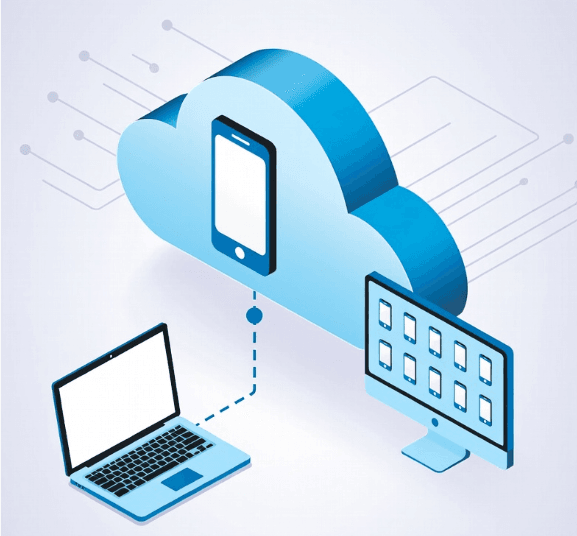
Access your cloud phone anytime from any internet-connected device. No need for a physical phone, allowing flexibility for mobile operations on the go.
2. Independent, Secure, and Privacy-Friendly Environment
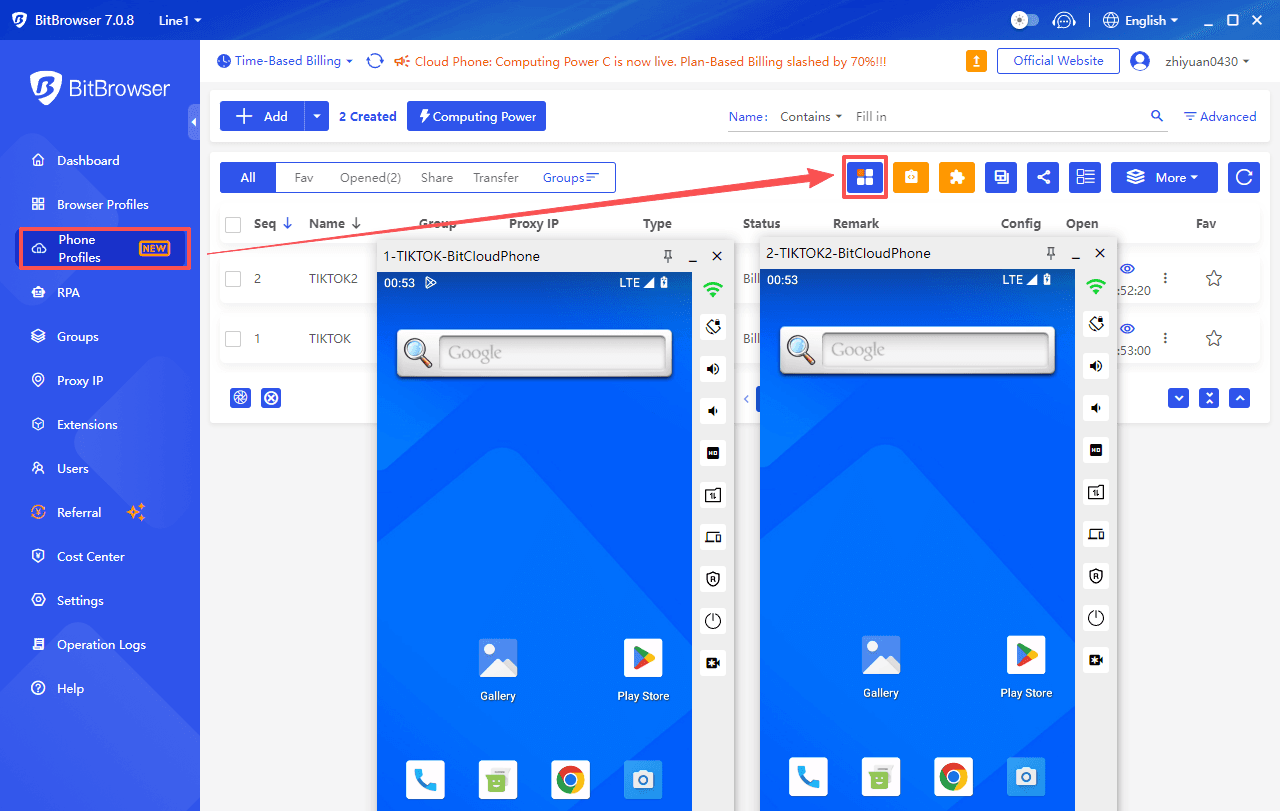
Each cloud phone is a completely separate instance with its own operating system, apps, and data. This isolation ensures that accounts and activities remain secure and private. Users can manage multiple cloud phones simultaneously from a single dashboard, making it ideal for marketers, developers, or anyone handling multiple accounts (For example, managing multiple TikTok accounts). Each instance also has its own unique fingerprint, IP, and system environment, reducing the risk of detection or bans.
3. Customizable Location and Network Settings
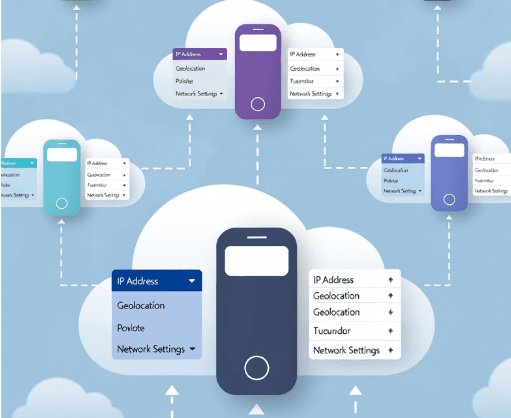
Many cloud phone services let you select IP addresses, geolocations, or network settings for each instance. This is useful for testing region-specific features, marketing campaigns, or maintaining privacy online.
4. Quick Reset and Cloning
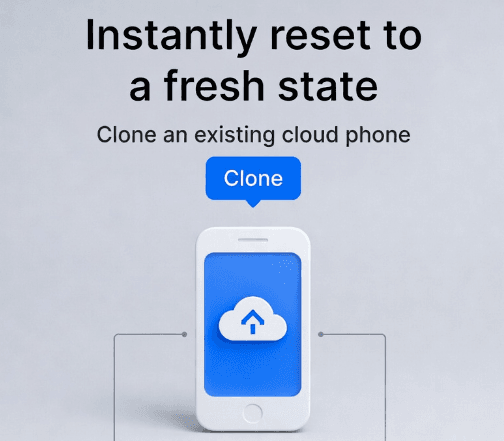
Instantly reset a cloud phone to a fresh state or clone an existing one. This makes scaling operations simple and efficient, without the hassle of physical device maintenance.
5. App Testing and Automation Support
Developers and marketers can automate tasks, run scripts, or test apps across multiple cloud phones simultaneously. It’s an ideal solution for QA, A/B testing, and repetitive workflows.
6. Scalable and Cost-Effective
Cloud phones can scale up or down quickly, making them suitable for individual users or enterprise operations. Since there’s no need to purchase physical devices, they are a more cost-effective solution for running multiple smartphones simultaneously.
Differences Between Cloud Phone and Android Emulator
While both cloud phones and Android emulators allow running Android apps on non-mobile devices, they differ fundamentally in architecture and performance:
| Feature | Cloud Phone | Android Emulator |
|---|---|---|
| Location | Remote server | Local device |
| Performance | High, server-based | Limited by local hardware |
| Accessibility | Any device with internet | Only the device it’s installed on |
| Use Case | Multi-account management, long-term automation, cloud gaming | App testing, casual gaming, personal use |
| Stability | Stable, 24/7 uptime | May lag or crash on low-end PCs |
| Security | Data stored in cloud, isolated environment | Depends on local device security |
Android emulators (e.g., BlueStacks, LDPlayer, NoxPlayer) are software-based simulations that run on your local computer's hardware (typically x86 architecture). They translate Android's ARM instructions, leading to performance overhead, compatibility issues, and easier detection by apps as "virtual" environments.
Cloud phones, on the other hand, use real or near-real Android systems on dedicated cloud servers with ARM chips, mimicking physical devices more accurately.
Key Differences:
Performance and Reliability: Cloud phones leverage high-performance cloud computing, while Android emulators are constrained by the local device's resources (e.g., CPU, RAM). Researchers noted that cloud-based solutions tend to offer higher uptime and less lag, especially for gaming and multi-tasking scenarios.
Security and Isolation: Cloud phones can isolate user data in secure virtual environments, while emulators may expose data to vulnerabilities from the host device. This is crucial for users managing sensitive data or multiple accounts, as Gartner highlighted in their report on secure cloud environments.
Types of Cloud Phones and How to Choose
Cloud phones can be categorized based on usage scenarios. Each category is suited for different needs, from gaming to business management.
Cloud Phone Types: Quick Comparison and Key Providers
| Cloud Phone Type | Typical Users / Use Cases | Key Requirements | Representative Providers | Highlight Feature |
|---|---|---|---|---|
| Multi-Account Management & Online Business | Marketers, small teams, social media managers, e-commerce operators | Independent IPs, device fingerprinting, environment isolation, batch management | BitCloudPhone, DuoPlus, VMOS Cloud | BitCloudPhone: Real-device fingerprints, One-Click New Phone, Cloud Phone Synchronizer |
| Cloud Gaming & 24/7 Game Automation | Gamers, gaming studios, automation operators | High GPU performance, low latency, 24/7 uptime, automation script support | Redfinger, LDCloud, UGPhone | Redfinger: Stable AFK gaming, global servers, multi-instance management |
| Enterprise Security & Mobile Workforce | Businesses, IT teams, remote workers | Enterprise-grade security, centralized management, compliance, high reliability | Amazon WorkSpaces, Azure Virtual Desktop, VMware Horizon Cloud, Citrix Workspace | Azure Virtual Desktop: Secure remote desktops with centralized admin |
| App Development & Testing | Developers, QA teams | Multiple device profiles, root/ADB access, rapid deployment/reset, real-world condition simulation | BitCloudPhone, BrowserStack, Sauce Labs, Genymotion | BitCloudPhone: Multi-parameter configuration, scalable testing, root/ADB support |
1. Multi-Account Management & Online Business
This is the most common use for individuals and small teams. Users need to manage multiple social media, e-commerce (like Amazon, Shopify), or advertising accounts without triggering platform security bans for "suspicious activity."
Key Requirements: Independent, clean IP addresses for each instance and advanced device fingerprint simulation (unique device ID, model, OS version, etc.) to avoid account association. Synchronized controls to manage many instances at once are crucial.
Representative Providers: BitCloudPhone, DuoPlus, VMOS Cloud.
· BitCloudPhone: A browser-based anti-detect cloud Android emulator from BitBrowser, specializing in seamless multi-account management for e-commerce and social media platforms like TikTok and WhatsApp. It features automatic real phone fingerprint configuration (IMEI, etc.), advanced anti-detection to minimize bans, One-Click New Phone, RPA automation, Cloud Phone Synchronizer, and team collaboration tools, which is perfect for scaling marketing campaigns efficiently without physical devices.
· DuoPlus: An anti-detect cloud phone powered by real ARM devices deployed globally, ideal for cross-border social media marketing and account matrix operations. It supports bulk app management, one-click ROOT, team sharing, and automation for platforms like TikTok, helping reduce account association risks and enable efficient global monetization. However, its proxy limitations, Android-only environment, and higher per-device costs may challenge beginners or large teams.
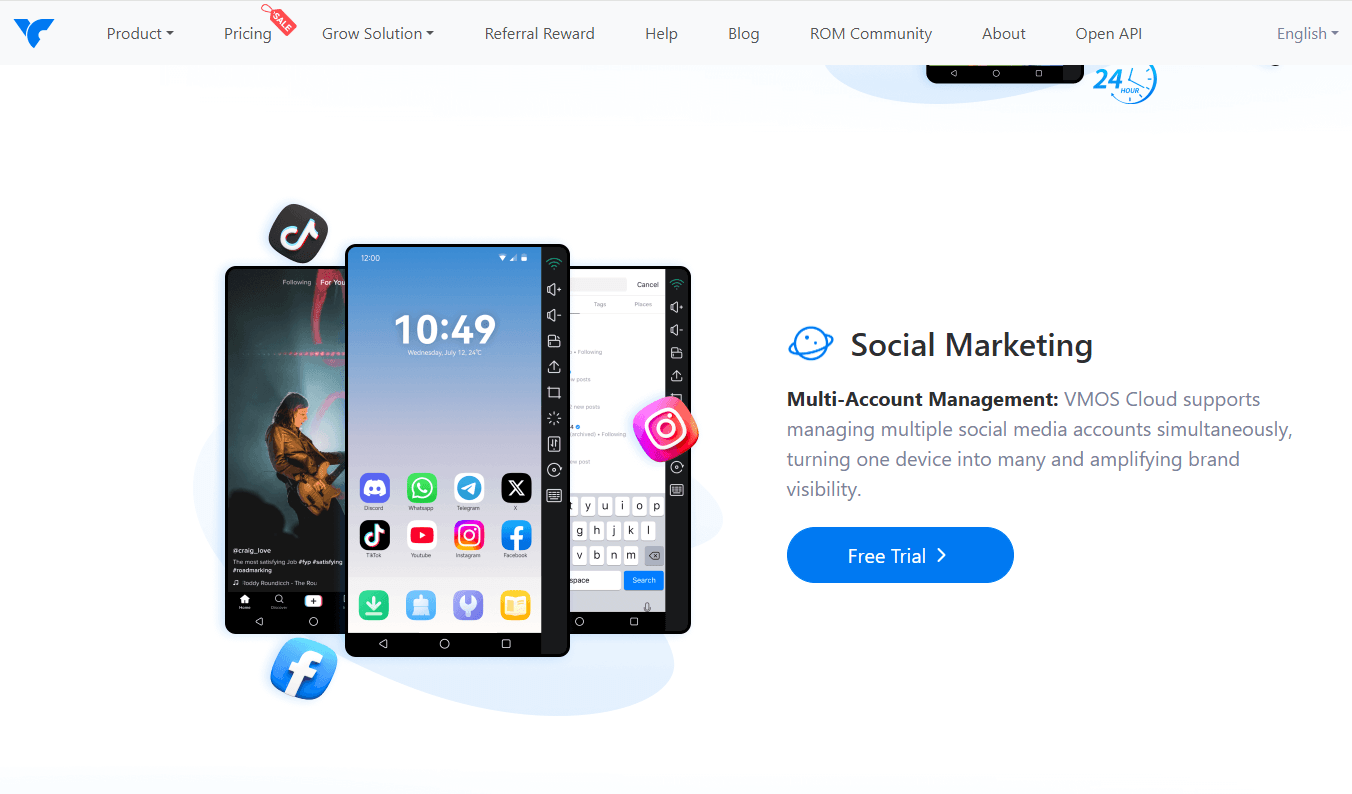
· VMOS Cloud: A cloud Android solution with real device environments, focused on secure multi-account growth for social media (e.g., TikTok, WhatsApp). Offers batch control, independent fingerprints/IPs, 24/7 background running, multi-model support, and team permissions—excellent for account nurturing, automation testing, and scaling operations without detection risks. However, limitations that require consideration include complex and opaque pricing structures, as well as key features being locked behind expensive equipment tiers.
2. Cloud Gaming & 24/7 Game Automation
Gamers and gaming studios use cloud phones to run multiple game accounts around the clock for resource farming ("grinding") or to manage complex in-game economies.
Key Requirements: Strong GPU performance for graphic rendering, low network latency for real-time play, and persistent uptime so progress continues even when your local device is off. Support for automation scripts is a major plus.
Representative Providers: Redfinger, Redfinger, UGPhone.
· Redfinger: A veteran provider specializing in 24/7 AFK gaming and cloud-based Android emulation. It offers native performance, multi-device compatibility, parallel account management, and global servers (e.g., US, Taiwan, Singapore) for uninterrupted play. Popular for its reliability in resource-intensive games, though some users note occasional stock issues for new instances.
· LDCloud: The cloud extension of the LDPlayer emulator, focused on high-performance cloud gaming. It supports unlimited multi-instances, synchronization for batch control, 24/7 operation without local resource drain, and features like ROOT access. Known for cost-effectiveness and smooth AFK farming in titles like Ragnarok or Lineage.
· UGPhone: A cloud Android phone platform with 24/7 uptime, global low-latency servers, native Android environments, multi-instance support, and customizable performance tiers. It’s popular for remote gaming, automation, and continuous app use without relying on local devices.
3. For Enterprise Security & Mobile Workforce
Businesses adopt cloud phones to provide secure, standardized mobile workspaces. Sensitive corporate data and apps remain in the secured cloud, not on employees' personal devices.
Key Requirements: Enterprise-grade security certifications, centralized administration and permission controls, seamless integration with other cloud services, and high reliability.
Representative Providers: Amazon WorkSpaces, Microsoft Azure Virtual Desktop, VMware Horizon Cloud, Citrix Workspace.
· Amazon WorkSpaces is a fully managed desktop-as-a-service (DaaS) solution designed to provide secure, scalable virtual desktops for remote work. It enables businesses to securely deliver Windows or Linux desktops to employees, regardless of location. With multi-factor authentication (MFA), data encryption, and integration with AWS Identity and Access Management (IAM), Amazon WorkSpaces ensures secure access to company resources. Its centralized management interface makes it easy for IT teams to provision, manage, and scale virtual desktops, making it an excellent solution for secure remote work environments.
· Azure Virtual Desktop (AVD) is a comprehensive desktop and app virtualization service hosted on Microsoft Azure, enabling businesses to provide secure remote desktops for their workforce. It integrates seamlessly with Azure’s security tools, including Azure Active Directory (AAD) and conditional access, to ensure secure access to sensitive data and applications. Azure Virtual Desktop supports Windows 10/11 environments, providing users with a familiar experience, while IT administrators can manage access, monitor usage, and configure security policies to safeguard data. This makes it ideal for businesses needing secure, scalable remote work solutions.
· VMware Horizon Cloud provides a cloud-based virtual desktop infrastructure (VDI) solution designed for secure remote access to business applications and data. It allows businesses to deploy and manage virtual desktops and applications across hybrid cloud environments, including public clouds like AWS and Azure. Horizon Cloud includes advanced security features such as end-to-end encryption, multi-factor authentication, and integrated endpoint security. This ensures that employees can access work resources securely from any device, making it ideal for businesses that require secure remote work and high levels of compliance.
· Citrix Workspace is a unified digital workspace solution that allows businesses to securely deliver applications, desktops, and data to employees working remotely. It integrates application and desktop virtualization with advanced security features like conditional access, data loss prevention (DLP), and multi-factor authentication to ensure sensitive data remains secure. Citrix Workspace optimizes user experience with HDX technology, ensuring high performance even on low-bandwidth networks. It is a comprehensive solution for companies looking to provide employees with secure, flexible access to work resources from anywhere.
4. App Development & Testing
Developers need to test their Android applications across a wide array of device models, OS versions, and screen resolutions without owning a vast physical device lab.
Key Requirements: Access to a wide variety of device profiles (different OEM models, Android versions), root/ADB access for debugging, and fast deployment/reset capabilities.
Representative Provider: BitCloudPhone (with its multi-parameter configuration options), BrowserStack, Sauce Labs, Genymotion
· BitCloudPhone is a cloud-based Android emulator tailored for multi-account management and app testing. It offers extensive customization options, allowing developers to configure virtual devices with different OEM models, Android versions, and screen sizes. BitCloudPhone supports root/ADB access for debugging and testing apps with elevated permissions. The platform allows for rapid deployment and device reset, making it ideal for quick testing cycles. With its multi-parameter configuration, developers can simulate real-world conditions like network speed and GPS location for thorough app testing.
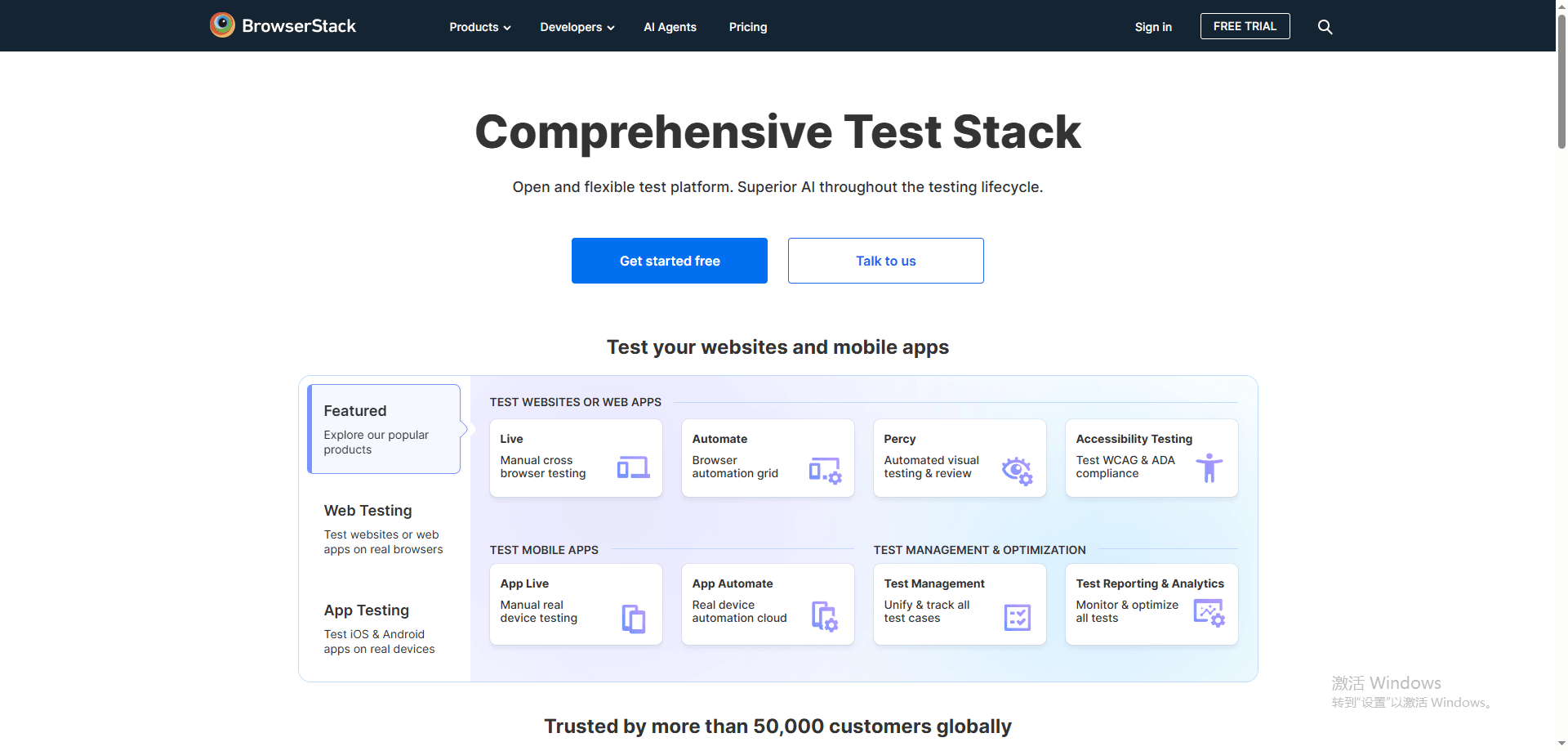
· BrowserStack is a cloud-based testing platform that provides developers with access to real Android devices for app testing. It allows for testing across over 2,000 devices, offering a broad range of OEM models, screen resolutions, and Android versions. BrowserStack supports root/ADB access, enabling developers to perform deep debugging and test apps with root permissions. The platform’s instant deployment feature lets developers quickly begin testing, providing a highly efficient solution for cross-device app compatibility and performance testing.
· Sauce Labs offers cloud-based testing for both mobile and web applications, with support for a wide array of Android devices. Developers can test their apps on real devices and use root/ADB access to debug and troubleshoot issues. Sauce Labs integrates well with CI/CD pipelines, allowing for automated testing and fast feedback loops. It also provides features like live testing and video playback, enabling developers to visually verify app behavior across different devices, OS versions, and screen sizes, ensuring compatibility and stability.
· Genymotion is a cloud-based Android emulator that allows developers to test their apps on customizable virtual devices. With pre-configured device profiles, developers can simulate different OEM models, Android versions, and screen resolutions. It offers root/ADB access for in-depth debugging and allows for quick deployment of virtual devices, making it ideal for testing multiple configurations. Genymotion integrates with cloud platforms like AWS and Google Cloud, providing scalability for developers who need to test apps at scale across numerous virtual devices.
How to Choose the Right Cloud Phone for Your Needs
Choosing the right cloud phone is not about selecting the highest specifications, but about finding a solution that truly fits your usage scenario, operational scale, and long-term goals. Since cloud phones are used across marketing, gaming, development, and enterprise environments, understanding what to prioritize can help you avoid unnecessary costs and scalability issues later on.
1. Match the Cloud Phone to Your Primary Use Case
The first step is defining how you plan to use a cloud phone, as different platforms are optimized for different scenarios.
For multi-account management and digital marketing, device realism and environment isolation are critical. A suitable cloud phone should closely replicate a real Android device, with unique fingerprints, independent IPs, and fully isolated system environments. This is essential for managing social media, advertising, or e-commerce accounts at scale. Platforms such as BitCloudPhone are built specifically for these needs, offering real-device fingerprint configuration, isolated cloud instances, and batch management tools that help reduce account association risks while improving efficiency.
For long-running tasks, automation, or continuous online activity, stability becomes the priority. Cloud phones run on dedicated servers and can stay online 24/7, making them well suited for scheduled workflows, account nurturing, and automation-driven operations, without relying on local hardware.
2. Prioritize Device Realism and Platform Compatibility
Not all cloud phones provide the same level of authenticity. Some are essentially traditional Android emulators hosted in the cloud, which can still face compatibility issues and higher detection risks.
ARM-based cloud phones that run real or near-real Android systems offer more accurate device behavior and are generally more reliable for long-term use. If account safety, platform compliance, or regional targeting is important, device realism should be a key selection factor.
3. Consider Scalability and Long-Term Cost Efficiency
Entry-level pricing can be misleading. While some cloud phone services appear affordable at first, costs often rise as instance numbers increase or advanced features are needed.
Before choosing a platform, consider how easily you can scale, whether batch operations and automation are included, and how transparent the pricing model is. Solutions designed for professional use typically offer centralized management and smoother scaling as your operation grows.
4. Evaluate Security, Isolation, and Management Capabilities
Security and data isolation are essential, especially when managing valuable accounts or sensitive information. Each cloud phone instance should operate independently, with separate system data, apps, and network settings.
Centralized cloud management also reduces the risk of data exposure on local devices. Platforms that emphasize isolation and controlled access provide a safer and more manageable environment for both individuals and teams.
5. Start Flexible and Scale as Your Needs Grow
For new users, starting with a flexible and easy-to-manage cloud phone solution helps reduce the learning curve. The ability to quickly create, reset, or clone instances allows you to test workflows before scaling up.
Once your processes are validated, expanding instance numbers or upgrading configurations becomes straightforward, ensuring the cloud phone continues to support your evolving needs.
Why Choose BitCloudPhone as Your Cloud Phone in 2026
As platform risk control systems continue to evolve in 2026, choosing a cloud phone is no longer just about running Android apps in the cloud. It is about device authenticity, environment isolation, behavioral realism, and cost-efficient scalability. BitCloudPhone stands out as a cloud phone solution designed specifically for these next-stage requirements.
1. Real-Device-Level Emulation Built for Platform Risk Control
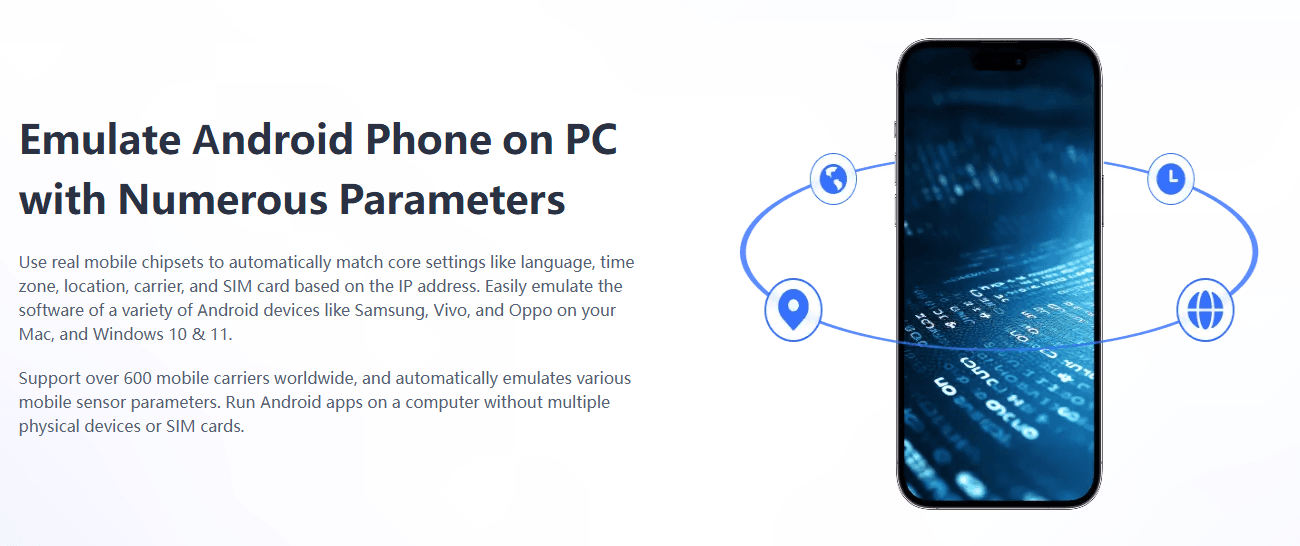
One of the biggest challenges in multi-account operations is device authenticity. BitCloudPhone adopts real-device-level Android emulation, dynamically matching hundreds of global carrier parameters such as IMEI, MAC address, time zone, and system language. This allows each cloud phone to present a unique and trustworthy device fingerprint that closely mirrors a real physical smartphone, significantly reducing the risk of platforms flagging accounts due to abnormal virtual device signals.
For users operating social media, advertising, or e-commerce accounts at scale, this level of realism is becoming a baseline requirement rather than an optional feature.
2. Fast Environment Regeneration with One-Click New Phone
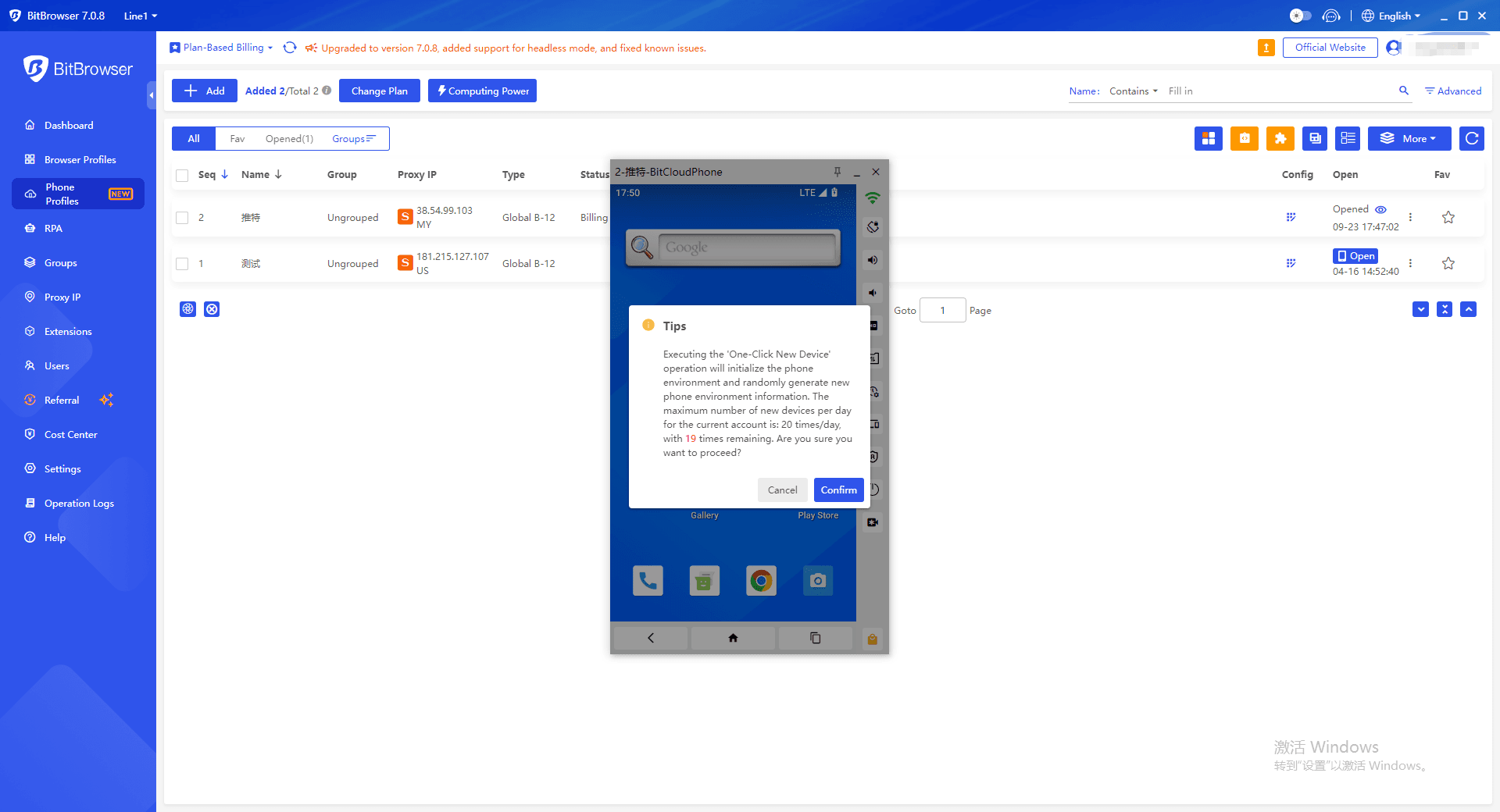
In fast-moving operational scenarios, the ability to quickly reset or switch environments is critical. BitCloudPhone’s One-Click New Phone feature enables users to regenerate a clean cloud phone environment within seconds, automatically synchronizing regional parameters such as country, language, and time zone.
This capability is especially valuable when testing new accounts, responding to potential risk signals, or scaling campaigns across regions, as it allows users to cut off environment associations instantly without manual reconfiguration.
3. Scalable Multi-Instance Management Without Losing Isolation
As operations scale, managing dozens or even hundreds of cloud phones can quickly become inefficient. BitCloudPhone addresses this through synchronized multi-instance control, allowing centralized monitoring and batch operations while still maintaining full isolation between each cloud phone profile.
This balance, high operational efficiency without sacrificing account separation, is a key reason BitCloudPhone is increasingly adopted for account matrix operations and long-term automation workflows.
4. Built-In Support for Authentic Behavioral Patterns
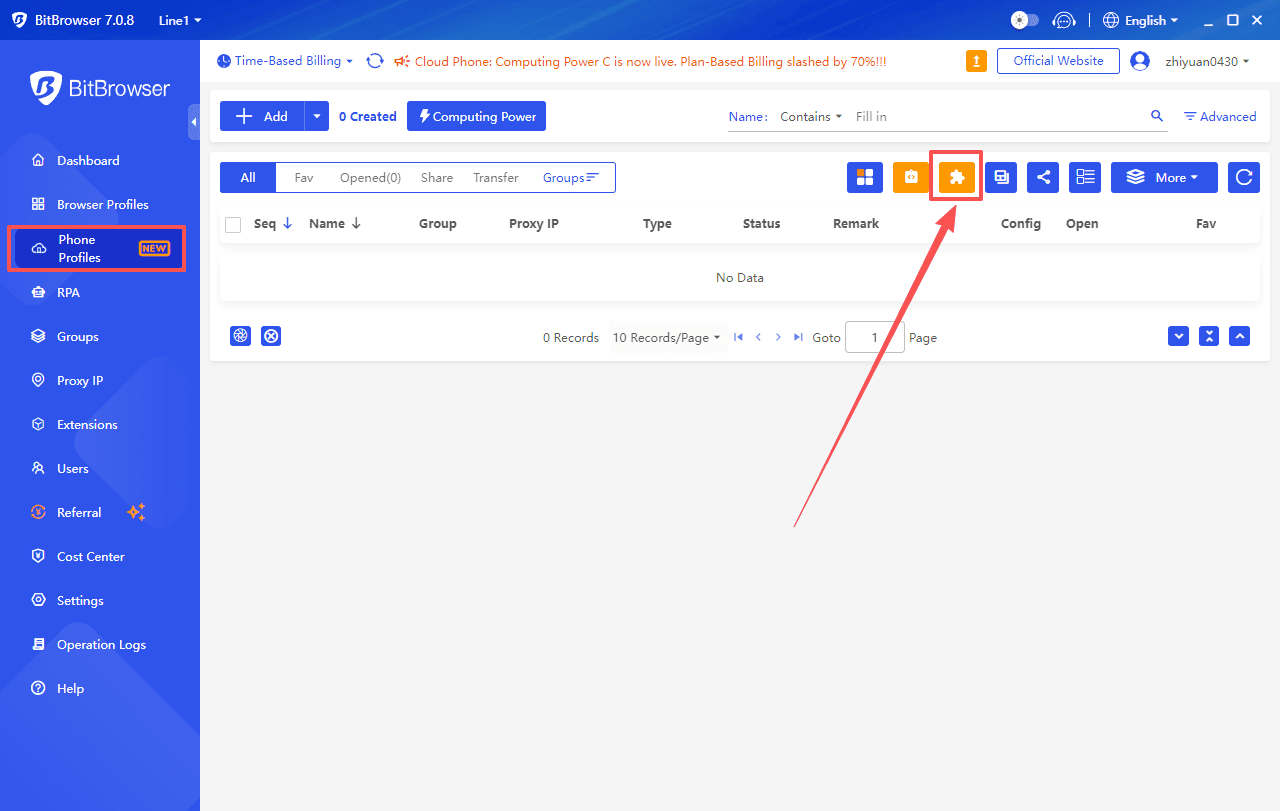
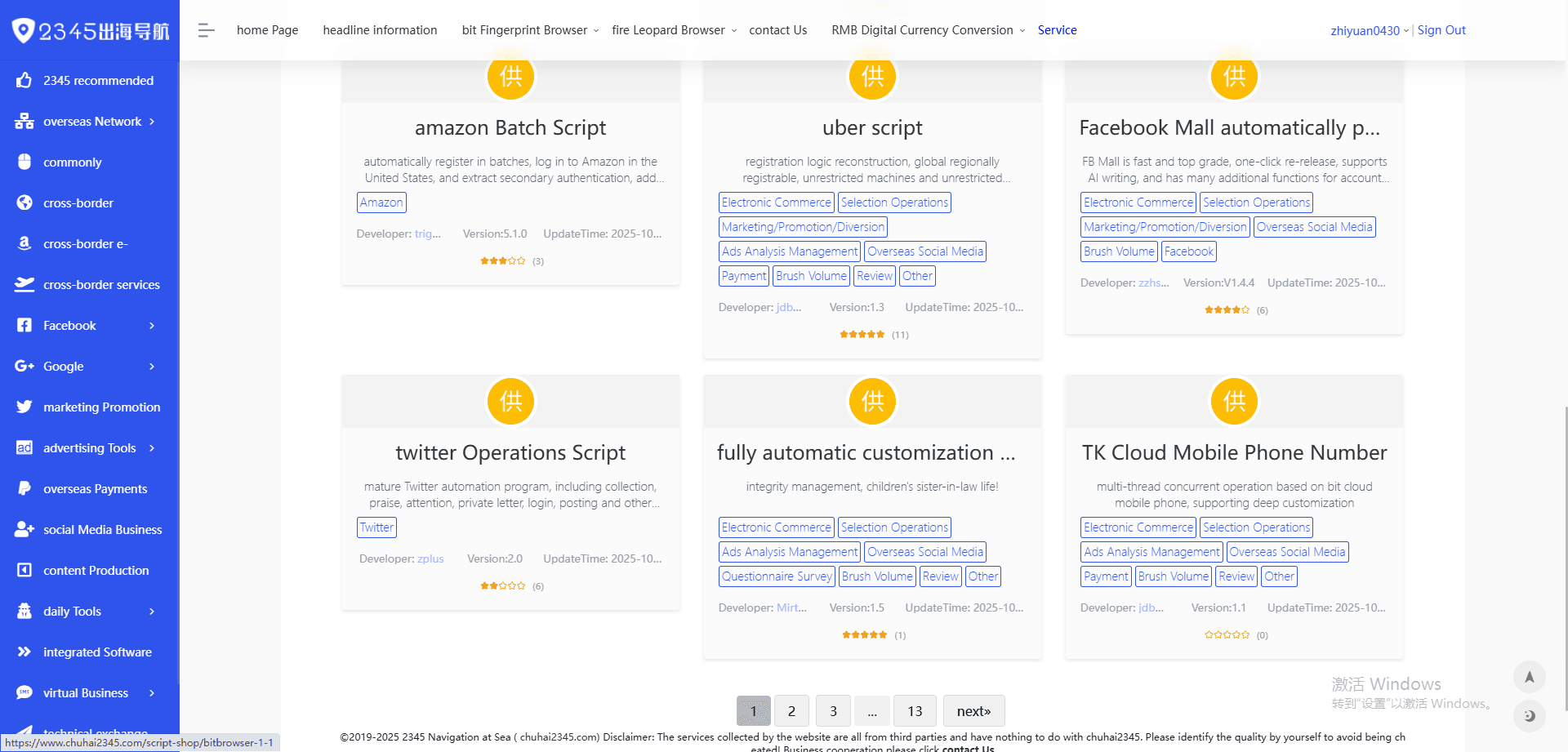
By 2026, platform risk control systems place growing emphasis on behavioral consistency rather than single technical indicators. BitCloudPhone supports this shift through automation and scripting tools that help simulate realistic user behavior, including varied login times, diversified action sequences, and human-like interaction intervals.
Instead of rigid, repetitive workflows, users can design flexible operation paths that better align with natural usage patterns, helping accounts remain stable over longer lifecycles.
5. Cost-Efficient Scaling with Flexible Computing Power
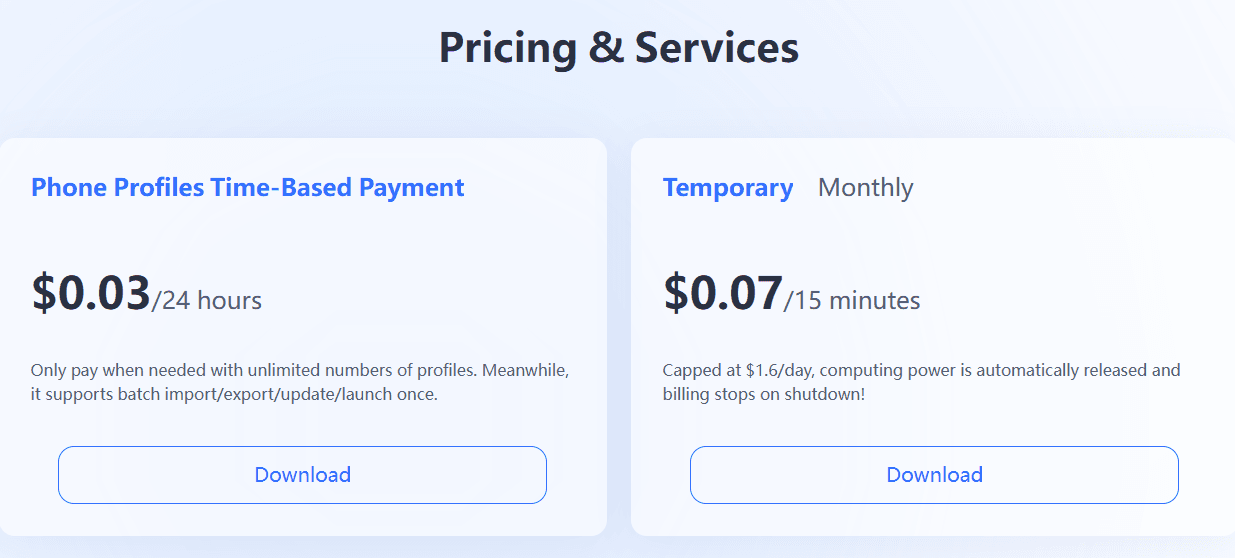
Another reason BitCloudPhone remains competitive going into 2026 is its flexible cost model. By offering multiple computing power modes, such as short-term usage for testing and long-term plans for stable operations, users can optimize costs based on real operational needs.
This hybrid approach allows teams to scale up quickly for campaigns while keeping long-term account maintenance costs under control, making BitCloudPhone suitable for both individual operators and larger commercial teams.
Conclusion
Cloud phones provide a flexible, scalable, and cost-effective alternative to physical smartphones and traditional Android emulators. Cloud phones offer real-device emulation, secure multi-instance isolation, and centralized management, enabling 24/7 operation and efficient multi-account workflows. For marketers, gamers, developers, and enterprises, choosing a realistic and scalable cloud phone solution like BitCloudPhone ensures long-term efficiency and account safety in 2026 and beyond.
Frequently Asked Questions (FAQ)
1. What is a cloud phone and how does it work?
A cloud phone is a virtual Android smartphone running on remote cloud servers. Users access it via the internet to install apps, manage accounts, and perform tasks just like on a physical phone, without owning actual hardware. All computing and storage are handled in the cloud.
2. What is the difference between a cloud phone and an Android emulator?
The main difference lies in architecture and realism. Android emulators run locally on a PC (usually x86-based) and simulate Android, which can cause performance issues and higher detection risk. Cloud phones run real or near-real Android systems on ARM-based cloud servers, offering better stability, device authenticity, and 24/7 uptime.
3. Are cloud phones safe for managing multiple accounts?
Yes, when properly configured. High-quality cloud phones provide isolated environments, unique device fingerprints, and independent IP settings for each instance. This reduces account association risks and improves security, making cloud phones suitable for managing multiple social media, advertising, or e-commerce accounts.
4. Who should use cloud phones?
Cloud phones are suitable for a wide range of users, including digital marketers managing multiple accounts, gamers running long-term or automated sessions, developers testing apps across devices, and businesses needing secure remote mobile environments. Both individuals and enterprises can benefit from their flexibility and scalability.
5. How do I choose the right cloud phone service?
Start by defining your primary use case, such as marketing, gaming, development, or enterprise work. Then evaluate key factors including device realism, scalability, pricing transparency, security, and management features. Choosing a platform that can scale with your needs will provide better long-term value.

 Multi-Account Management
 Prevent Account Association
 Multi-Employee Management
Recommended
See More