How to Bypass Linkvertise in 2026: Working Methods and Safe Alternatives
 2026.09.09 02:09
 YT.Shi
Linkvertise adds an intermediate page between you and the destination URL. Depending on the link, you may need to wait, view ads, complete verification, or go through several redirects before reaching the final page.
This can be frustrating when you only want to access a download, website, file, or other resource.
Fortunately, there are several ways to handle Linkvertise links. Some methods use online bypass tools, while others rely on browser extensions, userscripts, or finding the original source.
This guide explains how to bypass Linkvertise step by step, what to do when a bypass method fails, and how to avoid unsafe websites and downloads.
What Is Linkvertise and Why Does Everyone Want to Skip It?
Linkvertise (linkvertise.com) is a URL shortening service that content creators use to monetize their downloads and links. When someone shares a file, mod, script, or resource through Linkvertise, visitors have to complete a series of steps before reaching the actual destination. These steps typically include watching ads, completing CAPTCHAs, waiting through countdown timers, and sometimes even filling out surveys.
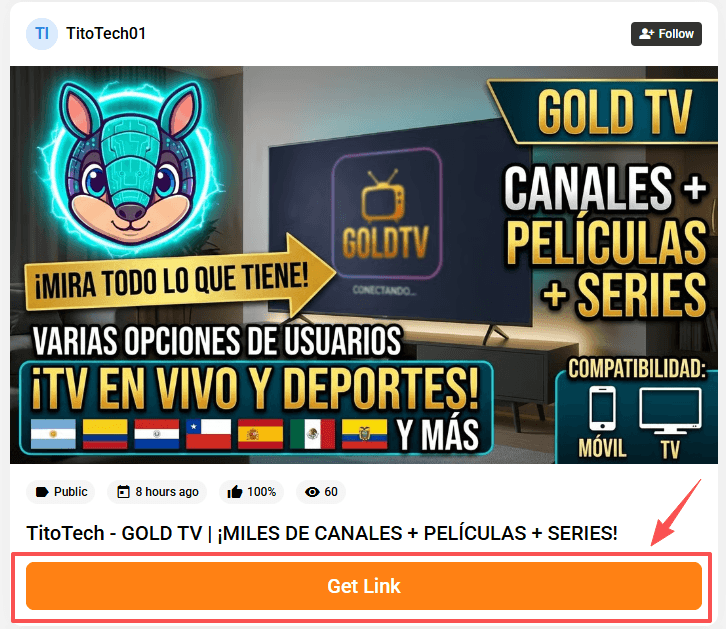
For example, the process may look like this:
Linkvertise URL → Intermediate page → Verification or waiting → Destination URL

For creators, it generates revenue. For users, it generates frustration.
The problem isn't just the waiting. Linkvertise pages are notorious for aggressive ad placements, misleading download buttons, and redirect chains that can land you on sketchy domains.
In 2026, the platform has gotten more sophisticated about detecting bypass attempts, which means you need smarter approaches than simply pasting a URL into some random "unshortener" site.
How Linkvertise Has Changed in 2026
Before diving into methods, it helps to understand what you're up against. Linkvertise's 2026 iteration includes several new defense mechanisms:
1. Dynamic JavaScript challenges that change on each page load, making static scrapers unreliable.
2. Browser fingerprinting to detect automated tools and headless browsers.
3. Token-based verification that ties your session to specific browser characteristics.
4. Aggressive pop-under ads that open even when you think you've blocked them.
5. CAPTCHA escalation, where repeated bypass attempts trigger harder verification steps.
This is why older methods like simple URL manipulation or basic redirect followers no longer work consistently. The platform treats every visitor as a potential bypasser until proven otherwise, and it adjusts its behavior based on what it detects about your browser environment.
Before You Start: Understand the Linkvertise Access Step
Important clarification about the "1-hour wait": Not every Linkvertise link has a 1-hour timer. This is an optional setting that creators can enable to increase revenue. Even when it is enabled, most users can still choose "Direct Access" instead. So, the 1-hour wait is not a standard requirement and only happens in certain cases, such as specific IPs, regions, or session conditions.
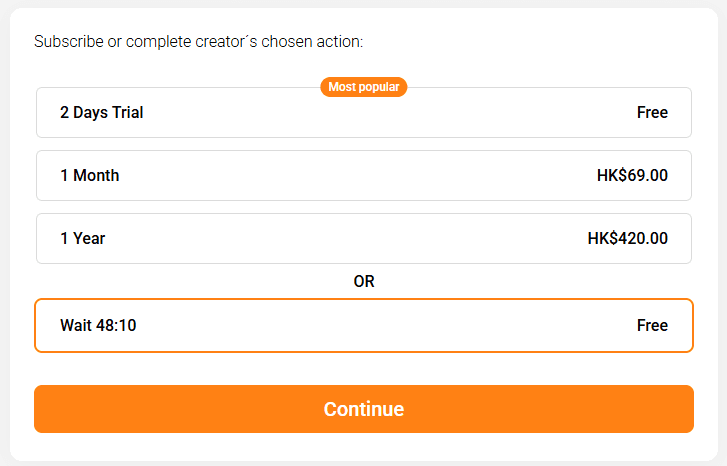
I tested the same URL in two environments:
| Environment | Result |
|---|---|
| Edge + Hong Kong VPN | ⏳ 1 hour wait before getting the Linkvertise link |
| BitBrowser + clean profile | 📺 Watch 3 short ads before getting the Linkvertise link |
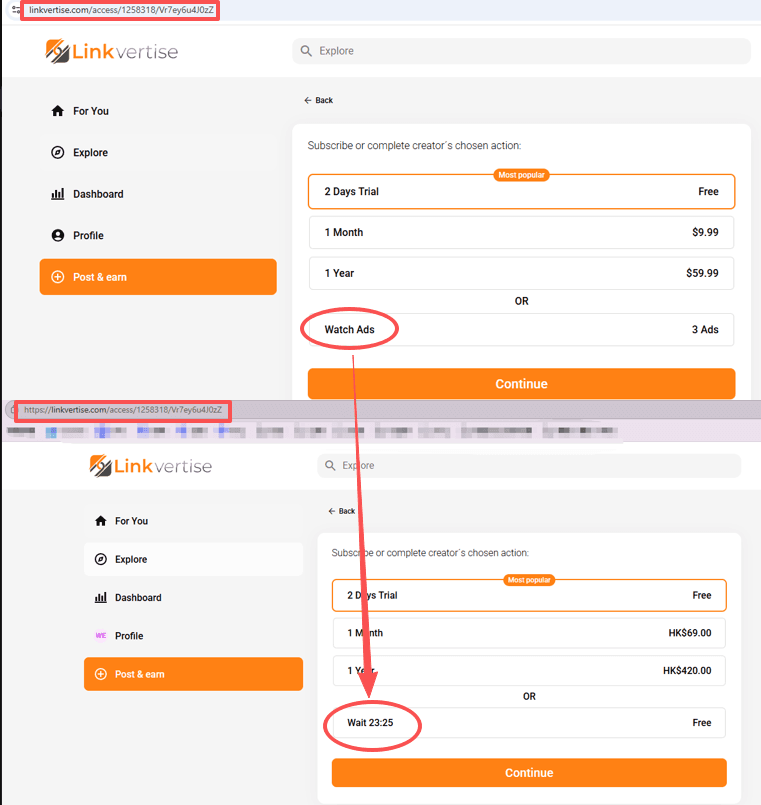
What Does This Tell Us?
Linkvertise does not use the same process for everyone. The steps you see can depend on factors such as your IP address, browser fingerprint, region, and session.
In my test, the VPN connection triggered a 1-hour countdown, while the clean BitBrowser profile only required watching three short ads.
The Key Takeaway
The process before getting the actual Linkvertise link is not always the same. Depending on your session, you may see a 1-hour countdown, a few ads, or a shorter verification step.
If you see a 1-hour countdown, trying a different browser profile or network connection may give you a different access process.
This also explains why some older bypass tools no longer work. If Linkvertise makes these decisions on its server, simply changing what appears on the page may not be enough.
5 Working Methods to Bypass Linkvertise in 2026
I've organized these from simplest to most technical. Not every method works for every Linkvertise link type, since the platform uses different redirect configurations depending on the creator's settings.
Method 1: Universal Bypass Extensions
Browser extensions remain the most convenient approach for casual users. The most reliable option in 2026 is FastForward, the spiritual successor to the old Universal Bypass extension. It's open source, community-maintained, and updated frequently to keep pace with Linkvertise's changes.
How to set it up:
· Visit the FastForward GitHub repository (search "FastForward bypass extension" to find the latest release).
· Download the extension file for your browser. It supports Chrome, Firefox, and Edge.
· Install it manually if it's not available on your browser's official extension store, since Google has periodically removed bypass extensions.
· Once installed, it works automatically. When you visit a Linkvertise link, FastForward intercepts the redirect chain and attempts to extract the destination URL.
A word of caution: FastForward doesn't work on every single Linkvertise configuration. Some creators use premium Linkvertise tiers with additional anti-bypass protections. When FastForward fails, it usually just lets the normal Linkvertise page load, so you're not worse off than before.
Method 2: Online Bypass Services
Several web-based tools let you paste a Linkvertise URL and retrieve the destination link. The most consistently functional ones in 2026 include:
· bypass.vip: Handles Linkvertise and many other ad-link services. It is free and uses an API-based system to return the destination URL.

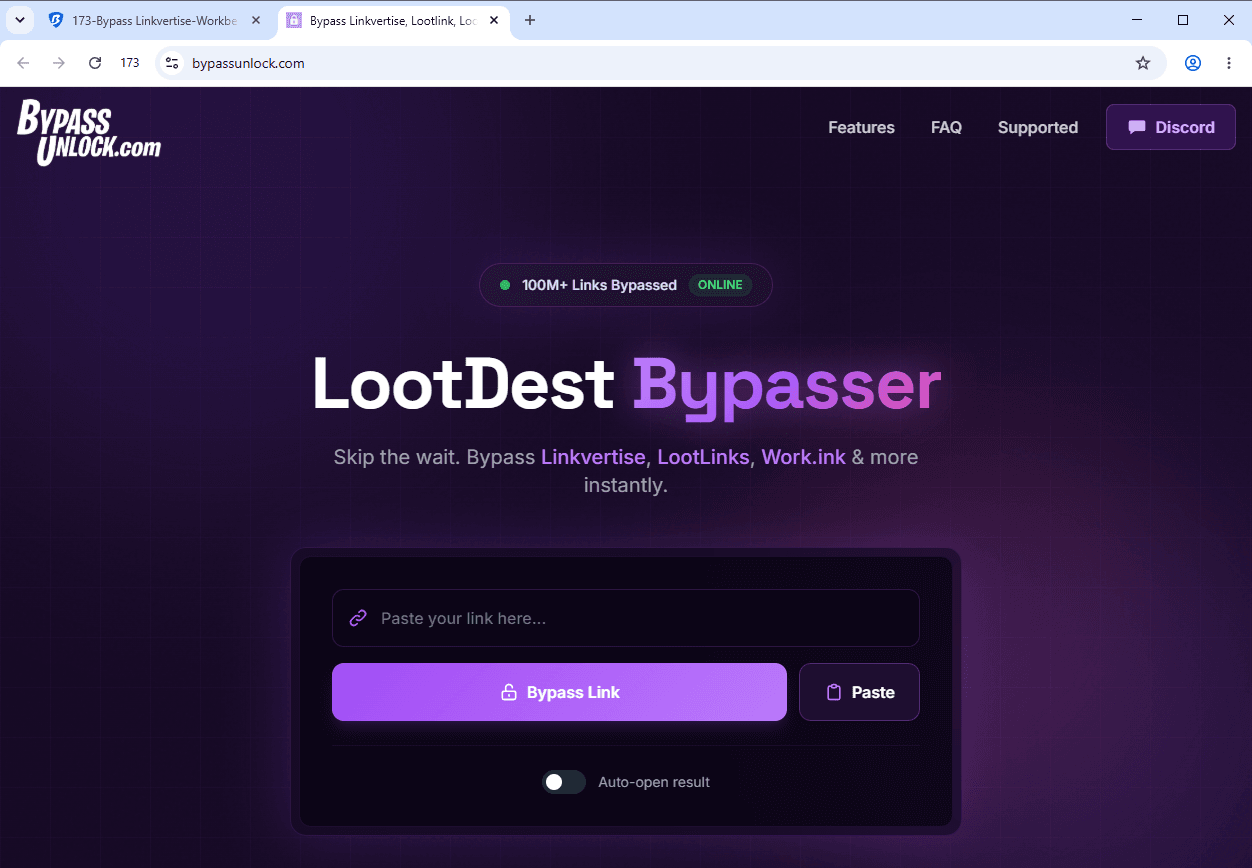
· BypassUnlock.com: Supports Linkvertise along with services such as Loot-Link, Rekonise, and Work.ink. It is designed for quick, automatic link resolution.
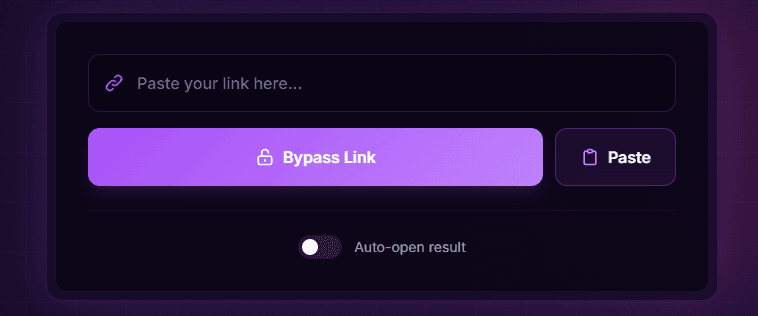
· Bypass.city: Another web-based option that supports Linkvertise and several other ad-link platforms. It also offers a userscript for users who need more automated bypassing.
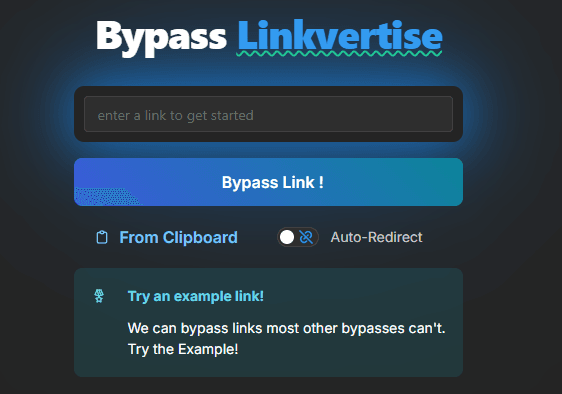
· Bypass.link: A lightweight web service focused on resolving Linkvertise and other shortener links. It is frequently listed among current Linkvertise bypass options.
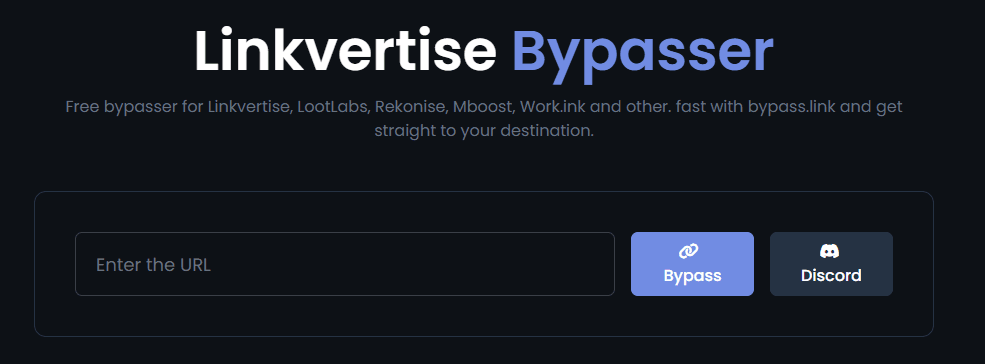
· bypass.tools: Supports Linkvertise, LootLabs, Work.ink, and dozens of other ad-link and key-system services. It offers a web interface as well as browser userscripts for more complicated links.
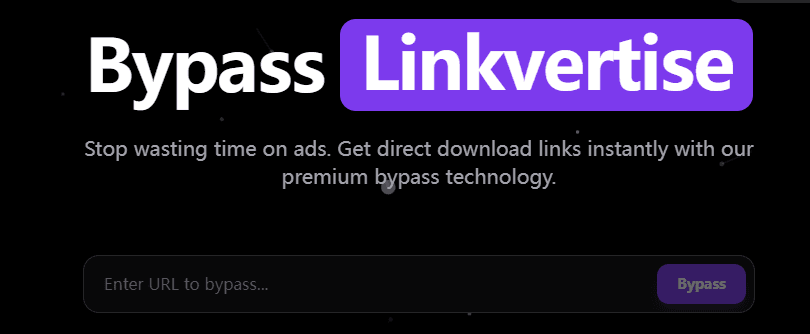
I should mention that online bypass services come with their own risks. You're trusting a third-party site with the URL you're trying to access, and some of these services log your requests or inject tracking cookies. Use them in a browser profile that you don't use for sensitive accounts.
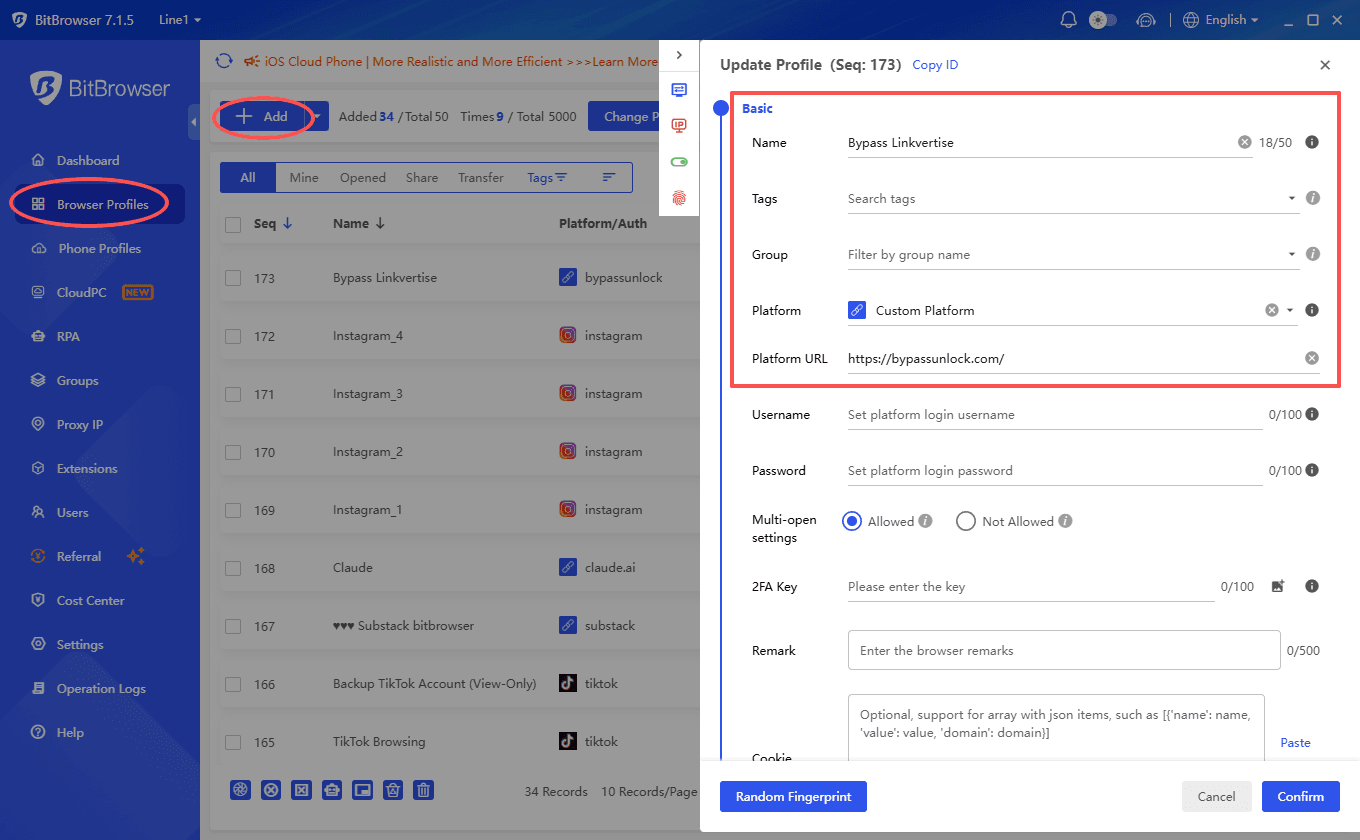
If you manage multiple browser profiles for different purposes, an anti-detect browser for managing isolated environments can help keep your bypass activity completely separate from your main browsing.
Method 3: Ad Blockers Combined with Script Blockers
This isn't a true "bypass" in the sense that it skips Linkvertise entirely, but it makes the experience dramatically less painful. The combination of a strong ad blocker and a JavaScript control extension can neutralize most of the annoying elements.
My recommended stack:
· uBlock Origin with custom filter lists enabled (make sure "Annoyances" lists are active).
· NoScript or uMatrix for granular JavaScript control.
· A pop-up blocker that catches pop-unders, not just pop-ups.
With this setup, you still go through Linkvertise's steps, but you avoid the worst of the ad bombardment, misleading buttons, and redirect traps. The countdown timers still run, but the page becomes much cleaner and safer to navigate. For many users, this is honestly good enough.
Method 4: Using a Userscript via Tampermonkey or Violentmonkey
Userscripts offer more power than browser extensions because they can be updated independently and customized. The process looks like this:
1. Install Tampermonkey (Chrome, Edge) or Violentmonkey (Firefox).
2. Search for Linkvertise bypass scripts on Greasy Fork or GitHub. Look for scripts with recent updates and active maintainers.
3. Install the script. It will automatically run when you visit Linkvertise domains.
4. The script typically intercepts the page's JavaScript execution, extracts the destination URL from the obfuscated code, and either redirects you automatically or displays the clean link.
The advantage of userscripts is that the community can push updates within hours of Linkvertise making changes. The disadvantage is that you need to trust the script author, since a malicious userscript has significant access to your browsing data. Always read the code (or at least the comments and reviews) before installing.
Method 5: Manual URL Extraction (Technical)
For the technically inclined, you can sometimes extract the destination URL directly from Linkvertise's page source or network requests. This works when other methods fail because it doesn't rely on any third-party tool.
Steps:
· Open the Linkvertise link in your browser.
· Open Developer Tools (F12 or Ctrl+Shift+I).
· Go to the Network tab and filter by XHR/Fetch requests.
· Look for API calls that contain the destination URL, often in a JSON response from Linkvertise's backend.
· Alternatively, check the page source for Base64-encoded strings. Decode them using a Base64 decoder, and you may find the target URL embedded within.
This method requires patience and some familiarity with browser developer tools. But it's the most reliable fallback when automated tools break, because you're working directly with the data Linkvertise sends to your browser.
Safety Tips You Shouldn't Ignore
Bypassing Linkvertise might seem low-stakes, but the ecosystem around it is full of traps. Fake bypass tools, malicious browser extensions, and phishing pages disguised as download buttons are everywhere. Here's how to protect yourself.
Keep Your Browser Profiles Isolated
If you're regularly bypassing link shorteners, do it in a separate browser profile. This prevents any tracking cookies, fingerprinting data, or potential malware from touching your primary browsing environment.
Tools like BitBrowser make this easy by letting you create completely isolated browser profiles with unique fingerprints, which is useful far beyond just Linkvertise bypassing.
Never Download Executable "Bypass Tools"
If someone tells you to download a .exe file that "automatically bypasses Linkvertise," walk away. These are almost always malware. Legitimate bypass solutions are browser extensions, userscripts, or web-based services. There is no reason a bypass tool needs to run as a standalone application on your computer.
Verify Extensions Before Installing
Even browser extensions can be compromised. Before installing any bypass extension:
· Check the source code if it's open source.
· Look at the permissions it requests. A bypass extension shouldn't need access to your browsing history, bookmarks, or downloads.
· Read recent reviews, not just the overall rating.
· Prefer extensions with active GitHub repositories over those distributed through random websites.
Use an Ad Blocker as Your Baseline
Regardless of which bypass method you choose, always have uBlock Origin or a comparable ad blocker running. Even if the bypass fails and you end up going through Linkvertise manually, the ad blocker protects you from the worst of the malvertising that plagues these pages.
Watch for Fake "Complete This Step" Pages
Linkvertise sometimes displays pages that look like verification steps but are actually third-party ad pages. The real Linkvertise steps have a consistent visual style and always show the Linkvertise branding.
If a page asks you to install software, enter personal information, or complete an offer to "verify you're human," it's almost certainly a scam page injected by an advertiser, not a real Linkvertise requirement.
Do These Methods Break Any Laws?
This comes up a lot, so let's address it directly. Bypassing Linkvertise is not illegal in most jurisdictions. You're not hacking into a system or circumventing DRM. You're simply choosing not to view ads, which is functionally the same thing ad blockers do on every other website.
That said, there's an ethical dimension worth considering. Content creators use Linkvertise because they want to earn money from their work. If you consistently bypass the monetization on someone's content, you're essentially consuming their work without compensating them. I'm not going to tell you what to do with that information, but it's worth keeping in mind, especially for creators whose work you regularly benefit from. Consider supporting them directly if they have a Patreon, Ko-fi, or similar option.
Final Thoughts
Knowing how to bypass Linkvertise in 2026 comes down to staying current with tools, layering your defenses, and being cautious about what you install. The methods outlined here work as of September 2026, but this space evolves fast. Bookmark the GitHub pages for FastForward and your preferred userscripts so you can grab updates quickly when Linkvertise changes things up.
And remember, the safest bypass is one that runs in an isolated environment with proper ad blocking. You don't need to be a security expert to protect yourself. You just need to be a little more careful than the average person clicking through those countdown timers.
FAQ
Why is Linkvertise making me wait 1 hour?
A one hour wait usually means Linkvertise has applied a longer verification or monetization flow to the link. This can happen because of the creator's settings, the type of destination, your session, or repeated bypass attempts. If the timer seems unusually long, try opening the link in a clean browser profile or use another legitimate method described in this guide.
Why is my Linkvertise bypasser not working?
Linkvertise regularly changes its JavaScript, verification systems, and redirect mechanisms, so bypass tools can stop working without warning. Try updating your extension or userscript, switching to another bypass service, or using manual URL extraction through your browser's Developer Tools.
Does Linkvertise bypass still work?
Yes, Linkvertise bypass methods can still work in 2026, but there is no universal method that works with every link. Extensions, online bypass services, userscripts, and manual extraction have different success rates depending on the Linkvertise configuration and its current anti-bypass measures.
How to bypass Linkvertise anti-bypass?
There is no single guaranteed way to bypass Linkvertise's anti-bypass protections. If an online bypasser fails, try an updated extension or userscript, use a separate browser profile, or inspect the network requests manually. Avoid downloading unknown programs that claim to provide a guaranteed bypass.
Is Linkvertise bypass safe?
It can be, but the safety depends heavily on the method you use. Third-party bypass sites, extensions, and userscripts may expose you to tracking, malicious redirects, or unsafe downloads. Stick to reputable sources, avoid entering sensitive information, and use an isolated browser profile with an ad blocker when possible.