How to Create Multiple Instagram Accounts: Email, Limits & Safe Setup Explained
 2026.04.07 14:02
 YT.Shi
Instagram allows users to create and manage multiple accounts, and for most people, setting up a second account is straightforward.
However, once you go beyond one or two accounts, things start to change. Instagram begins to pay closer attention to how accounts are created, where they are accessed from, and whether they appear to belong to the same user.
In this guide, you will learn how to create multiple Instagram accounts, how email and device limits work, and how to set things up safely if you plan to scale.
Why Do People Create Multiple Instagram Accounts?
There are several common reasons why users create more than one Instagram account.
For casual users, it is usually about separating different parts of life. One account might be personal, while another is used for hobbies, side projects, or private content.
For creators and marketers, the reasons are more practical:
● Managing personal and business accounts separately
● Running niche content pages in different categories
● Testing content strategies across multiple accounts
● Scaling brand presence or traffic sources
At a small scale, this is completely normal behavior. Problems usually start when too many accounts are created or managed in the same environment.
Can You Create Multiple Instagram Accounts?
Yes. Instagram officially supports multiple accounts.
You can create and stay logged in to up to 10 accounts within the same app or browser. Switching between them is built into the platform and works smoothly for most users.
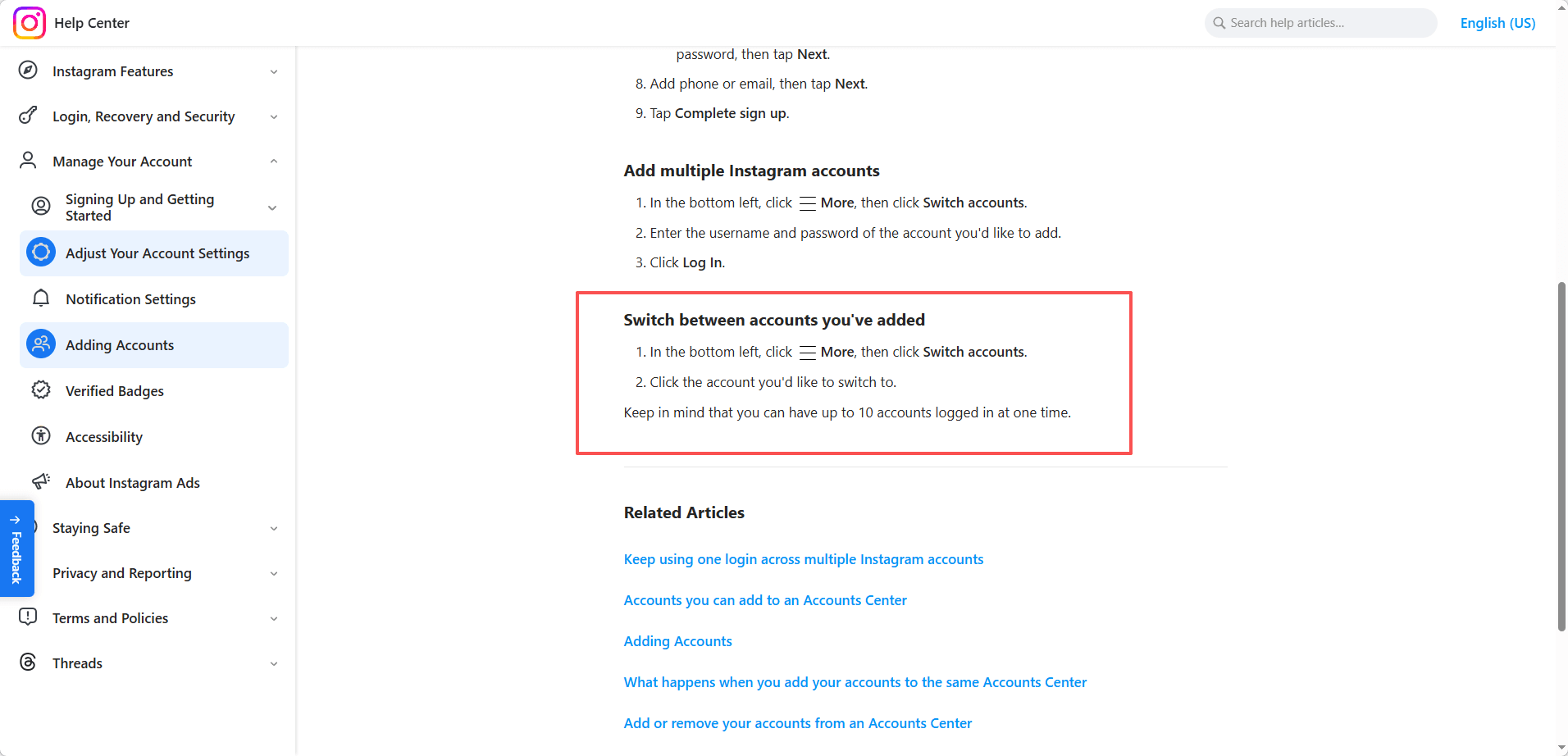
There is no clearly stated limit on how many accounts you can create in total. Instead, Instagram relies on risk signals. If account creation or login behavior looks unusual, additional verification or restrictions may appear.
How to Create a Second Instagram Account
Creating a second account can be done directly inside the app.
Create a New Account in the App
1. Open the Instagram app
2. Go to your profile page
3. Tap your username at the top
4. Tap Add Instagram account
5. Tap Create new account
6. Enter a username and password
7. Add email or phone number
8. Complete the signup process
Once added, the account will be linked to your account switcher, and you can move between accounts without logging out.
Create an Account via Website
You can also register through a browser:
1. Go to Instagram website
2. Click Sign up
3. Enter email or phone number
4. Choose username and password
5. Complete verification
This method is useful if you want to separate accounts across different browser environments.
Can You Create Multiple Instagram Accounts with One Email?
Yes, but there are some details to understand.
Instagram allows multiple accounts to be linked to the same email address. This is commonly used when managing a few accounts.
If you are using Gmail, you can also use variations like:
● username+1@gmail.com
These still point to the same inbox but can be used for separate registrations.
Limitations to Keep in Mind
Using the same email repeatedly can create patterns that Instagram may track.
Potential issues include:
● More frequent verification requests
● Difficulty recovering accounts
● Increased chance of accounts being linked
For a small number of accounts, this is usually fine. For larger setups, relying on one email is not recommended.
How Many Instagram Accounts Can One Email Create?
Instagram does not publish an official number.
Based on practical experience, most users can safely create around 3 to 5 accounts using the same email before additional checks appear.
After that, you may encounter:
● Phone verification requirements
● Temporary blocks during signup
● Suspicious activity warnings
The limit is not fixed. It depends on your IP, device, and activity patterns.
Can You Have Multiple Instagram Accounts on One Phone?
Yes, and this is how most users start.
The Instagram app allows you to log in to multiple accounts and switch between them easily.
However, from a system perspective, all accounts on one phone share the same environment:
● Same IP address
● Same device fingerprint
● Same app behavior patterns
This makes it easy for Instagram to associate those accounts.
What This Means in Practice
For 2 to 3 accounts, this setup is usually safe.
For 5 or more accounts, the risk increases, especially if you:
● Switch accounts frequently
● Perform repetitive actions
● Log in and out often
At that point, a more isolated setup becomes necessary.
How to Safely Create and Manage Multiple Instagram Accounts
If you only manage two accounts, simple precautions are enough. But if you handle multiple client accounts or marketing campaigns, having a structured setup is essential.
1. Use Different Emails and Recovery Details
Each account should have:
● A unique email address
● A strong password
● Separate recovery settings
Avoid using the same recovery phone number across multiple accounts. Store login information securely in a password manager to prevent mistakes.
2. Avoid Rapid Account Creation
Spacing out account registration reduces suspicion.
Create accounts gradually, taking a few days to complete each profile. Post lightly at first. Avoid aggressive activity during the first week.
New accounts need time to warm up before scaling actions safely.
3. Maintain Consistent Login Environments
Consistency is often overlooked. Logging and managing multiple Instagram accounts in the same browser environment increases the risk of account association.
For professional use, independent browser profiles provide more stability. These profiles can store unique cookies, fingerprints, and proxy settings, effectively simulating separate devices.
Using a tool like BitBrowser or similar anti-detect browsers allows you to:
● Create isolated browser profiles
● Assign dedicated proxies per account
● Keep cookies, fingerprints, and timezone separate
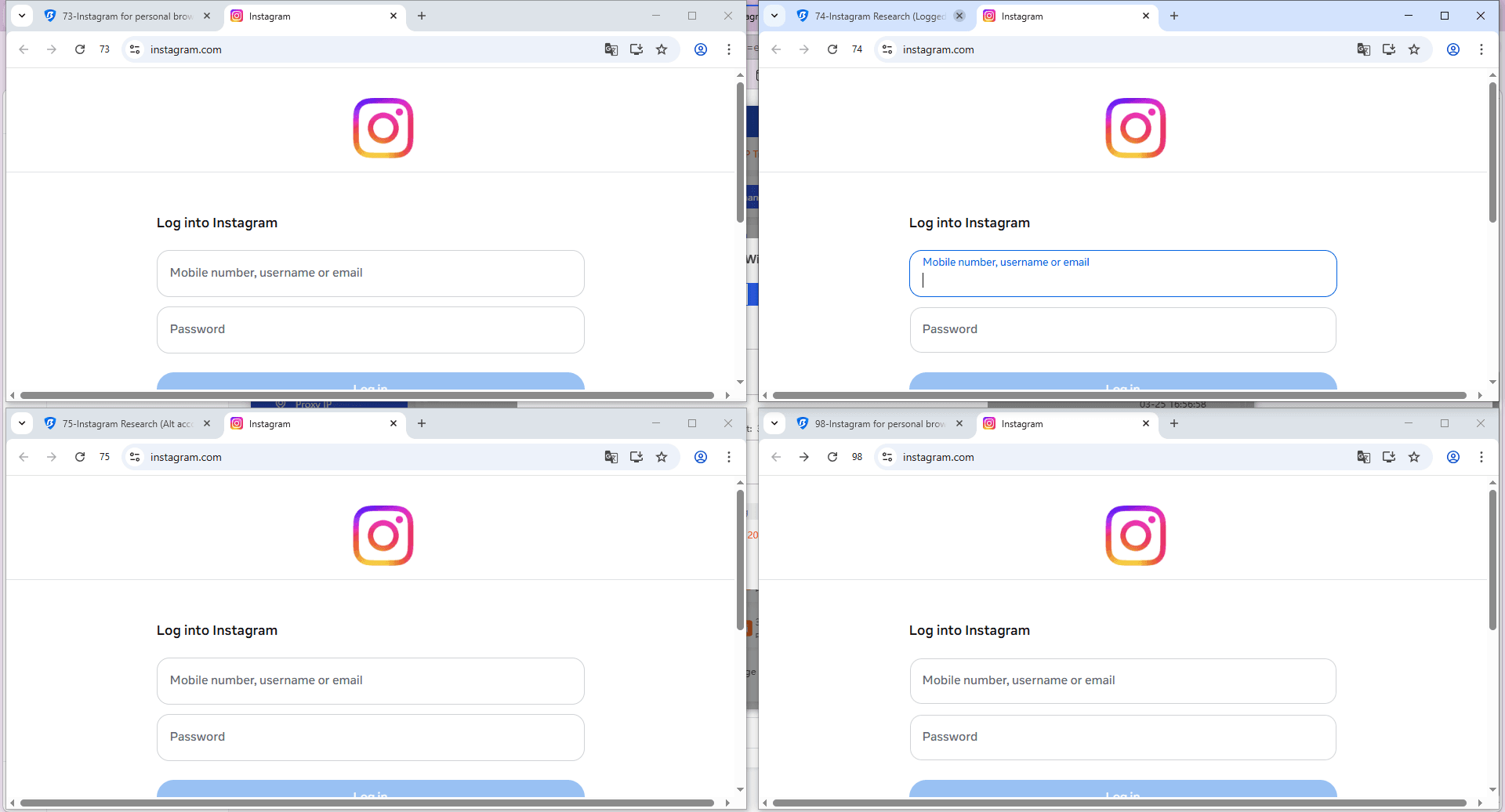
This setup reduces cross-account interference and helps maintain orderly operations without triggering Instagram’s detection systems.
4. Avoid High-Risk Automation Patterns
Automation is not inherently harmful, but aggressive strategies can trigger Instagram flags.
Avoid:
● Bulk messaging
● Large-scale follow-unfollow loops
● Posting identical content across multiple accounts simultaneously
● Sudden spikes in engagement
If you use scheduling tools, vary post times and maintain reasonable activity levels to appear natural.
5. Separate Business and Client Accounts
If you manage accounts for different brands, separate the environments from the start.
● Do not mix multiple client logins in the same browser session
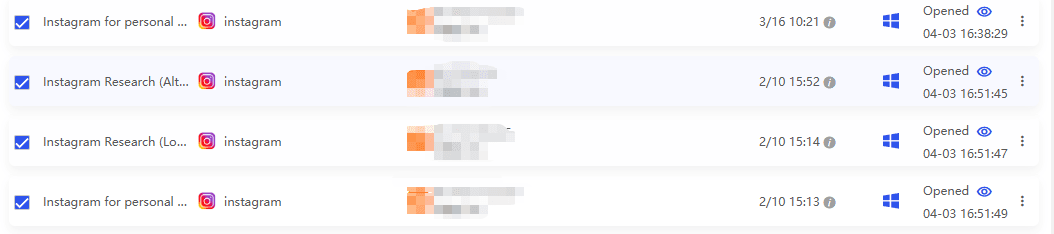
● Use clear permission control when collaborating in a team
Structured workflows reduce security risks and prevent operational confusion.
Conclusion
Creating multiple Instagram accounts is easy at a small scale, but doing it safely requires a structured approach.
If you are managing just a few accounts, Instagram’s built-in features are enough. As you scale, factors like IP, device environment, and activity patterns become critical.
The key is simple: keep accounts separated, stay consistent, and avoid aggressive behavior. With the right setup, you can create and manage multiple Instagram accounts without triggering unnecessary risks.
FAQ
How many Instagram accounts can I create?
Instagram does not set a strict limit on the number of accounts you can create. However, most users can safely manage up to 3 to 5 accounts before additional verification steps appear. The actual limit depends on your IP address, device, and activity behavior.
Can I create multiple Instagram accounts with one email?
Yes, you can use one email to create multiple Instagram accounts. Some users also use email variations like Gmail aliases. However, using the same email repeatedly may increase the risk of account linking and verification checks.
Can I have multiple Instagram accounts on one phone?
Yes. Instagram allows you to log in to multiple accounts on one phone and switch between them easily. This setup works well for a small number of accounts, but managing too many accounts on one device may increase detection risk.
Why does Instagram flag multiple accounts?
Instagram flags accounts when it detects signals that multiple accounts are controlled by the same person or system. Common triggers include shared IP addresses, identical browser fingerprints, and repetitive or automated activity patterns.
What is the safest way to create multiple Instagram accounts?
The safest approach is to keep each account as independent as possible. This includes using different emails, separate IP addresses, consistent login environments, and avoiding rapid or automated actions.
Can Instagram ban you for having multiple accounts?
Having multiple accounts is allowed by Instagram. However, accounts can be restricted or banned if they are used for spam, automation, or violate platform policies. The risk comes from how accounts are managed, not the number itself.

 Multi-Account Management
 Prevent Account Association
 Multi-Employee Management
Recommended
See More 



