Top 10 Most Secure Antidetect Browsers in 2026: Real User Experiences
 2026.04.09 10:24
 YT.Shi
Understanding the 2026 Anti-Detect Browser Incident
Earlier in 2026, a widely used anti-detect browser tool experienced a serious security incident. Users reported that wallets and accounts were compromised, likely because private keys or session credentials were exposed. The exact technical details are still unclear, but the event highlighted a key risk: tools that manage sensitive data must handle encryption and storage properly.
Anti-detect browsers are meant to isolate profiles and prevent account linking. But if the tool stores cookies, tokens, or keys insecurely, it can become a major attack vector. This incident reminded many of us that convenience alone isn’t enough—real security matters.
What Went Wrong and Why It Matters
The main problem seems to be weak or mismanaged storage of sensitive credentials. Even if encryption exists, optional cloud sync or local files accessible to other programs can expose data. This year’s incident shows that using an anti-detect browser for accounts tied to money or personal information carries real risk.
For anyone managing multiple accounts, the lesson is simple: check how your browser protects credentials, not just how well it spoofs fingerprints. A supposedly secure tool can quickly become a liability if sensitive data is exposed.
Top 10 Safest Anti-Detect Browsers in 2026
After the 2026 security incident, I became much more cautious about which anti-detect browsers I trust. Over the past few months, I tested multiple tools and focused on how they store sensitive data, encrypt profiles, and manage fingerprints. Here are my top 10 picks, based on both security and real-world usability.
1. BitBrowser
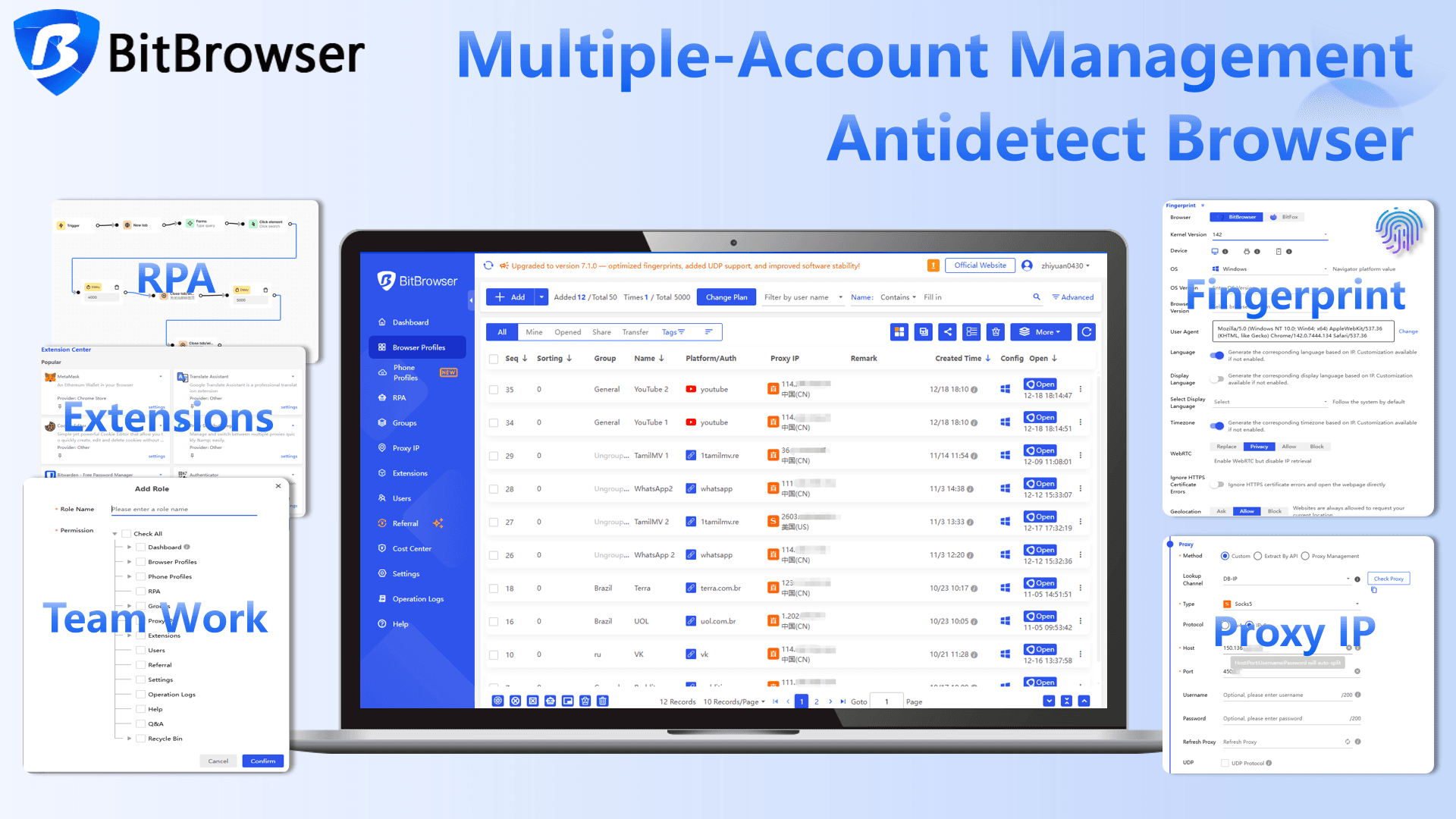
BitBrowser is one of the tools I ended up using the most after testing different options. What stood out to me first was how well it handles fingerprinting. Each profile feels like a completely separate device, with Canvas, WebGL, and WebRTC all properly isolated. Once you pair that with proxies and system-level input simulation, the behavior looks very close to a real user. In practice, this reduces account linking a lot, especially on stricter platforms.

What I care about more after the 2026 incident is how data is stored, and this is where BitBrowser feels safer than many alternatives. Profiles are encrypted locally and run in separate sandboxes, so cookies and session data don’t leak between accounts.
I also like that cloud sync is optional, not forced. If you’re dealing with sensitive accounts or crypto wallets, you can keep everything stored locally. This kind of control makes a big difference when you want both flexibility and privacy.
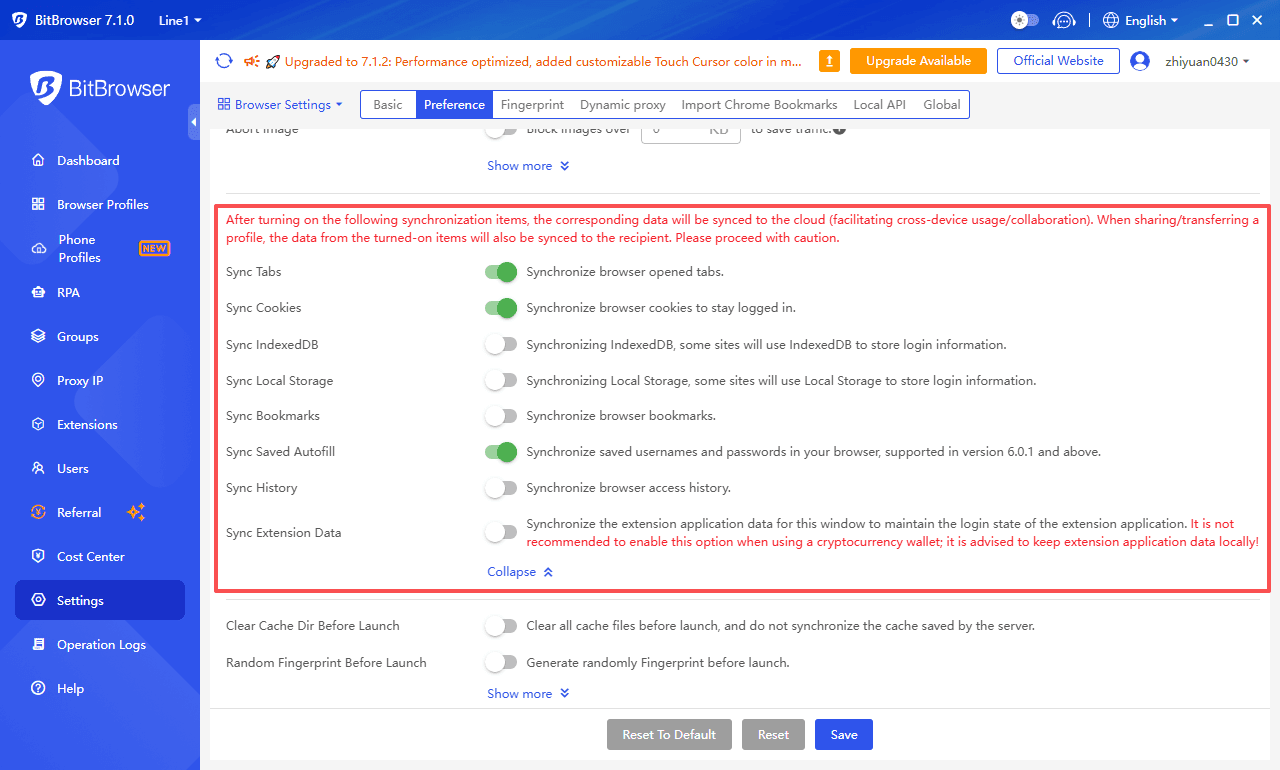
Note: When using an encrypted digital wallet, we strongly recommend disabling cloud synchronization for browser extensions and saving extension data locally!
Read the comprehensive review of BitBrowser for 2026.
2. GoLogin
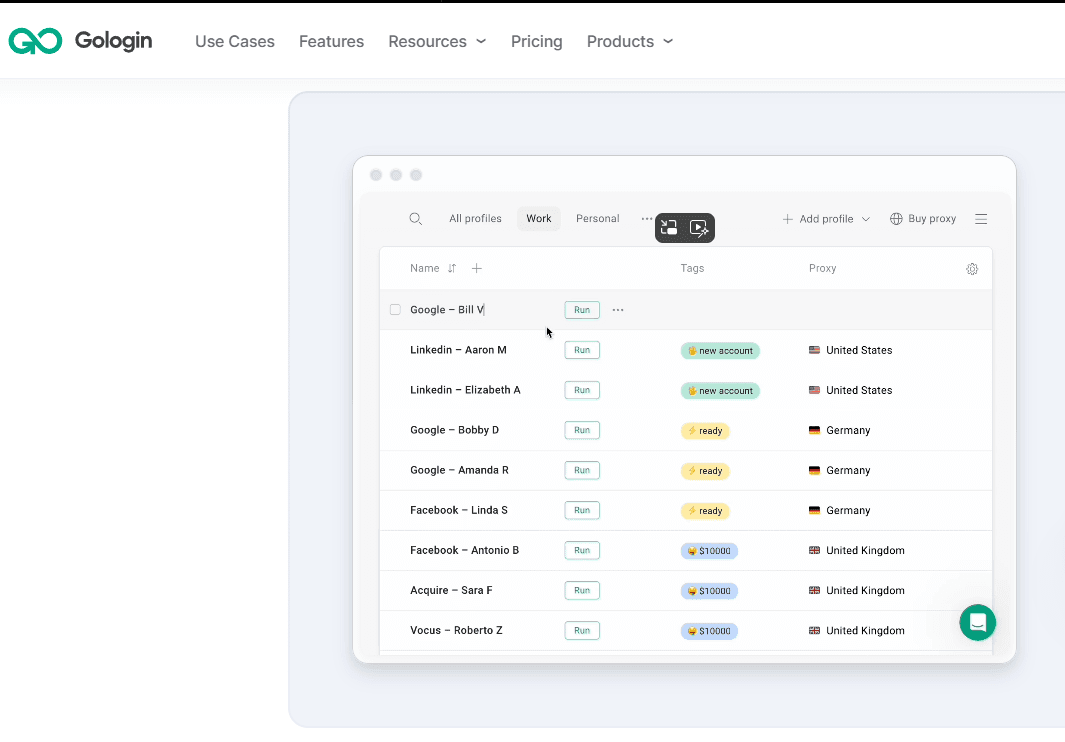
GoLogin is one of the tools I relied on when I needed to spin up multiple accounts quickly. The interface is clean, and creating new browser profiles only takes a few clicks. Each profile runs in isolation, so accounts don’t interfere with each other. In real use, this makes managing social or ad accounts much more predictable, especially when you’re switching between them frequently.
From a security perspective, GoLogin covers the essentials well. All profile data is encrypted locally, and their fingerprinting system does a good job of making each environment look unique. Proxy integration is smooth, so assigning different IPs to each account is easy.
3. Multilogin
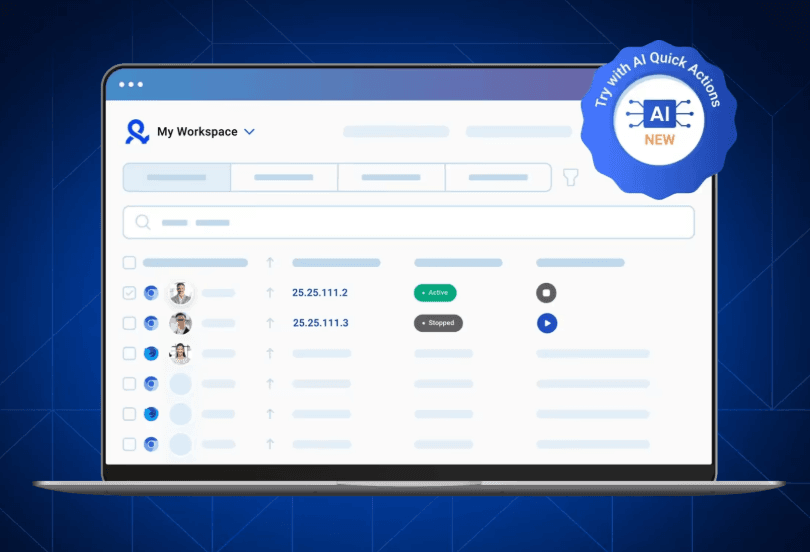
Multilogin feels more like a professional-grade tool compared to many others. What I noticed right away is the level of control it gives over fingerprints and device settings. You can fine-tune environments so each account behaves like a completely separate device, which helps a lot on platforms with stricter detection systems.
Security is one of the stronger points here. Profiles are encrypted, and the browser avoids exposing sensitive data unless necessary. Updates are frequent, which is important because detection methods change constantly. This is a reliable option if you’re managing high-value accounts and want something that focuses both on anti-detection and long-term stability.
4. Kameleo
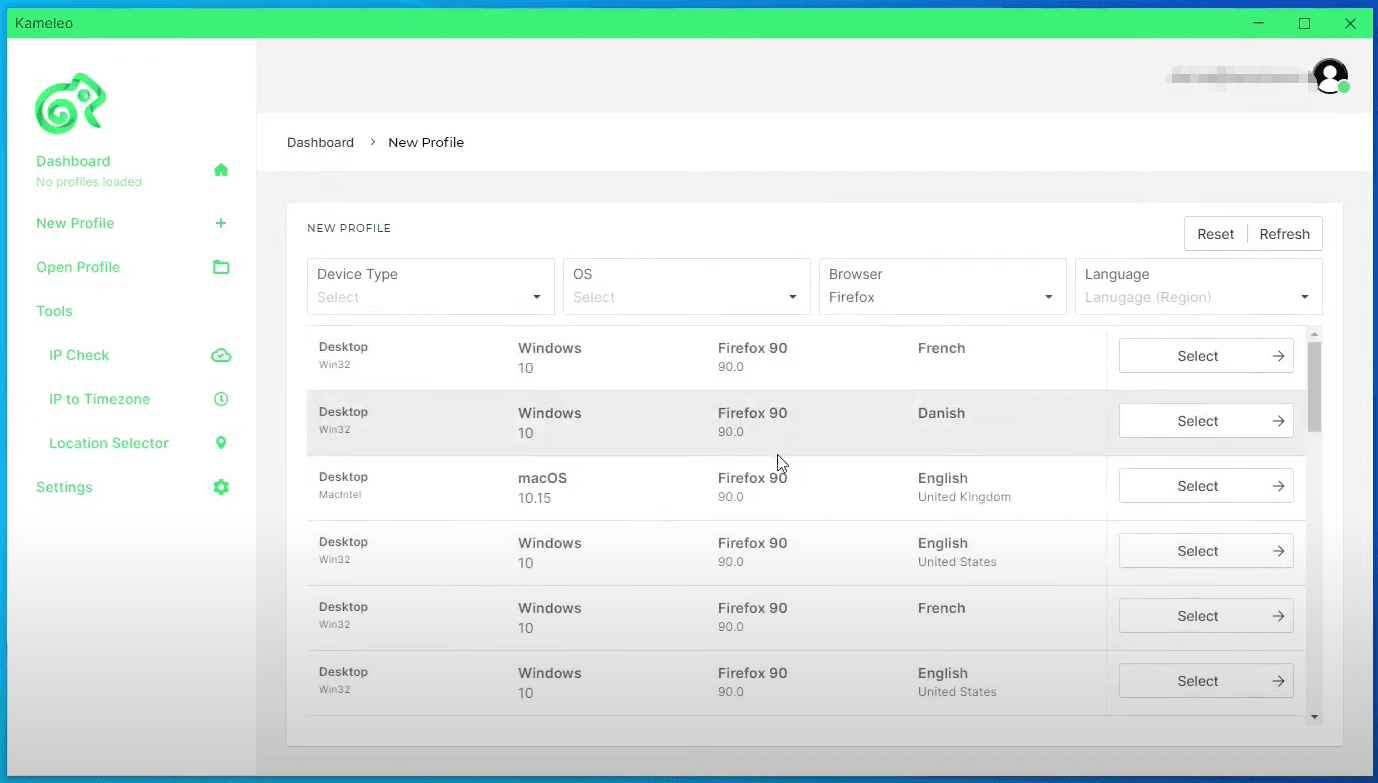
Kameleo is a tool I tested when I needed more control over fingerprint customization. It allows you to adjust system parameters in detail, so each browser profile can behave like a completely new device. This is useful when running multiple accounts that need to look fully independent from each other.
In terms of security, Kameleo gives you a good level of control over how data is handled. Profiles are stored locally with encryption, and cloud sync is optional rather than forced. That’s something I’ve started to value more after recent incidents. It lets you decide how much data stays on your machine versus being shared, which makes it a solid choice if you want flexibility without giving up too much control over sensitive information.
5. Dolphin Anty
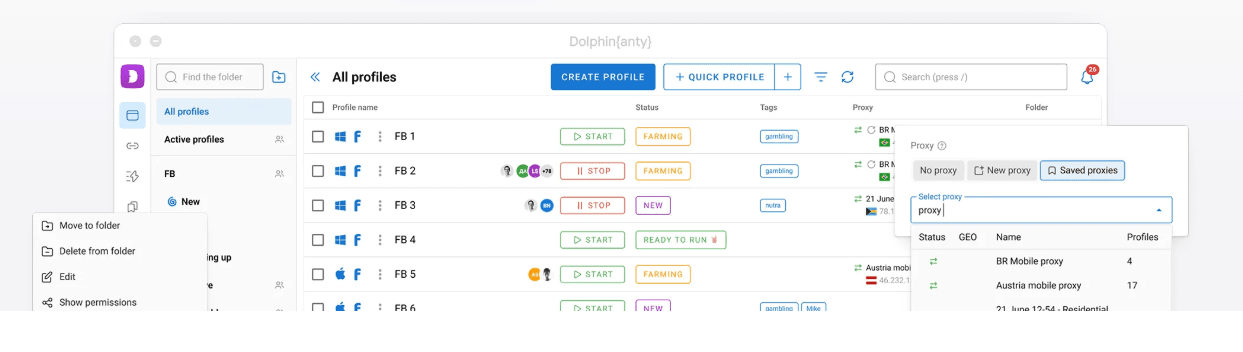
Dolphin Anty is a tool I tried mainly for affiliate and traffic campaigns. The setup is pretty straightforward, and creating multiple profiles doesn’t take much time. Each profile runs in its own isolated environment, and in my testing, accounts stayed stable even when running in parallel. For people handling a lot of social or ad accounts, this kind of stability matters more than fancy features.
On the security side, Dolphin Anty does a decent job with local data handling and profile isolation. Cookies and session data are separated properly, which reduces the risk of cross-account leaks. Proxy integration is smooth, and assigning different IPs per profile is easy. It may not be the most advanced option out there, but from a practical standpoint, it’s reliable enough for day-to-day multi-account work while still keeping sensitive data reasonably protected.
6. Ghost Browser
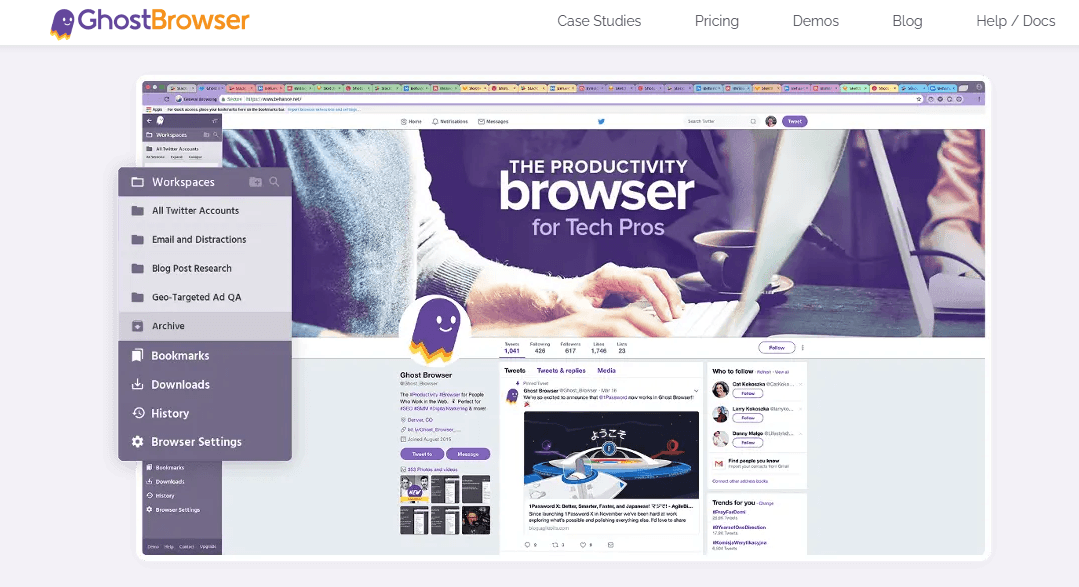
Ghost Browser is lightweight but effective. It lets you run each tab in its own container, keeping accounts isolated. Switching between accounts is quick and hassle-free.
Containers are encrypted, so even if one tab is compromised, others remain safe. The browser’s simplicity does not compromise security, making it reliable for day-to-day multi-account work.
7. Incogniton
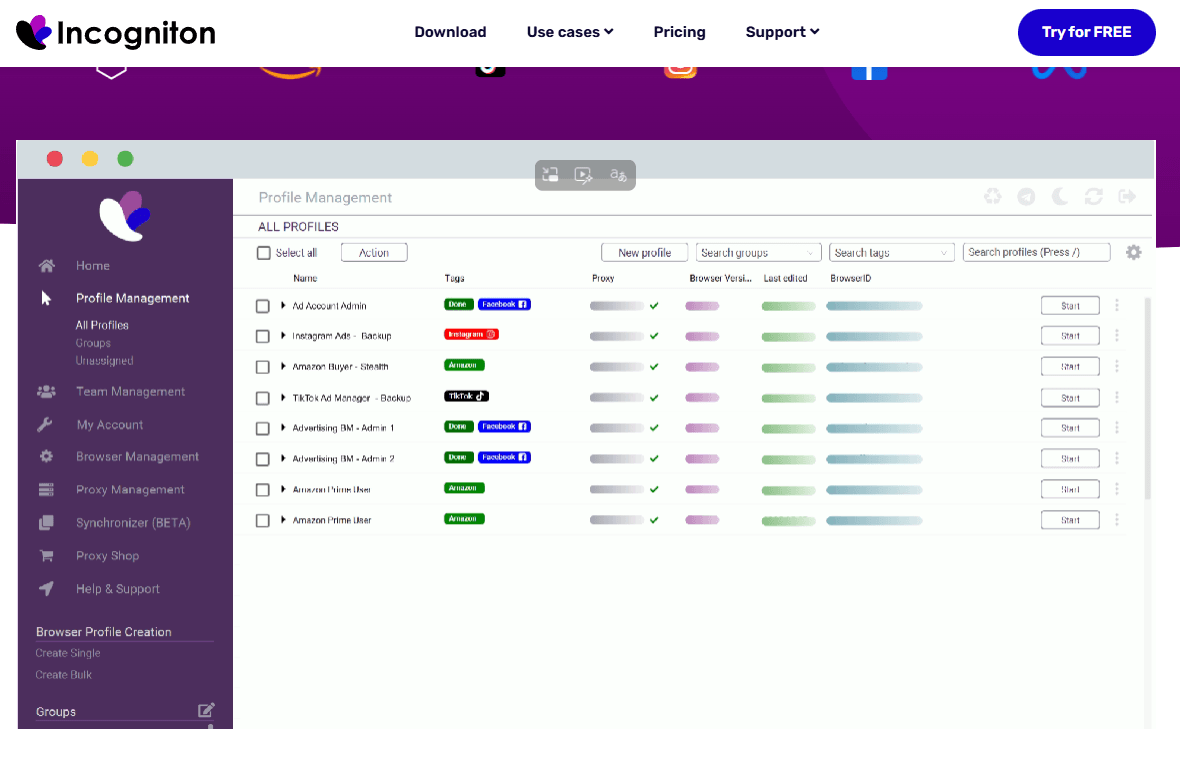
Incogniton focuses on identity compartmentalization. Every account can operate independently, which is perfect for campaigns requiring strict separation.
Profile data is encrypted locally, and proxy support is extensive. Anti-fingerprinting measures are robust, giving confidence that sensitive credentials remain protected.
8. Linken Sphere
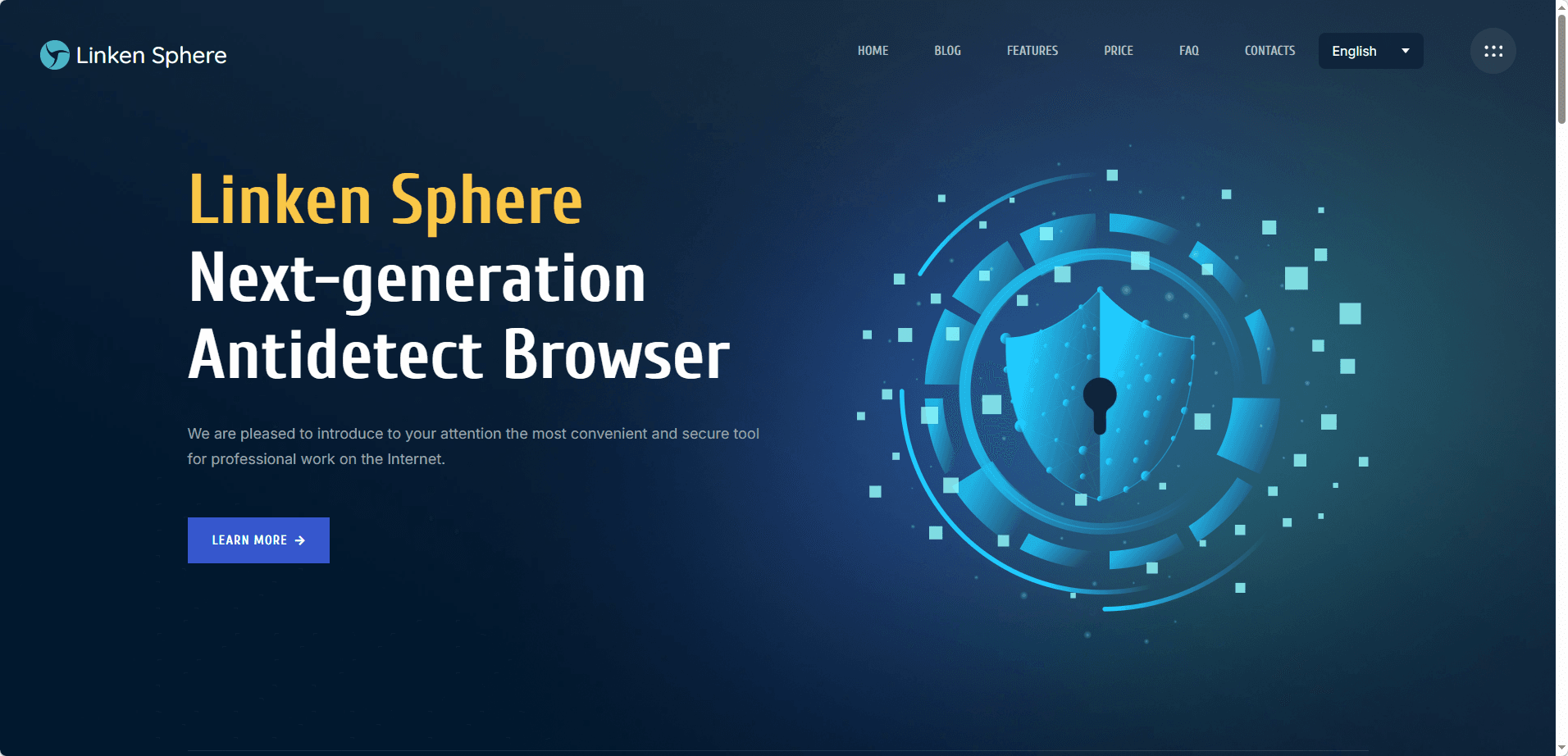
Linken Sphere is resource-heavy but offers unmatched control over fingerprints and system-level emulation. It’s ideal for high-security scenarios and important accounts.
Local encryption and system protections are strong. Even if a vulnerability arises elsewhere, sensitive data stored in Linken Sphere remains safe, which makes it a trusted choice.
9. Octo Browser
Octo Browser is not as widely talked about as some others, but it’s surprisingly solid once you start using it. The profile system is clean, and each environment feels properly isolated. I’ve used it for running multiple accounts in parallel, and switching between profiles is smooth without performance issues.
From a security standpoint, Octo focuses on keeping profiles separated and reducing fingerprint overlap. Data is stored locally with encryption, and there’s no unnecessary syncing unless you enable it. That kind of setup lowers the risk of leaks, especially if you’re handling accounts tied to payments or sensitive data.
10. Undetectable Browser
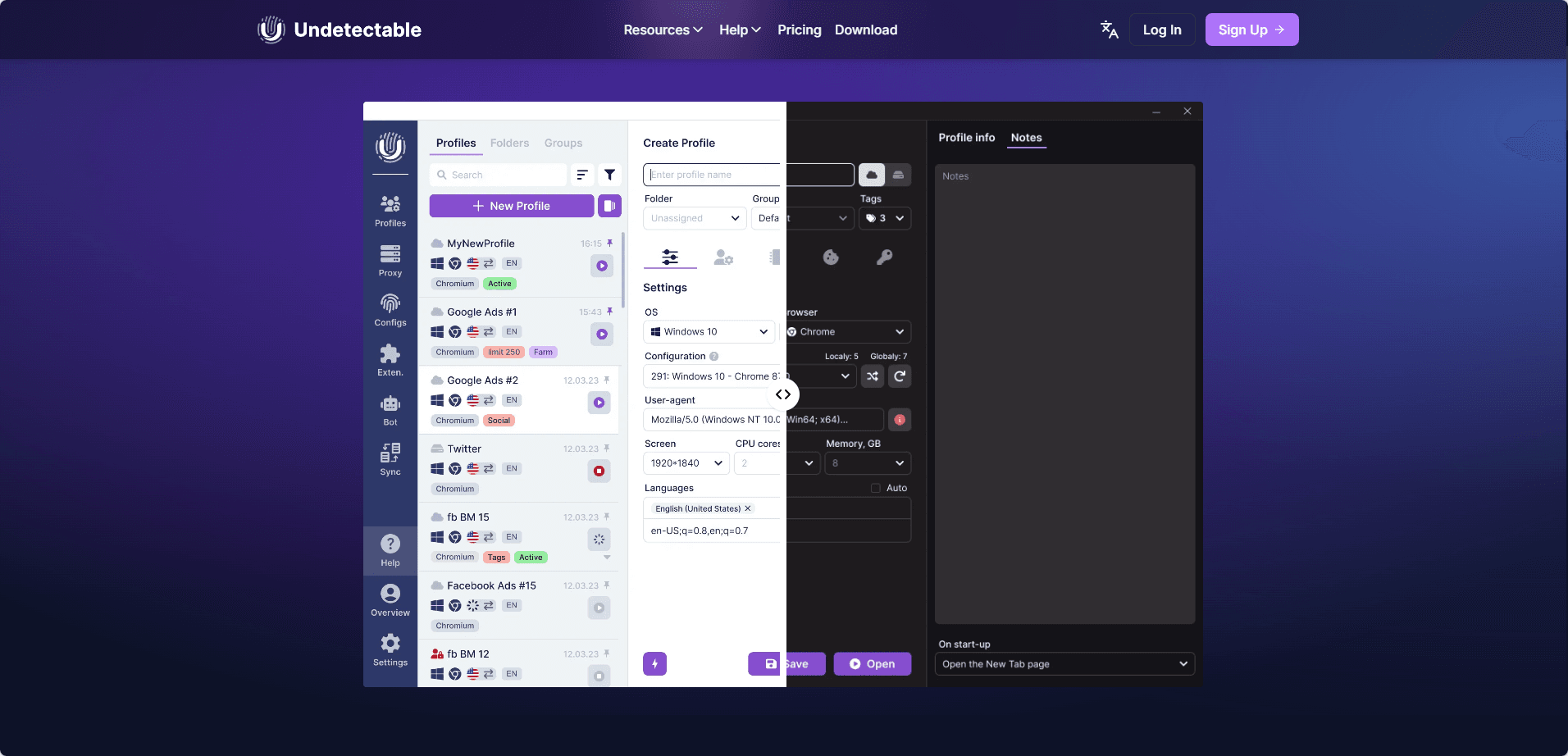
Undetectable Browser is a niche tool focused on anti-detection. It lets you configure fingerprints so each profile looks like a different device, which helps when managing multiple accounts on stricter platforms.
Profiles are isolated and stored locally, keeping cookies and session data separate. Proxy setup is simple, making it easy to assign different IPs. It’s basic, but reliable enough for everyday multi-account use.
Common Mistakes That Lead to Account Bans or Data Leaks
After working with multiple anti-detect browsers, I’ve noticed that most problems don’t come from the tools themselves, but from how they’re used. A lot of account bans and even data leaks are caused by small mistakes that are easy to overlook. Here are the ones I see most often:
Using the same proxy across multiple accounts
This is probably the fastest way to get accounts linked. Even if your fingerprints are different, sharing the same IP creates a clear connection between profiles. Each account should have its own dedicated proxy to stay isolated.
Storing sensitive data in the cloud without thinking
Some browsers offer cloud sync by default, but not all of them handle encryption properly. If cookies, tokens, or wallet data are uploaded without strong protection, they can become an easy target. I always prefer keeping sensitive profiles stored locally whenever possible.
Reusing the same browser profile setup
Cloning profiles without changing fingerprints, system settings, or behavior patterns can lead to detection. Platforms are getting better at spotting similarities, so each profile needs to feel unique, not just look different on the surface.
Installing unknown extensions inside profiles
This is something many people ignore. Extensions can access cookies, session data, and even inject scripts. Installing random plugins inside your anti-detect browser increases the risk of leaks, especially if they haven’t been verified.
Mixing personal and multi-account environments
Logging into your personal accounts in the same environment as your managed accounts can create unwanted links. I always keep a strict separation between personal use and multi-account operations.
Conclusion
The 2026 incident made one thing clear: anti-detect browsers are not just about avoiding detection, they are about protecting sensitive data. From my experience, the safest tools are the ones that prioritize local encryption, profile isolation, and minimal data exposure, not just fingerprint spoofing.
If you’re managing multiple accounts, especially those tied to money or personal data, choosing the right browser and using it correctly matters more than ever. The tools listed above are a solid starting point, but long-term safety always comes down to how you handle your data.