15 Best Unblocked Games for School in 2026 (Free Browser Games for Chromebook)
 2026.07.30 08:20
 YT.Shi
Why Students Love Browser Games at School
Not because everyone’s trying to be a hacker. It’s just that browser games are quick, free, and they actually run on school Chromebooks without needing Steam, downloads, or admin permissions.
Also, the games themselves fit school life. Short rounds. Easy controls. You can play for 3 minutes, close the tab, and nobody even knows. In theory.
There is no single website that works for every school. Blocking policies vary a lot. Even the same game can work on one browser and fail on another, or work on your phone but not on your Chromebook.
So this guide does two things:
1. Lists the most searched, most played browser games students are actually opening in 2026.
2. Explains why stuff gets blocked and what you can realistically try on a school Chromebook.
No promises that every game here will load for you. But these are the ones that tend to show up again and again because they often work.
Roblox Unblocked at School 2026 (No VPN)
15 Best Unblocked Games for School in 2026
Finding a good browser game for school is not just about whether it is fun. Students usually look for games that load quickly, do not require downloads, and work well on devices like Chromebooks.
The games below are popular because they are easy to start, lightweight, and suitable for short gaming sessions during breaks. Some are classic arcade games, while others focus on puzzles, strategy, creativity, or multiplayer fun.
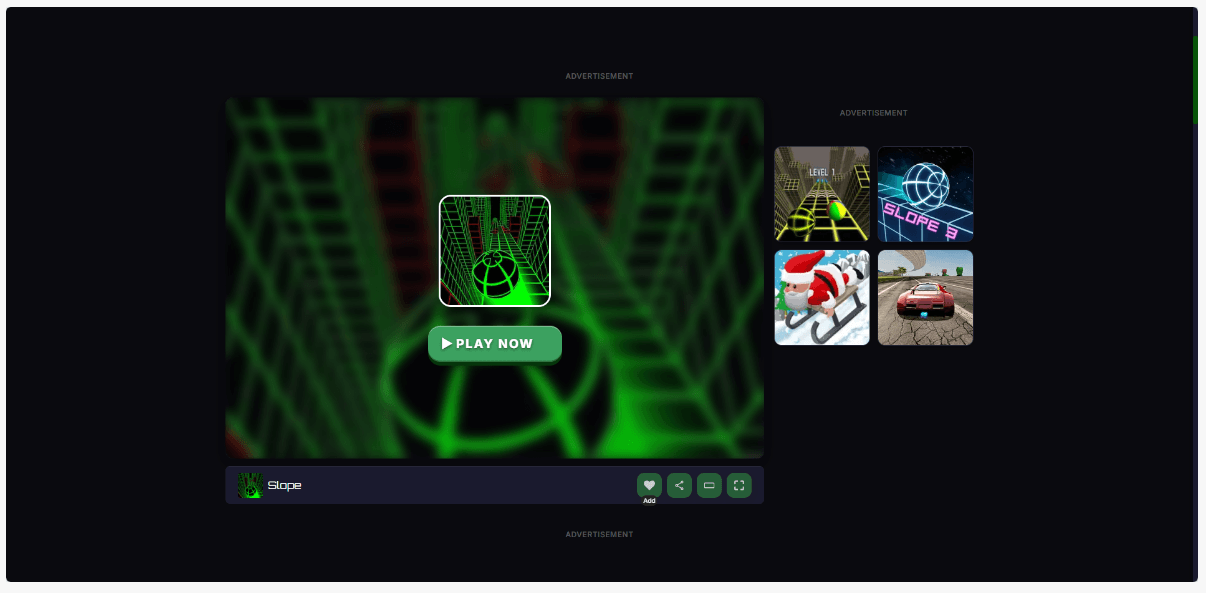
1. Slope: The Classic Quick Game Students Keep Coming Back To
Play: https://slopegame-online.com/
If you only have a few minutes between classes, Slope is one of the easiest browser games to jump into.
You control a rolling ball moving down a never-ending 3D track, avoiding obstacles and trying to survive as long as possible. The controls are simple, but the increasing speed makes every run more challenging.
Since Slope runs directly in a browser without installation, it has become a popular choice for quick gaming sessions on many devices, including Chromebooks.
Best for: Short breaks and high-score challenges
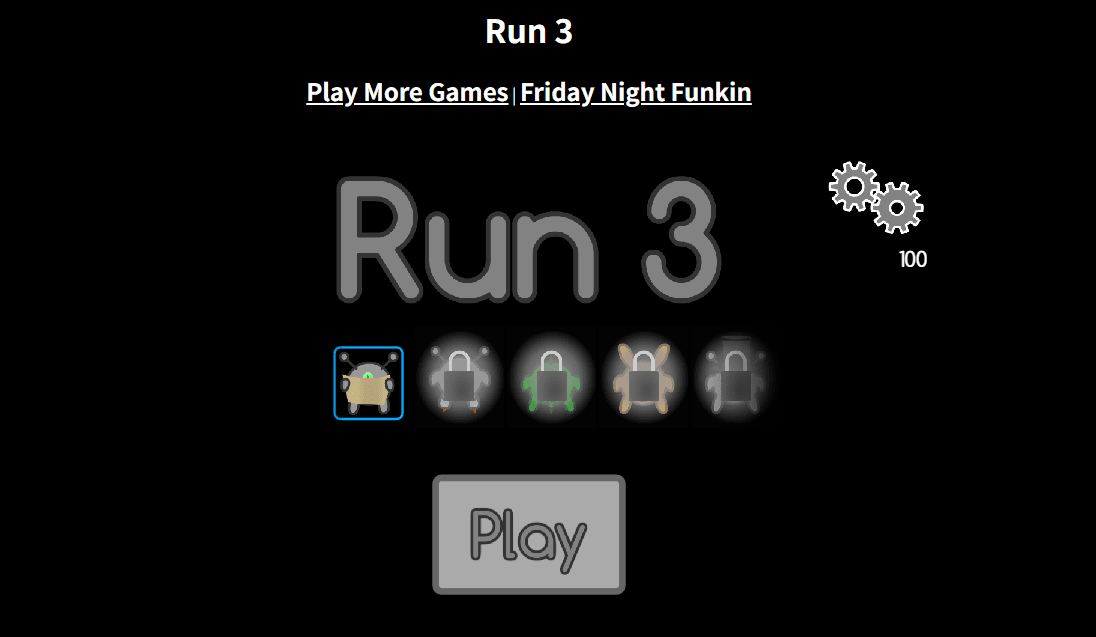
2. Run 3: A Space Runner With Endless Challenges
Play: https://run3.io/
Run 3 is the type of game that starts as a quick distraction and turns into a longer challenge.
Players control a small alien running through floating tunnels in space, jumping across gaps and changing gravity to reach the next level. Unlike many endless runners, Run 3 includes a level system that gives players a sense of progress.
Its simple browser-based design makes it easy to play without downloading anything.
Best for: Platform game fans and longer play sessions
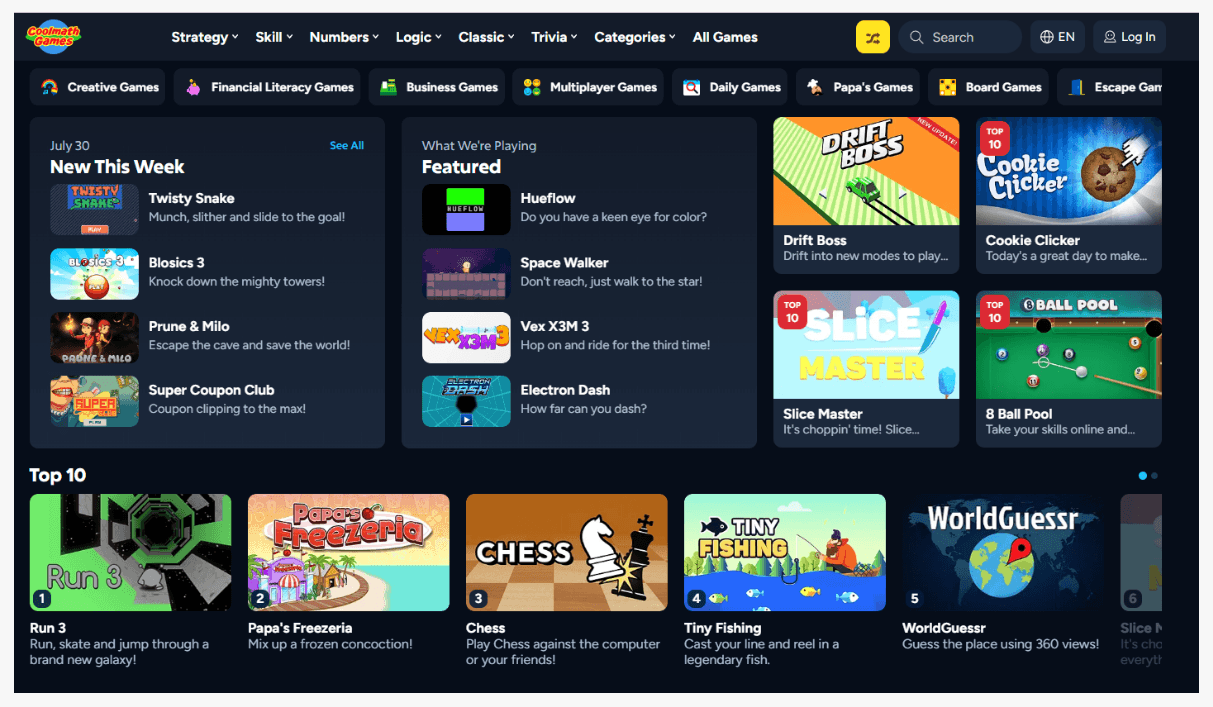
3. Coolmath Games: The Most Recognizable Browser Game Collection
Play: https://www.coolmathgames.com/
Coolmath Games has been a popular destination for browser games for years.
The platform includes hundreds of puzzle games, logic challenges, strategy games, and casual titles. Popular games such as Run 3 and Fireboy and Watergirl have helped make it one of the most familiar gaming websites among students.
Because most games run directly in the browser, it works well for users who want quick entertainment without installing software.
Best for: Puzzle lovers and casual gaming
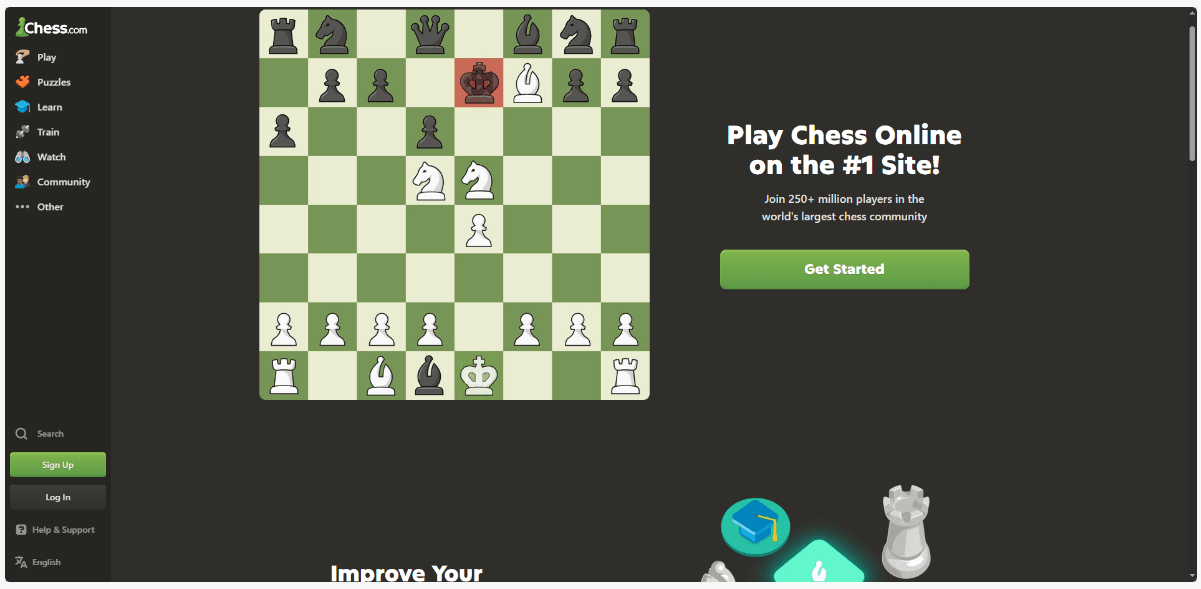
4. Chess.com: A Strategy Game That Feels Different From Typical Browser Games
Play: https://www.chess.com/
Chess.com brings the classic board game into a modern online experience. Players can compete against others, solve puzzles, or practice against computer opponents.
Unlike many traditional browser games, chess focuses on planning and strategy rather than fast reactions. Its educational value also makes it a popular choice for players who enjoy competitive games with a learning element.
No download is required, and it works directly through a browser.
Best for: Strategy fans and competitive thinkers
5. Google Snake: A Simple Game for Short Breaks
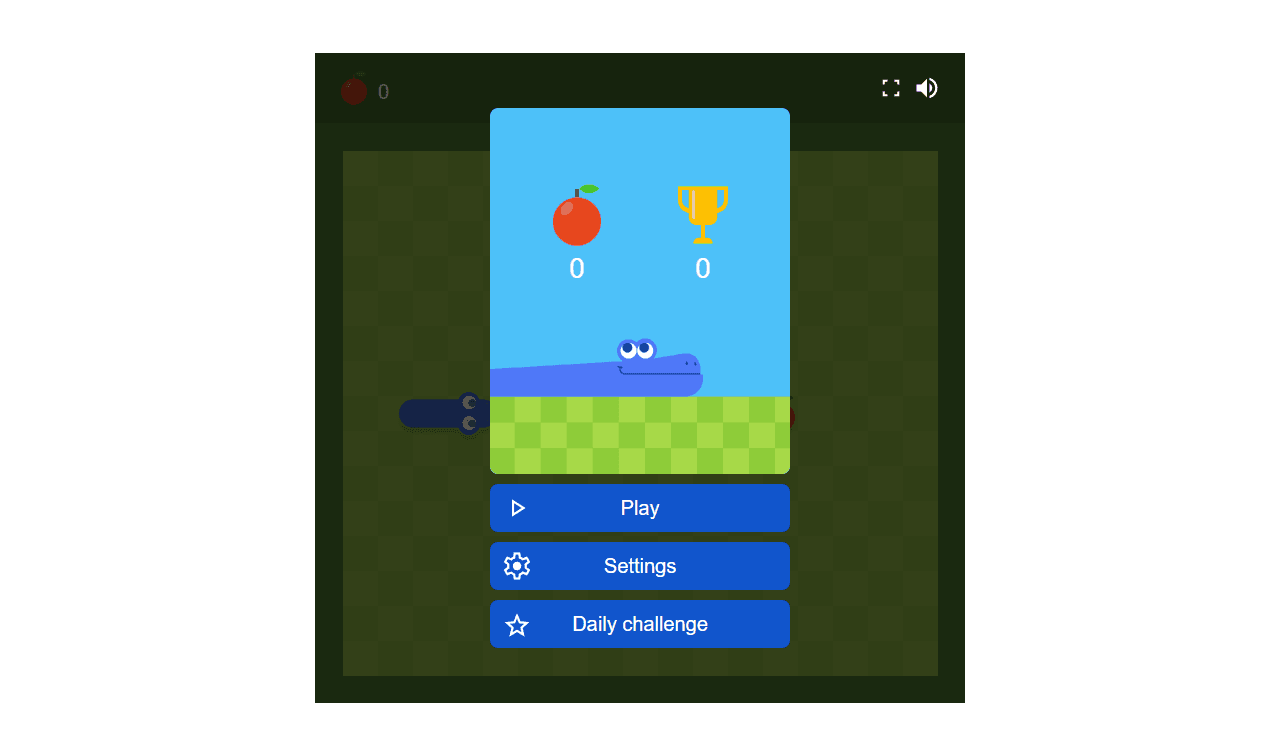
Play: https://www.google.com/fbx?fbx=snake_arcade
Google Snake brings the classic Snake game into a simple browser format. The goal is easy: collect food, grow longer, and avoid hitting walls or yourself.
The short rounds and simple controls make it perfect when you only have a few minutes to play. There is no installation process or complicated setup, so you can start almost immediately.
Best for: Fast and simple gameplay
6. 2048: A Lightweight Puzzle Game That Runs Almost Anywhere
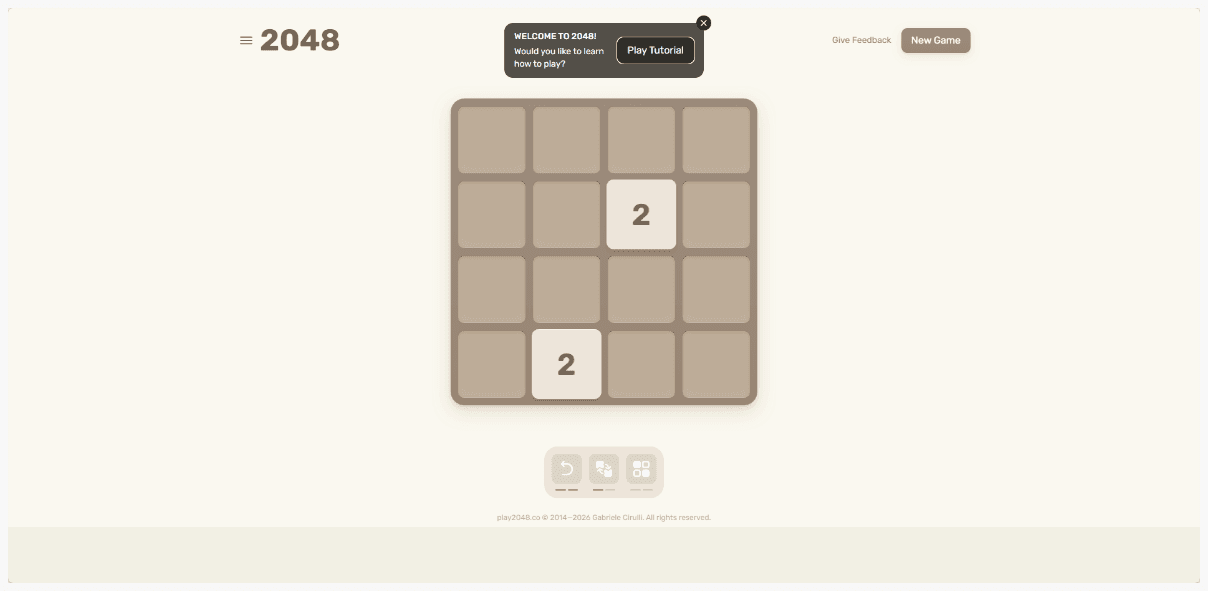
Play: https://play2048.co/
2048 looks simple at first, but it quickly becomes a challenging logic puzzle. Players slide numbered tiles and combine matching numbers to reach the 2048 tile.
The game requires very little processing power and loads quickly in a browser, making it a good option for older laptops and Chromebooks.
It is also one of the few games that feels both entertaining and mentally engaging.
Best for: Puzzle fans and low-spec devices
7. Krunker: A Fast Browser FPS Without Installation
Play: https://krunker.io/
Krunker is a browser FPS that somehow feels smooth even on weaker laptops. Blocky graphics, fast movement, lots of community servers. At school it’s either completely blocked or totally playable. No in between. If it loads, it becomes someone’s entire personality for a week.
While performance depends on the device and network, Krunker remains one of the most popular browser FPS games.
Best for: Multiplayer action fans
8. 1v1.LOL: Quick Matches With Building and Shooting
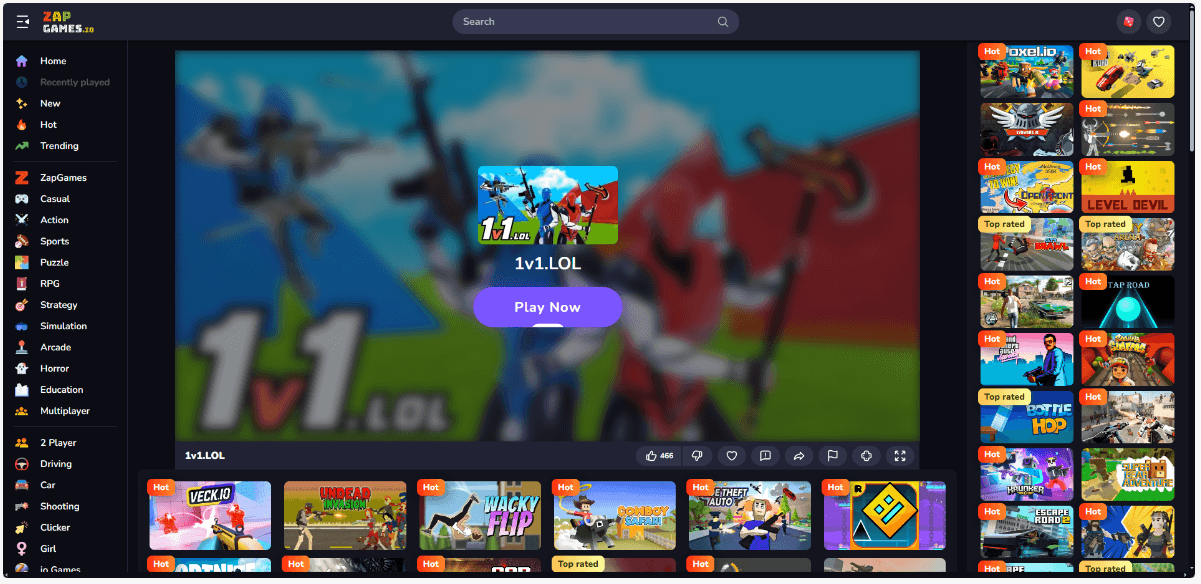
Play: https://zapgames.io/1v1lol
If you want something competitive that still runs in a browser, 1v1.LOL is huge. It’s like a mini building plus shooting arena game. You can practice vs bots or queue against real people.
Matches are quick, which is exactly what students want between classes. Since it works directly in a browser, there is no large installation required.
Best for: Competitive players
9. Shell Shockers: A Fun Browser Shooter With a Unique Twist
Play: https://shellshock.io/
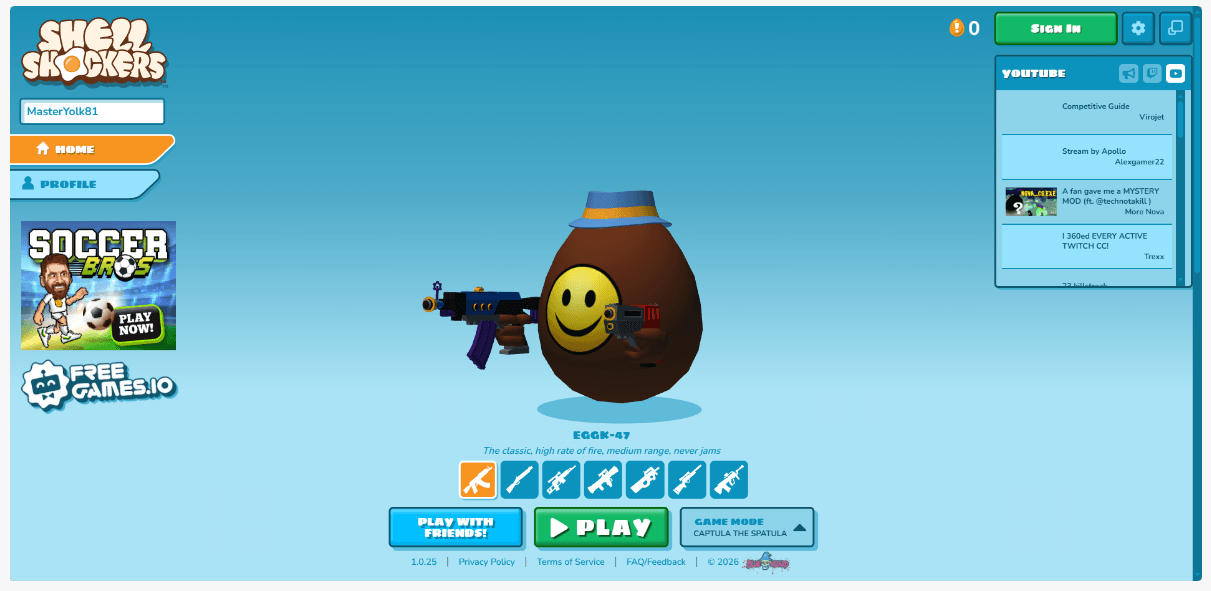
Shell Shockers is a multiplayer shooter where every character is an armed egg. The idea is unusual, but the gameplay is surprisingly competitive.
Players use different weapons, join fast matches, and try to survive while fighting other egg-shaped opponents. The funny style makes it different from typical FPS games.
Because it is browser-based, players can start without downloading a full game client. Also, it tends to run decently on Chromebooks if your network allows it.
Best for: Casual multiplayer action
10. Wordle: A Daily Puzzle With an Educational Side
Play: https://www.nytimes.com/games/wordle/
Wordle became popular because of its simple but addictive format. Players have six attempts to guess a five-letter word using color hints to improve each guess.
Each puzzle only takes a few minutes, making it a good option for short breaks. Since it is hosted by The New York Times, it also has a more educational feel compared with many entertainment websites.
Best for: Vocabulary practice and daily challenges
11. GeoGuessr: Turn Geography Into a Game

Play: https://www.geoguessr.com/
GeoGuessr transforms geography into an interactive guessing game. Players are placed in random locations and use clues such as landmarks, roads, and landscapes to figure out where they are.
It combines exploration with learning, making it different from typical browser games. Players can enjoy it casually or compete with others.
Best for: Exploration and learning
12. Retro Bowl: A Simple Sports Game With Deep Gameplay
Play: https://retrobowl.me/
Retro Bowl combines classic pixel graphics with football management features.
Instead of only relying on quick reactions, players manage teams, make decisions, and build their own football career. The simple design makes it easy to learn while still offering plenty of depth.
Its lightweight browser format makes it a good choice for casual gaming.
Best for: Sports fans and simulation players
13. Fireboy and Watergirl: A Classic Puzzle Adventure

Play: https://www.coolmathgames.com/0-fireboy-and-water-girl-in-the-forest-temple
Fireboy and Watergirl is a cooperative puzzle platform game that has stayed popular for years.
Players control two characters with different abilities and solve puzzles by working together. The game focuses on timing, teamwork, and problem-solving instead of fast action.
Its simple gameplay makes it accessible for many devices and suitable for casual sessions.
Best for: Puzzle solving and teamwork
14. Typeracer: Make Typing Practice Competitive
Play: https://play.typeracer.com/
Typeracer turns typing practice into a multiplayer competition. Players race against others by typing passages as quickly and accurately as possible.
Although it feels like a game, it can also help improve typing speed and accuracy. Its browser-based design makes it easy to use without installing anything.
Best for: Improving typing skills while having fun
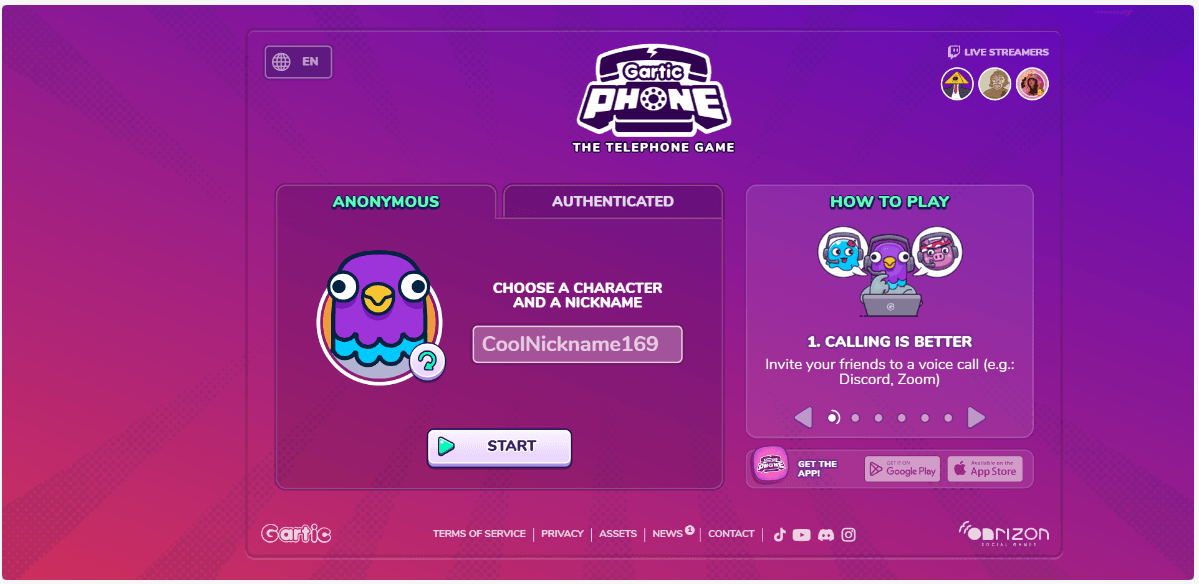
15. Gartic Phone: A Creative Multiplayer Browser Game
Play: https://garticphone.com/
Gartic Phone combines drawing, guessing, and storytelling into a simple multiplayer experience.
Players create phrases, draw pictures, and watch how ideas change as they move between players. The unpredictable results are what make each round unique.
Since it works directly in a browser and does not require installation, it is a convenient choice for playing with friends.
Best for: Groups and creative gameplay
Quick Comparison: 15 Best Unblocked Games for School in 2026
How to Play Browser Games on a School Chromebook
Before anything else. Don’t do anything that breaks school rules, and don’t install random junk. Most “unblocked” game play is just… finding a site that isn’t blocked. Or using a method your school hasn’t restricted.
Here are the common approaches students try.
1. Play Browser Based HTML5 Games
HTML5 games (like Slope, Run 3, 2048) run directly in the browser without plugins. No Flash. No downloads. That’s why they’re so popular on Chromebooks.
If a game isn’t loading, try:
● Opening it in an incognito window (sometimes extensions interfere)
● Switching browsers if you have more than one available
● Trying a different mirror site for the same game
Try a VPN
A VPN can sometimes bypass network level blocking by tunneling traffic.
But realistically, many schools block VPN sites, block VPN protocols, or restrict installs. And on managed Chromebooks, you may not be able to install anything at all.
If you do have a personal device (not school owned), VPNs are more realistic. Still, use your judgment. Some schools treat VPN use as a policy violation.
Use a Web Proxy
A web proxy is usually a website that loads another website through it.
This can work sometimes, but proxies are also one of the most commonly blocked categories. And a lot of free proxies are shady, slow, or stuffed with ads.
If you go this route, be careful with logins. I wouldn’t sign into anything important through a random proxy.
Use a Separate Browser Profile
This sounds boring, but it’s honestly one of the most practical tips if you play often.
A separate browser profile for games keeps things isolated from your schoolwork browsing. Different cookies, different cache, different bookmarks, different settings.
You can even do one profile per site if you’re serious. Like one profile for Coolmath, one for Slope, one for an unblocked games hub.
Why Use BitBrowser for Browser Games?
BitBrowser is built for exactly that: isolated browser profiles that don’t share fingerprints, cookies, cache, or sessions.
So instead of your gaming setup messing with your normal browsing, you keep them separated on purpose.
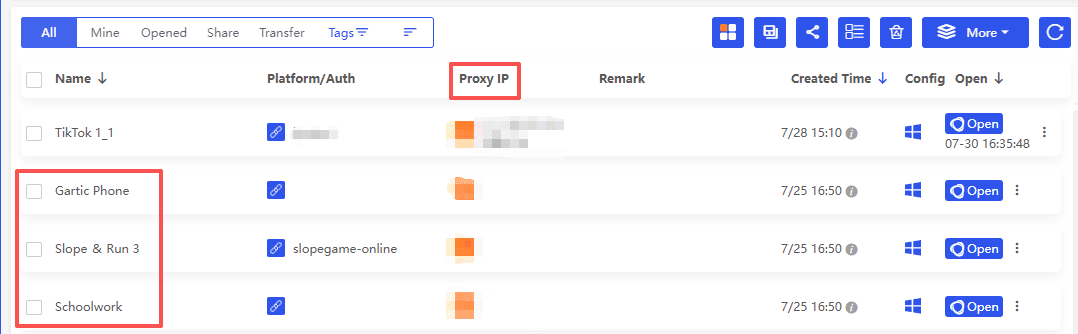
● One profile for schoolwork (clean, normal)
● One profile for games (your bookmarks, your preferred sites, your settings)
● Optional: different proxy settings per profile if you’re using proxies at all
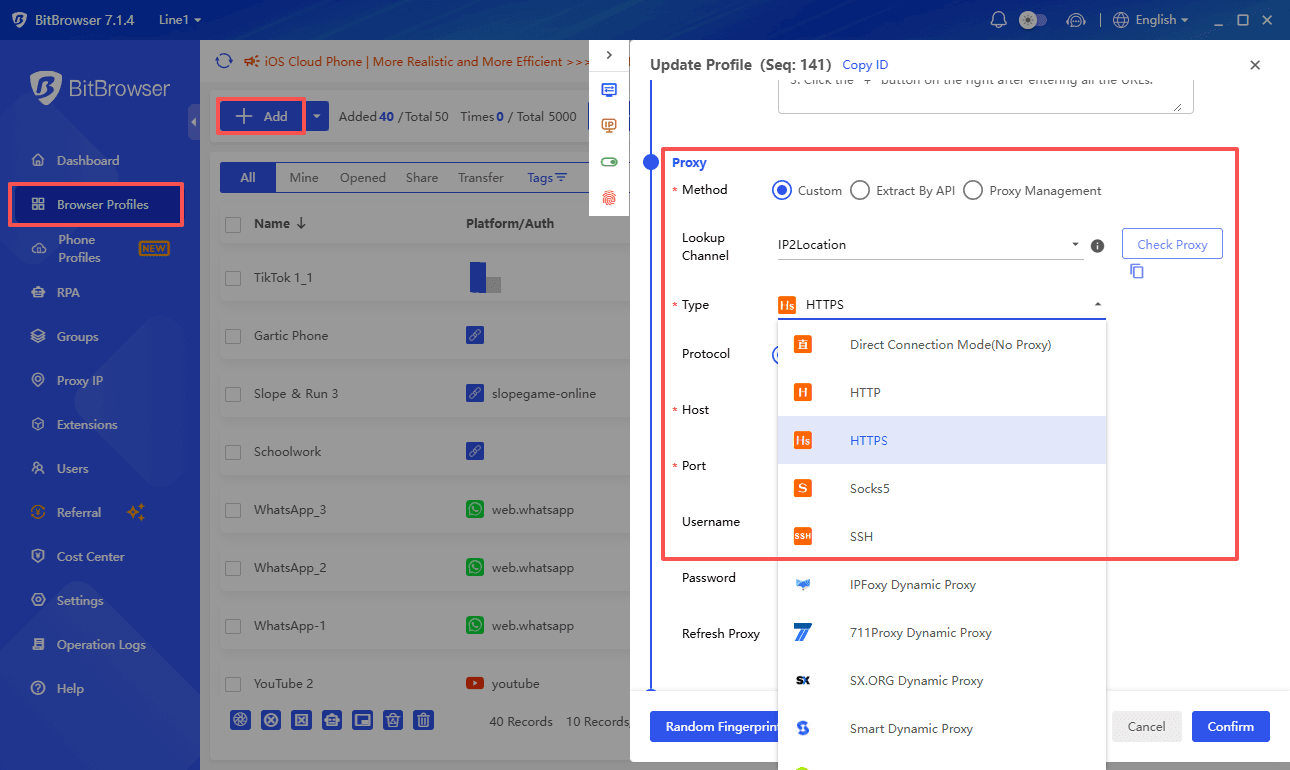
It’s also just convenient. You stop redoing the same steps every day.
If you’re the type who plays during short breaks, one underrated setting is auto resume. Like reopening the last page you had open so you’re not searching “run 3 unblocked” every single time.
Additionally, managing browser extensions and settings can be a hassle. However, with the right approach such as declaring Firefox extensions and settings, you can streamline this process significantly.
Play games on BitBrowser right now
Tips for Playing Browser Games Safely at School
A few basic rules that will save you from most problems.
● Don’t download anything from random game sites. If it’s not purely browser based, skip it.
● Avoid giving permissions (notifications, camera, mic). Game sites love asking.
● Close weird popup tabs immediately. If a site starts spawning tabs, leave.
● Don’t sign into personal accounts on sketchy aggregator sites.
● Use an ad blocker if allowed on your device. Some schools block extensions, so this depends.
● Know when to stop. If you’re in class and not supposed to be playing, you’re basically gambling with consequences.
Also, no game is guaranteed unblocked. Even if it works today, it might be blocked tomorrow. That’s just how it goes.
Final Thoughts
Browser games remain popular at school because they are quick, lightweight, and easy to play directly in a browser. From action games like Slope and Krunker to puzzles like 2048 and Wordle, there are plenty of options for short breaks.
However, no game is guaranteed to work everywhere. School networks and device settings vary, so availability can change. Play responsibly, use trusted websites, and follow your school's rules.
FAQs About Unblocked Games for School
1. What are unblocked games?
Unblocked games are browser-based games that can still be accessed on some school networks. Most use HTML5 and do not require downloads or plugins.
2. Why is an unblocked game still not working?
Different schools use different filters and device settings. A game that works on one Chromebook may be blocked on another.
3. Are unblocked game sites safe?
Not always. Avoid suspicious websites, random downloads, and popups. Stick with trusted game platforms.
4. Do I need a VPN to play unblocked games?
Not necessarily. Many browser games work without extra tools, while VPNs may not work on school-managed devices.
5. Can I play these games on a Chromebook?
Yes. Most games on this list are browser-based and designed to run without installation, making them suitable for many Chromebooks.

 Multi-Account Management
 Prevent Account Association
 Multi-Employee Management
Recommended
See More 



