YouTube to MP3 Converter: How to Convert YouTube Videos to mp3 in 2026
2026.10.12 07:21 YT.Shi
Looking for a simple way to convert YouTube videos to MP3 in 2026? We tested several online converters to compare their speed, audio quality options, supported formats, ads, and extra features.
If you need to download multiple MP3 files at once, BitBrowser lets you use multiple browser windows to coordinate online downloads across windows.
Simple interface with five selectable MP3 bitrate options.
Test observations may change as websites are updated. A listed bitrate is an available or claimed setting, not a guarantee of the original audio quality. Registration requirements were not consistently recorded for every tool.
FLVTO lets you search for YouTube videos by keyword or paste a video URL directly. Search results load in about a second, but you need to return to the search page to look up another video.
The homepage is relatively clean, and several audio formats and bitrate options are available. However, clicking the download button opens an advertisement in a new tab. You must return to the original page and click the download option in the small download window to continue.
Yocata has a clean, straightforward interface. Paste a YouTube URL, and the search results appear on the same page, so there is no need to navigate back and forth between screens.
The tool supports both MP3 audio and MP4 video downloads without requiring an app. It also supports YouTube videos up to four hours long, making it suitable for longer mixes, full albums, podcasts, and audiobooks.
MP3 downloads offer bitrate options ranging from 128 to 320 kbps. No ads were observed during testing.
MP3 and MP4Long videosNo ads observedNo app required
Audio trimmingAdvertised, but no trimming option found on the download page
Testing Experience
CMDX uses a simple interface, and search results appear on the same page after you submit a YouTube URL. Results load quickly, while preparing the download takes around 5–10 seconds, depending on the selected audio quality.
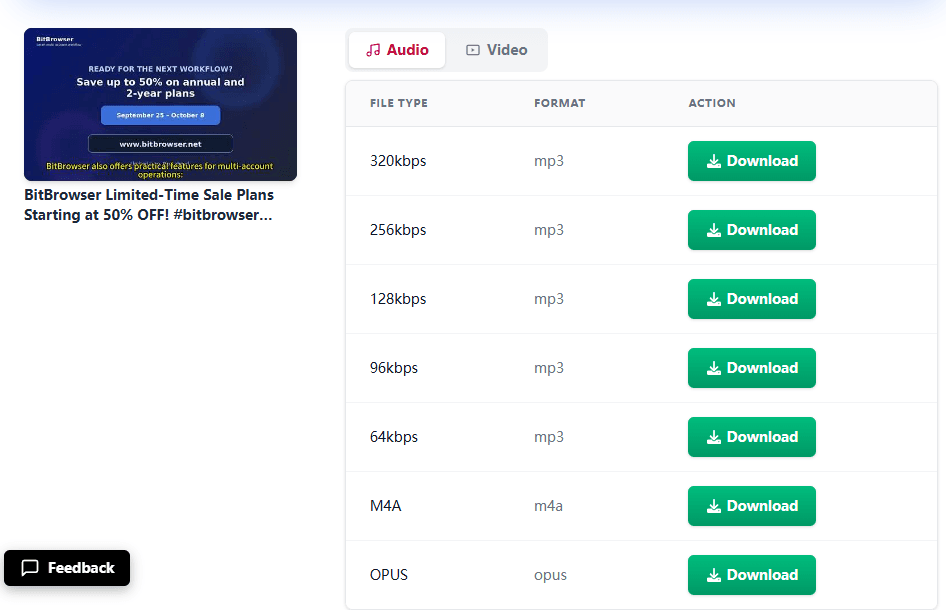
The converter supports MP3 and MP4. For MP3, you can choose the original quality or select a bitrate from 64 to 320 kbps.
CMDX advertises an audio-trimming feature, but we could not find a trimming option on the download page during testing. Clicking buttons also triggered pop-ups in new tabs.
MP3 and MP4Multiple bitrate optionsNo app required
Testing note: Audio trimming is advertised on the site, but the option was not available on the download page we tested. Pop-up tabs may interrupt the process.
Audio qualityUp to 320 kbps claimed; no quality selector available
PriceFree to use
AdsNone observed during testing
RegistrationNot required
PreviewPlayback speed adjustment
Extra featureAudio transcription to text
Testing Experience
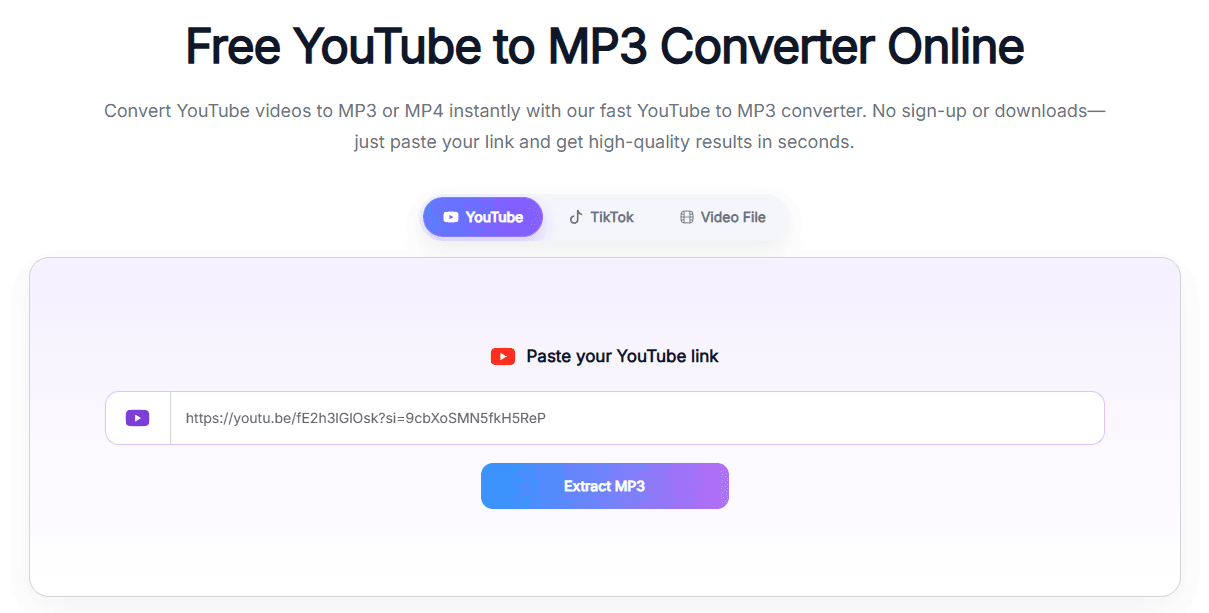
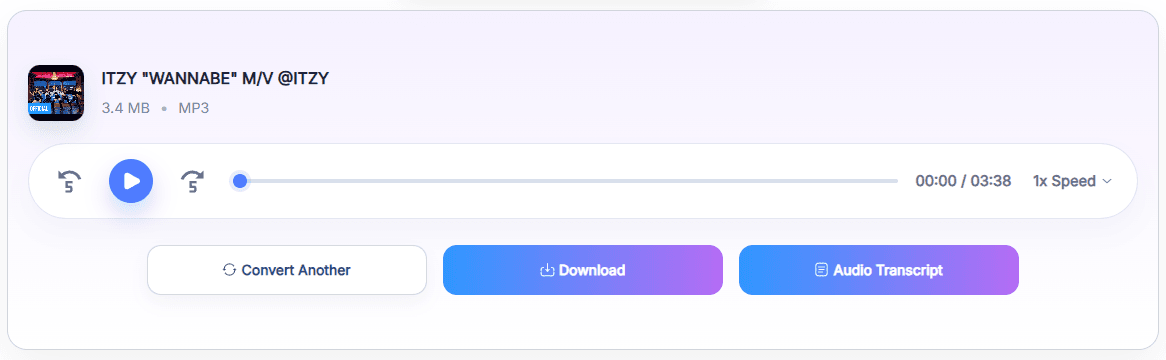
AudioTranscriber has a clean interface and does not require registration. Paste a YouTube URL, and the search results appear on the same page. Before downloading, you can preview the audio and adjust playback speed.
Its features go beyond YouTube-to-MP3 conversion. The site also supports converting TikTok videos and local video files to audio, along with transcribing audio into text using a link or an uploaded file.
The site claims support for audio quality up to 320 kbps, but no bitrate selector was available during testing. We also could not find an MP4 download option, so this tool is more focused on audio processing than video downloads.
Audio quality192–320 kbps claimed; no quality selector available
PriceFree
AdsNone observed during testing
App requiredNo
Testing Experience
AZK has a clean, simple interface, with search results displayed on the same page. It supports both MP3 audio and MP4 video downloads and does not require an app.
Clicking the download button may open a verification window. During testing, no verification was actually needed, so closing that window allowed us to continue.
One limitation is that the download button works only once per search. If you want to download the same video again, you need to search for it again. The site claims MP3 quality between 192 and 320 kbps, but no bitrate selector was available.
MP3 and MP4No ads observedNo app required
Testing note: The download button can trigger a verification window even when no verification is required. You may also need to repeat the search to download the same video again.
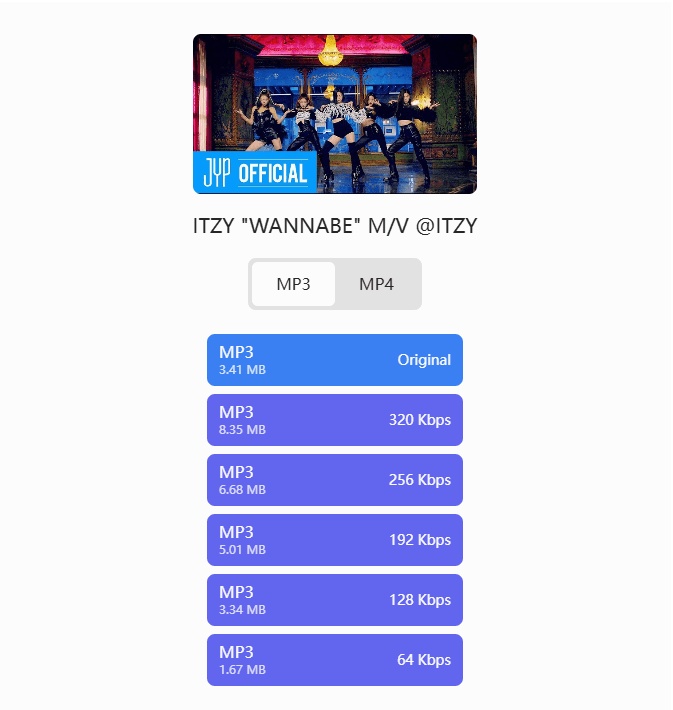
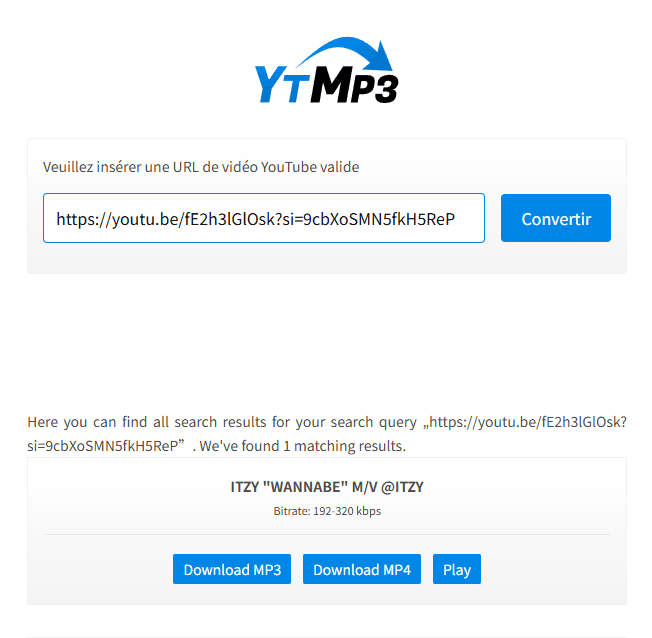
YTMP3 has a clean, simple interface. During testing, YouTube links were processed in around 2–3 seconds, and no ads were observed.
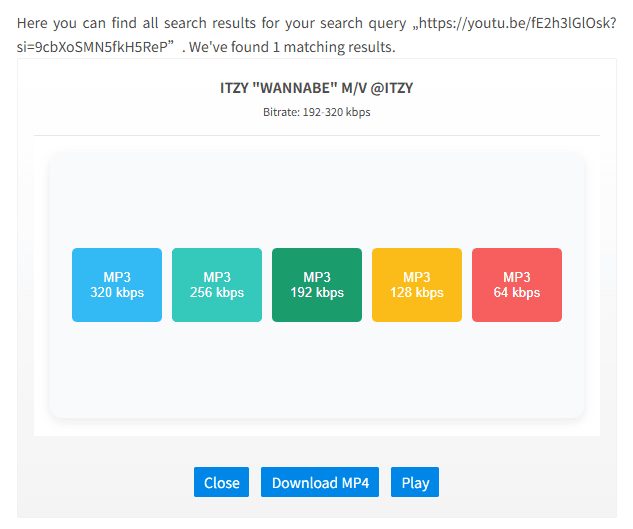
The tool supports both MP3 audio and MP4 video downloads without requiring an app. For MP3 files, you can choose from five bitrate options: 64, 128, 192, 256, and 320 kbps.
Its straightforward workflow and clear audio-quality options make it a practical choice for users who want a quick conversion without installing additional software.
MP3 and MP4Five bitrate optionsNo ads observedNo app required
What works well
Quick processing during testing
MP3 and MP4 support
Clear bitrate choices
Worth noting
Requires a YouTube URL
Conversion page
Audio-quality options
How to Convert Multiple YouTube Videos to MP3 at Once with BitBrowser
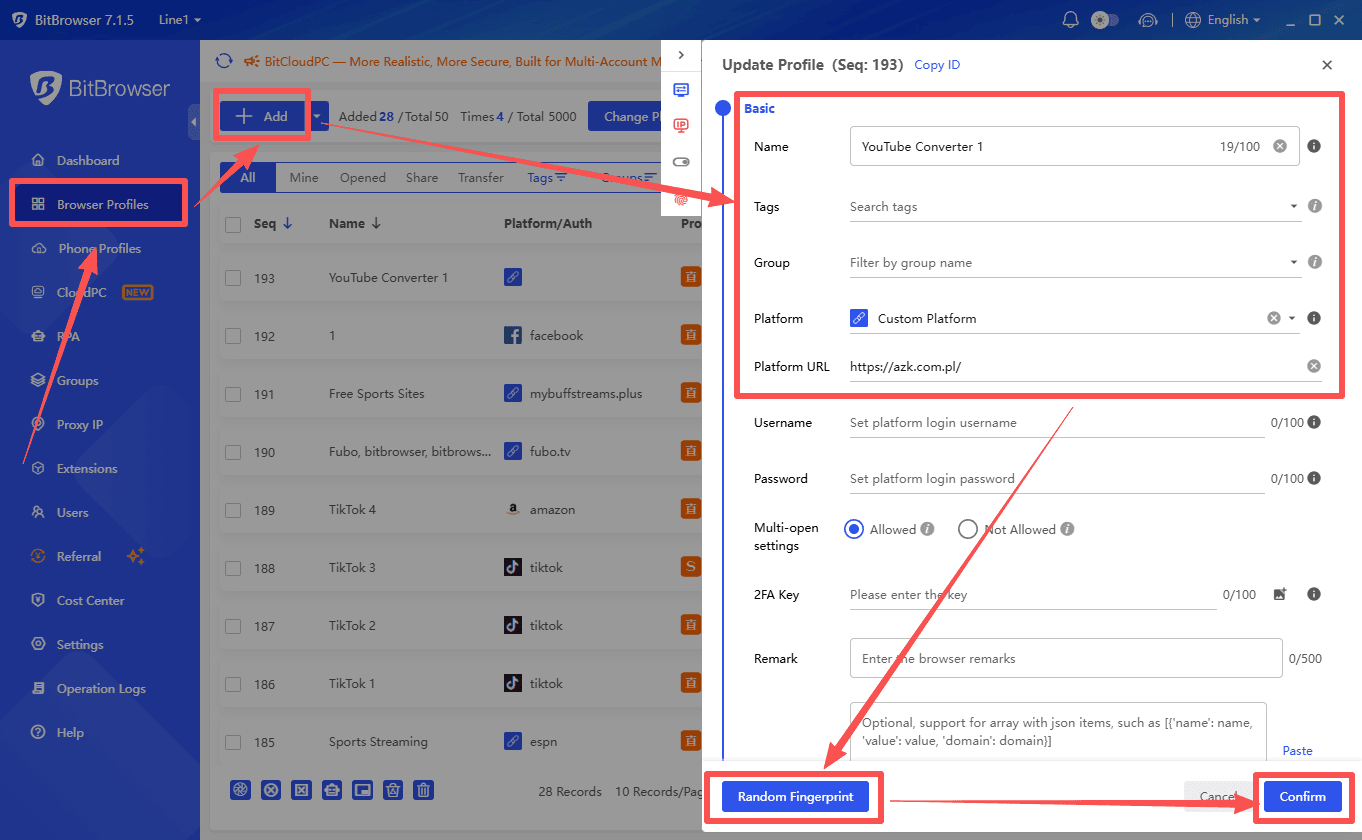
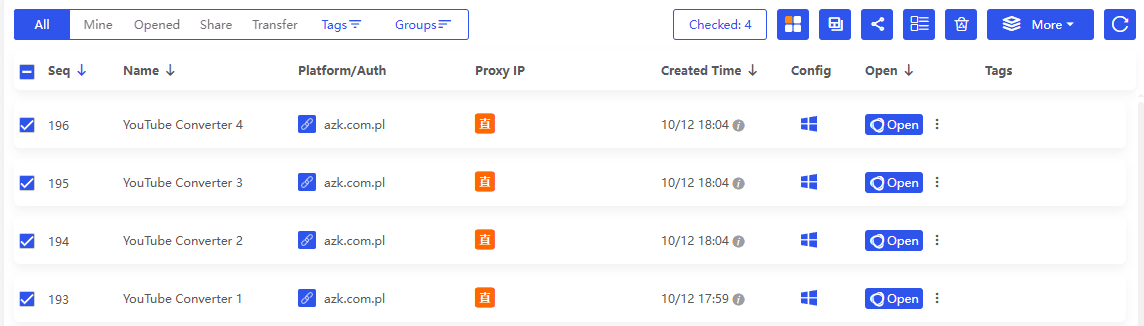
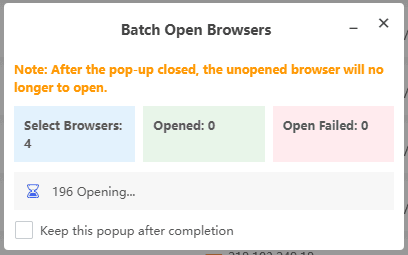
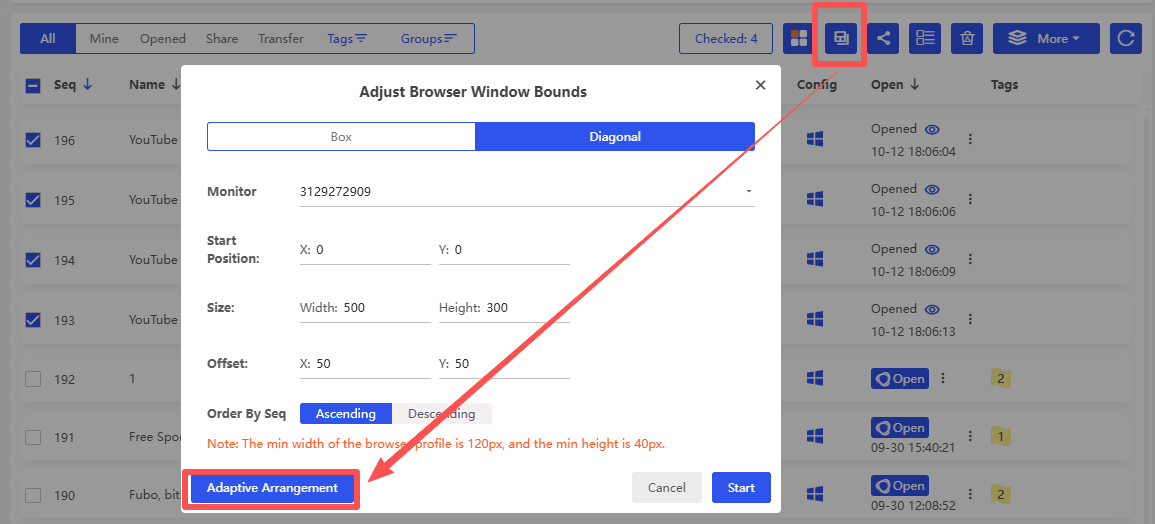
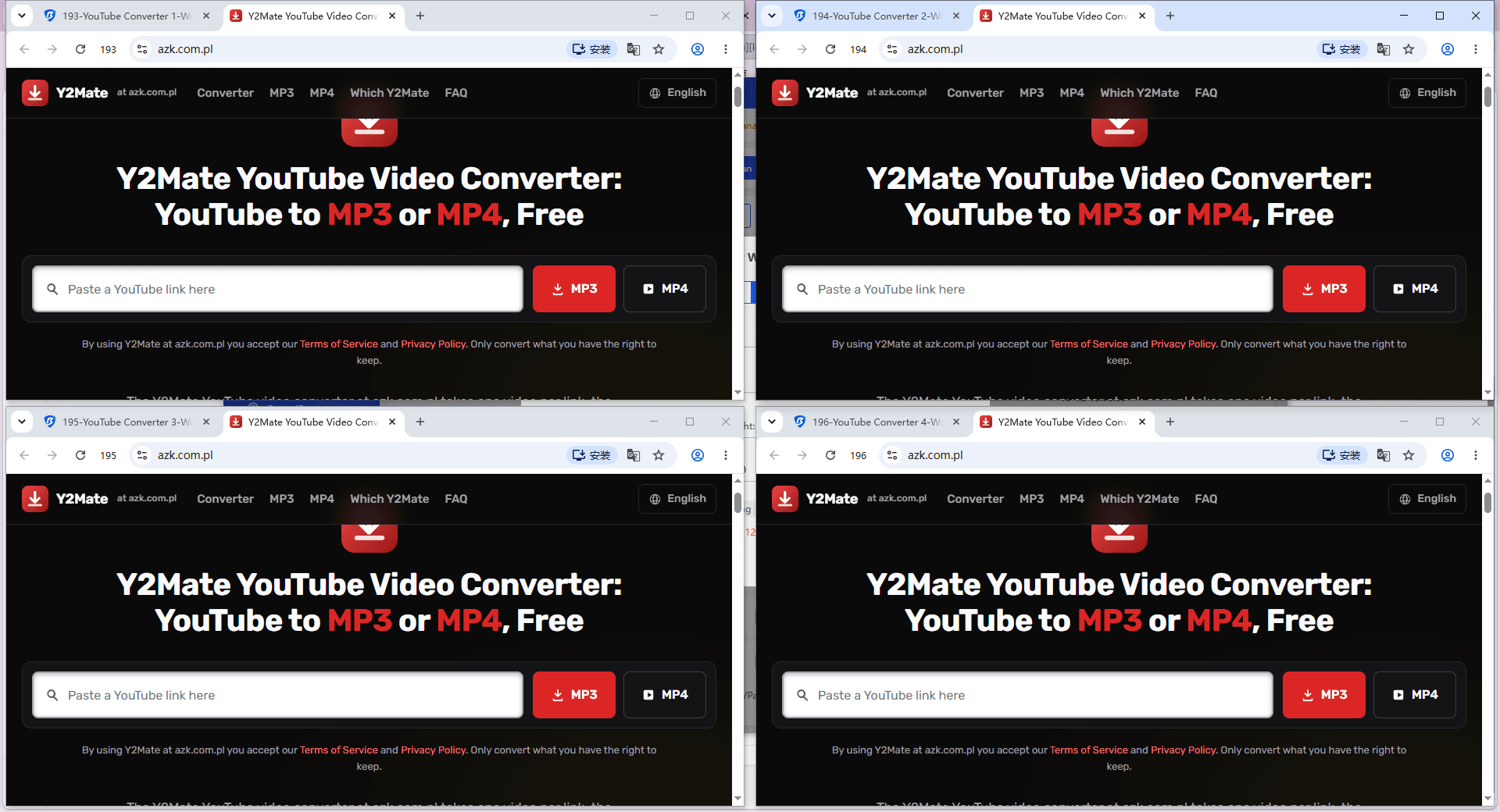
BitBrowser lets you open multiple browser windows and use online YouTube-to-MP3 converters in parallel. Instead of processing every video in a single window, you can handle several conversions at once.
1. Open Multiple Browser Profiles: Launch several BitBrowser profiles and open a YouTube-to-MP3 converter in each one.
2. Enter Video Links: Paste a different YouTube URL into each window and select the desired output settings.
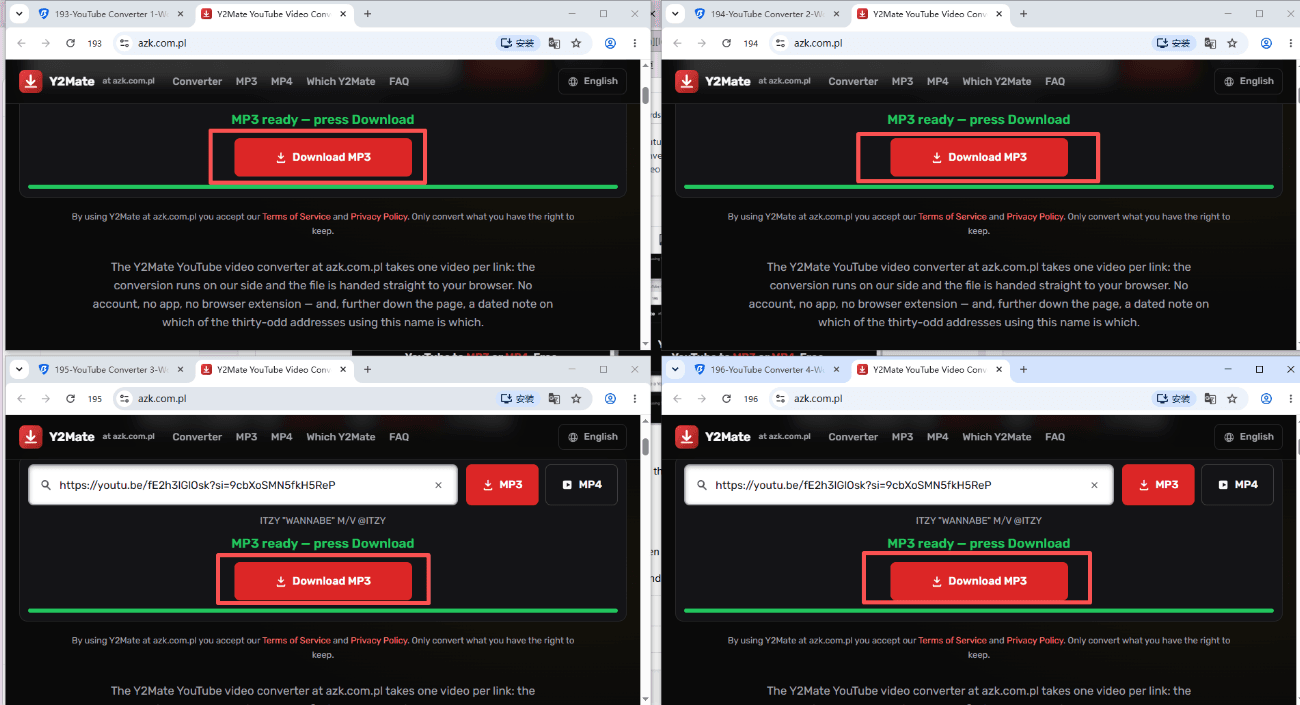
3. Start Conversions in Parallel: Submit the links and let each window process its video independently.
4. Download MP3 Files: Download the completed files from each window and check that they match the intended videos.
Optional tools for greater efficiency:
▸ Synchronizer: Coordinate supported browser actions across selected windows when the same operations need to be repeated.
▸ RPA Automation: Automate supported repetitive steps, such as clicking buttons and filling in fields, depending on the website's layout.
BitBrowser handles the multi-window workflow, while the online converter performs the actual audio conversion.
The best YouTube to MP3 converter depends on your priorities. Some tools offer adjustable bitrates, while others focus on a clean interface, fast processing, or extra features such as audio transcription. Before choosing one, compare supported formats, audio quality options, download speed, and pop-up behavior.
If you need to process multiple videos, BitBrowser lets you open several browser profiles and run online conversions in parallel. Its Synchronizer and RPA automation can also help with repetitive actions when needed.
 2026.10.12 07:21
 YT.Shi


 Multi-Account Management
 Prevent Account Association
 Multi-Employee Management



