[PC&Mobile] How to Download Facebook Videos Easily: 4 Proven Methods
 2026.02.11 16:23
 YT.Shi
Facebook is home to billions of engaging videos, from trending reels to insightful tutorials. However, the platform doesn't provide a native "Download" button for offline viewing. Whether you want to save Facebook videos for a long flight or backup your own content, you need a reliable method.
In this guide, we’ll explore 4 proven ways to download Facebook videos on both PC and mobile.
Method 1: Online Web Tools (No Installation Required)
This is the easiest way to save Facebook video without app installations. It works across PC, Android, and iOS.
Top Tools:
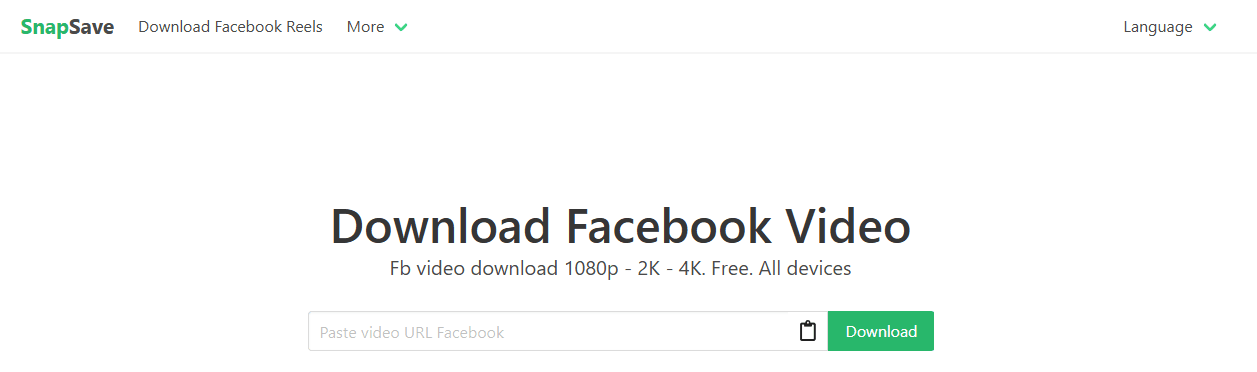
● SnapSave.app: Supports up to 4K resolution with an intuitive interface.
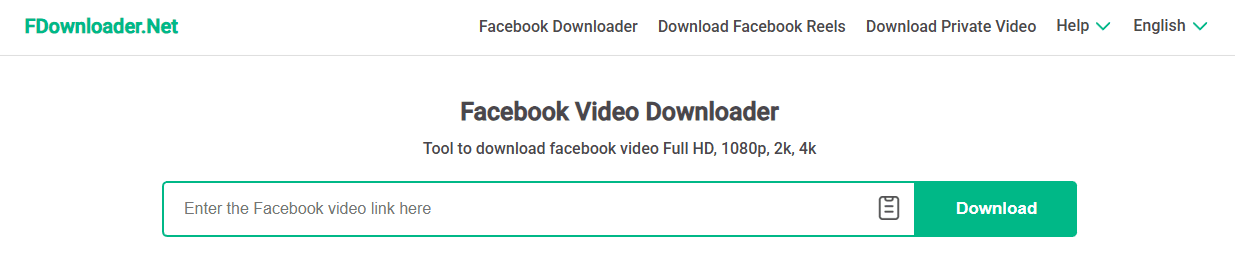
● FDownloader.net: Great for downloading Facebook video in HD quality or extracting audio.
● Publer.com: A clean, ad-free free Facebook video downloader tool.
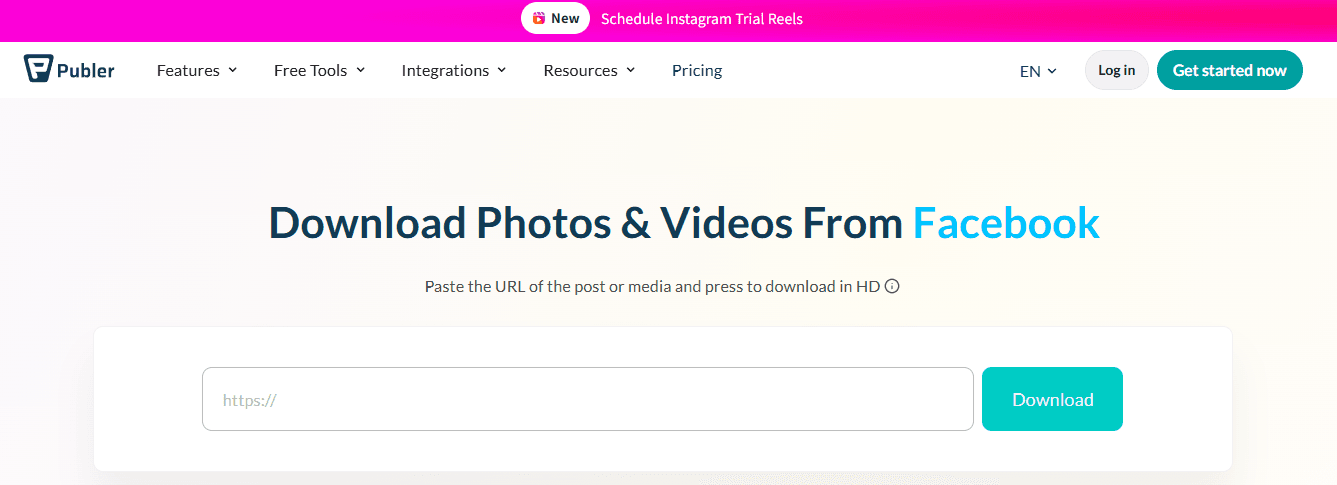
How to do it: Copy the video link from Facebook, paste it into the tool's input box, and click "Download."
Method 2: The "URL Hack" for PC (No Tools Needed)
If you don’t want to use any third-party websites, use this simple browser trick:
1. Open the video on your PC.
2. In the address bar, replace www with mbasic (e.g., https://mbasic.facebook.com/...).
3. Press Enter to load the mobile-basic version.
4. Play the video, right-click, and select "Save video as..." to save it to your hard drive.
Method 3: Browser Extensions for Desktop
If you are a heavy user, installing a Chrome extension is the fastest way to save videos while browsing.
Recommended Extensions:
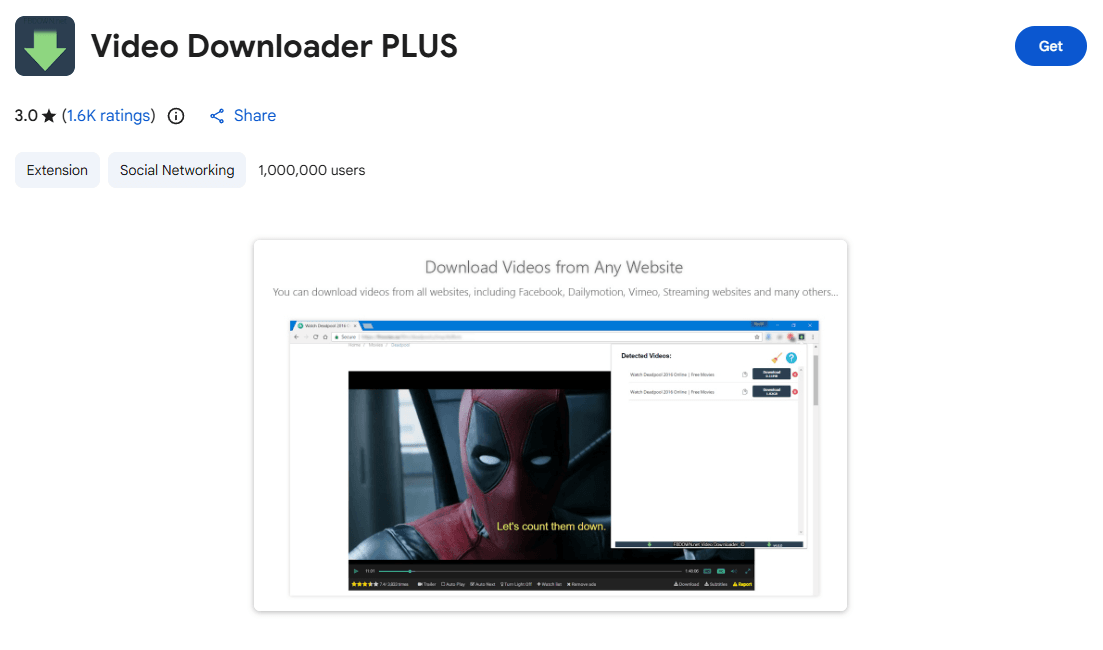
● Video Downloader Plus: Supports 4K downloads and is Chromecast compatible.
● Social Media Downloader: Adds a direct "Download" button to videos in your feed.
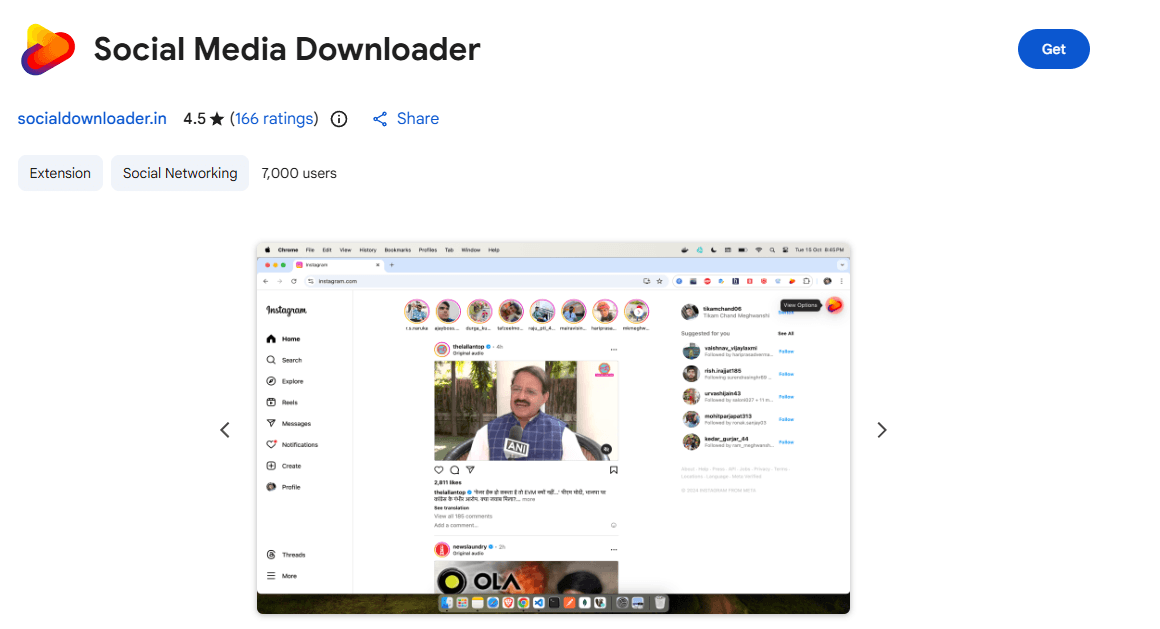
Note: These tools are primarily for PC browsers (Chrome, Edge).
Method 4: Mobile Apps (Android & iOS)
To download Facebook video to phone, you can use dedicated apps or specific mobile browser techniques.
● Android: Search for "Video Downloader for Facebook" on Google Play. Highly rated apps like AcePlayer are great options.
● iOS (iPhone/iPad): Because Apple restricts direct downloads, use the Documents by Readdle app. Its built-in browser allows you to visit online downloader sites and save files directly to your "Files" app or camera roll.
Boost Your Facebook Video Download Efficiency with BitCloudPhone
If you are looking for a secure, high-performance Facebook video downloader, BitCloudPhone is the game-changer. Unlike shady websites filled with pop-up ads, BitCloudPhone provides a virtual Android environment in the cloud.
Why choose BitCloudPhone?
● Privacy First: Many ask, "Is BitCloudPhone safe to use?" The answer is a resounding yes. It operates in a secure, isolated cloud environment, protecting your local device from malware.
● High Quality: It allows you to download Facebook video in HD quality by running the actual mobile app version of Facebook.
● Multi-Account Management: Perfect for marketers who need to save Facebook videos across multiple accounts without getting flagged.
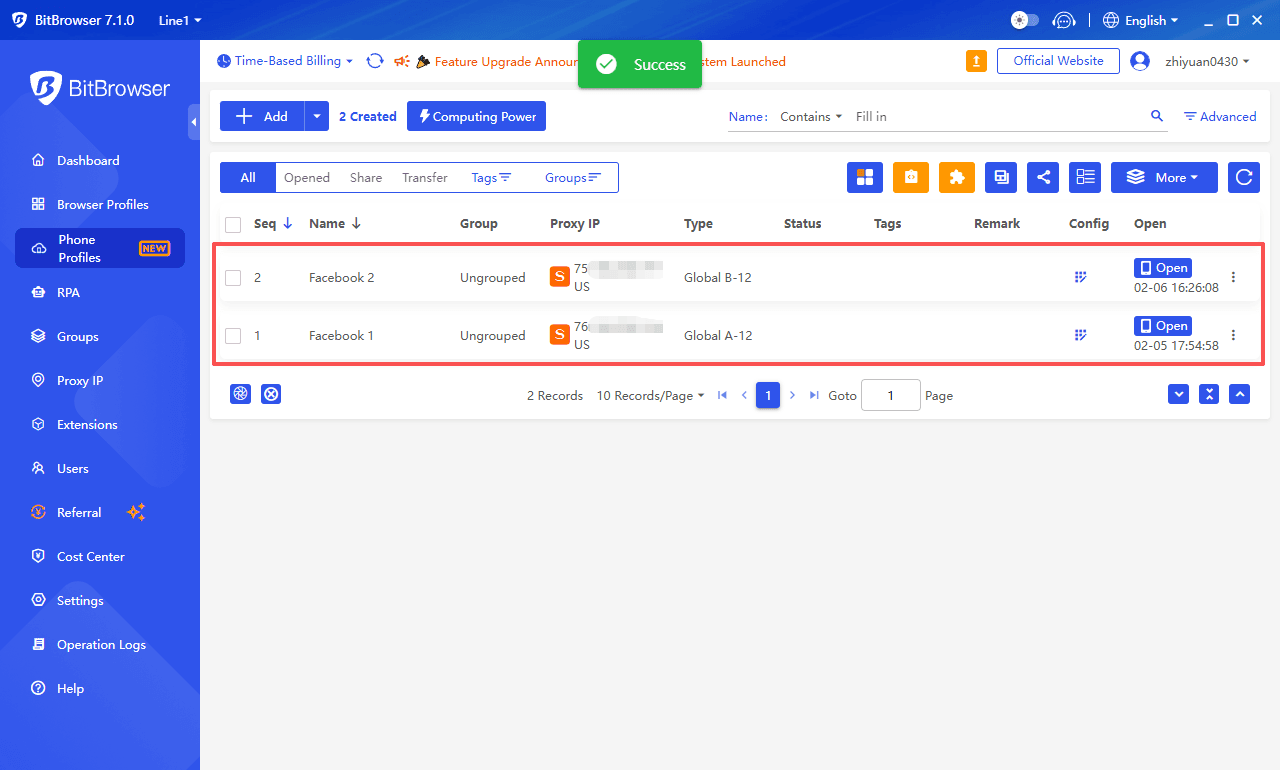
Download Facebook Video with BitCloudPhone Tutorial:
1. Launch your BitCloudPhone virtual instance on your PC or Mac.
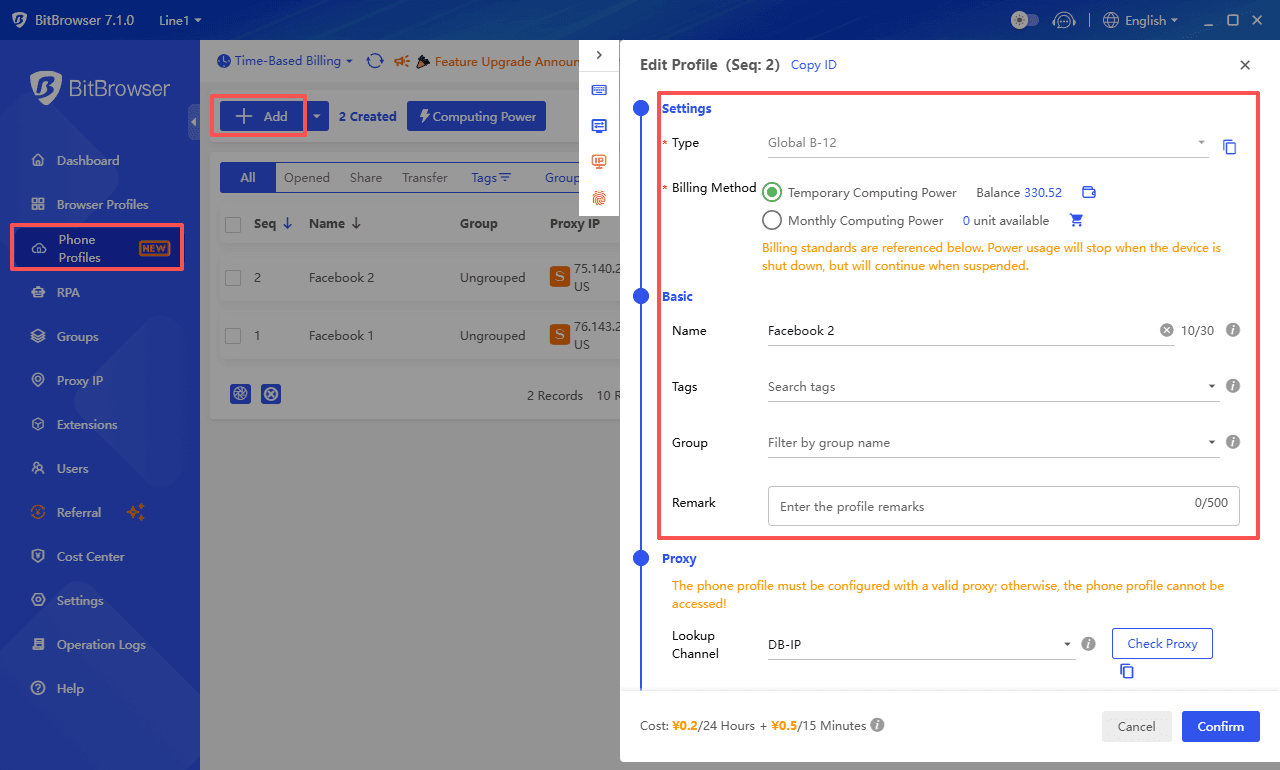
2. Open the Google Play Store within the cloud phone and install the Facebook app.
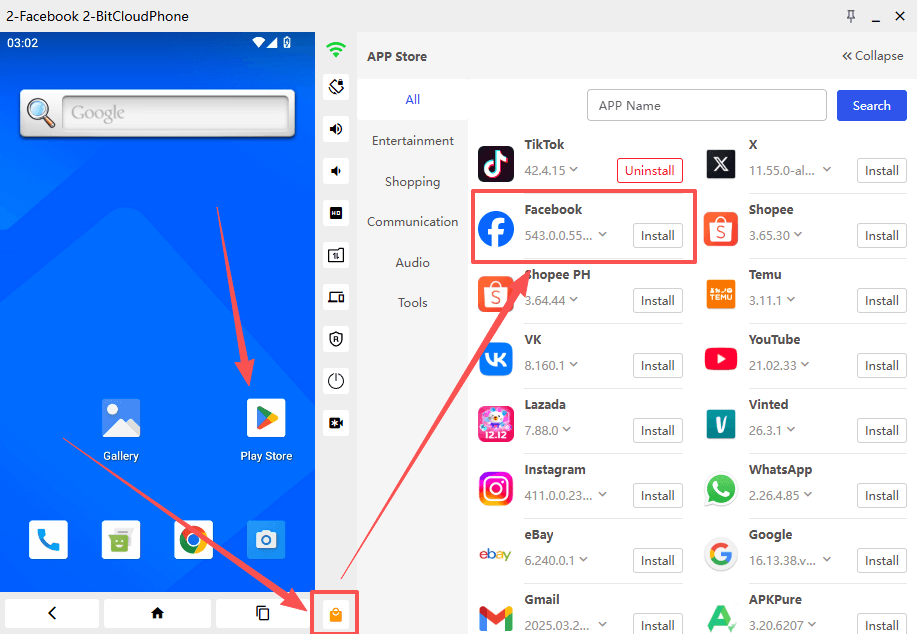
3. Use the built-in browser or a dedicated BitCloudPhone downloader script from their Marketplace.
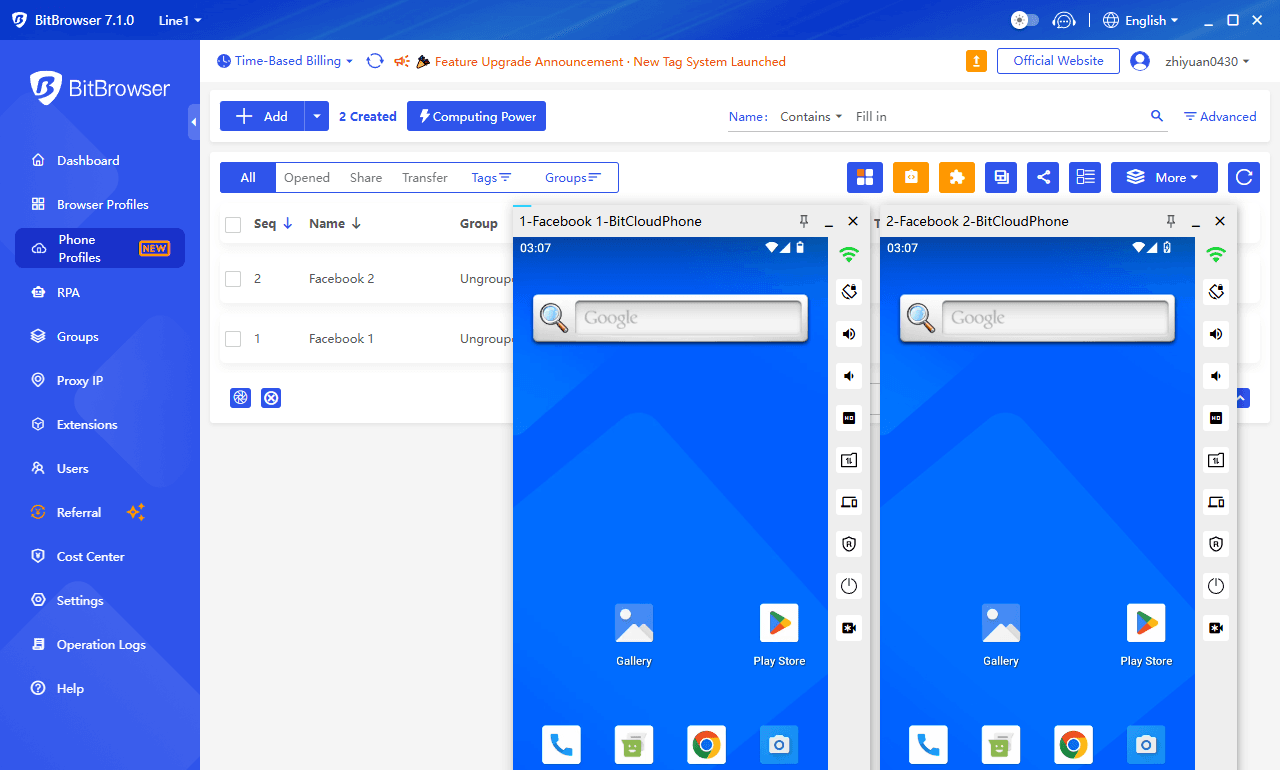
4. Safely download individual videos within the cloud phone or batch download multiple videos simultaneously using multiple Facebook accounts.
Claim a limited-time trial credit for BitCloudPhone
Conclusion
Whether you need a quick save or a high-volume downloader solution, these methods ensure you never miss a video. For those managing multiple accounts or seeking maximum privacy, BitCloudPhone remains the top-tier recommendation.
Frequently Asked Questions (FAQ)
1. How can I download Facebook videos in HD quality?
To download Facebook video in HD quality, ensure the original video was uploaded in high definition. Tools like SnapSave.app or BitCloudPhone allow you to select the highest available resolution (720p, 1080p, or even 4K) before saving.
2. Is it possible to download private Facebook videos?
Yes. To download private Facebook video content, you generally need a tool that can access the video's source code while you are logged in. BitCloudPhone is the safest method for this, as it allows you to log in via a secure virtual mobile device, avoiding the security risks associated with browser-based scrapers.
3. Is BitCloudPhone safe to use for social media management?
Absolutely. In our BitCloudPhone review, we found that its primary strength is its isolated cloud architecture. It keeps your personal data separate from your browsing activity, making it a highly secure free Facebook video downloader tool environment for professional marketers.
4. Can I save Facebook videos to my phone without an app?
Yes, you can save Facebook video without app downloads by using online platforms like FDownloader.net. Simply open your mobile browser (Chrome or Safari), paste the video link, and download the file directly to your storage.

 Multi-Account Management
 Prevent Account Association
 Multi-Employee Management
Recommended
See More