How to Create YouTube Thumbnails That Drive Clicks
 2026.04.25 02:28
 petro
petroIn today’s crowded YouTube landscape, grabbing attention is everything. While many creators focus heavily on titles, there’s another element that often matters even more: the thumbnail.
A thumbnail is the first thing viewers notice. It’s what makes them stop scrolling, read your title, and ultimately decide whether to click. If your thumbnail doesn’t stand out, your content risks being ignored—no matter how good it is.
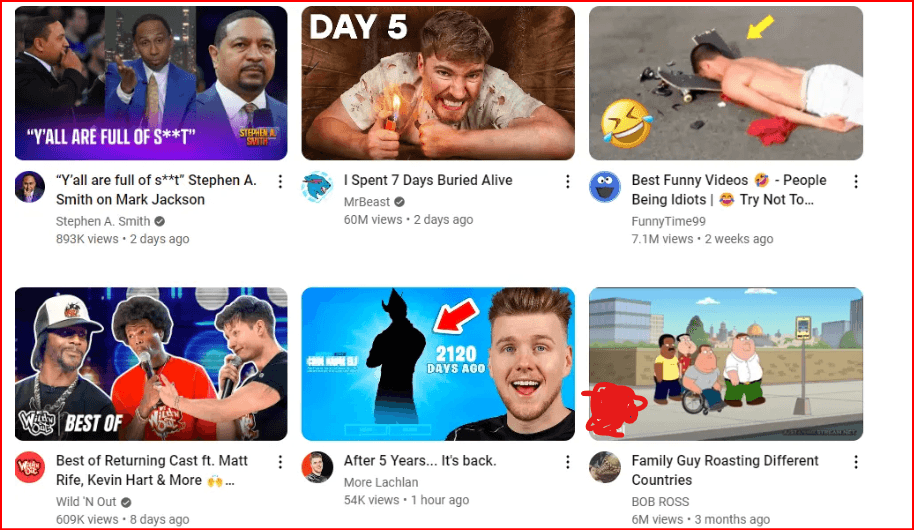
Why Thumbnails Matter
Think of your thumbnail as your video’s billboard. It communicates your message instantly and visually. A strong thumbnail can:
- Increase click-through rate (CTR)
- Boost video visibility in search and recommendations
- Build a recognizable brand style
On the other hand, a weak or misleading thumbnail can hurt trust and reduce engagement.
Best YouTube Thumbnail Size
To ensure your thumbnails look sharp across all devices, follow these specifications:
- Resolution: 3840 × 2160 pixels
- Aspect ratio: 16:9
- Minimum width: 640 pixels
- Formats: JPG, PNG, or GIF
- Max file size: 2MB (standard videos)
For YouTube Shorts:
- Resolution: 1920 × 1080
- Aspect ratio: 9:16
These standards help maintain quality and consistency across platforms.
Design Tips for High-Click Thumbnails
1. Use Contrasting Colors
Bright, contrasting colors help your thumbnail pop against YouTube’s interface. This makes your video stand out in a crowded feed.
2. Keep It Simple
Avoid clutter. Focus on one main subject and leave space around it to improve visibility.
3. Minimize Text
Use only a few impactful words. Your thumbnail should complement your title—not replace it.
4. Trigger Emotion
Faces with strong emotions (surprise, excitement, curiosity) often perform well because they connect with viewers instantly.
5. Stay Honest
Avoid clickbait. If your thumbnail misleads viewers, they’ll leave quickly—and that hurts your channel long-term.
Popular Thumbnail Styles
Here are some proven styles used by successful creators:
- Reaction Shots: Close-up emotional expressions
- Curiosity-Driven: Mysterious or intriguing visuals
- Object-Focused: Highlight a product or key element
- Snapshots: Real moments from the video
- Before & After: Show transformation
- Numbers-Based: Highlight results or value (e.g., “$500/day”)
Each style works because it sparks curiosity and communicates value quickly.
Tools to Create Thumbnails
You don’t need advanced design skills to create professional thumbnails. Try:
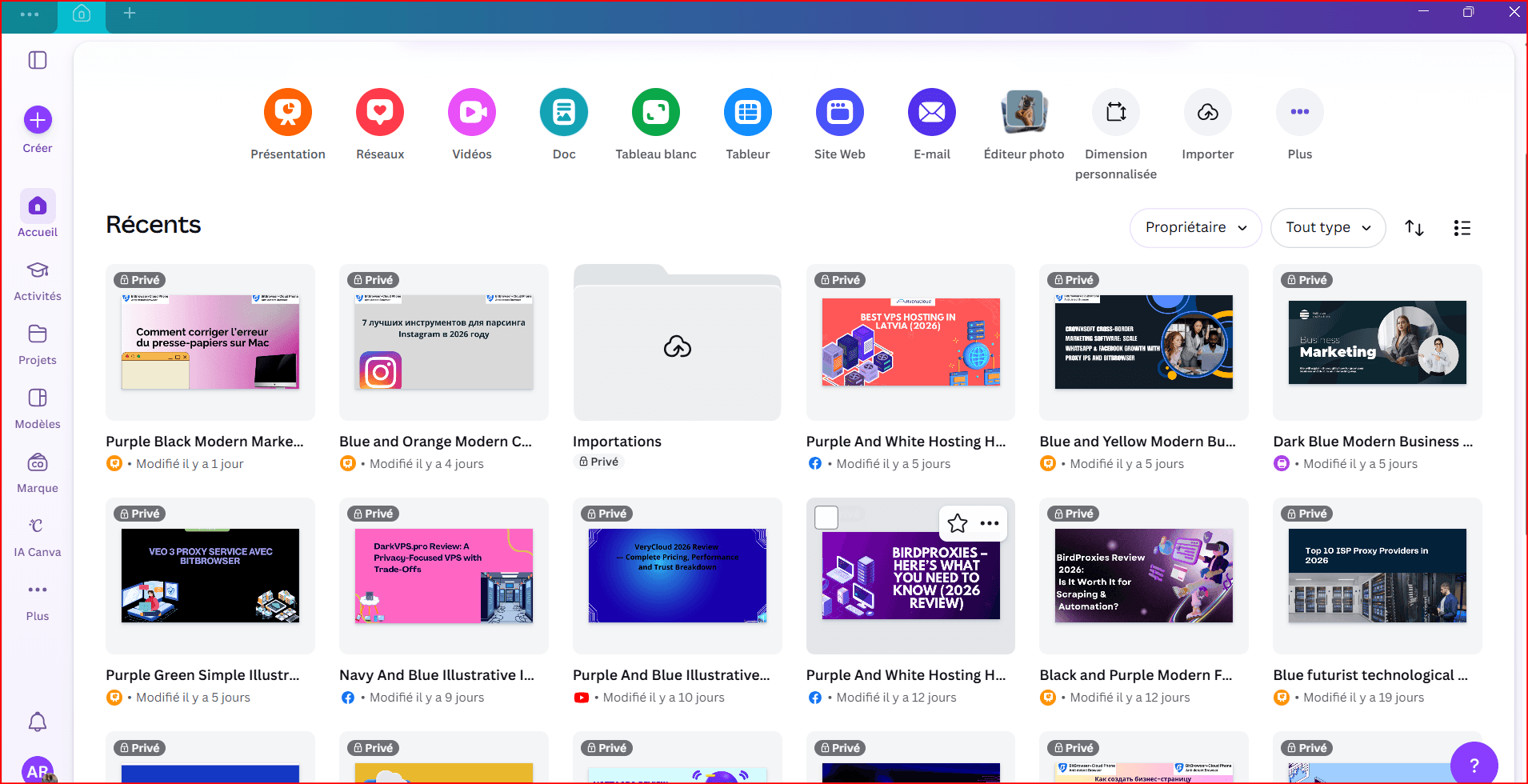
Canva – Beginner-friendly with templates
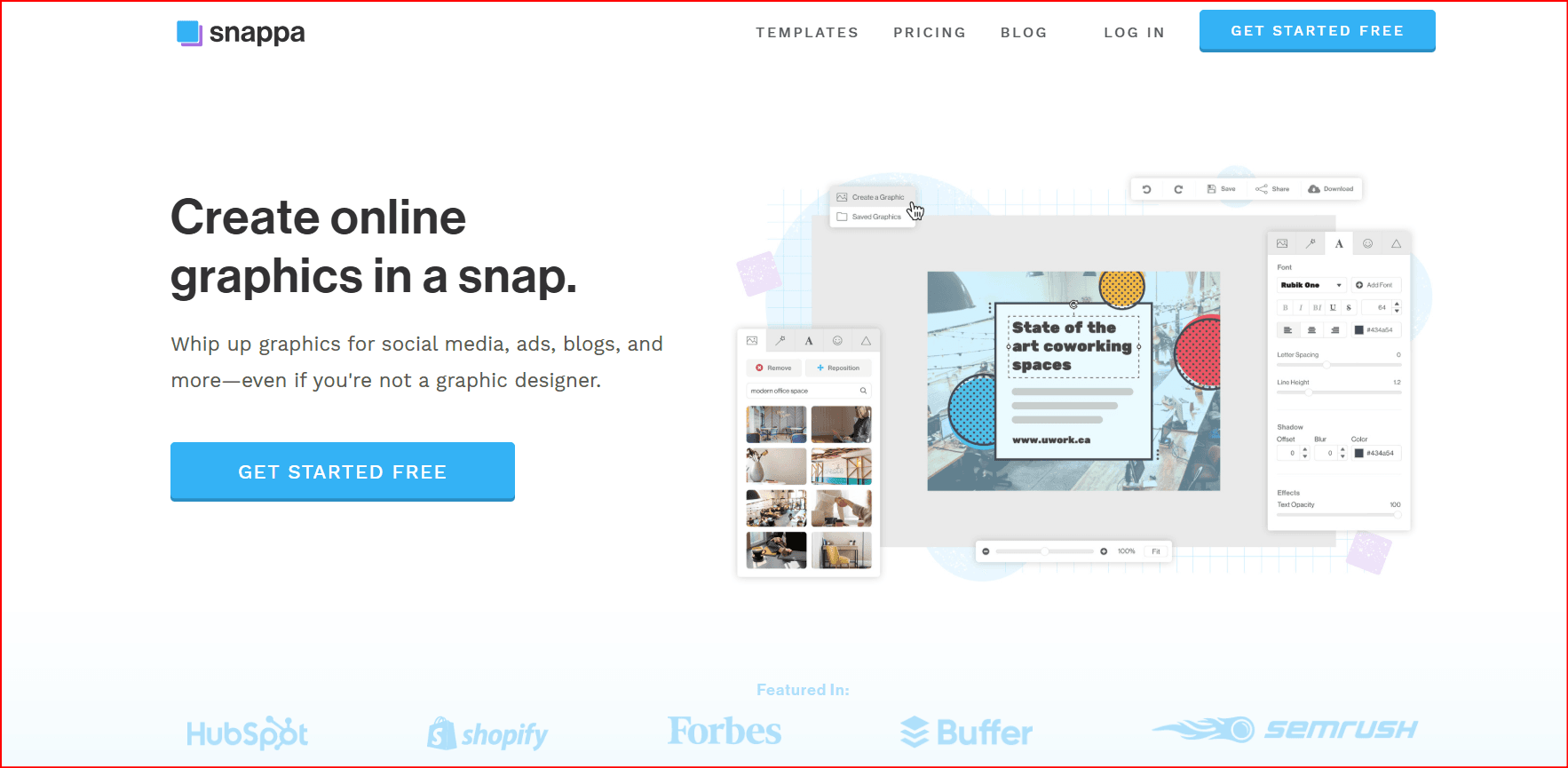
Snappa – Simple and fast editing
- Adobe Express – Advanced customization options
These tools make it easy to design eye-catching visuals in minutes.
How to Upload a Thumbnail
Open YouTube StudioUpload your video
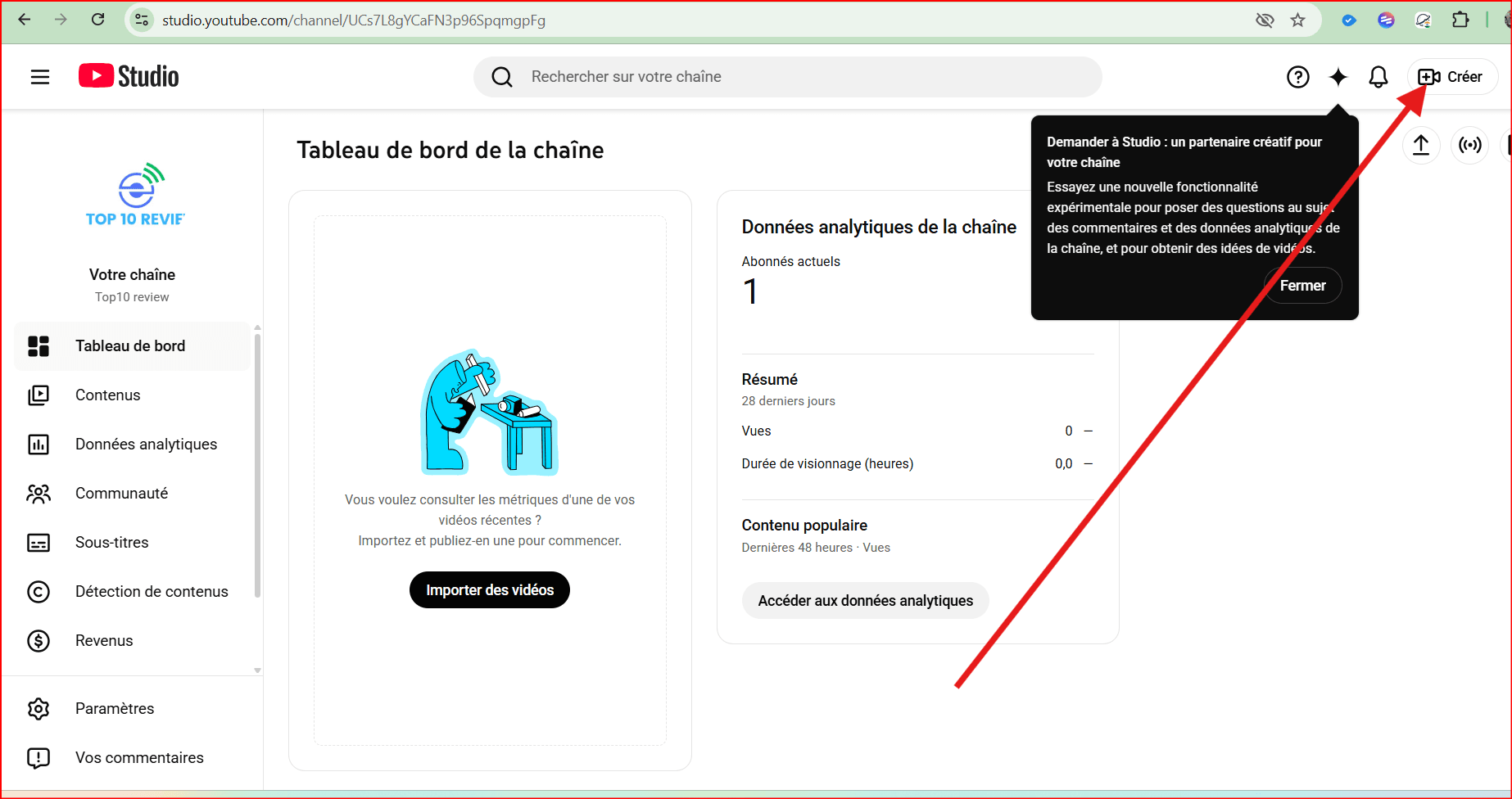
- Click Details (pencil icon)
- Scroll to Thumbnai
- Click Upload file
Save your changes
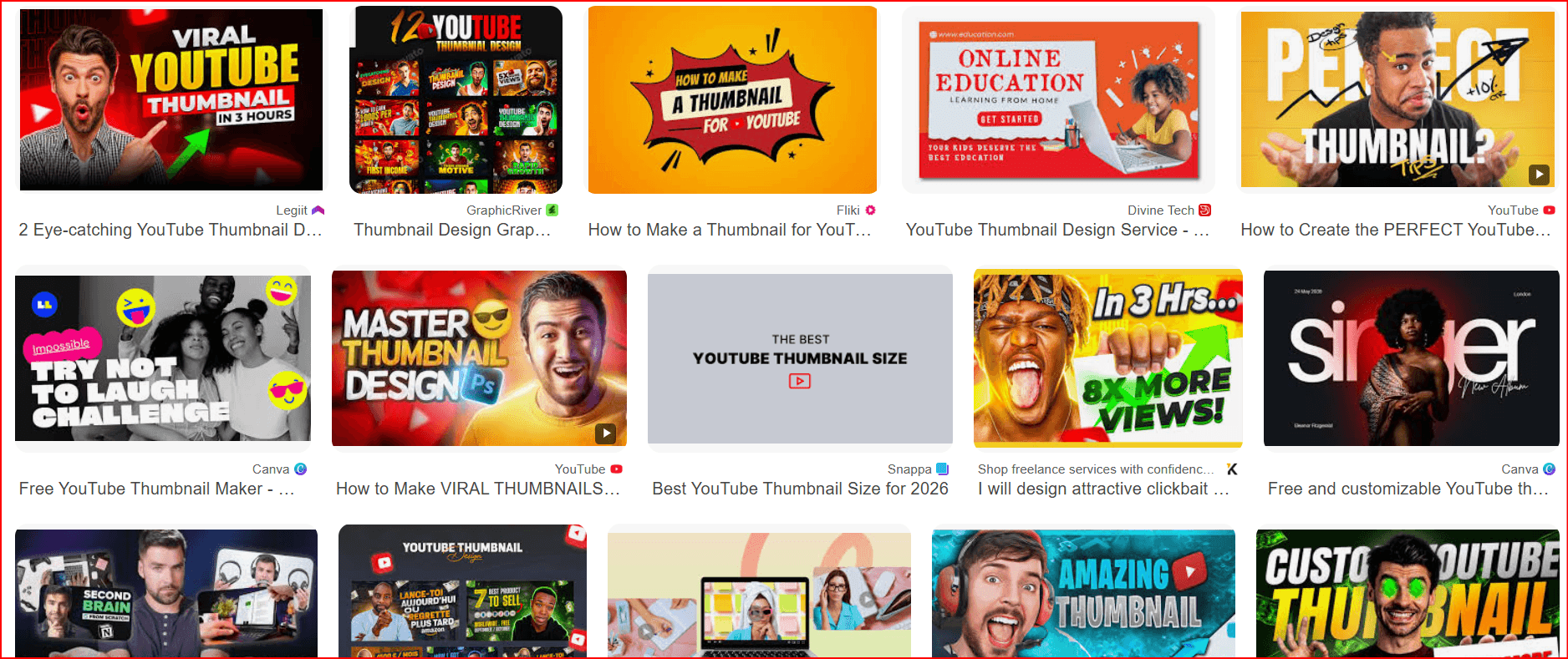
Custom thumbnails always outperform auto-generated ones.
Optimize Your YouTube Videos
Creating compelling, custom YouTube thumbnails is a powerful way to attract viewers and grow your channel—but it’s only one part of a successful YouTube strategy. To truly succeed, you also need to produce valuable content, optimize your titles and descriptions with relevant keywords, and maintain a consistent publishing schedule.
Bitcloudphone can help streamline that consistency. As a cloud phone automation platform, it simplifies repetitive publishing tasks through ready-to-use automation workflows.
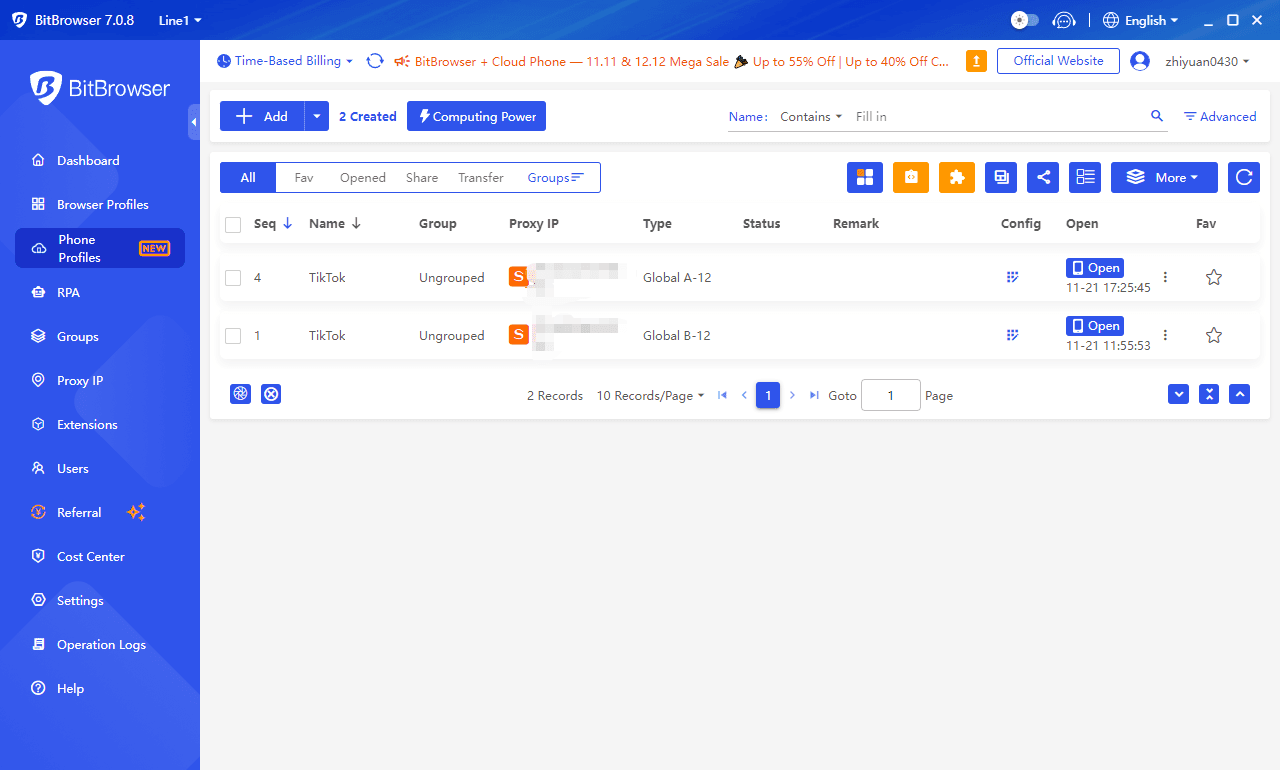
These workflows operate on cloud-based devices and simulate real mobile actions—such as opening apps, tapping buttons, scrolling, and typing. For creators managing multiple videos or channels, this makes it easier to batch-create content, schedule uploads, and maintain a steady posting rhythm without handling every step manually.
Try Bitcloudphone Today
FAQs
What is the recommended size for a YouTube thumbnail?
Google recommends a resolution of 3840 × 2160 pixels with a 16:9 aspect ratio to ensure thumbnails look sharp across all devices.
Must I upload custom YouTube thumbnails?
While not mandatory, uploading custom thumbnails is highly recommended because they significantly improve click-through rates and give you more control over how your content is presented.
Can I use templates to create YouTube thumbnails?
Yes, tools like Canva, Snappa, and Adobe Express offer ready-made templates that make it easy to design professional thumbnails quickly.
Can I add custom thumbnails to YouTube Shorts?
Yes. Although Shorts play automatically in the feed, custom thumbnails appear in search results and on your channel page, making them important for visibility.
Final Thoughts
Creating high-quality thumbnails is not optional—it’s essential. A great thumbnail can dramatically increase your views, but it works best when combined with:
- Strong titles
- Valuable content
- Consistent posting
When done right, your thumbnail becomes a powerful growth tool for your channel.

 Multi-Account Management
 Prevent Account Association
 Multi-Employee Management
Recommended
See More