Best YouTube Caption Generators in 2026: 7 Tools for Better Video Titles & Descriptions
 2026.08.17 10:00
 YT.Shi
If you are a YouTuber, you already know that captions are no longer optional. Studies show that a huge percentage of social media videos are watched without sound, and captions also boost engagement, accessibility, and even search rankings. The good news is that you do not need to type out every word manually anymore. AI powered caption generators can handle the heavy lifting in minutes.
But with so many options available, which one should you choose? I have tested and researched the top tools to bring you this list of the 7 best YouTube caption generators for 2026. Whether you are a beginner on a tight budget or a professional looking for pinpoint accuracy, there is something here for everyone.
1. VEED.IO – Best for Social Media Creators
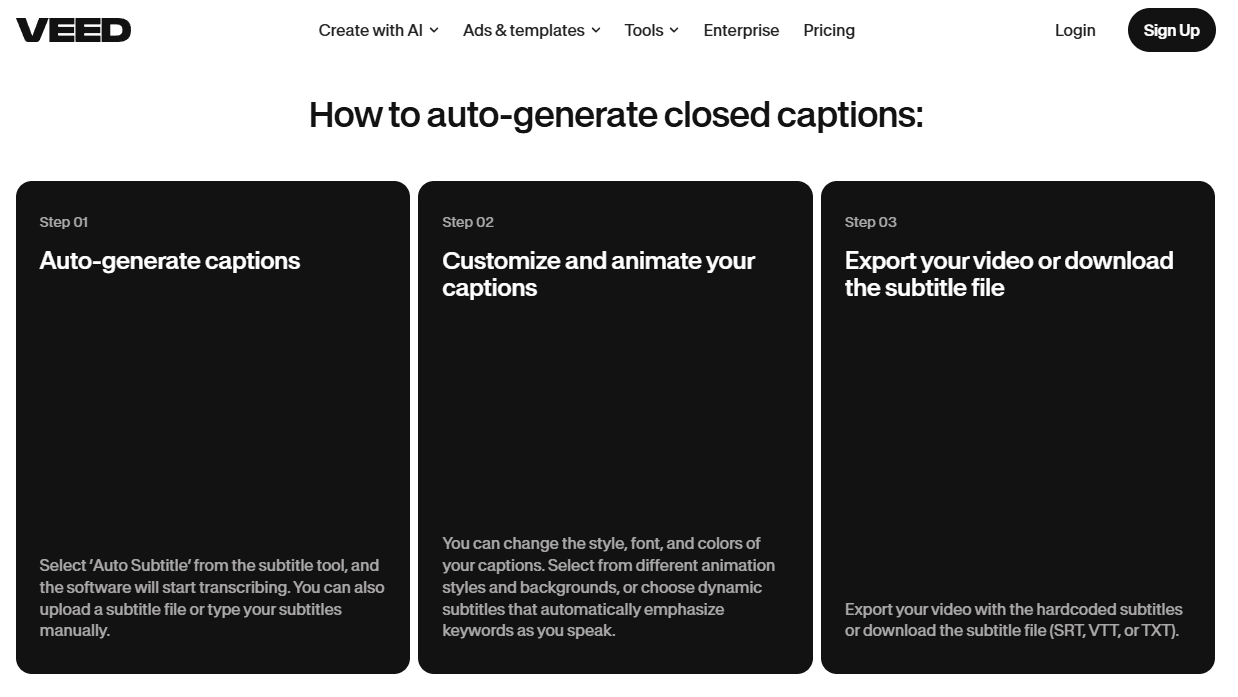
VEED.IO is a browser based video editor with powerful automatic subtitle and caption tools. It is particularly useful for social media creators who want eye catching captions with animated and dynamic styles.
VEED supports automatic captions and subtitle translation in more than 125 languages. You can customize fonts, colors, animations, and dynamic caption styles to match your content or brand. The free plan lets you try the captioning tools, while some export and subtitle features require a paid plan.
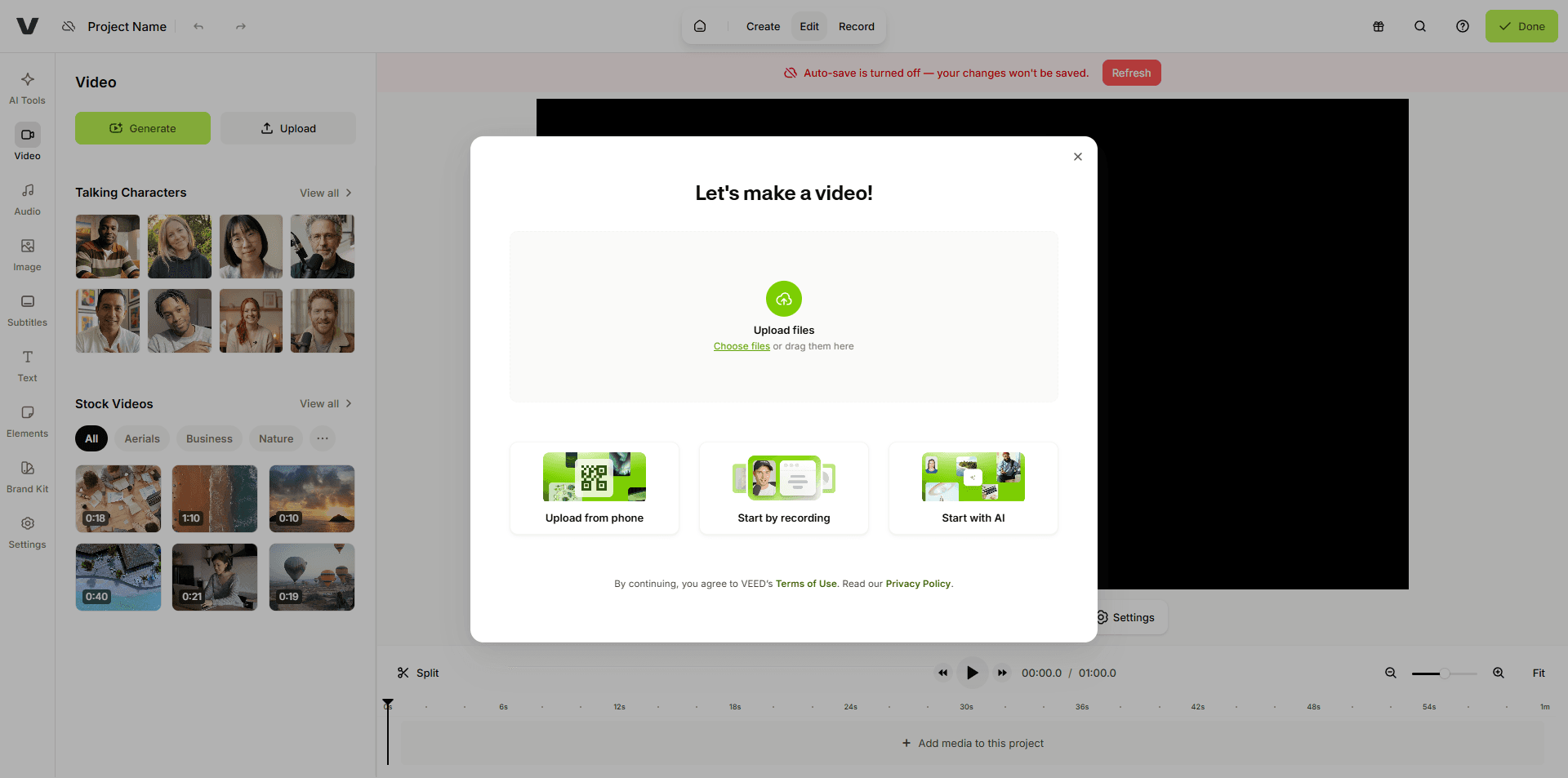
Best for: Creators who want stylish, animated captions and an all in one editing workflow.
Pricing: Free plan available; paid features vary by plan and billing cycle.
2. CapCut – Best Free Option
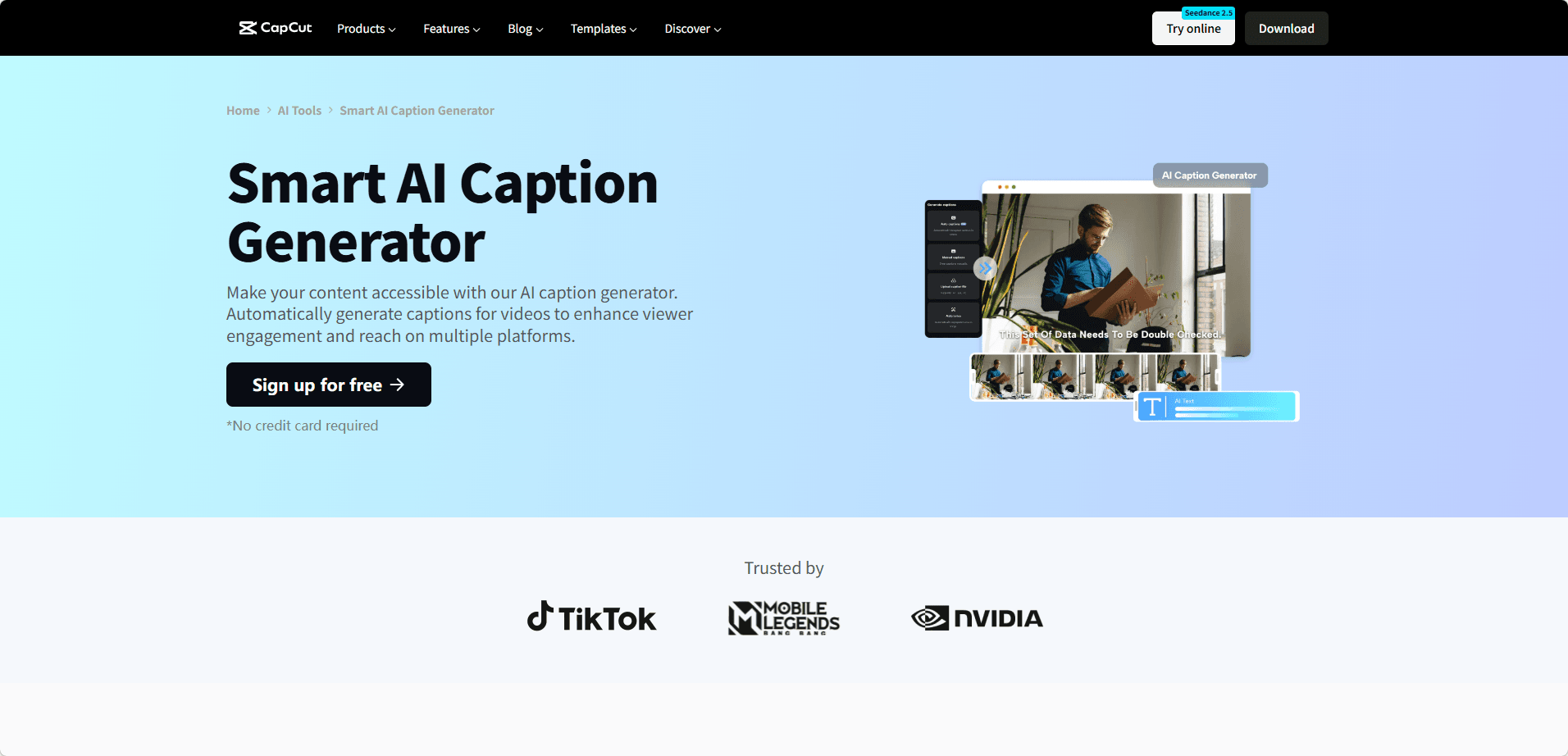
CapCut, the video editing platform from ByteDance, is a popular choice for creators who want automatic captions without a complicated workflow.
Its auto caption feature converts spoken audio into timed subtitles and offers a wide selection of caption styles, animations, and editing options. Many basic captioning and editing features are available for free, while some advanced tools are available through CapCut Pro.
Best for: Budget conscious creators and those making short form content.
Pricing: Free with optional Pro features.
3. Descript – Best for Editing Videos by Editing Text
Descript takes a different approach to video editing. Instead of relying primarily on a traditional timeline, you can edit the video by editing its transcript. This makes it particularly useful for podcasters, interview based content, and creators who work with a lot of spoken material.
Descript automatically transcribes audio and video and lets you remove filler words such as "um" and "ah" with a few clicks. It also includes features such as AI voice cloning, screen recording, and AI powered video editing. Descript says its transcription can reach up to 95% accuracy, depending on the recording quality and other factors.
Best for: Podcasters, interview based content, and creators who want to edit video as easily as editing a document.
Pricing: Free plan available; paid plans start at $16/month when billed annually.
4. Rev – Most Accurate Captions
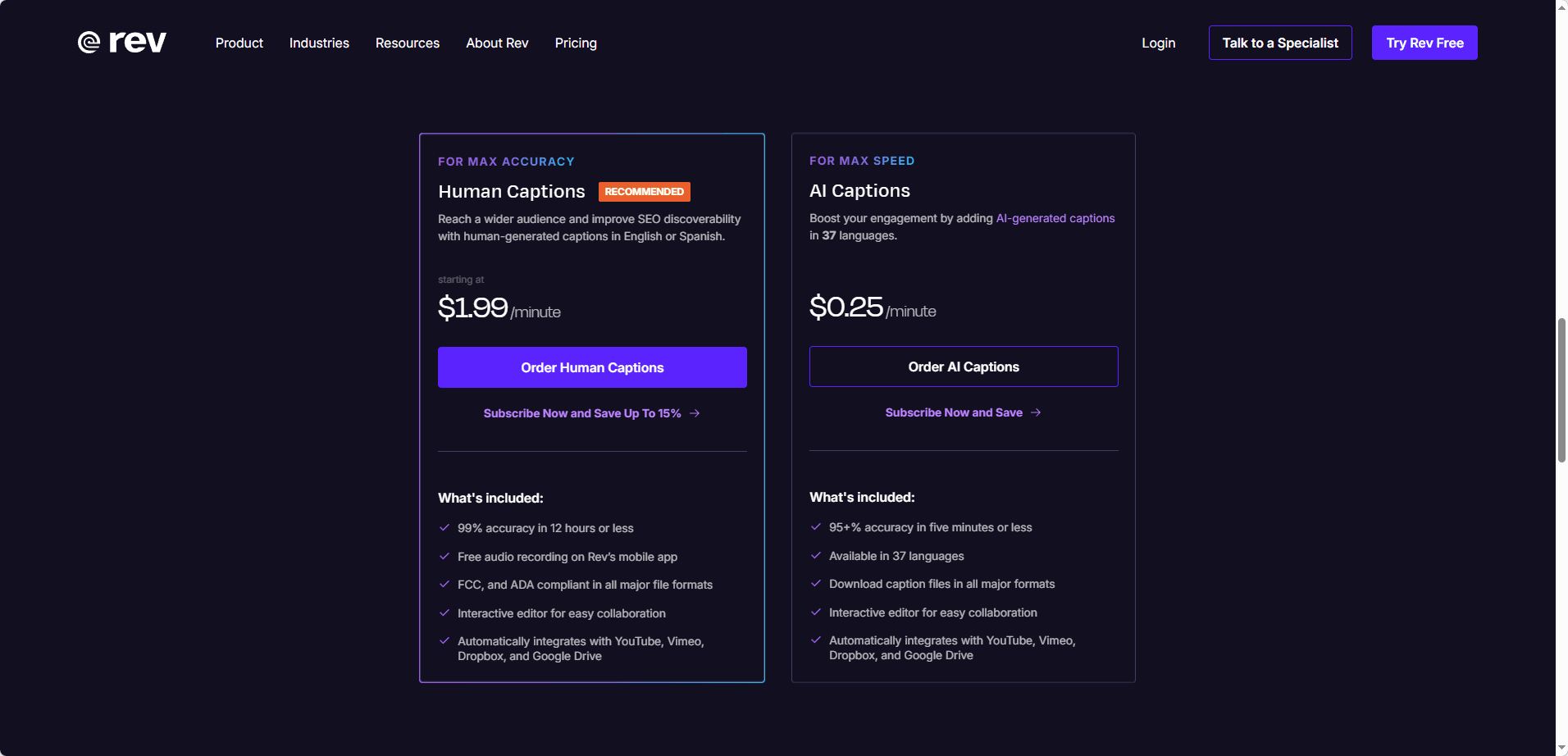
Rev is a strong choice when caption accuracy is a top priority. It offers both AI generated captions and human generated captions, allowing users to choose between speed and higher accuracy.
Rev's AI captions cost $0.25 per minute and are advertised at 95%+ accuracy. Human captions start at $1.99 per minute and offer 99% accuracy, with delivery in 12 hours or less.
This makes Rev particularly useful for professional, educational, legal, and compliance focused content where caption quality matters.
Best for: Professionals who need highly accurate captions for important content.
Pricing: AI captions from $0.25 per minute; human captions from $1.99 per minute.
5. YouTube Auto Captions – Most Convenient Free Option
YouTube automatically generates captions for eligible uploaded videos, making it the most convenient option for creators who do not want to use a separate captioning tool.
The quality of automatic captions varies depending on audio quality, accents, dialects, background noise, and overlapping speech. YouTube recommends reviewing and editing automatically generated captions before publishing or relying on them.
Best for: Creators who need basic captions at no additional cost and are willing to review them manually.
Pricing: Free.
6. Kapwing – Best Balance of Accuracy and Style
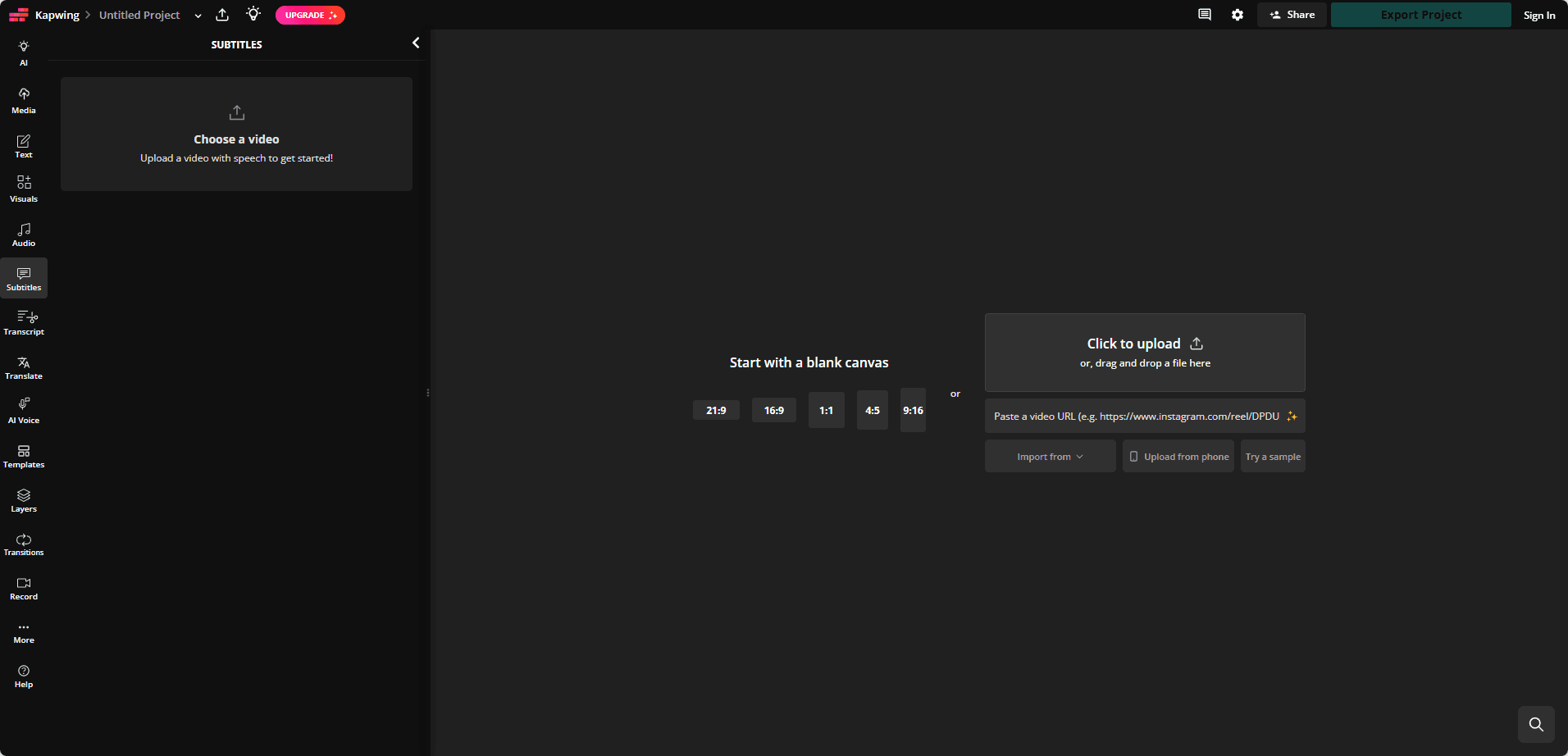
Kapwing is a browser based video editor that combines automatic caption generation with extensive styling and editing tools. It lets creators customize fonts, colors, timing, and subtitle layouts without switching to another application.
Kapwing currently supports automatic captions in 155 language variants and subtitle translation in more than 100 languages. Free accounts include up to 10 minutes of subtitles, while the Pro plan offers unlimited subtitles, removes watermarks, and adds team collaboration features.
Best for: Creators who want a balance of caption styling, multilingual support, and video editing features.
Pricing: Free plan available; paid plans offer additional caption and editing features.
7. Canva – Best for Simple Caption Design
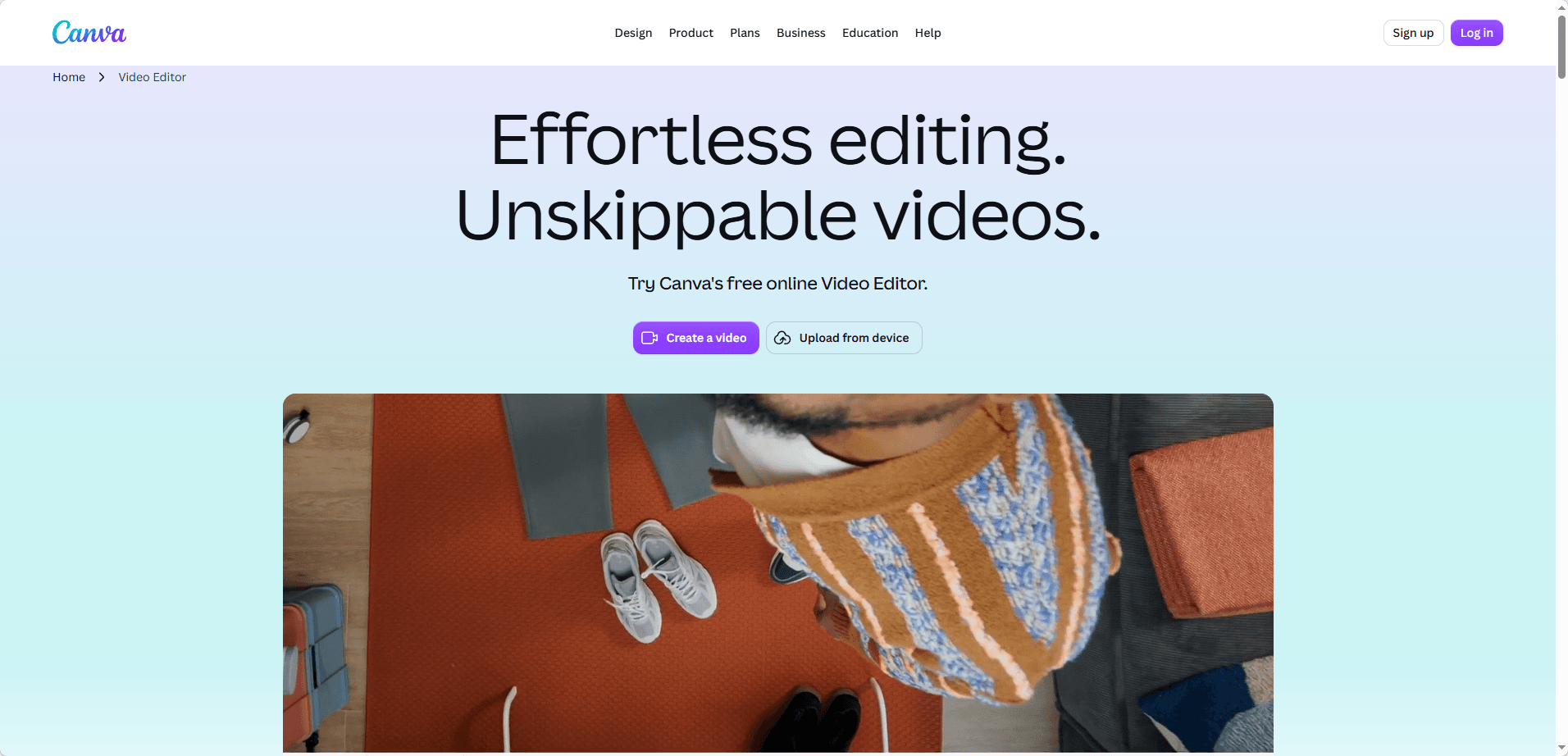
Canva is best known as a graphic design platform, but it also includes video editing and captioning tools that can be useful for YouTube creators. Its simple interface makes it easy to add subtitles to videos without dealing with a complicated editing timeline.
Creators can generate captions from video audio and customize the text with different fonts, colors, sizes, positions, and animation effects. Canva also provides a large library of templates and design elements, making it useful when you want your captions and other video graphics to have a consistent visual style.
Because Canva combines video editing with graphic design, it is particularly convenient for creators who also need YouTube thumbnails, intro graphics, social media posts, and other visual content.
Best for: YouTube creators who want simple caption editing alongside thumbnails and other graphic design tools.
Pricing: Free plan available; additional features are available with Canva Pro.
How to Choose the Right YouTube Caption Generator for You
With so many caption tools available, the best choice depends on your budget, editing workflow, and how much control you want over your captions. Here is a simple way to narrow down your options:
· If you want a free option: Start with CapCut or YouTube Auto Captions. Both let you generate captions without paying for a separate subscription, although you may need to review and edit the results.
· If you want stylish, animated captions: VEED.IO and CapCut are good choices. Both offer a variety of caption styles, fonts, animations, and customization options for short form and long form videos.
· If caption accuracy is your top priority: Consider Rev. Its AI captions are designed for fast turnaround, while its human transcription service is a better option when you need a higher level of accuracy.
· If you regularly edit podcasts, interviews, or other spoken content: Descript is worth considering. Its transcript based editing workflow makes it easy to edit the video while working directly with the text.
· If you want captions plus a complete online video editor: Kapwing and VEED.IO combine caption generation with video editing, making them convenient if you prefer to keep everything in one browser based tool.
· If you also create thumbnails and other visual content: Canva can be a practical choice. Along with basic video and caption editing, it gives you access to templates and design tools for YouTube thumbnails, graphics, and social media content.
Before publishing, always take a moment to review automatically generated captions. Even good transcription tools can make mistakes with names, accents, technical terms, or unclear audio. A quick manual check can make a noticeable difference in the final result.
A Smart Addition for Multi Channel Creators – BitCloudPhone
Choosing the right caption generator is only part of the YouTube workflow. If you manage multiple YouTube channels or social media accounts, keeping everything organized can become just as challenging.
That is where BitCloudPhone can help.
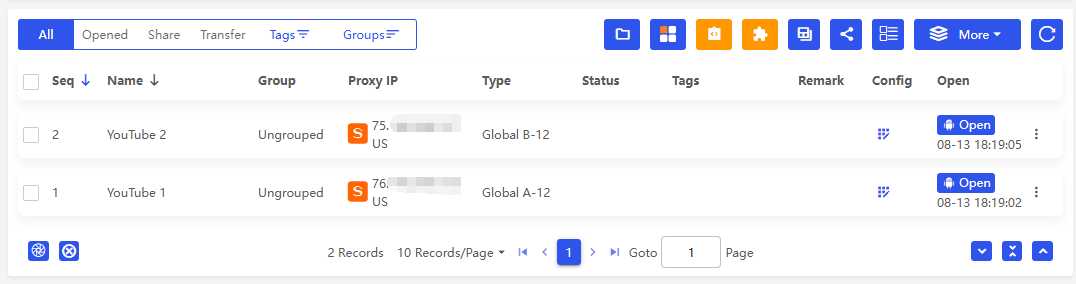
BitCloudPhone is a cloud based phone service that lets you run multiple independent mobile environments from your computer. Each cloud phone has its own device environment, app settings, and data, so you can keep different projects separated instead of constantly switching between accounts on the same device.
Manage Multiple Channels More Easily
For creators running several YouTube or social media accounts, this can make everyday tasks much simpler. You can use separate cloud phone environments for different channels, upload content, check notifications, monitor comments, or manage social media apps without repeatedly logging in and out.
It can be especially useful for creators who work across different languages or markets. Each environment can be configured for a specific region and network setup, making it easier to check how content and apps behave in different locations.
How It Fits Into Your Caption Workflow
BitCloudPhone does not generate captions itself. Instead, it complements the tools in this guide.
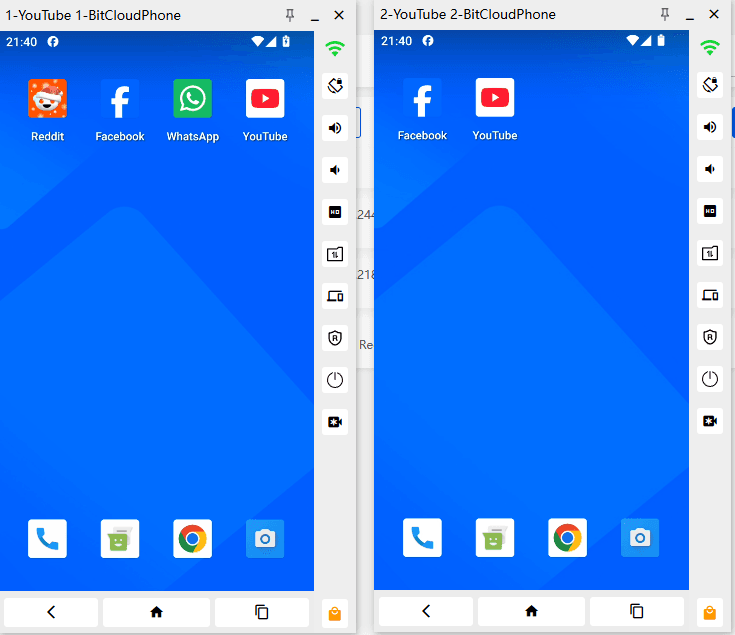
For example, you might create captions with CapCut, VEED.IO, or another caption generator, upload the finished video to YouTube, then use a separate cloud phone environment to check the mobile experience, monitor comments, and manage your channel.
This can be particularly convenient when you are running several channels or working with a team.
The biggest advantage is that you do not need a collection of physical phones to maintain separate mobile environments. Everything runs from your computer, making it easier to organize multiple projects as your content operation grows.
In short, BitCloudPhone is not a caption generator, but it can be a useful addition to the workflow. If you are managing multiple YouTube channels, working with clients, or creating content for different markets, it gives you another way to keep your accounts and projects organized.
Final Thoughts
Adding captions to your YouTube videos is one of the smartest things you can do as a creator. It makes your content more accessible, boosts engagement, and helps more people discover your work. The six tools I have covered here make the process faster and easier than ever before, and BitCloudPhone can help you manage the bigger picture of channel operations.
Whichever caption generator you choose, the most important thing is to start adding captions to your videos today. Your audience will thank you, and your channel will grow because of it.

 Multi-Account Management
 Prevent Account Association
 Multi-Employee Management
Recommended
See More