15 Best Free Unblocked Music Sites That Work at School in 2026
 2026.08.10 08:48
 YT.Shi
Finding a music website that actually works at school can be frustrating. One platform may open normally, while another gets blocked, loads incorrectly, or stops playing when you need it most. The reason can vary depending on your school's network settings, location, or browser environment.
To make things easier, we tested and collected 15 unblocked music websites that students commonly use for studying, relaxing, or listening during free time. This list focuses on free options, easy access, and platforms that do not require suspicious downloads.
Before using any website, make sure it follows your school's internet policies. If streaming is allowed during study periods, breaks, or personal time, these platforms can help you find a simple way to listen online.
Best Unblocked Browsers to Access Any Site
15 Best Unblocked Music Websites at a Glance (2026)
1. YouTube Music (Web Player)
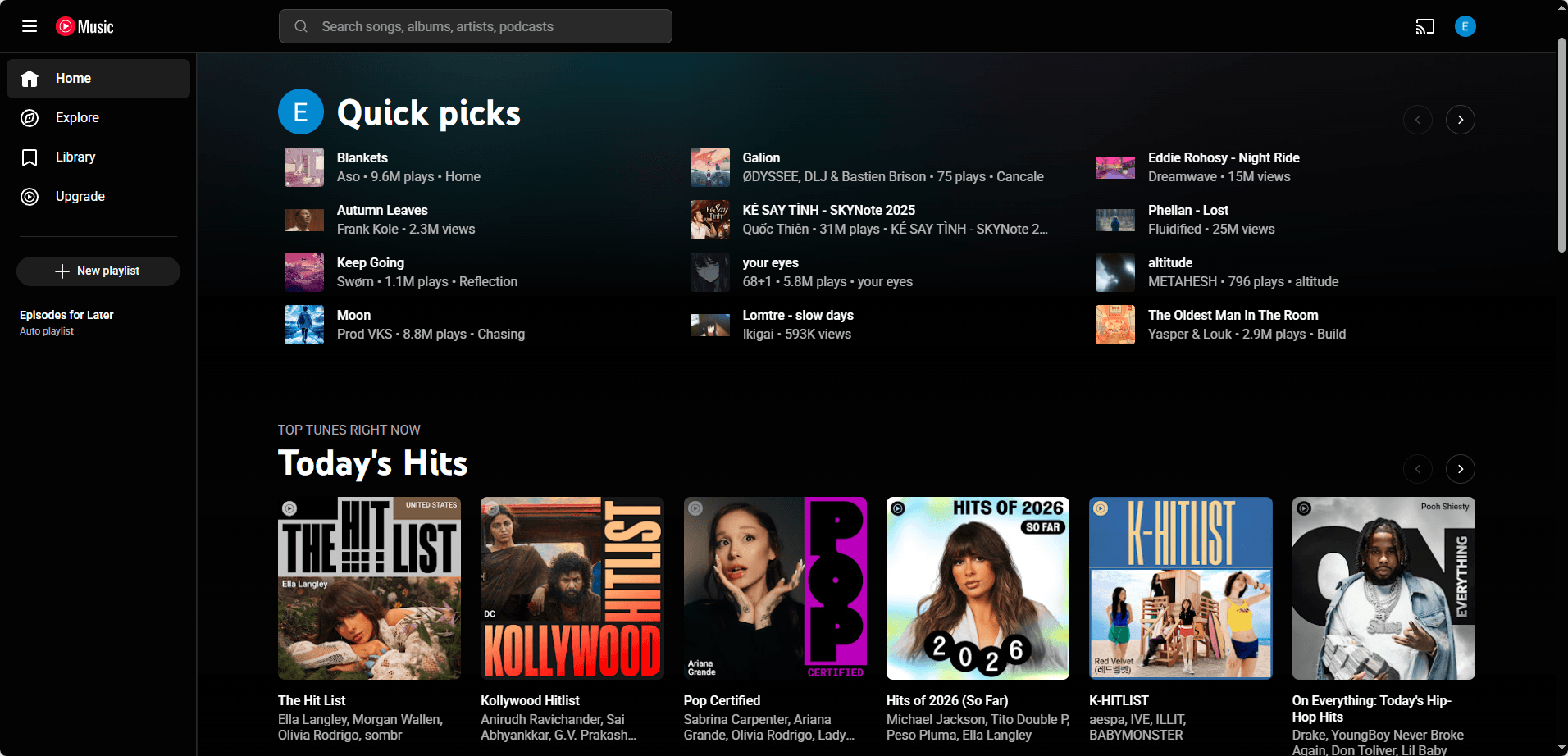
URL: https://music.youtube.com
Skip the mainstream music platforms, YouTube Music can be your top unblocked music site with a massive catalog of official tracks, albums, and live versions. Its great recommendations and mixes make it a strong alternative to Spotify when the network allows.
Functions:
· Search songs, artists, albums
· Create playlists
· Background listening is limited on mobile, but on desktop it is fine
Free version available? Yes. Free listening with ads. Some features require Premium.
How to get started:
· Open the URL
· Search a song
· Sign in with a Google account if you want to save playlists (optional)
Pros:
· Massive library, hard to beat
· Good "radio" and mixes
· Often works if normal YouTube is not fully blocked (depends on filtering)
Cons:
· Commonly blocked on stricter school networks
· Ads can be frequent
· Some districts block all Google media domains
2. SoundCloud
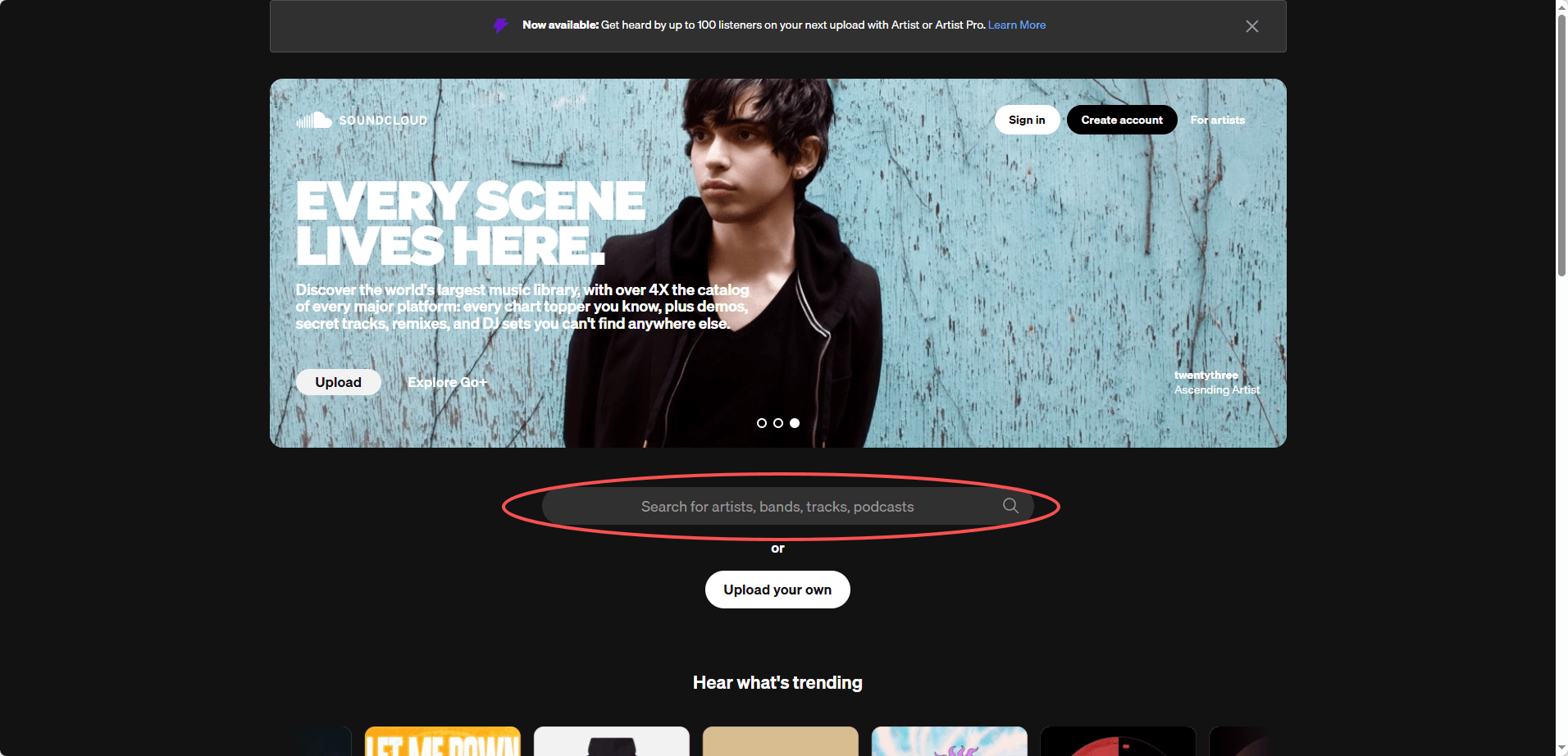
Best for remixes, indie music, DJs, and unreleased tracks. SoundCloud offers tons of long mixes and study playlists uploaded by creators, making it a favorite for discovering underground talent.
Functions:
· Stream tracks
· Like, repost, follow creators
· Make playlists (account needed)
Free version available? Yes. Free streaming. Optional paid plans (Go/Go+) for offline and full catalog extras.
How to get started:
· Visit the site
· Use search or click trending
· Create a free account if you want to save likes/playlists
Pros:
· Often less aggressively blocked than YouTube/Spotify
· Great for niche music and mixes
· Simple player, loads fast
Cons:
· Not every mainstream song is available
· Some uploads disappear or get replaced
· Ads on free tier
3. Bandcamp
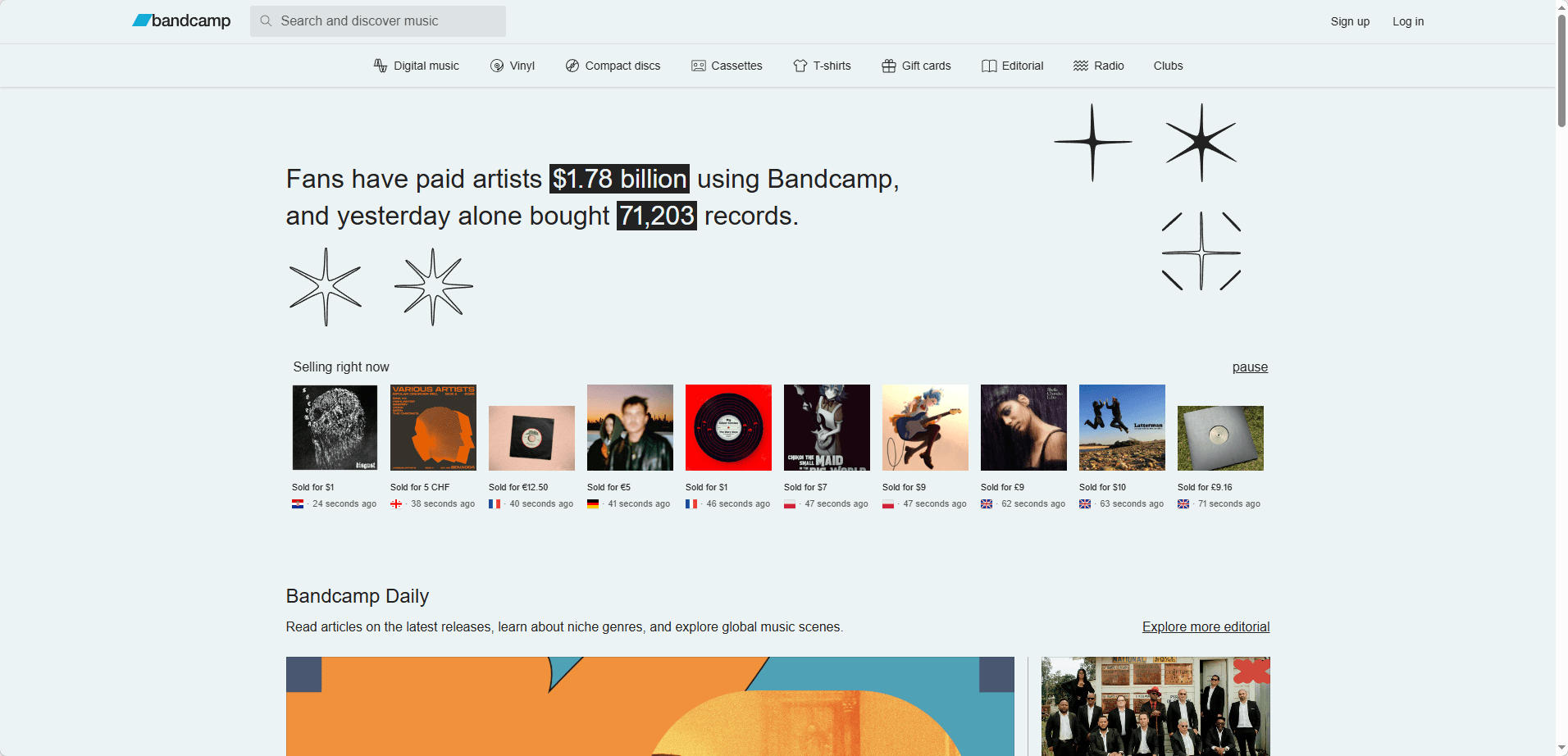
URL: https://bandcamp.com
Supports artists directly and offers tons of full albums for streaming. Bandcamp is great for discovering smaller artists and usually remains unblocked because it functions as a marketplace.
Functions:
· Stream albums/tracks
· Buy music (optional)
· Follow artists and labels
Free version available? Yes. Streaming is free for most releases, but some have limited free plays (to prevent abuse). Buying is optional. Purchasing unlocks unlimited streaming.
How to get started:
· Go to Bandcamp
· Search an artist or explore genres/tags
· Press play on an album page
Pros:
· Usually not blocked because it is also a marketplace
· Higher quality music, less "junk"
· Great for chill study music
Cons:
· Not ideal if you only want top 40 hits
· Some albums have limited free plays
· Navigation can feel like shopping, not pure streaming
4. Audius
URL: https://audius.co
A streaming platform focused on artists uploading directly. Audius offers trending charts, playlists, and discovery, with high‑quality 320kbps audio and no paywall for basic listening.
Functions:
· Stream tracks
· Follow artists
· Create playlists
Free version available? Yes. Fully free streaming.
How to get started:
· Open Audius
· Browse trending or search
· Make an account if you want to save stuff
Pros:
· Frequently unblocked vs the big names
· Good discovery algorithm for electronic/hip hop/indie
· No paywall for basic listening
Cons:
· Smaller catalog than mainstream services
· Some tracks are rough or unofficial uploads
· Search can be hit or miss for specific songs
5. Jamendo
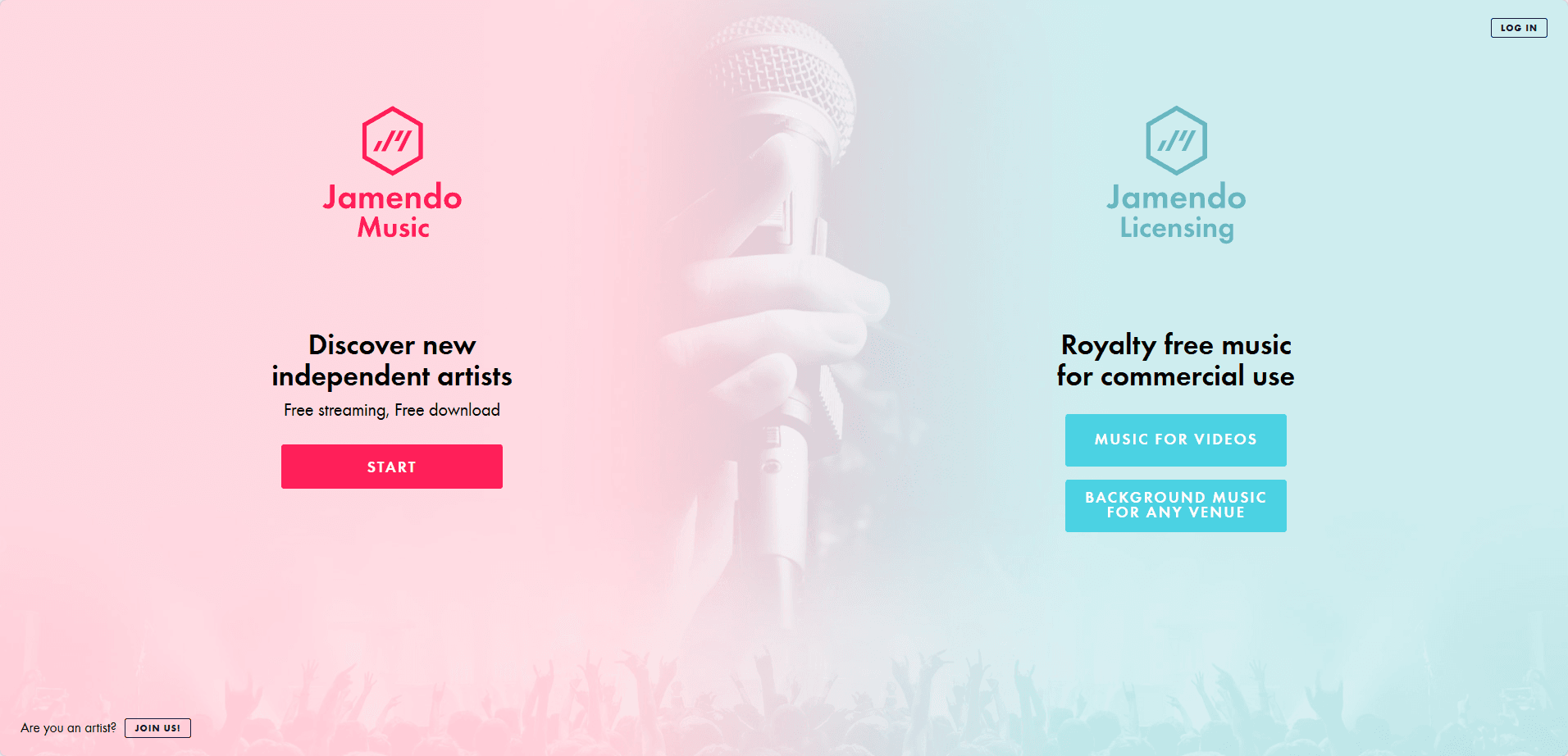
With over 600,000 free songs, Jamendo offers a large catalog of independent music perfect for background, study, focus, and instrumentals. It often slips past strict filters because it is not a mainstream "social" platform.
Functions:
· Stream music by genre/mood
· Radio style listening
· Some tracks are licensed for creators (separate licensing section)
Free version available? Yes. Free streaming.
How to get started:
· Go to Jamendo
· Pick a genre, playlist, or radio
· Press play
Pros:
· Often slips past strict filters since it is not a mainstream "social" platform
· Easy to find non‑distracting music
· No account needed to listen
Cons:
· Not for mainstream artists
· Discovery is more manual
· Interface feels a bit dated
6. AccuRadio
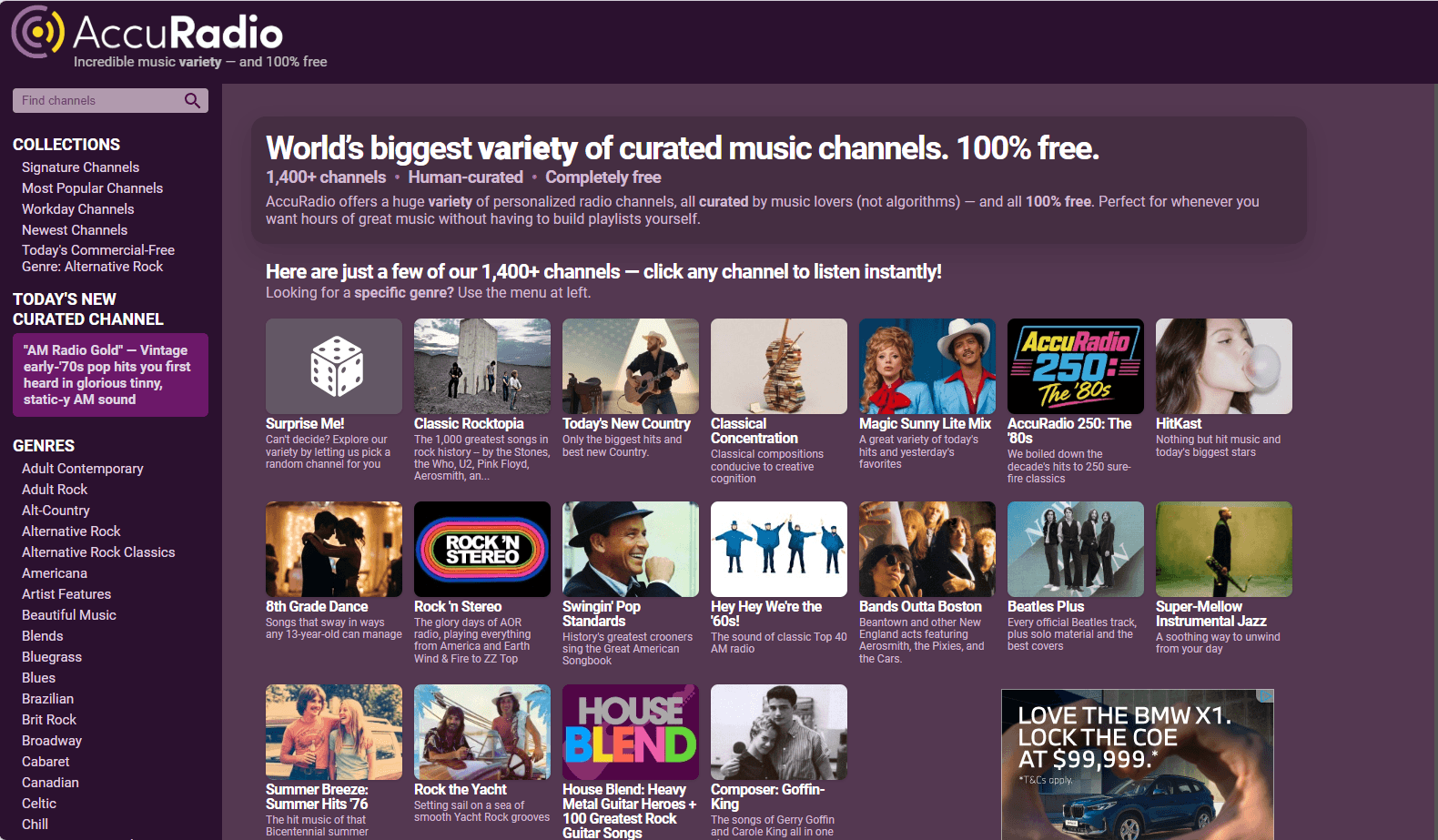
URL: https://www.accuradio.com
Hundreds of free curated radio stations – over 1,400 channels by genre and mood. AccuRadio is built for continuous listening with a very school‑friendly design that loads fast and is less likely to be blocked.
Functions:
· Choose channels (Pop, Hip Hop, Lo fi, Classical, etc.)
· Skip tracks (limited)
· Rate songs to tune stations
Free version available? Yes. Free with ads.
How to get started:
· Visit AccuRadio
· Choose a station
· Hit play
Pros:
· Very school friendly design
· Fast, light, and simple
· Less likely to be blocked than YouTube/Spotify
Cons:
· Not on demand for specific songs like Spotify
· Ads
· Some skips limited depending on station
7. Jango
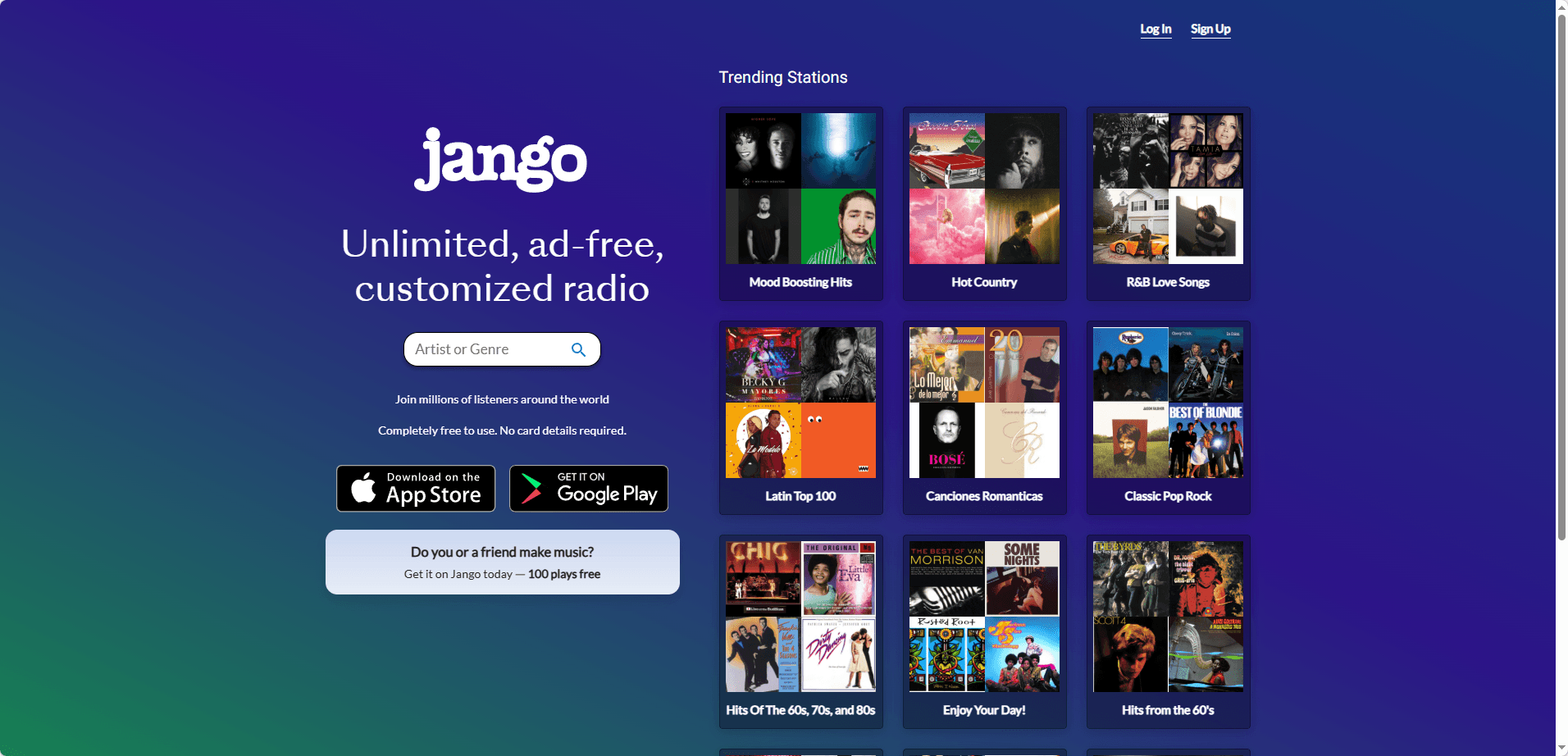
Free internet radio with lots of mainstream music. Jango is simple, clutter‑free, and now offers ad‑free unlimited streaming. Just type an artist name and it builds a station.
Functions:
· Pick artists you like, it builds a station
· Adjust variety, likes/dislikes
Free version available? Yes. Ad‑free, unlimited free streaming.
How to get started:
· Open Jango
· Type an artist name
· Start the station
Pros:
· Tends to load on restricted networks
· Great for casual background listening
· No account needed
Cons:
· Not fully on demand
· Repeats sometimes
· Not as modern as Spotify style services
8. LiveOne (formerly LiveXLive / Slacker style radio)
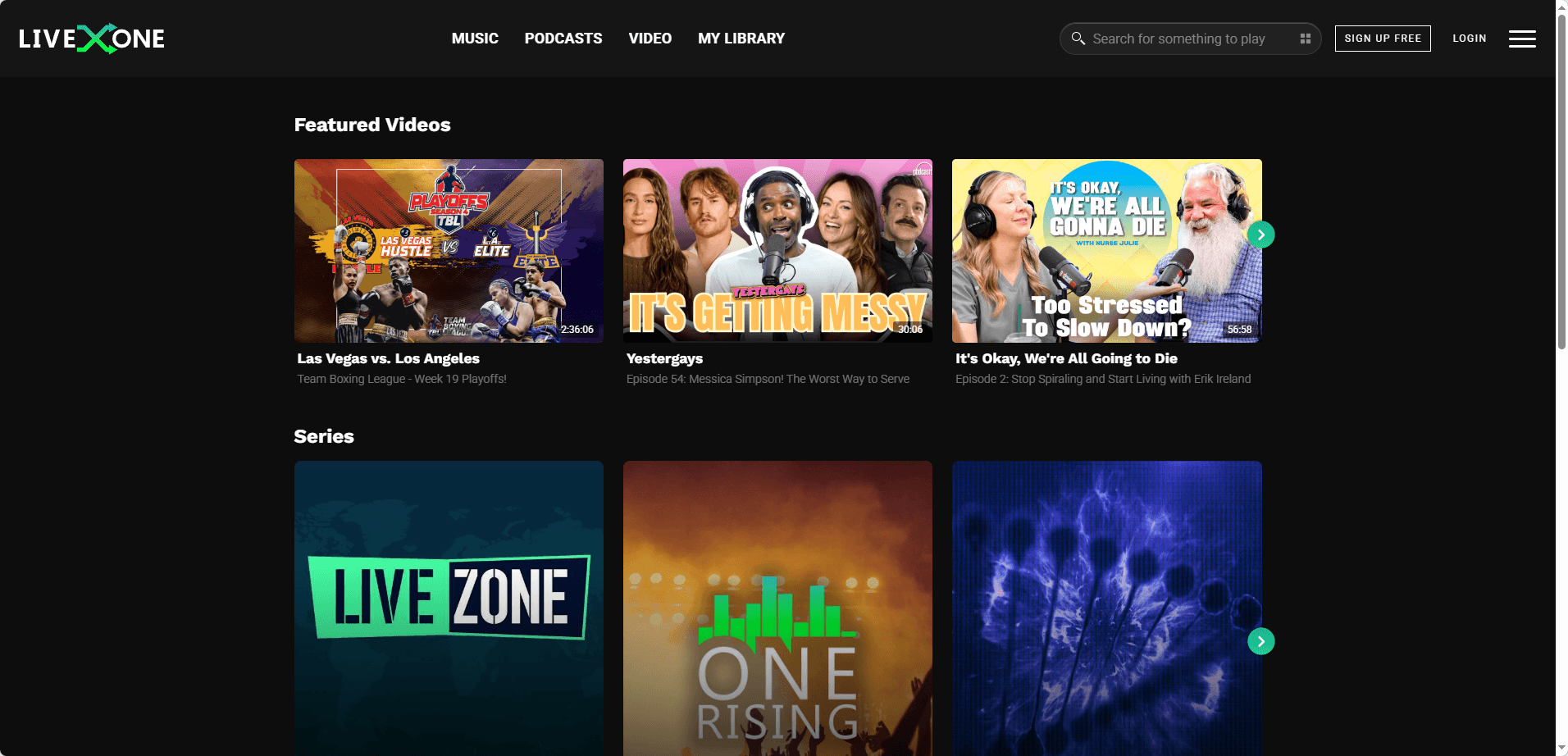
Curated stations, music channels, and playlists with a mix of radio style and some on‑demand features. LiveOne offers good variety and is often not as aggressively blocked as Spotify.
Functions:
· Stream stations
· Explore trending playlists
· Live music content (varies)
Free version available? Yes. Free tier (Basic) with ads. Includes 6 skips per session and 128Kbps audio quality.
How to get started:
· Visit LiveOne
· Browse stations
· Press play, create a free account if prompted
Pros:
· Good variety of stations
· Often not as aggressively blocked as Spotify
· Easy to use
Cons:
· May ask you to sign up to continue
· Ads
· Some features locked behind paid tier
9. Deezer (Web Player)
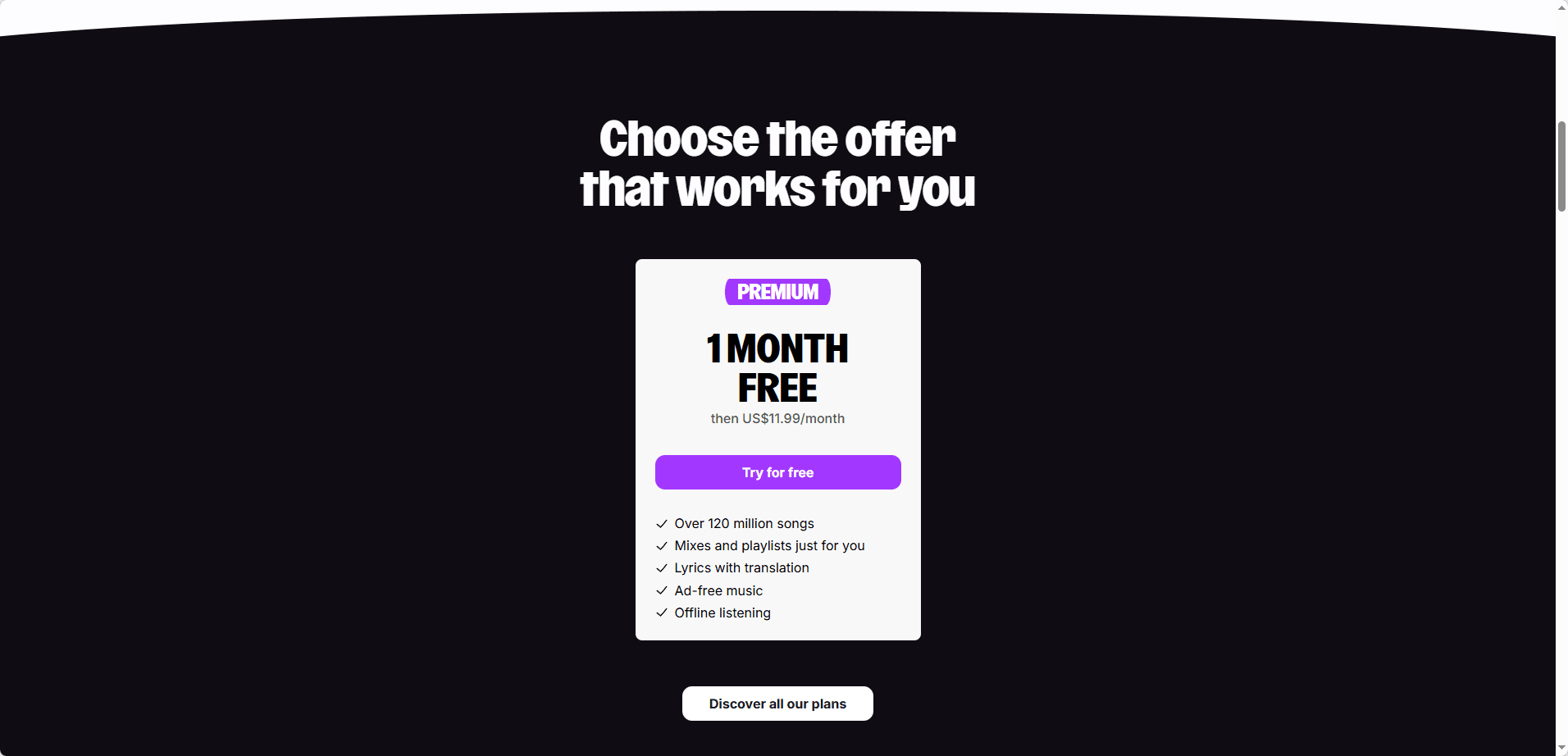
Big mainstream catalog with over 120 million tracks, great playlists, and mixes. Deezer offers a clean UI and solid recommendations, though the free tier is shuffle‑only with ads and limited skips.
Functions:
· Search and play music (shuffle mode on free tier)
· Build playlists
· Recommendations
Free version available? Depends by region. Deezer Free exists in some countries, but in others it may push trial only. Free tier includes ads and limited skips.
How to get started:
· Open Deezer
· Create an account
· Try playing music in the web player
Pros:
· Real, mainstream library
· Clean UI
· Good recommendations
Cons:
· Sometimes blocked like Spotify
· Free tier availability varies
· Can push you into trial screens
10. Spotify Web Player (Worth trying)
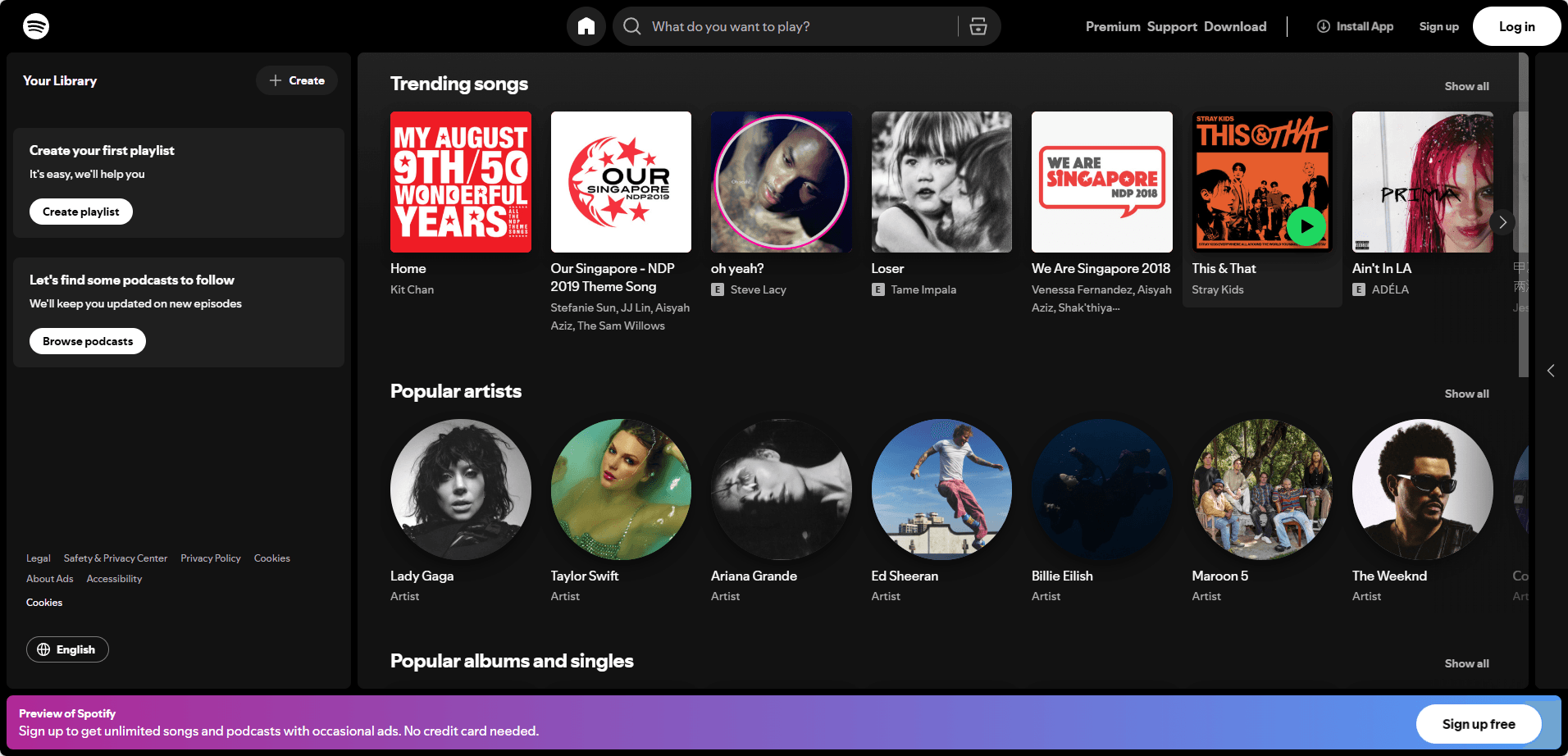
Massive catalog, playlists for everything, and a great algorithm. Spotify Web Player works without installing, but the free tier is shuffle‑only with ads and audio quality limited to AAC 128 kbit/s.
Functions:
· Search and play songs (shuffle mode on free tier)
· Create playlists
· Podcasts too
Free version available? Yes. Free with ads. Web player works without installing.
How to get started:
· Go to open.spotify.com
· Log in or create a free account
· Play music
Pros:
· Best overall music experience if it works
· Great playlists
· Strong search
Cons:
· Very commonly blocked at school
· Needs login
· Sometimes playback is restricted on locked down devices
11. Internet Archive (Audio and Live Music)
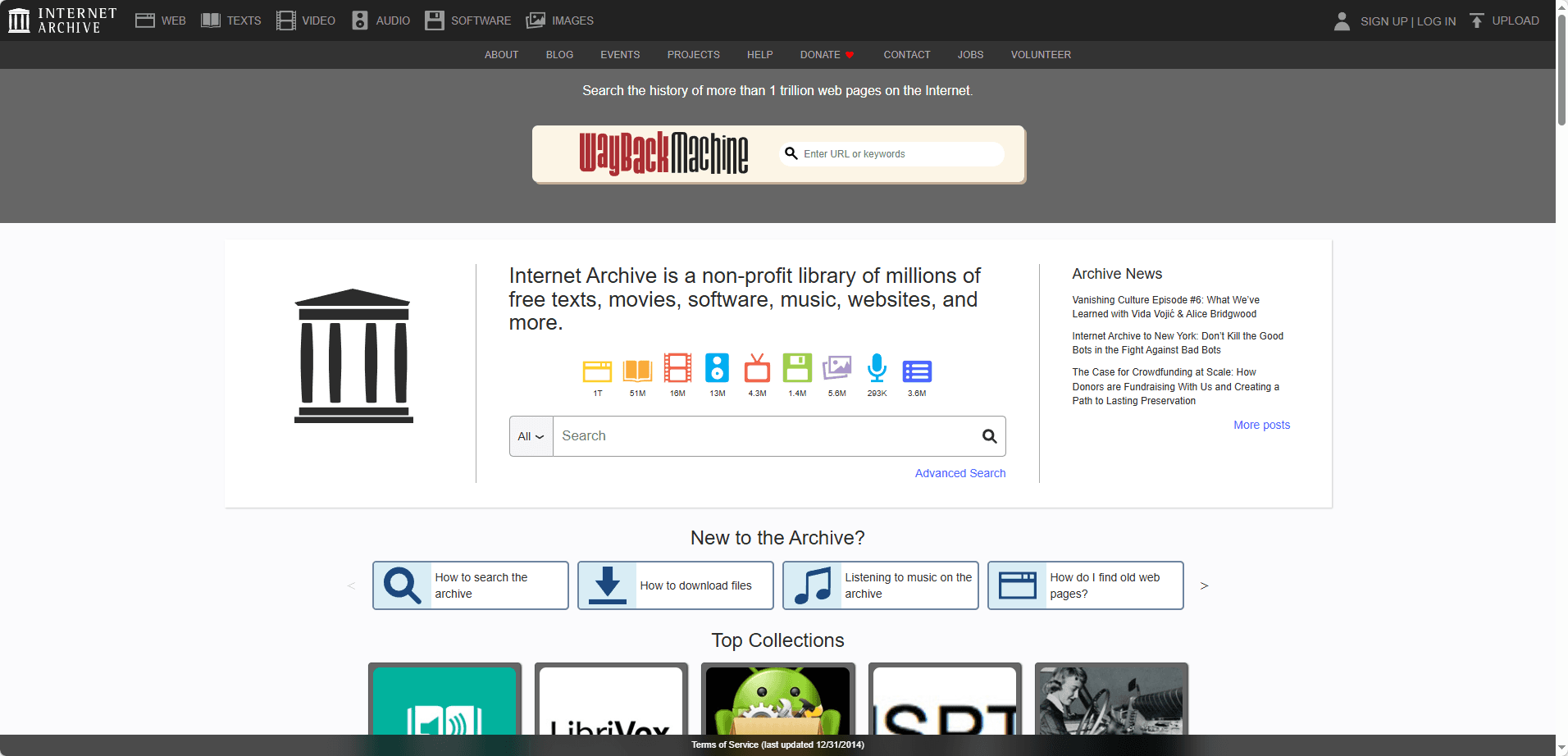
URL: https://archive.org
A free audio library with concert recordings, old radio, public domain audio, and a live music archive that is a goldmine for jam bands or bootleg‑style concerts. Internet Archive is often unblocked because it is an educational archive with no ads.
Functions:
· Stream recordings
· Download (often blocked by policy, but streaming usually works)
· Collections and search
Free version available? Yes. Fully free.
How to get started:
· Go to archive.org
· Search for "live music" or an artist
· Open an item and press play
Pros:
· Often unblocked because it is an educational archive
· No ads
· Unique content you cannot get elsewhere
Cons:
· Not a modern "music app" feel
· Mostly recordings, not the latest chart songs
· Search takes patience
12. SomaFM
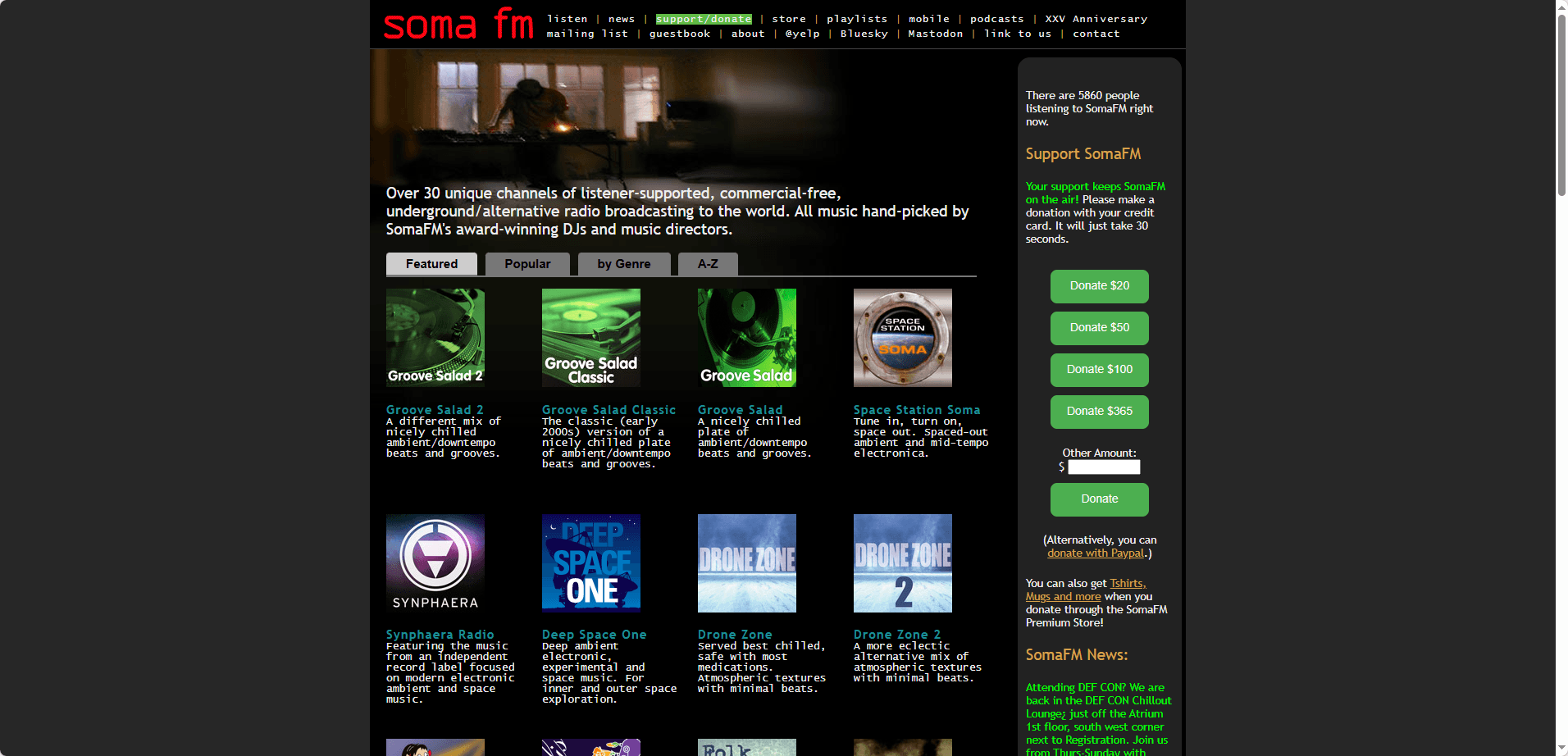
URL: https://somafm.com
Listener‑supported, ad‑free internet radio with amazing channels for studying (Drone Zone, Groove Salad, etc.). SomaFM offers minimal distractions, great for focus, ambient, and electronic music.
Functions:
· One‑click streaming stations
· Multiple stream quality options
Free version available? Yes. Listener‑supported free streaming.
How to get started:
· Visit SomaFM
· Pick a channel
· Press play in browser
Pros:
· Minimal distractions
· Great for focus, ambient, electronic
· Often not blocked
Cons:
· Not on demand
· Niche genres mainly
· Interface is basic
13. Radio Garden
URL: https://radio.garden
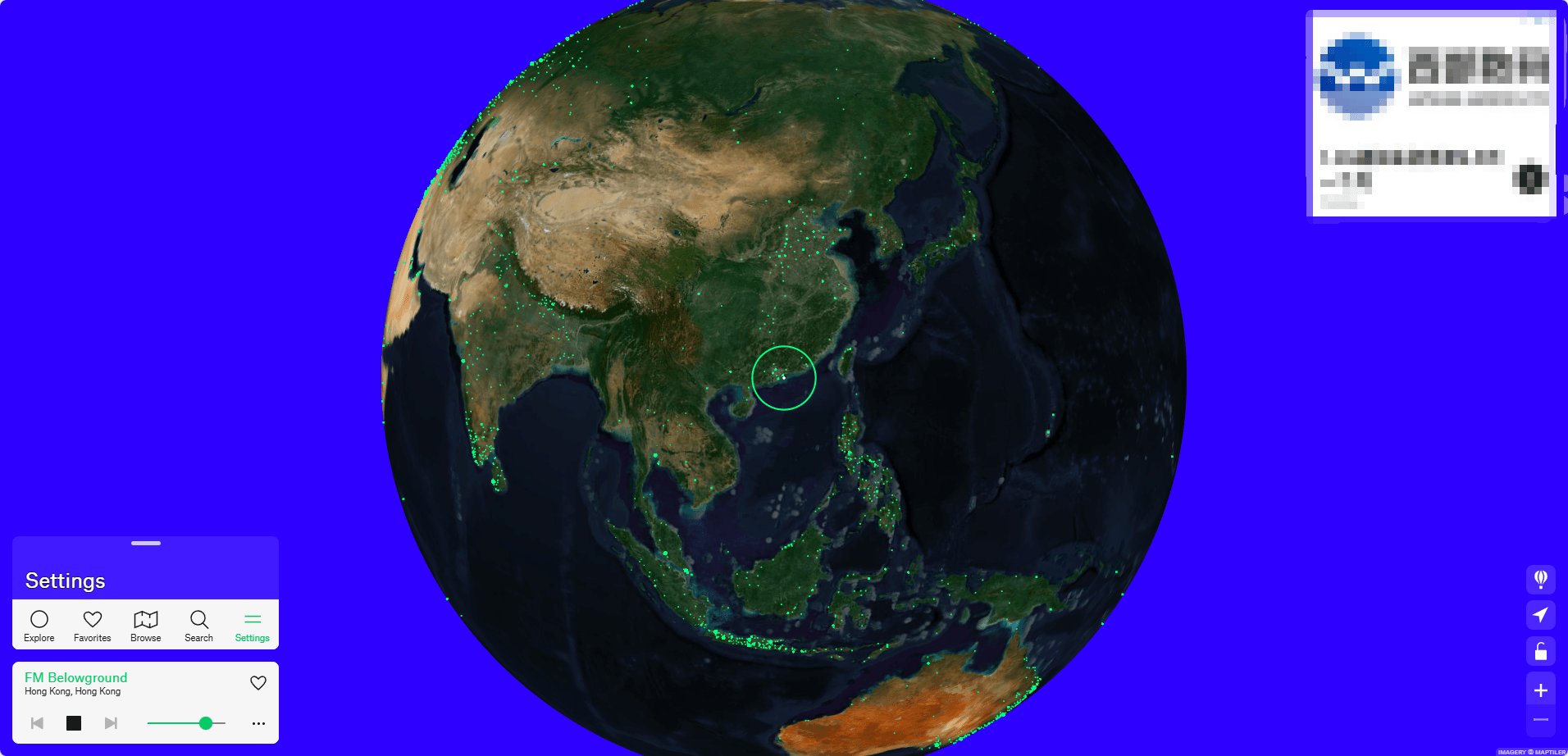
Spin a globe, listen to real radio stations worldwide – fun and weird in a good way. Radio Garden allows you to search by city/station and stream live radio. The web version is free, while the mobile app is freemium.
Functions:
· Search by city/station
· Stream live radio
Free version available? Yes. Web version is free. Mobile app is freemium (with ads or paid ad‑free).
How to get started:
· Open Radio Garden
· Click a dot on the map
· Play the station
Pros:
· Often allowed because it is "radio"
· Great for background music and language discovery
· No login needed
Cons:
· Live stations mean ads and talk segments
· Not song specific
· Some stations go offline
14. TuneIn (Web)
URL: https://tunein.com
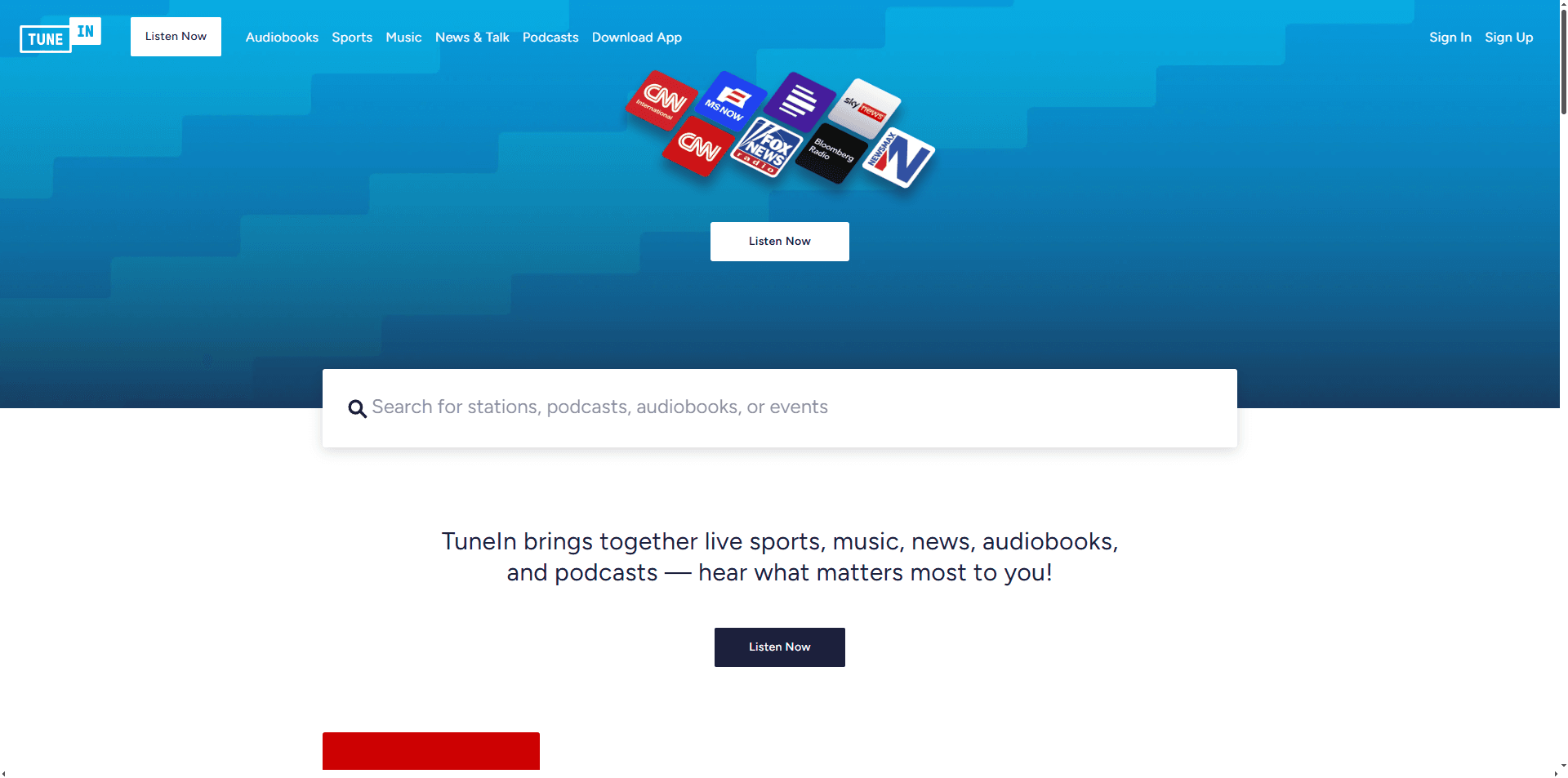
Huge radio directory with over 100,000 radio stations and 5.7 million podcasts. TuneIn offers a massive selection of music stations and often works where pure music platforms do not.
Functions:
· Stream stations
· Search by genre/location
Free version available? Yes. Free listening for many stations (some content locked).
How to get started:
· Go to TuneIn
· Search for a music station
· Press play
Pros:
· Massive selection
· Often works where pure music platforms do not
· No install required
Cons:
· Some content is paid only
· Ads
· More "radio" than "music app"
15. YouTubeOnLoop (Replacement for ListenOnRepeat)
URL: https://youtubeonloop.com
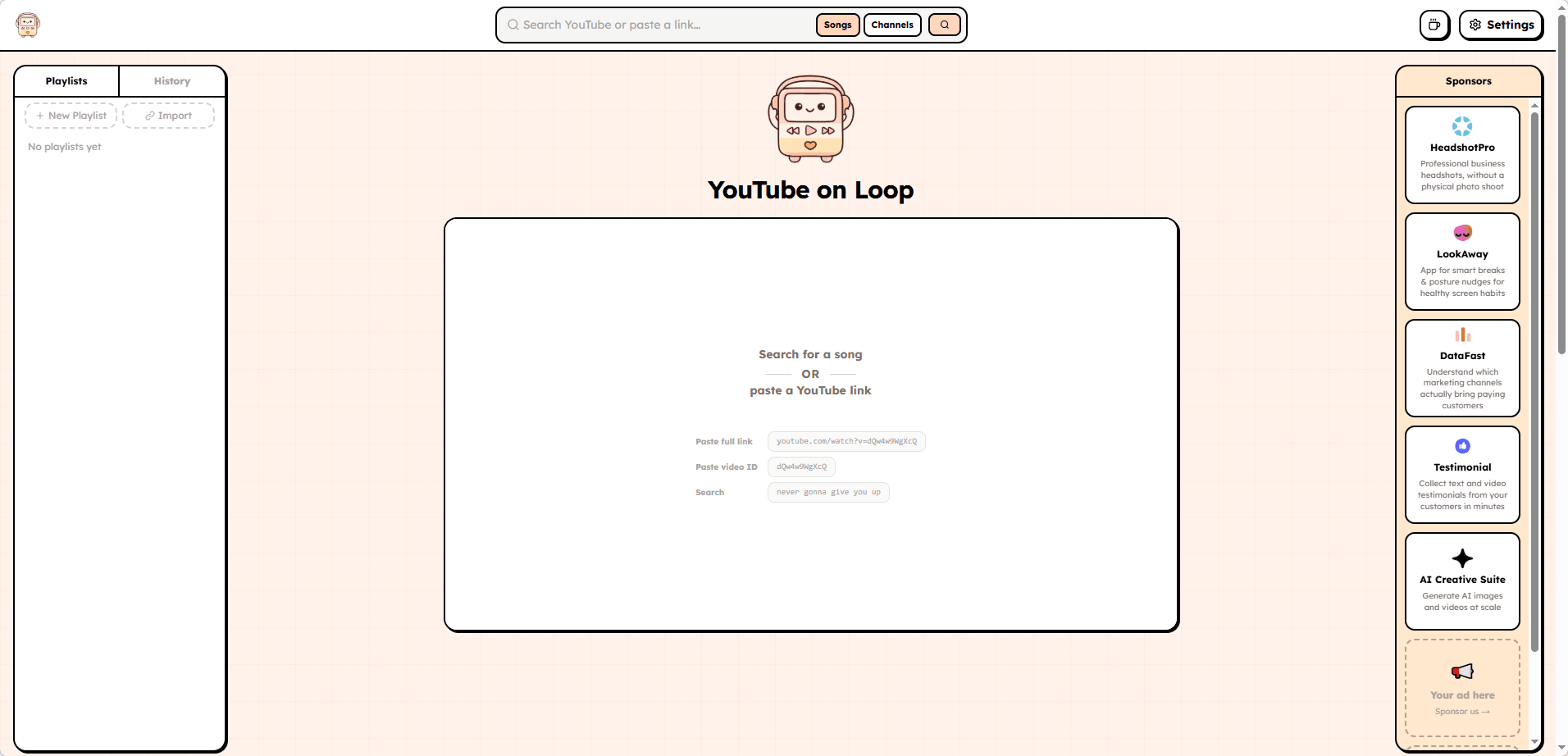
A free YouTube looper designed specifically for repeating songs, music, and videos. YouTubeOnLoop lets you paste any YouTube URL, set custom A/B loop points, control playback speed, and build playlists of your favorite loops – all without an account.
Functions:
· Paste any YouTube URL and loop it
· Set custom start and end points for precise looping
· Control playback speed
· Build playlists of your favorite loops
Free version available? Yes. Completely free, no signup needed.
How to get started:
· Open the URL
· Paste a YouTube video link
· Set your loop points and hit play
Pros:
· No account required
· Clean, simple interface
· Designed specifically as a ListenOnRepeat replacement
· Works well for music practice, studying, or just repeating favorite parts
Cons:
· If the school blocks YouTube at the network level, it may still fail (since it pulls from YouTube)
· Not a standalone music library – requires YouTube content
· Smaller project compared to major streaming platforms
Tip: If YouTubeOnLoop is blocked, try other loop tools like Loop Video (loopvideo.app) or TrimTube (trimtube.vercel.app). However, all loopers depend on YouTube’s domain, so they may not work if YouTube itself is filtered.
In that case, you can check our guide to unblocked YouTube sites for more options, or fall back to Jamendo or Free Music Archive (archive.org) which host their own content.
✅ Before you try anything, do the checklist. It saves time.
| Checkpoint | What to Check |
|---|---|
| Network Status | Try loading a simple website like Google or Bing to confirm your internet connection works. |
| Site Access | Check whether the music website loads normally or shows a school block page. |
| Ad Blockers | Some networks may interfere with ad-supported platforms. Try disabling ad blockers temporarily if playback fails. |
| HTTPS | Make sure the website uses a secure https:// connection instead of http://. |
| Mobile vs Desktop | Web players often perform better on laptops or desktops than mobile browsers. |
How to Fix Music Websites Not Working at School
Finding a music website is only the first step. Sometimes a site loads but the audio does not play, login pages fail, or the network blocks access completely. The cause usually depends on how your school network filters websites.
Step 1: Try Basic Fixes First
Start with the simplest solutions. Use the web version instead of an app, try an incognito window if login pages act strangely, and switch between browsers like Chrome, Edge, or Firefox if playback fails. Sometimes the problem comes from browser settings or cached data rather than the website itself.
Step 2: Check What Is Being Blocked
School restrictions usually work in different ways. A DNS block may stop the website from opening, a category filter may show a school block page, and a playback restriction may allow the site to load but prevent songs from starting. Identifying the issue makes troubleshooting easier.
Step 3: Use Lighter Music Platforms
Music streaming can affect network performance, especially on shared school WiFi. Audio-focused platforms like SomaFM, AccuRadio, and Jango usually use fewer resources than video-based services. Keeping fewer tabs open and using headphones can also help maintain a smoother experience.
Step 4: Avoid Unsafe Free Music Sites
Not every free music website is safe. Avoid platforms that force downloads, show excessive pop-ups, require unknown extensions, or redirect you through multiple pages. These sites can create security risks, especially on school-managed devices.
Step 5: Protect Accounts on Shared Devices
When using library computers or shared devices, avoid saving passwords, log out after use, and use private browsing when needed. Clearing cookies can also help when troubleshooting login problems.
Step 6: Try an Anti Detect Browser Like BitBrowser
School networks often block certain websites, including music platforms, unblocked browser games (like Roblox), and movie websites.
BitBrowser lets users create separate browser profiles with independent cookies, cache, fingerprints, and browser settings to access different websites in dedicated environments.
Each profile works as an independent browser environment, keeping browsing data, extensions, and settings separated. This makes it easier to manage different websites without mixing browser information.
BitBrowser offers 10 permanently free browser profiles, which is enough for students to try the browser and use it for personal browsing needs without paying for a plan.
Simple Steps to Use BitBrowser to Access Unblocked Music Sites
Step 1: Download, Install & Sign Up
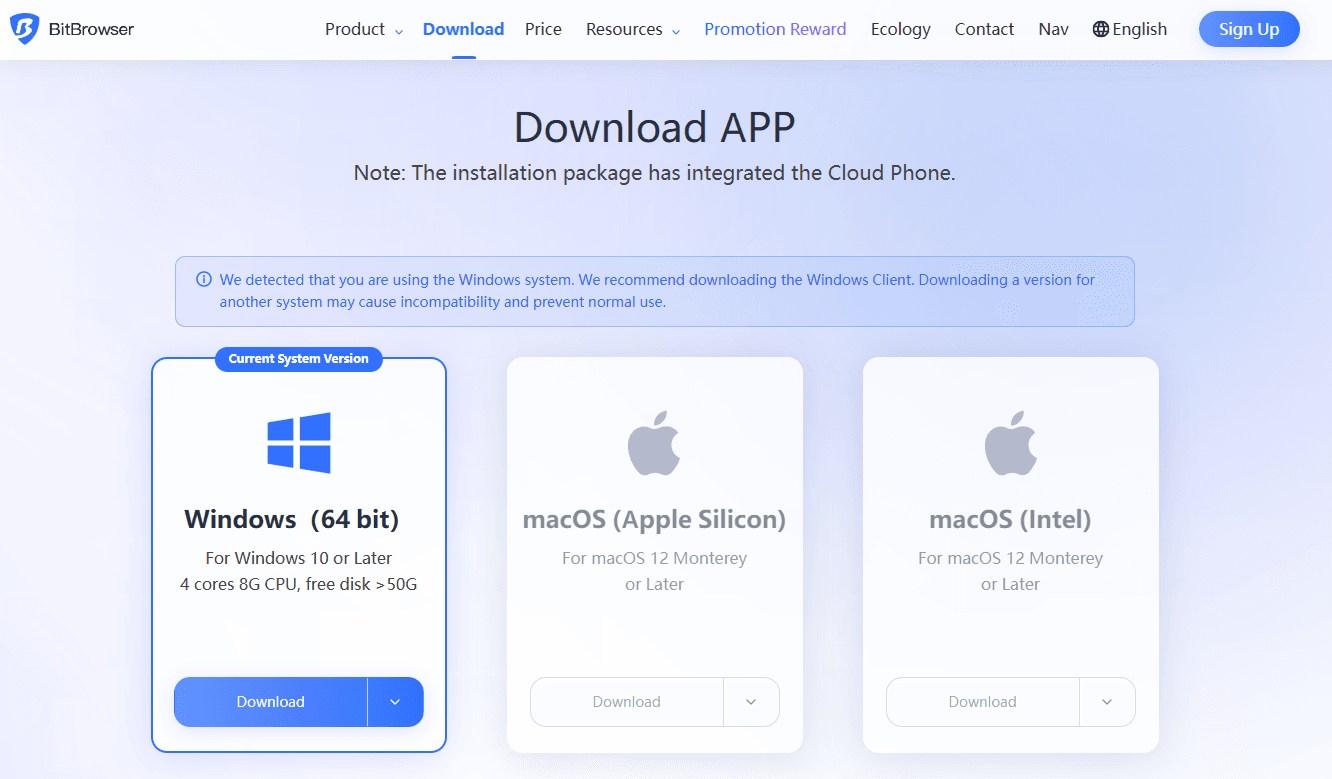
1. Download and install BitBrowser from the official site.
2. Next, register and log in to your account. You can get 10 browser profiles for free, with no expiration date.
Step 2: Create a New Browser Profile
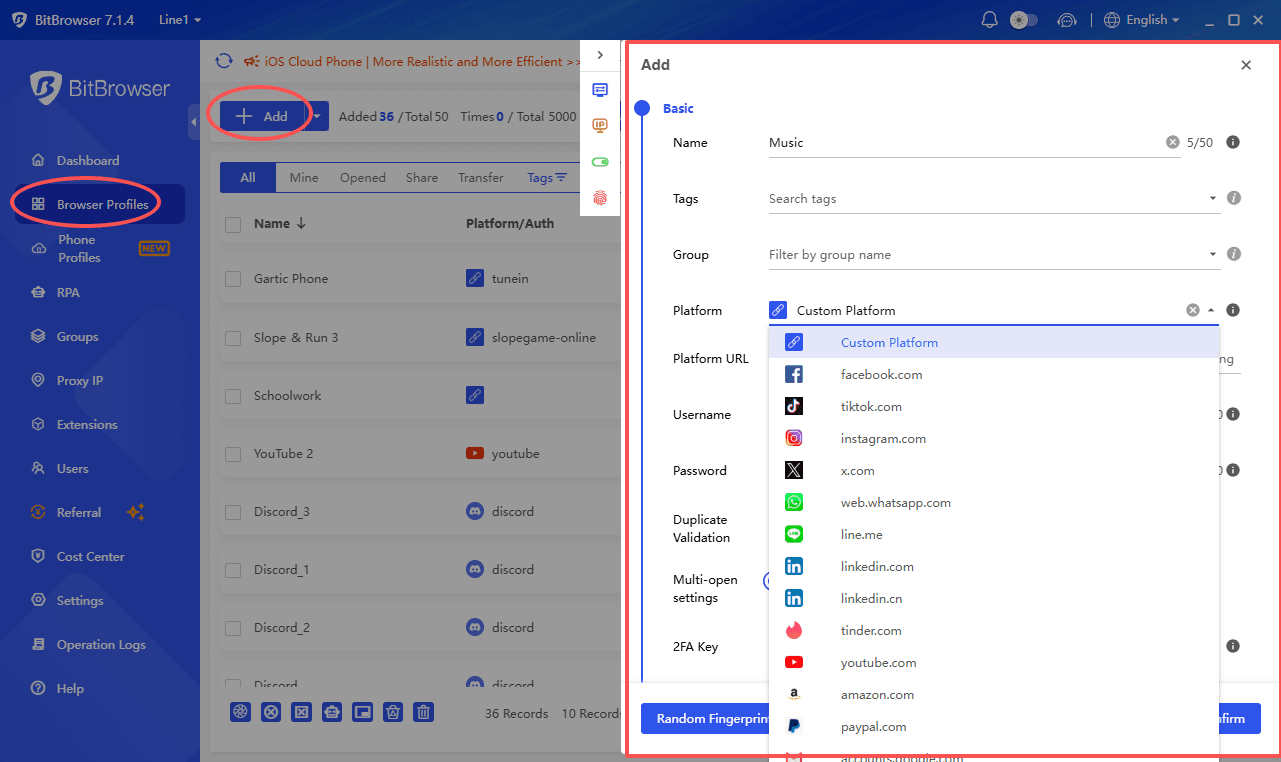
1. In the left menu, click "Browser Profiles".
2. Click the "Create" or "+ Add" button.
3. Name your profile something easy to remember, like "Music".
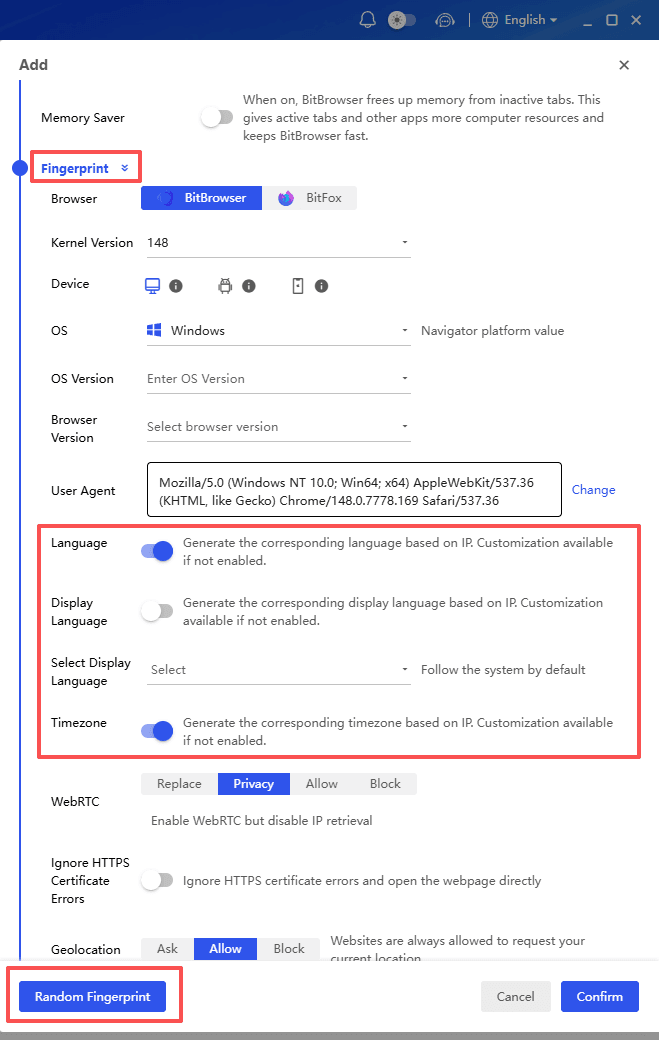
4. Set Time Zone and Language to match your real location (e.g., GMT+08:00 and English) — this keeps things consistent.
Step 3: Add a Proxy to Bypass Geographic Restrictions (Optional)
Only do this if you need to access music that's blocked in your country/region.
If you don't have a proxy, skip this step — most sites on the list work without one.
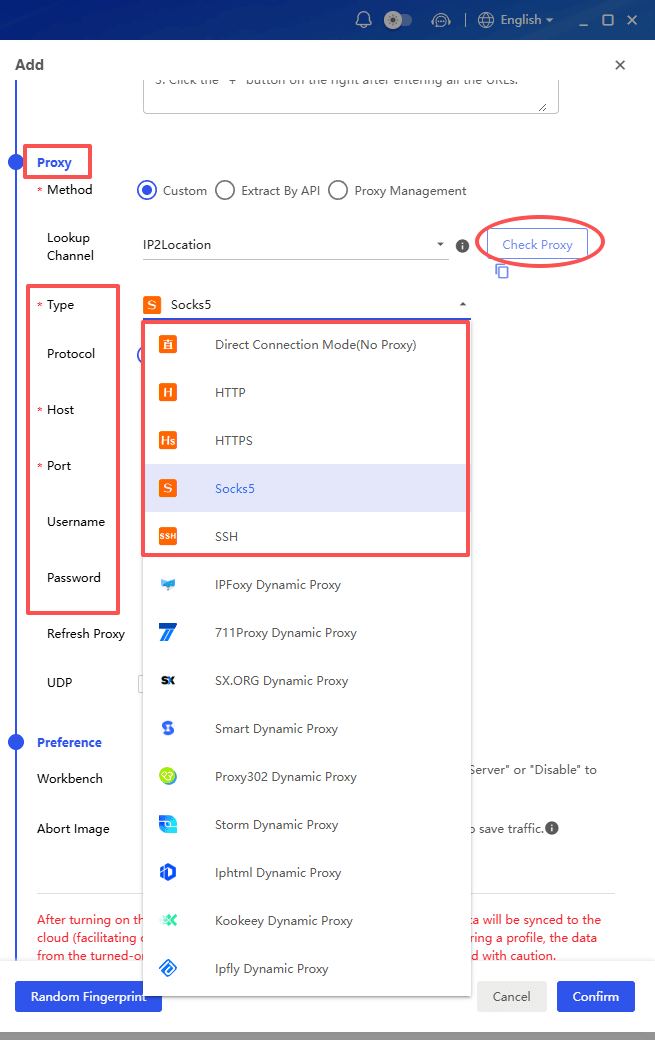
1. In the proxy settings, choose your proxy type (usually HTTP, HTTPS or SOCKS5).
2. Enter your proxy's IP Address, Port, Username, and Password.
3. Click "Check Proxy" — if it shows "Connected," you're all set.
4. Save the profile.
💡 Tip: Make sure your timezone and language match your proxy's location for the best results (e.g., a US proxy + US timezone/English).
Step 4: Open Your Profile & Start Listening
1. Find your "Music" profile in the list.
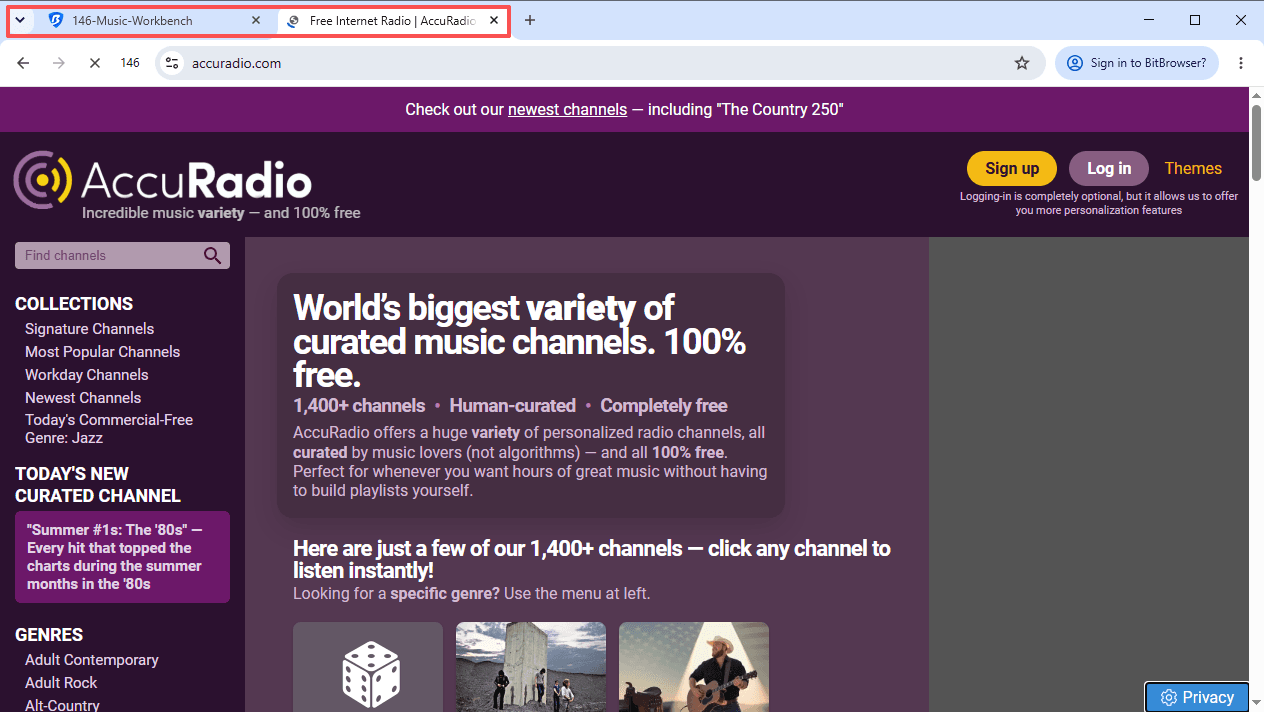
2. Click "Open" — a fresh browser window will open.

3. Visit any of the music sites from the list (start with lighter ones like Jamendo or AccuRadio).
Quick Tips
| Do This | Avoid This |
|---|---|
| Use the same timezone and language settings consistently | Changing browser fingerprints too often |
| Keep cookies enabled for normal website usage | Using mismatched proxy and location settings |
| Test with a lightweight website first | Expecting major platforms like Spotify to always work on restricted networks |
Frequently Asked Questions
What are the best unblocked music sites for school?
Popular options include YouTube Music, SoundCloud, Jamendo, AccuRadio, Jango, SomaFM, and Internet Archive. The best choice depends on your school's network restrictions and the type of music you want to listen to.
Why are music websites blocked at school?
Schools usually block music websites to control bandwidth usage, reduce distractions, or follow network policies. Restrictions can vary depending on the school, district, and filtering system.
Do unblocked music websites work on Chromebooks?
Yes. Most browser-based music websites work on Chromebooks without installing apps. However, school-managed devices may still block certain platforms through network or device settings.
Can I listen to music without creating an account?
Yes. Websites like Jamendo, AccuRadio, SomaFM, Radio Garden, and Internet Archive allow listening without signing up. Other platforms may require a free account for playlists or personalized features.
Can BitBrowser access blocked music websites?
BitBrowser provides isolated browser profiles with separate cookies, cache, fingerprints, and browser settings. It can be used to access websites in different browser environments, including music platforms, browser games, and movie websites when access is permitted.

 Multi-Account Management
 Prevent Account Association
 Multi-Employee Management
Recommended
See More 



